consumertop10

Home › Software

Top 10 · Software

Top 10 AI Image Generators

The AI image generators people actually use, from creative suites to free chatbot tools and open models, ranked by how many users each one says it has.

Quick answer

Krea and ImagineArt are the largest AI image generators by published users, with 30 million+ each; Krea is the broader creative toolbox and ImagineArt is aimed at brand teams. Playground (13 million+ creators) is easiest for logos and merch, OpenArt (10 million+) is best for consistent characters, and Google's Nano Banana in Gemini is the best free option. For open models you run yourself, Stable Diffusion and FLUX lead on GitHub.

How it's ranked: Users or creators each vendor says it has, as published on its own website (read November 2026); Google's figure is the new Gemini users it credits to Nano Banana, as reported on Wikipedia. Stable Diffusion and FLUX publish no user counts, so they are ranked after them on GitHub stars for their official repositories, and Ideogram and Bing Image Creator, which publish neither, come last. Counts are each company's own claims and are measured differently, so treat them as a guide to scale, not an audit. Midjourney, ChatGPT, Adobe Firefly, Leonardo.ai, Canva and Freepik were left out because their sites could not be read for this review.

1
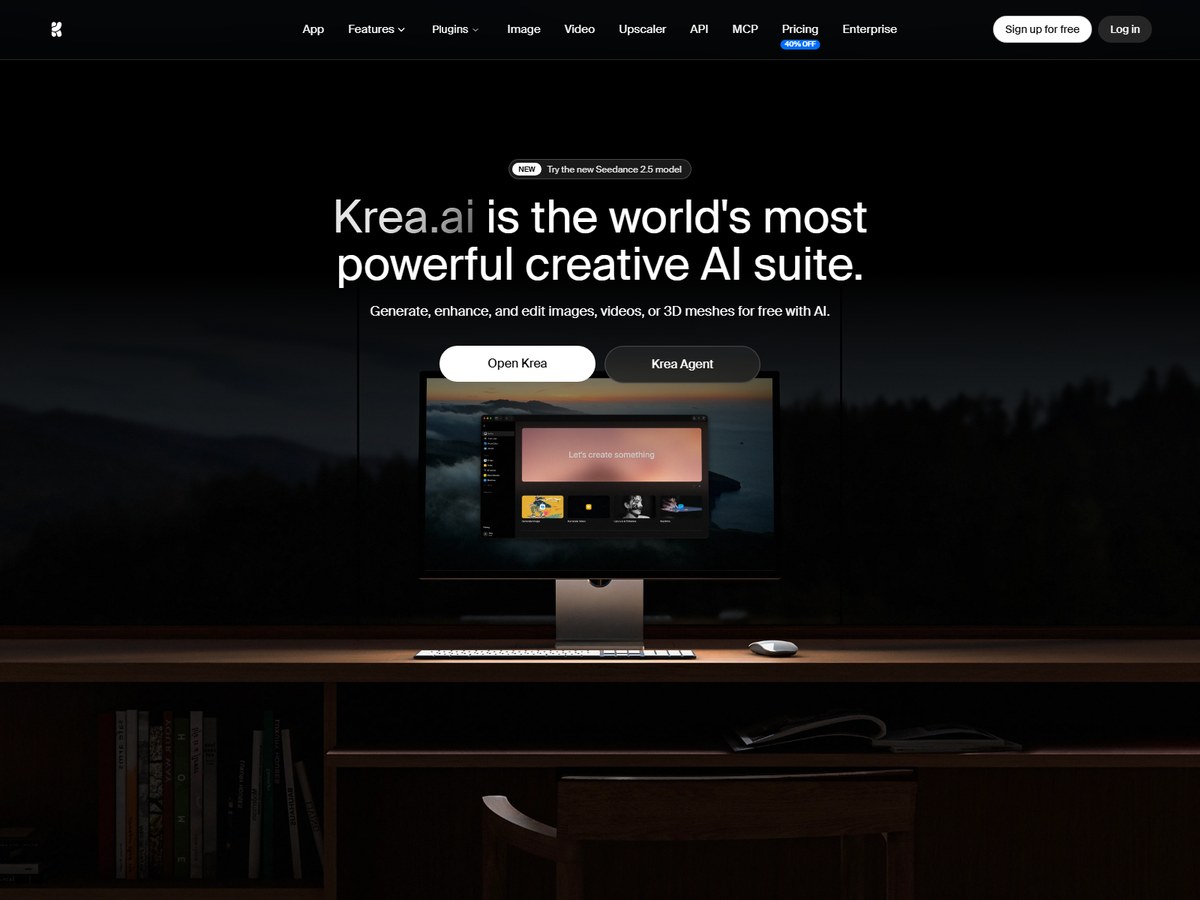
Krea by Krea
Image: Krea (official site)

Krea

Krea · All-in-one creative AI suite for images, video and 3D

30,000,000+ users

The most complete creative toolbox.

Krea says it is trusted by over 30,000,000 users in 191 countries, the joint-largest count on this list. Rather than one model, it gives you 64+ models and 1000+ styles under one roof, including its own Krea 3 editing model with native 2K output. Its realtime mode updates the picture in less than 50ms as you draw, and its upscalers take images up to 22K. You can also train a LoRA on your own pictures, chain models in a node editor, and make video and 3D. A free plan gives 100 units a day; paid plans run $9, $35, $105 and $200 a month, with 40% off for yearly billing. It fits hobbyists and studios who like to experiment.

Best forCreators who want many models, realtime drawing and upscaling in one place
Skip it ifYou only need one simple text-to-image box

Source: www.krea.ai/
2
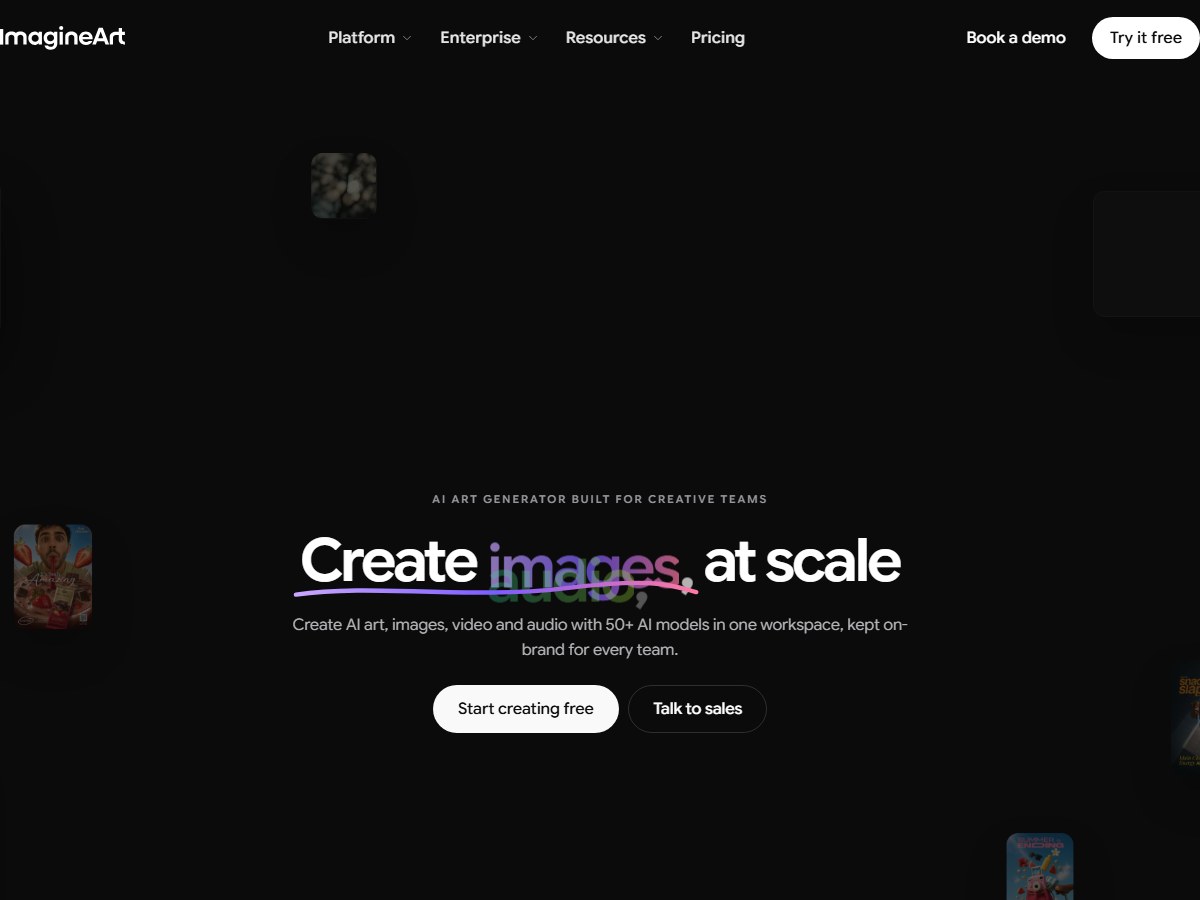
ImagineArt by ImagineArt
Image: ImagineArt (official site)

ImagineArt

ImagineArt · AI art generator for brands and creative teams

30M+ people creating

Best for brand teams producing at scale.

ImagineArt says 30M+ people create on it, matching Krea, and that 75M+ images and videos have been generated and 350+ companies use it. It is pitched at creative teams: one workspace holds 50+ AI models, including its own ImagineArt 2.0 alongside Nano Banana Pro, FLUX and GPT Image. Brand kits lock in colours, fonts and visual identity, and dedicated Fashion, Ad and Film studios keep products, characters and scenes consistent from one image to the next. It plugs into Photoshop, Figma and Shopify, offers SSO and SOC 2 Type II, and says customer content is not used for model training. You can try it free, with paid plans for more generations and team features.

Best forMarketing and brand teams that need on-brand images at volume
Skip it ifYou want a free open-source model to run yourself

Source: www.imagine.art/

3
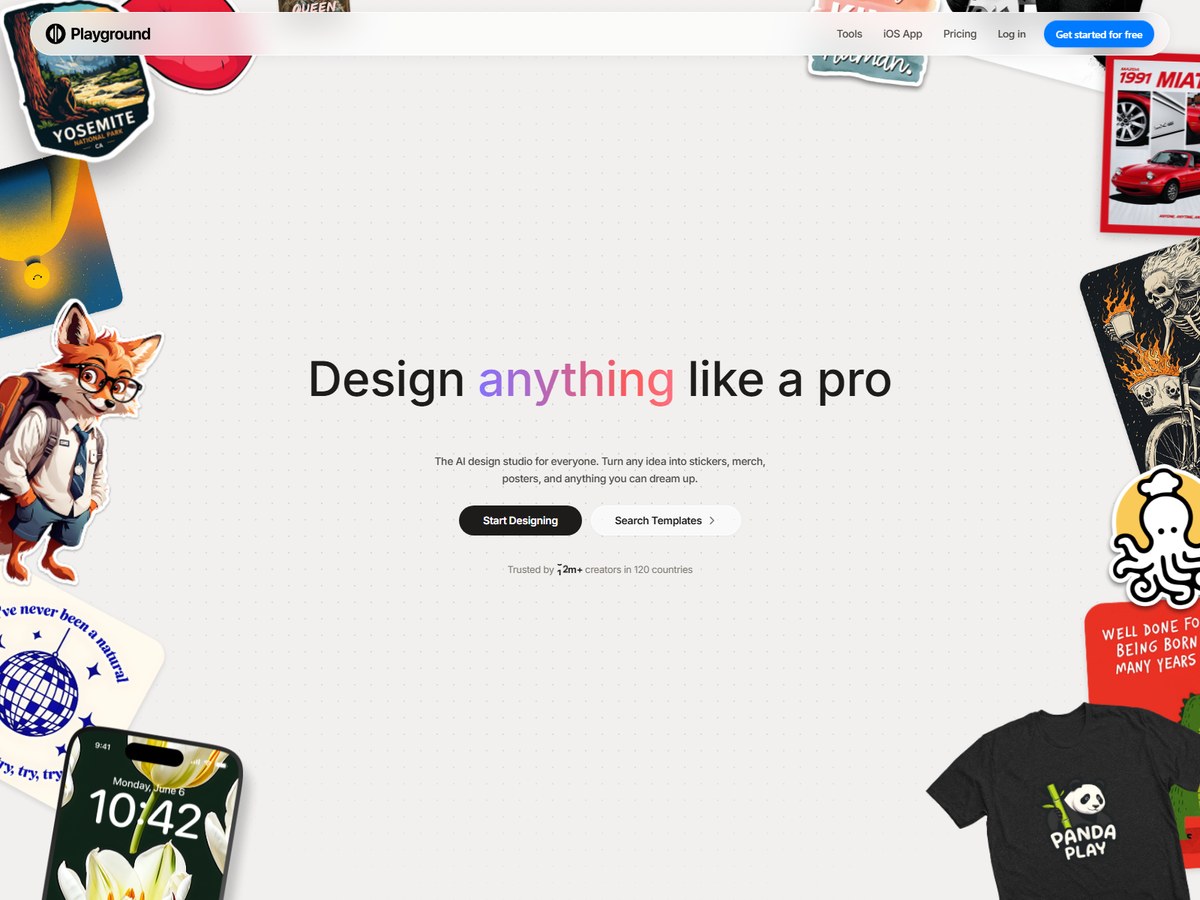
Playground by Playground
Image: Playground (official site)

Playground

Playground · AI design studio for logos, stickers, posters and merch

13m+ creators

The easiest way to make merch and graphics.

Playground says it is trusted by 13m+ creators in 120 countries, and its iOS app shows a 4.9 rating from 5,400+ App Store ratings. It has moved from a general image generator to an AI design studio for people with no design experience: you describe an idea or start from thousands of templates across 24 categories to make logos, stickers, posters, t-shirts and social posts. Under the hood it lets you pick between image models such as GPT Image 2, Nano Banana Pro and Seedream, then edit the style, remove objects or drop your design onto mockups. For sellers, it connects to Etsy, Printify and Printful. It is free to start, with no credit card required.

Best forBeginners and print-on-demand sellers making graphics, not art
Skip it ifYou want photoreal art direction or video

Source: playgroundai.com/

4
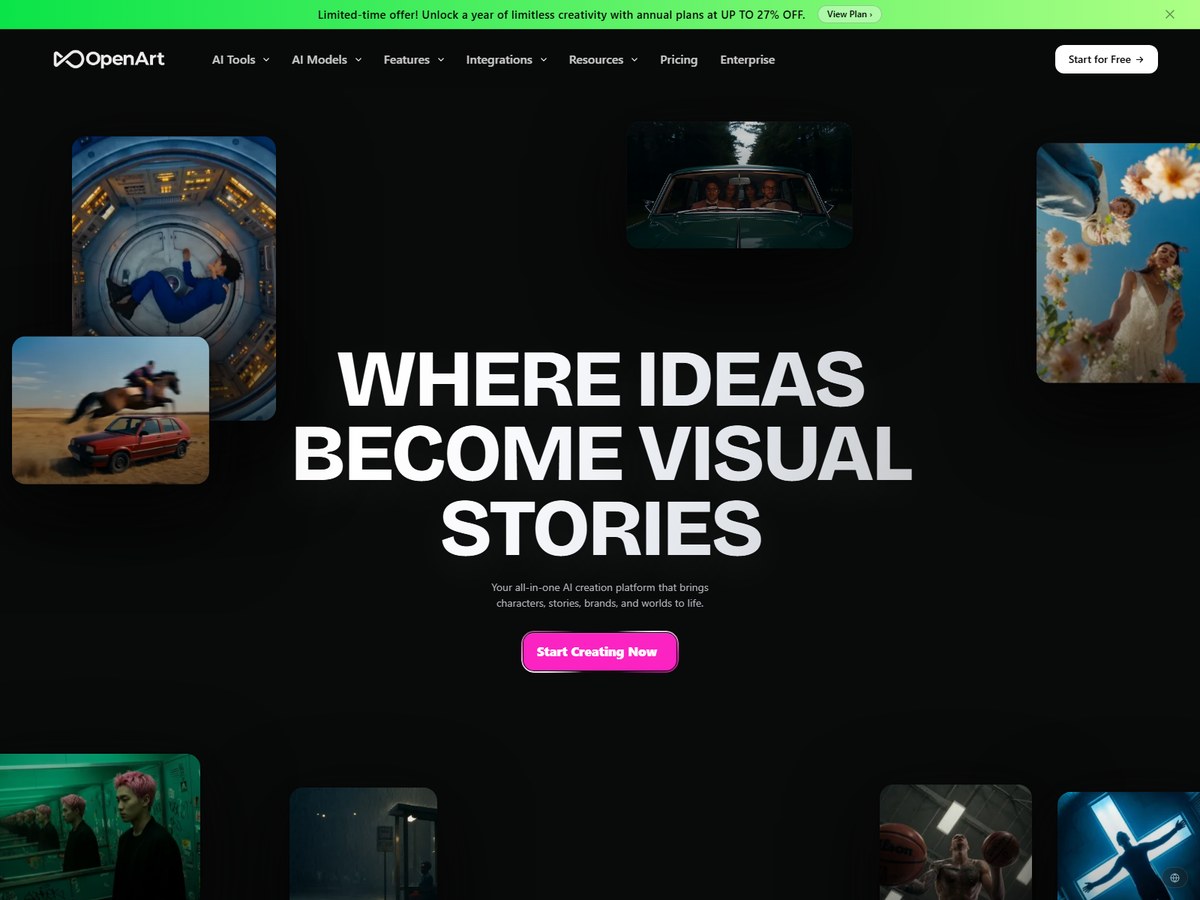
OpenArt by OpenArt
Image: OpenArt (official site)

OpenArt

OpenArt · Image, video and story creation platform with many models

10M+ creators

Best for consistent characters.

OpenArt says it is loved by 10M+ creators, brands and studios. It gathers many of the leading models in one canvas, listing GPT Image 2.6, Nano Banana 2, Seedream 5.5, Grok Imagine and FLUX 3 Image for pictures, plus Kling, Sora 2 and Seedance for video. Its standout is characters: build one from reference images or a short brief, then reuse it across images and videos so faces stay the same. Images can be edited on the same canvas with erasing, expanding, background swaps, restyling and upscaling to 4K. New accounts get 40 free credits. It suits creators making comics, short films or ads where the same people need to appear again and again.

Best forStorytellers who want consistent characters across images and video
Skip it ifYou only need still images and want the simplest tool

Source: openart.ai/

5
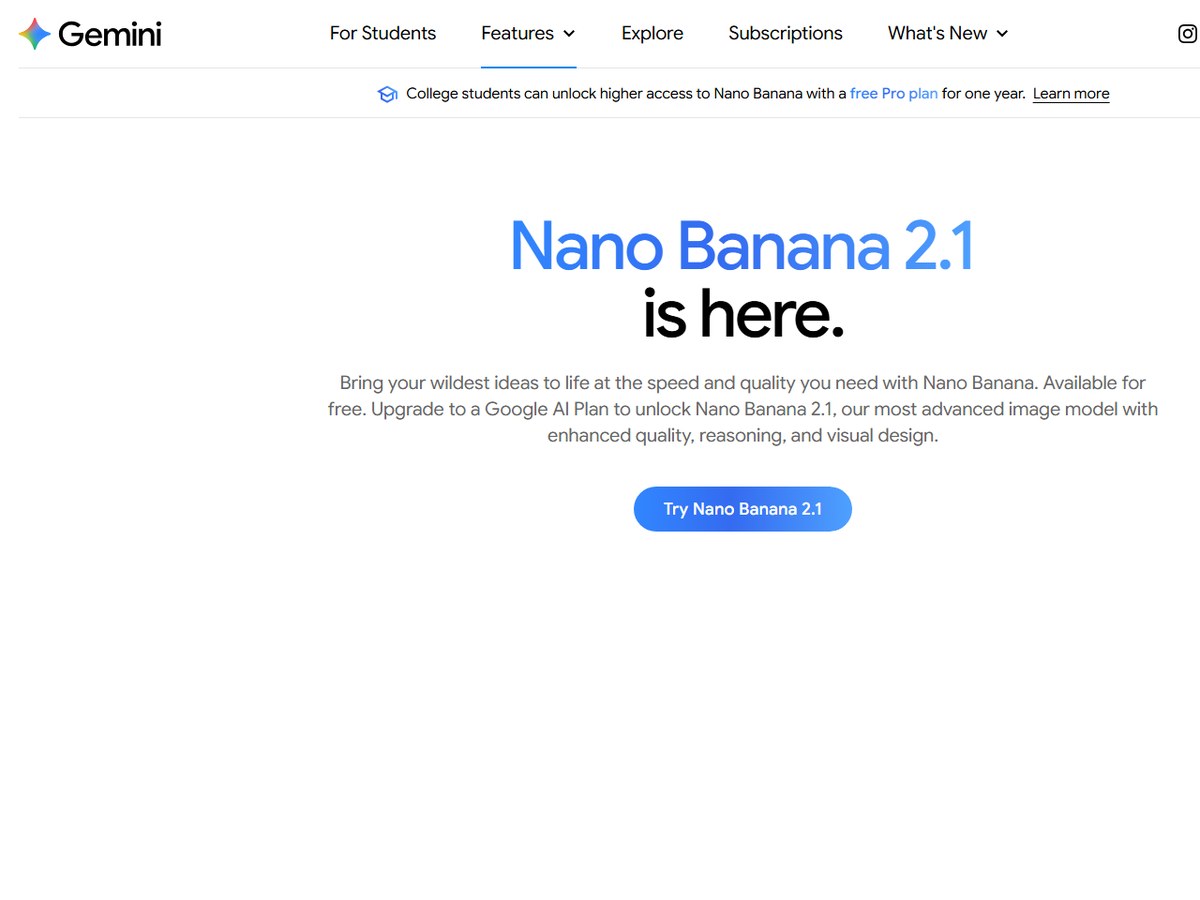
Google Gemini (Nano Banana) by Google
Image: Google Gemini (official site)

Google Gemini (Nano Banana)

Google · Image generation and editing inside the Gemini app

10 million+ new Gemini users

The best free photo editor in a chatbot.

Google says its Nano Banana image model helped attract over 10 million new users to the Gemini app and handled more than 200 million image edits within weeks of its August 26, 2025 launch. The family has grown since: Nano Banana Pro arrived on November 20, 2025, Nano Banana 2 on February 26, 2026, and Nano Banana 2.1 on October 6, 2026. Nano Banana 2 is free in Gemini, while 2.1, which Google calls its best image generation and editing model, needs a Google AI plan; both output 2K images. It is strong at keeping a character consistent, combining several photos into one, precise edits to lighting and camera angle, and clear text in many languages. Images carry an invisible SynthID watermark plus a visible one.

Best forAnyone who wants free, fast photo edits in an app they already use
Skip it ifYou need images without a visible AI watermark

Source: en.wikipedia.org › Nano_Banana

6
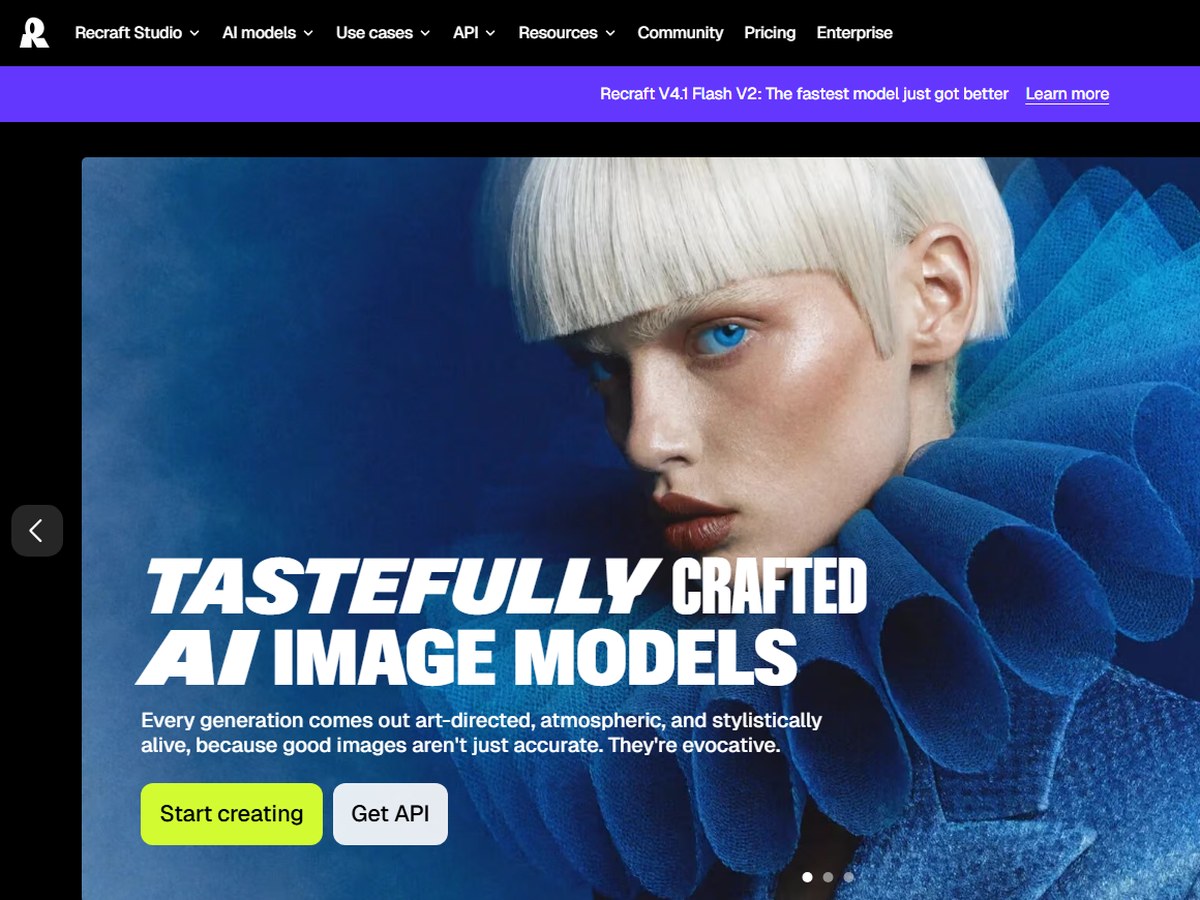
Recraft by Recraft
Image: Recraft (official site)

Recraft

Recraft · AI image and vector generator for designers

3 million+ users

The pick for vectors and brand assets.

Recraft says it is trusted by over 3 million users across 200 countries and has helped creators generate more than 350 million images. Founded in the US in 2022 and headquartered in London, it is built for graphic designers rather than casual prompting. Its biggest difference is vector output: it can generate complex, editable vector graphics, including typography and mascots in a consistent style; one designer quoted on its site says other AI tools don't offer this. You can upload your own images to create a reusable brand style without training a model, and it makes production-ready posters and app icons. Extra tools include a vectorizer, upscaler, background remover, eraser and mockup generator, on the web, iOS, Android and an API. Its current model is Recraft V4.1.

Best forDesigners who need editable vectors, icons and brand-consistent styles
Skip it ifYou want video or a social community

Source: www.recraft.ai/about

7
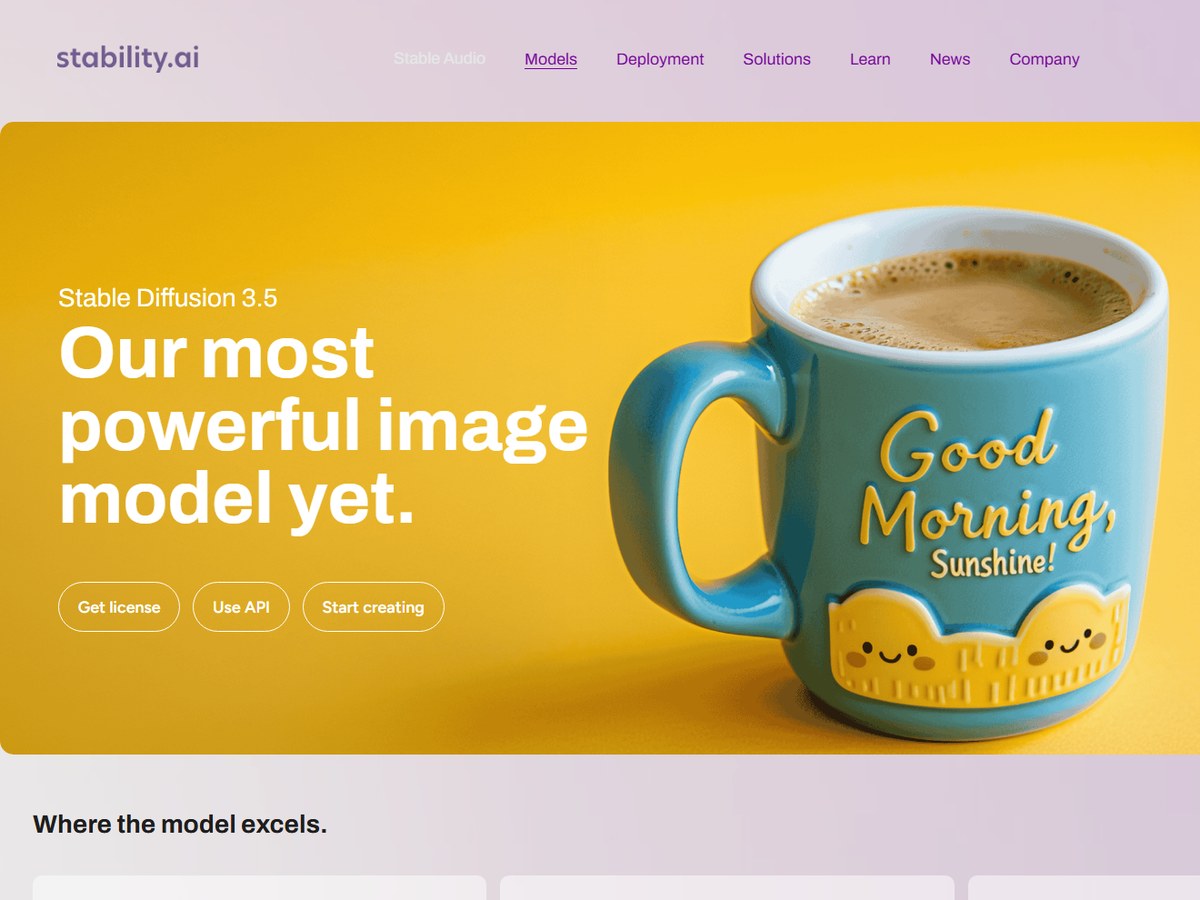
Stable Diffusion by Stability AI
Image: Stability AI (official site)

Stable Diffusion

Stability AI · Open-weight image models you can run yourself

27,345 GitHub stars (no user count)

The open model to run on your own machine.

Stable Diffusion is one of the best-known open image model families. Stability AI publishes no user count, so it is ranked on GitHub stars: its official generative-models repository has 27,345. That repo holds SDXL, released as SDXL-base-1.0 on July 26, 2023, plus SDXL-Turbo and the Stable Video Diffusion models; the code is MIT licensed and SDXL 1.0 weights use the CreativeML Open RAIL++-M license. The current Stable Diffusion 3.5 family comes in Large, for professional work at 1 megapixel, Turbo, which makes an image in just four steps, and Medium, designed to run on consumer hardware. You can self-host the models under a license, call them through Stability's API, or start creating on its website.

Best forDevelopers and tinkerers who want to run and fine-tune models locally
Skip it ifYou want a polished app with no setup

Source: github.com/Stability-AI/generative-models

8
FLUX by Black Forest Labs
Image: Black Forest Labs (official site)

FLUX

Black Forest Labs · Image and video models with open weights

26,060 GitHub stars (no user count)

The open model other apps build on.

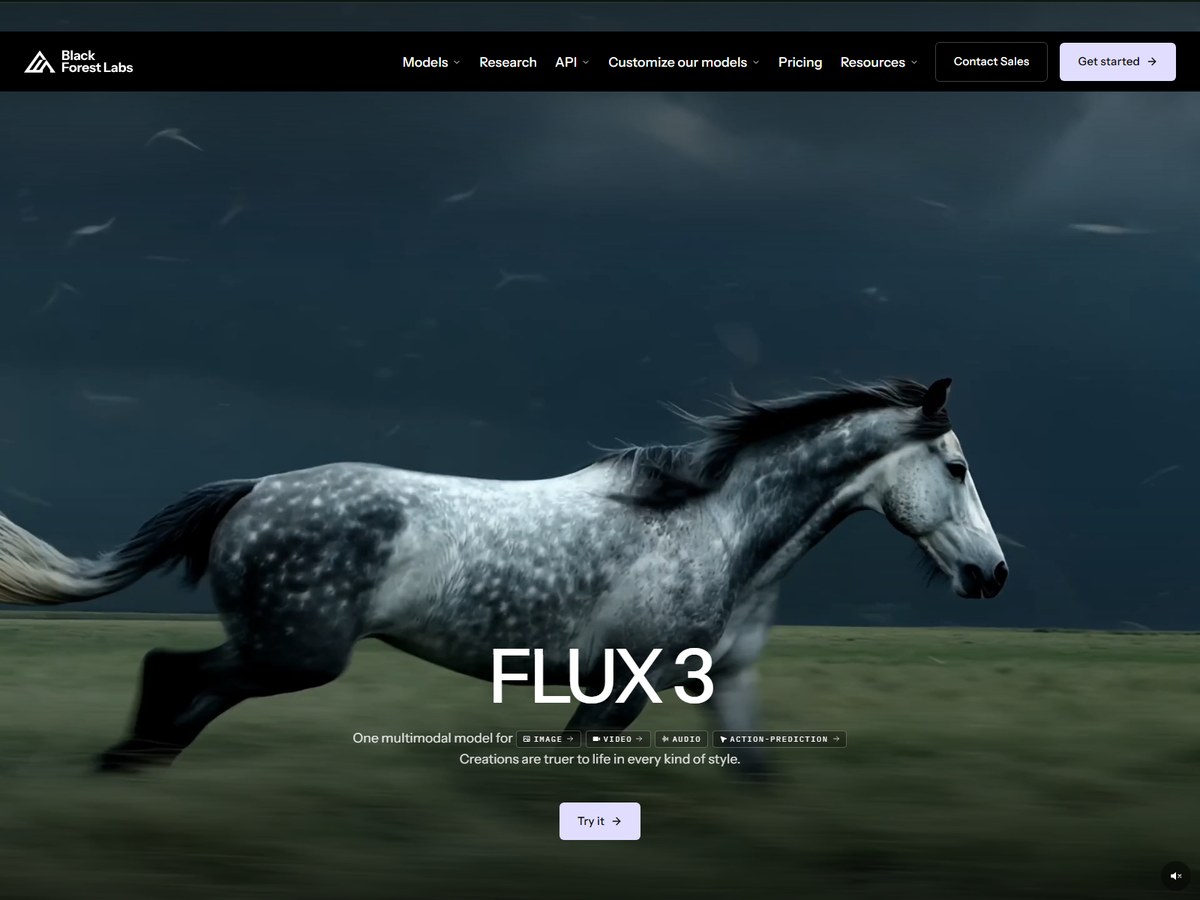
FLUX comes from Black Forest Labs, which publishes no user count, so it is ranked on GitHub stars: its official inference repo has 26,060. That repo covers 10 open-weight FLUX.1 models, including the fast FLUX.1 [schnell] under Apache-2.0 and FLUX.1 [dev], Fill, Canny, Depth, Redux and Kontext under a non-commercial license. Many other tools on this list, such as Krea, ImagineArt and OpenArt, offer FLUX inside their apps. The newest model, FLUX 3, is one multimodal model for image, video, audio and robot action prediction, with highly accurate text rendering, and video clips of up to 20 seconds. Black Forest Labs holds ISO 27001:2022 and SOC 2 Type II certification, and you can run the open weights on your own infrastructure.

Best forDevelopers and apps that want top-quality open weights to build on
Skip it ifYou want a consumer app rather than a model

Source: github.com/black-forest-labs/flux

9
Ideogram by Ideogram
Image: Ideogram (official site)

Ideogram

Ideogram · Image generator known for crisp text and precise edits

No count published

Best for images with words in them.

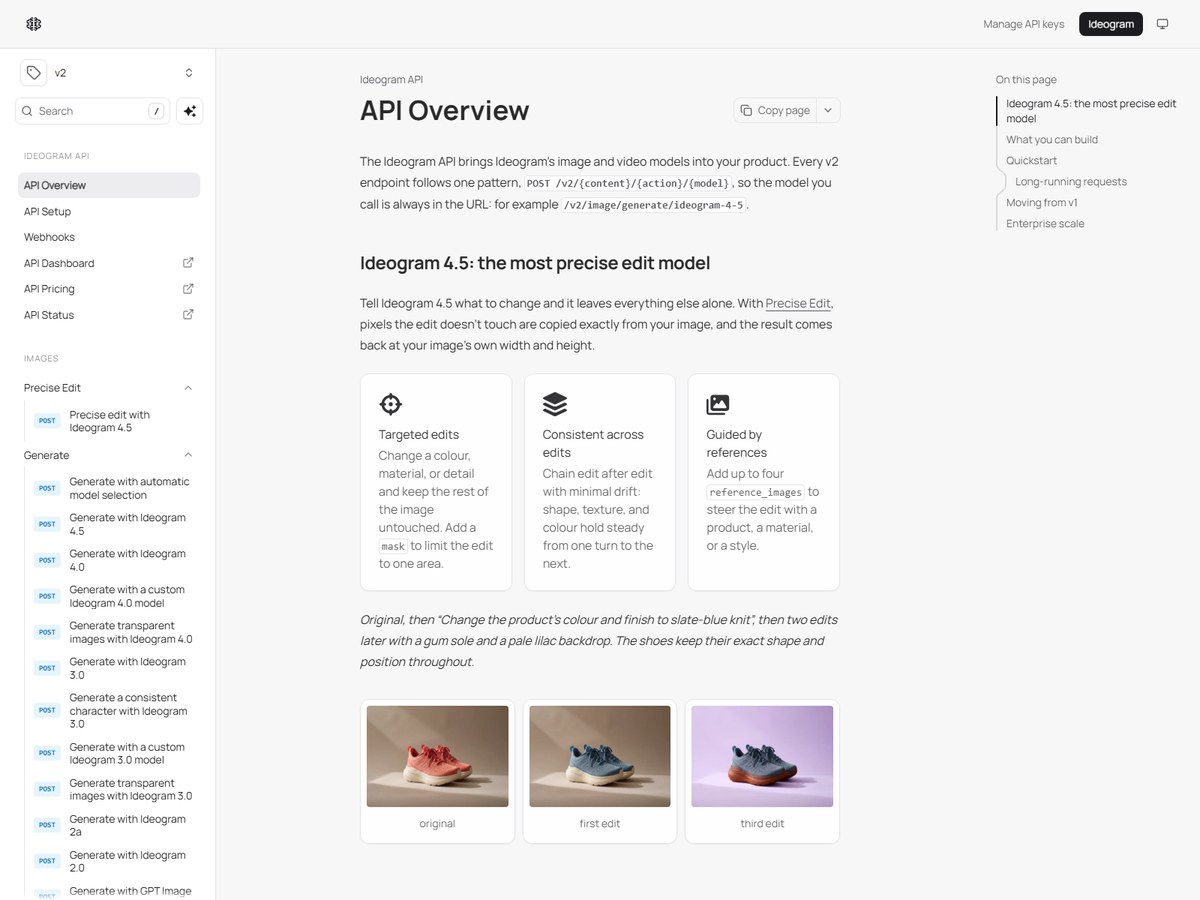
Ideogram does not publish a user count, so it is ranked after the tools that do. Its reputation rests on text: the site promises crystal-clear type with readable words in every layout, which suits posters, ads, invitations and print-on-demand designs with editable text layers. Its current models are Ideogram 4.0 and 4.5, and 4.5 focuses on precise editing, changing only what you ask while leaving the rest of the image untouched; the API accepts up to four reference images to guide an edit. Apps include Ad Resizer, Background Remover, Colorways and Object Remover. Unusually, the Ideogram 4.0 weights are available to run locally, and businesses get unlimited seats, custom SSO and legal indemnification.

Best forPosters, ads and logos where the words in the image must be right
Skip it ifYou need a published user count to justify a purchase

Source: ideogram.ai/

10
Bing Image Creator by Microsoft
Image: Microsoft Bing (official site)

Bing Image Creator

Microsoft · Free text-to-image tool in Bing

No count published

The no-cost, no-fuss starting point.

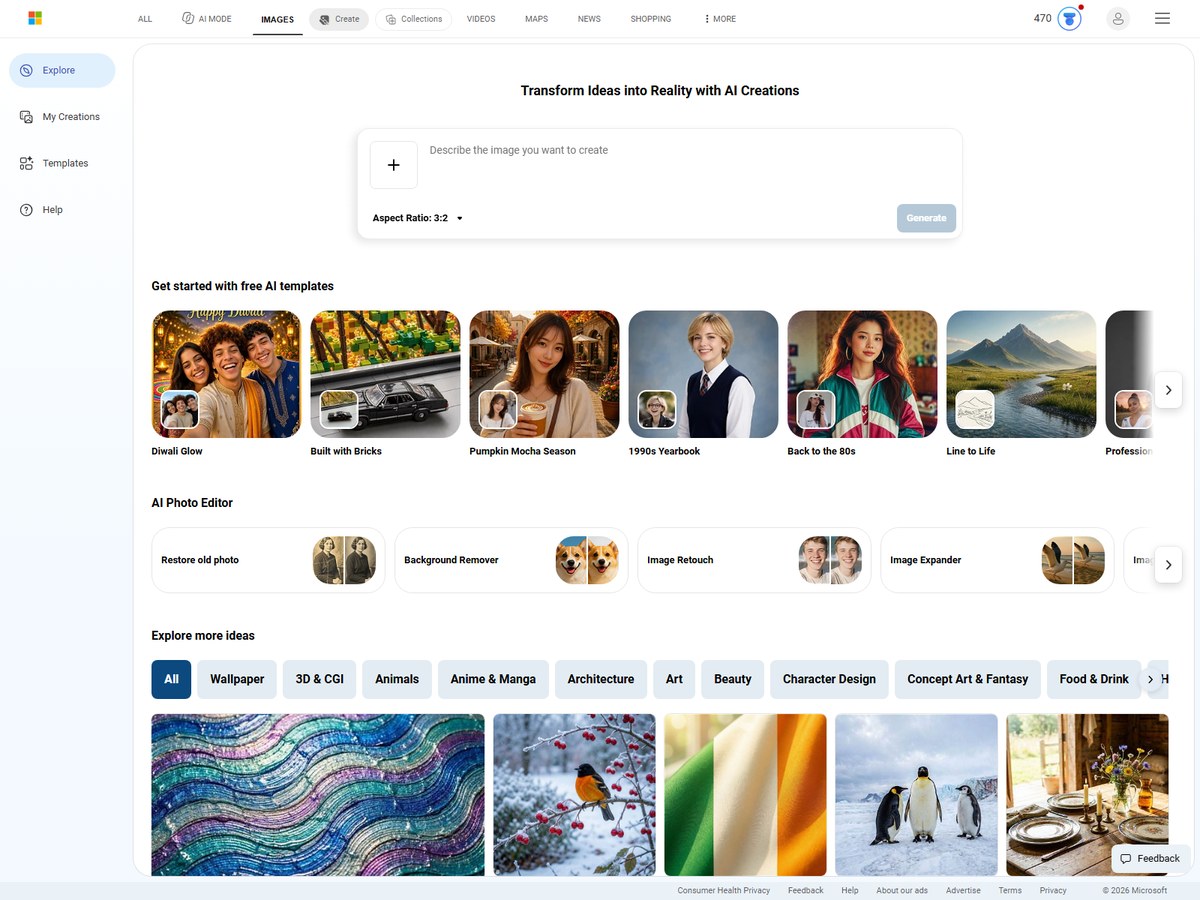
Microsoft does not publish a user count for Bing Image Creator, so it is ranked last. It is the simplest free option here: type a description into Bing, pick an aspect ratio of 1:1, 7:4, 4:7, 3:2 or 2:3, and choose 1, 2 or 4 images per prompt. Its Vivid and natural mode uses the MAI-Image-2.6-Flash model. You get 10 free creations in Fast mode, while Standard mode is described as unlimited, and guests can use it without signing in, with limits that reset daily. Signing in unlocks free credits and more advanced models, and Microsoft Rewards provides free upgrades. You can also upload an image to edit or remix, and a Video Creator sits alongside it.

Best forCasual users who want free images without another subscription
Skip it ifYou need fine control, styles or editing tools

Source: www.bing.com/images/create

Questions people ask

What is the best AI image generator?

By published users, Krea and ImagineArt lead with 30 million+ each. Krea offers 64+ models, realtime drawing and upscaling to 22K; ImagineArt offers 50+ models with brand kits for teams.

What is the best free AI image generator?

Google's Nano Banana 2 is free in the Gemini app, Bing Image Creator gives 10 free Fast creations and unlimited Standard ones, and Krea's free plan includes 100 units a day.

Which AI image generator is best for text in images?

Ideogram is built around crystal-clear type, and Google says Nano Banana renders clearer text for logos, invites and posters in many languages. FLUX 3 also claims highly accurate text rendering.

Can I run an AI image generator on my own computer?

Yes. Stable Diffusion 3.5 Medium is designed to run on consumer hardware, FLUX.1 models have open weights on GitHub and Hugging Face, and Ideogram 4.0 weights are available for local use.

How were these tools ranked?

By the number of users or creators each vendor publishes on its own website, then GitHub stars for open models with no user count. These are the companies' own claims.

How we ranked

Users or creators each vendor says it has, as published on its own website (read November 2026); Google's figure is the new Gemini users it credits to Nano Banana, as reported on Wikipedia. Stable Diffusion and FLUX publish no user counts, so they are ranked after them on GitHub stars for their official repositories, and Ideogram and Bing Image Creator, which publish neither, come last. Counts are each company's own claims and are measured differently, so treat them as a guide to scale, not an audit. Midjourney, ChatGPT, Adobe Firefly, Leonardo.ai, Canva and Freepik were left out because their sites could not be read for this review. Every number on this page comes from the source linked under each pick, and every photo shows the actual product. Brands can't pay to be on this list.

List source: www.krea.ai/ · Updated 2026-11-13