
consumertop10

Home › Software

Top 10 · Software

Top 10 Diagramming Software

The tools people use to draw flowcharts, org charts, network maps and architecture diagrams, ranked by the largest user count each vendor publishes.

Quick answer

draw.io is the most widely used diagramming tool on this list, with 100M+ users, and it is free and open source. EdrawMax, with 30M+ users, covers 210+ diagram types in one app, and Gliffy, loved by 18+ million Confluence users, is best for diagrams inside Confluence. Mermaid is the pick for technical teams who want diagrams as code.

How it's ranked: The largest count each vendor publishes on its own website (read November 2026). The units differ: draw.io counts users (homepage), EdrawMax counts users (product page), Gliffy counts Confluence users (homepage), Creately counts people (homepage), Mermaid counts people (homepage), Cacoo counts users (product page) and Eraser counts customers (homepage). Lucidchart, Microsoft Visio and SmartDraw publish no exact count on the pages we read, so they are listed last in alphabetical order. Counts are each company's own claims, so treat them as a guide to scale, not an audit.

1
draw.io by draw.io
Image: draw.io (official site)

draw.io

draw.io · Free, open source diagramming app for web and desktop

100M+ users

The most users, and completely free.

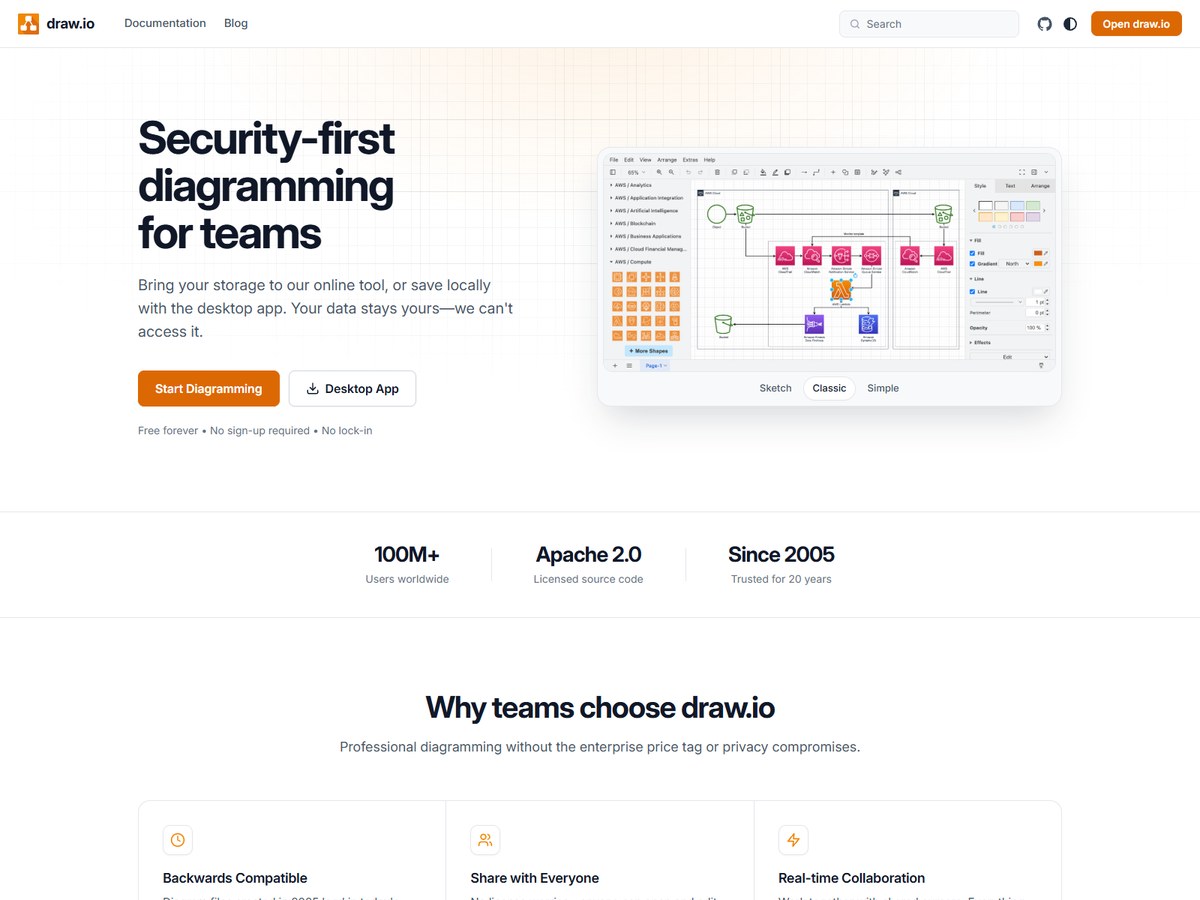
draw.io says it has 100M+ users worldwide, the largest count on this list, and it has been around since 2005. It is free forever, with no sign-up, no credit card and no lock-in: you just open it and create. Its source code is Apache 2.0 licensed, with no artificial scarcity and no Enterprise tier for single sign-on, and the company says it is not venture-funded. You bring your own storage, such as Google Drive, OneDrive or GitHub, or save files locally with the desktop app, and draw.io says it cannot access your data. Diagram files created in 2005 still load in today's app, and anyone can open and edit draw.io files on any platform. It supports real-time collaboration with shared cursors, native integrations with Google Docs and Slides, Microsoft SharePoint, OneDrive and Teams, Atlassian Confluence and Jira, and exports to SVG, PNG and PDF. It fits anyone who wants serious diagramming at no cost.

Best forAnyone who wants professional diagrams for free, with files stored wherever they choose
Skip it ifYou want AI to build diagrams from your company data automatically

Sources: www.drawio.com · www.drawio.com
2
EdrawMax by Wondershare
Image: Wondershare (official site)

EdrawMax

Wondershare · All-in-one diagram maker for 210+ diagram types with AI tools

30M+ users

Best all-in-one tool for 210+ diagram types.

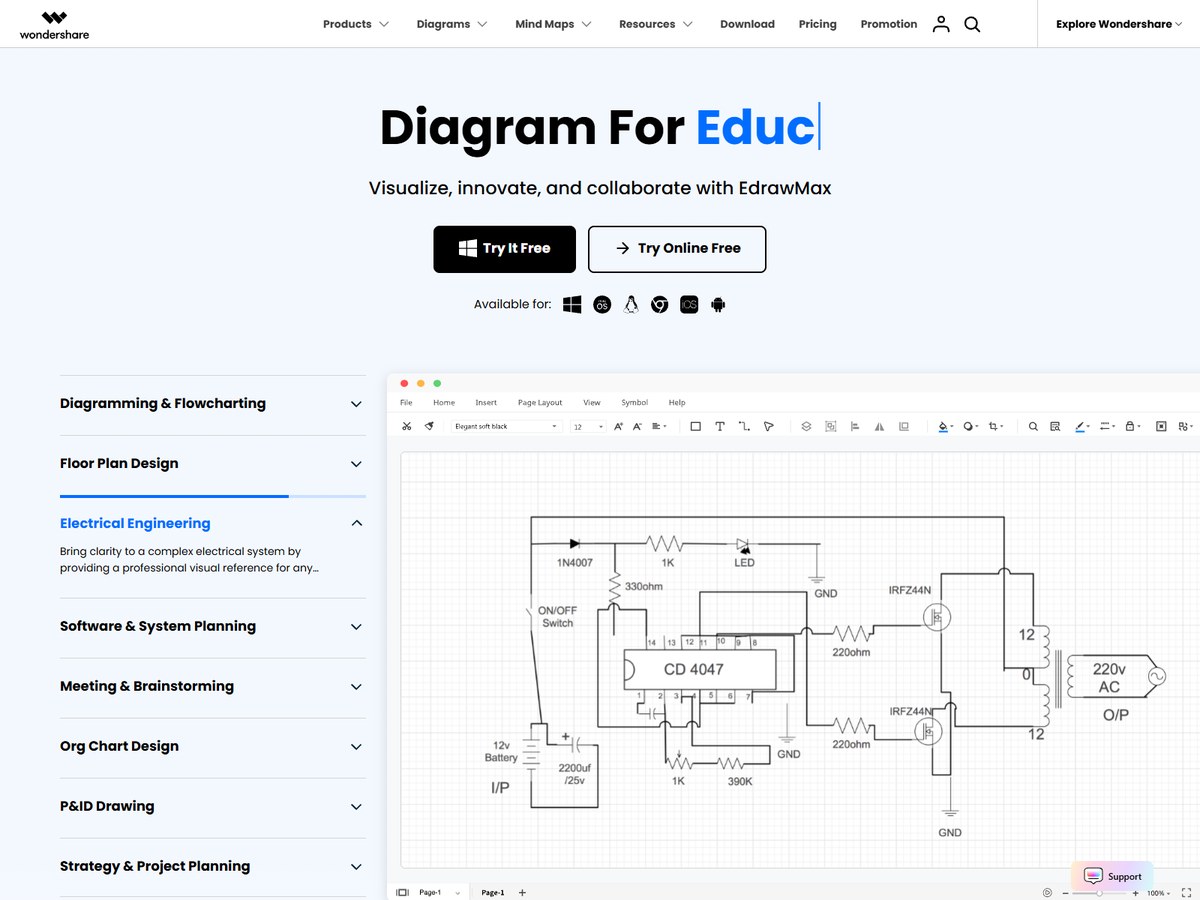
EdrawMax says it is trusted by 30M+ users and leading brands. It is an all-in-one diagram maker for 210+ types of diagrams, with a Microsoft-like interface, drag-and-drop editing and professional templates, plus over 20,000 templates made by Edraw users. It covers project planning with Gantt charts, timelines, milestones and resource allocation, network architectures and IT infrastructure, software and database diagrams, electrical systems, equipment layouts and prototypes, and marketing charts, social media graphics and presentations. AI tools can generate or analyze diagrams, transform styles, generate images and create icons with a single click. It sits alongside EdrawMind on Wondershare's Edraw site, and you can get started free online or download it free. It fits people who need one tool for many diagram types.

Best forOffice users who want a Visio-style tool for many kinds of diagrams, including floor plans and network maps
Skip it ifYou only draw simple flowcharts now and then and want a minimal free tool

Sources: www.edrawsoft.com/edraw-max · www.edrawsoft.com/edraw-max

3
Gliffy by Perforce
Image: Perforce (official site)

Gliffy

Perforce · Diagramming app built into Atlassian Confluence

18+ million Confluence users

Best for diagrams inside Confluence.

Gliffy says 18+ million Confluence users love Gliffy. It is made by Perforce and works inside Atlassian Confluence, for Confluence Cloud, Government Cloud and Isolated Cloud, turning knowledge your team has already written into technical diagrams. Its AI feature generates complex diagrams in seconds, and Atlassian's Rovo can create a Gliffy diagram from information already in Confluence, then add steps, rename shapes or restructure the flow on request. You can also type a diagram in Mermaid and see it drawn without dragging and dropping. Gliffy says it is ISO 42001 certified and SOC 2 Type II compliant, and was the first Confluence diagramming app to achieve Atlassian Enterprise Certified status. Gliffy Zero Egress keeps diagram data inside your Atlassian environment, supporting ITAR, GDPR, HIPAA and SOC 2 compliance, with prices listed from as low as $2.80 a month for 1-100 users. It fits teams that live in Confluence.

Best forTeams that document systems and processes in Confluence and want diagrams to live there
Skip it ifYour team does not use Atlassian Confluence

Sources: www.gliffy.com · www.gliffy.com/pricing

4
Creately by Creately
Image: Creately (official site)

Creately

Creately · Visual workspace for org charts, process maps, cloud diagrams and more, driven by your data

10M+ people

Best for diagrams built from your own data.

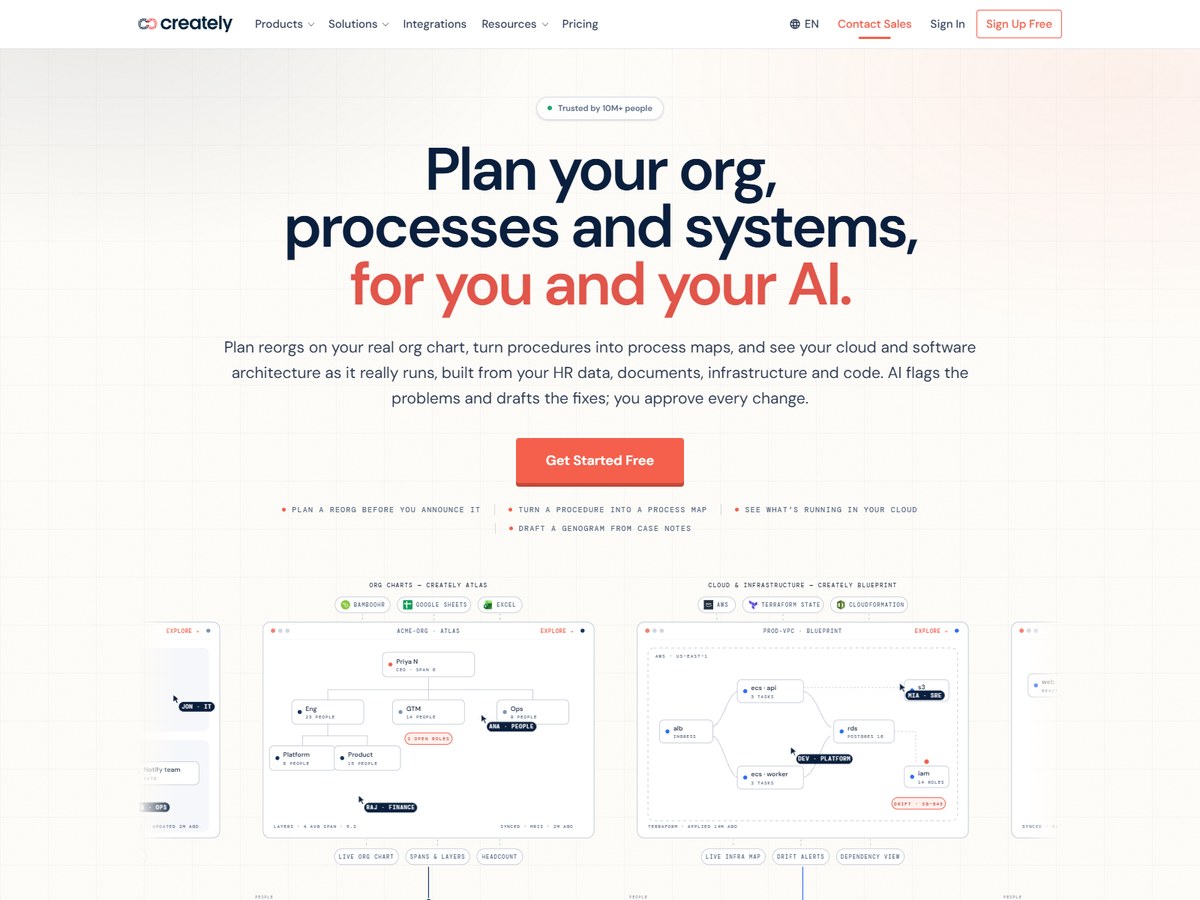
Creately says it is trusted by 10M+ people. It offers six products built on one platform: org planning, process mapping, clinical genograms, cloud architecture, compliance and general diagramming. Each starts from data you already have: upload a staff spreadsheet and Creately draws the org chart, then lets you test a reorg on a copy; paste a procedure document and it becomes a flowchart where every step has an owner; paste an intake note and it draws a family genogram; or connect an AWS account and it draws what is actually running and shows what changed. Its AI can answer plain-language questions about your diagrams and suggest fixes, and nothing changes until you approve. You can also make mind maps, flowcharts and plans on a shared canvas, and describe what you need to get an AI first draft. Creately is free to start with a free-forever plan, and paid Pro, Business and Enterprise plans add more. It fits teams that want diagrams grounded in real data.

Best forOrganizations that want diagrams built from their HR data, procedures or cloud accounts
Skip it ifYou just want a blank canvas and do not plan to connect data

Sources: creately.com · creately.com/plans

5
Mermaid by Mermaid
Image: Mermaid (official site)

Mermaid

Mermaid · Diagrams from text, code or AI prompts, rooted in open source Mermaid syntax

over 5M people and 200k companies

Best for diagrams as code.

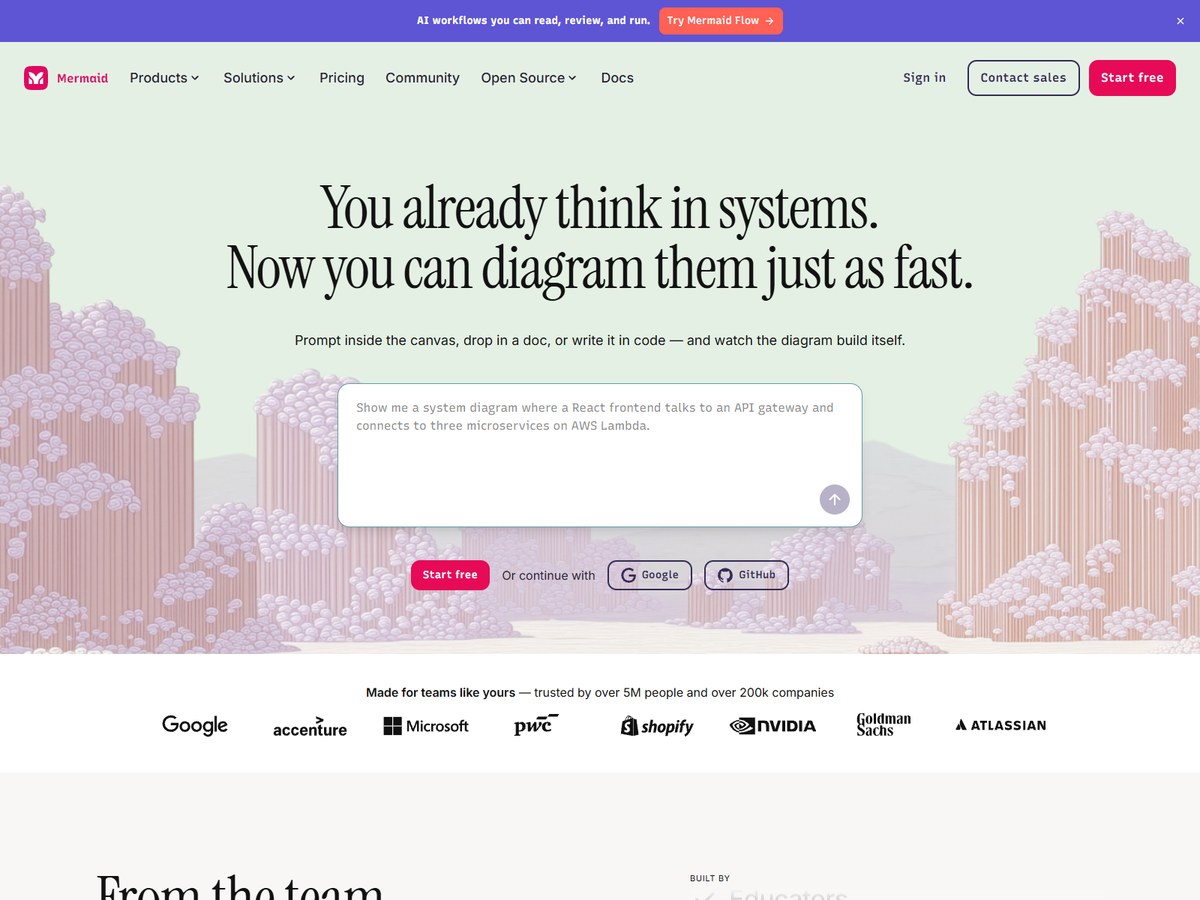
Mermaid says it is trusted by over 5M people and over 200k companies, and its roots are in open source: every diagram you make keeps those roots growing. You can write Mermaid syntax and watch the diagram lay itself out, click any node to jump to its code, or skip syntax and describe what you want, upload a document or paste a transcript to get a first draft. Mermaid AI suggests the right shape, from flowcharts and sequence diagrams to timelines and requirement diagrams, and holds context across the conversation. Diagrams render in your IDE and embed in docs and wikis, and Mermaid works inside GitHub Copilot and Confluence, while its MCP server lets you generate, validate and render diagrams from Claude, VS Code and Cursor. Teams can co-edit live and share with one link, no login needed. It offers access controls, encryption, SOC 2 compliance and SSO. You can start free. It fits technical teams that treat diagrams like code.

Best forDevelopers and technical teams who want diagrams written as code and kept next to their docs
Skip it ifYou prefer to draw every shape by hand with a mouse

Sources: www.mermaidchart.com · www.mermaidchart.com

6
Cacoo by Nulab
Image: Nulab (official site)

Cacoo

Nulab · Online collaborative diagramming for wireframes, flowcharts and mind maps

4 million+ users

Best for live team collaboration.

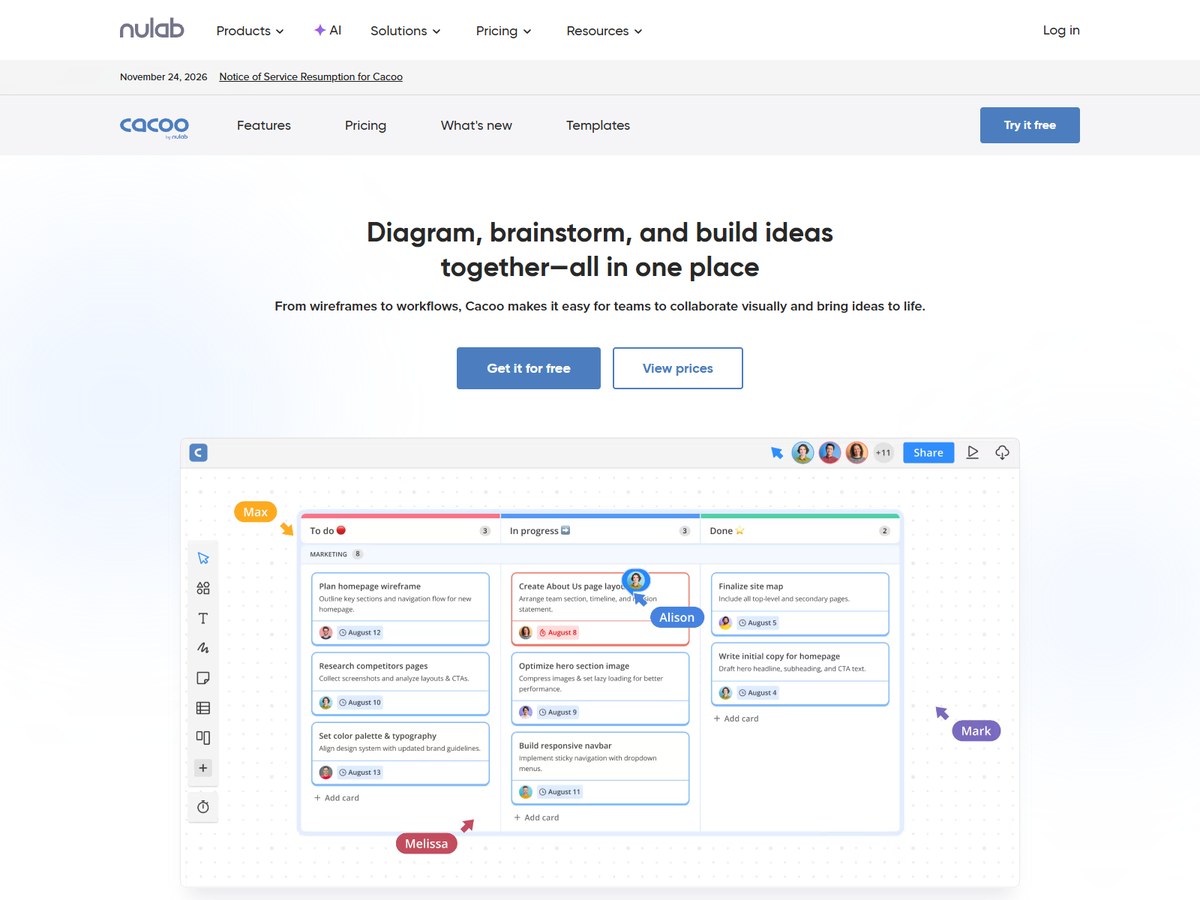
Cacoo says it is trusted by over 4 million users worldwide. It is an online diagramming tool from Nulab for diagramming, brainstorming and building ideas together in one place. You can create wireframes, flowcharts, mind maps and more with no design experience, using flexible templates to map workflows, roles and timelines, and present boards to gather feedback during workshops. Collaboration is live: Cacoo supports multi-user editing with live chat and video calls, so teams stay aligned wherever they are. A media library, charts, tables and wireframe tools help you build professional visuals, and you can share work with stakeholders, collect feedback through comments or export diagrams, with secure sharing and password protection. Nulab products connect with each other and with other tools for an end-to-end workflow, and Cacoo offers enterprise-level security features for teams. You can get it for free. On November 24, 2026, Nulab posted a notice of service resumption for Cacoo on its page. It fits teams that want to diagram together live.

Best forTeams that want to diagram together live, with chat and video in the same tool
Skip it ifYou need offline desktop software

Sources: nulab.com/cacoo · nulab.com/cacoo

7
Eraser by Eraser
Image: Eraser (official site)

Eraser

Eraser · AI architecture diagrams and docs kept in sync with your cloud and code

5,000+ customers

Best for living architecture diagrams.

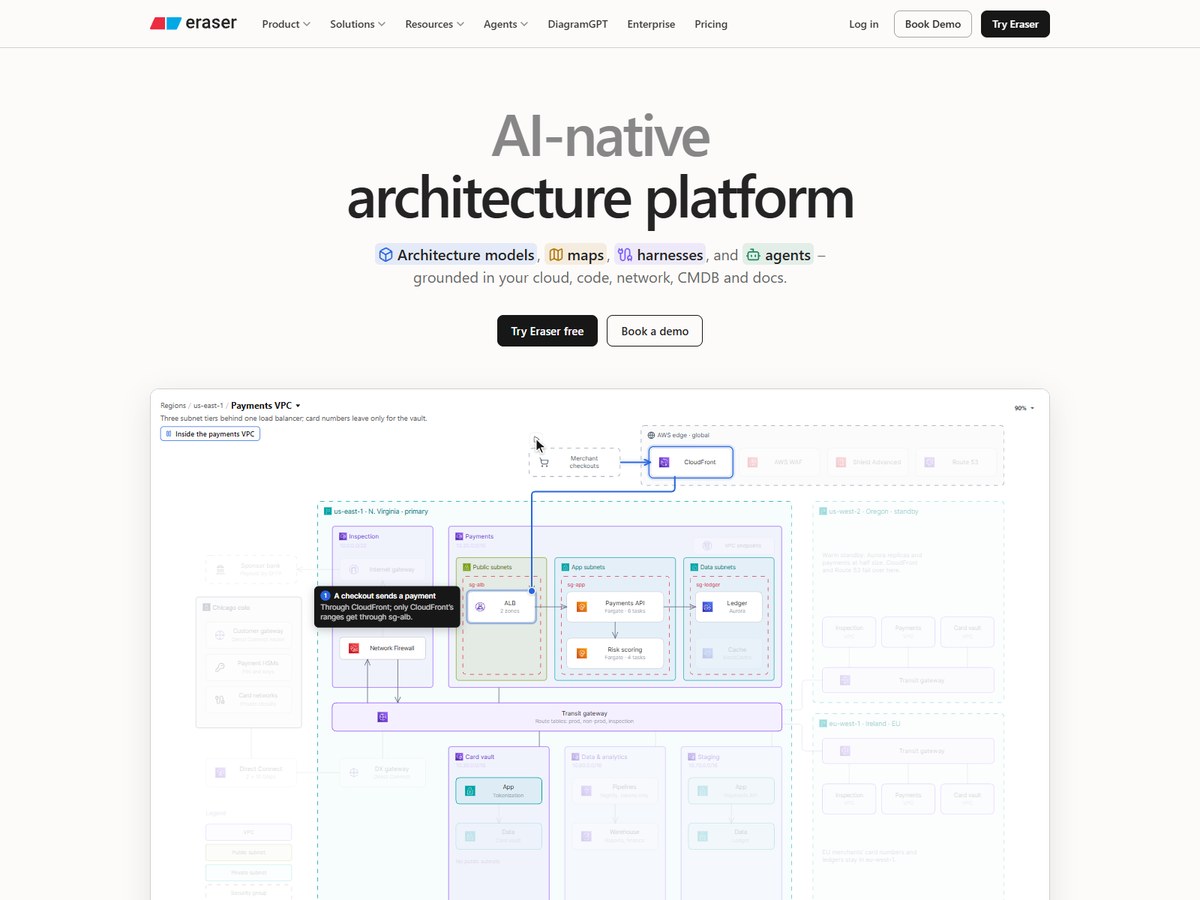
Eraser says it has 5,000+ customers and is trusted by architecture and process teams. Its idea is that diagrams go stale the day they are drawn, so it builds architecture models that stay in sync with your cloud, code, network and CMDB. Cloud accounts, Git, network data, enterprise architecture tools and Confluence feed one model, a dependency map rather than an inventory, and every change is versioned whether a person made it or a sync found it. Change a system once and every diagram, map and document follows. You can drill down, play flows, ask what happens if something fails and share by link, even offline, and every box traces to the record it came from, with its owner and last sync. Harnesses give designs, reviews and coding agents your approved architectures and rules, and agents can take on reviews, solution designs and documentation updates. Eraser cites customers such as Rafay, which it says cut diagram creation time by 90%. You can try Eraser free. It fits architecture teams.

Best forEngineering and architecture teams that want diagrams generated from live systems
Skip it ifYou want a general-purpose tool for org charts or floor plans

Sources: www.eraser.io · www.eraser.io

8
Lucidchart by Lucid
Image: Lucid (official site)

Lucidchart

Lucid · Intelligent diagramming with AI, data import and automation

No customer count published

Best for business diagrams connected to data.

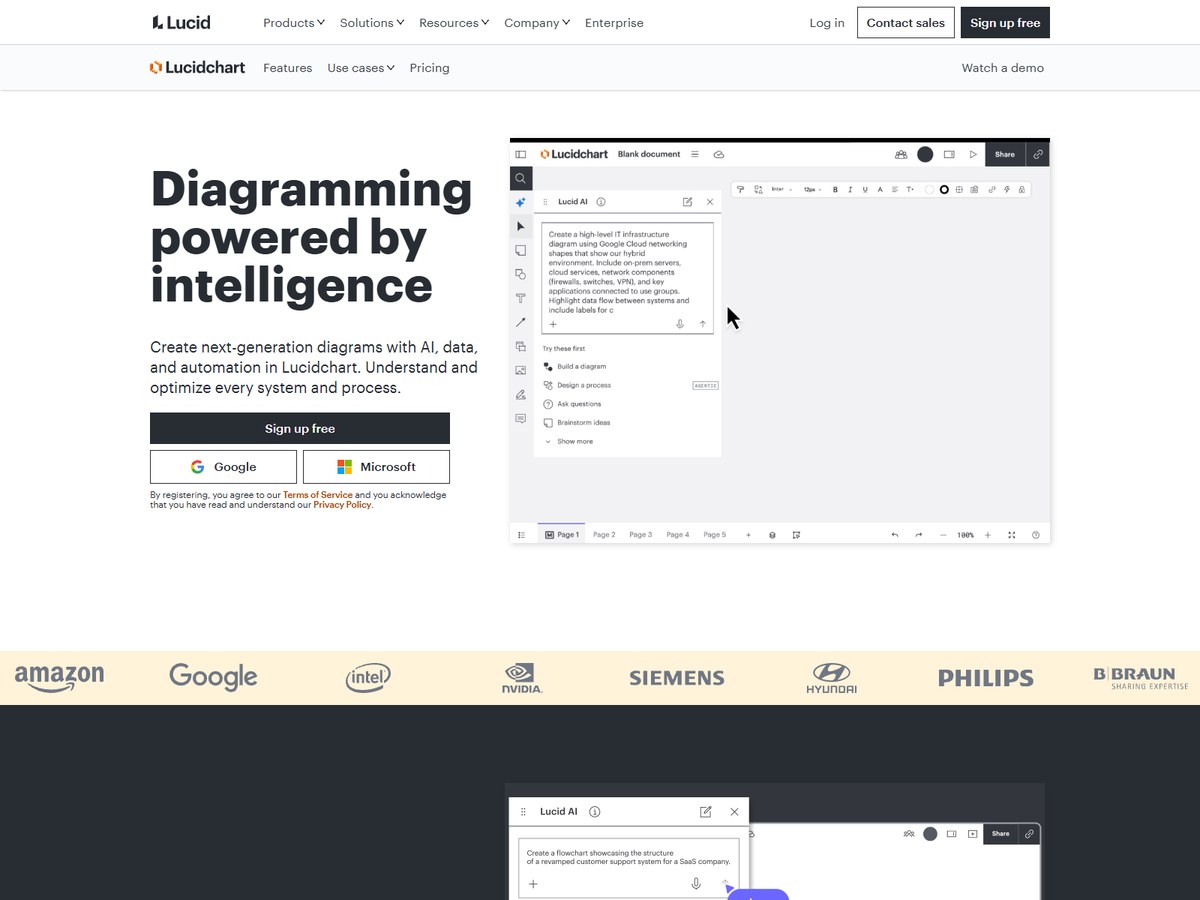
Lucid does not publish a user count on the Lucidchart pages we read, so Lucidchart is listed after the vendors that do, in alphabetical order. Lucidchart creates diagrams with AI, data and automation to help teams understand and optimize systems and processes. You can generate visuals automatically with AI and data imports, or build your own with intuitive diagramming tools, and collaborate in real time or anytime. Common uses include process documentation, dynamic org charts that visualize people and workloads by department, cloud infrastructure diagrams and technical documentation, with templates to give you a head start. It integrates with Microsoft Teams, where you can embed and edit diagrams and use Lucid AI to summarize documents, and with Confluence. The free version includes three editable documents, up to 75 shapes per document and 100 professional templates. Paid plans add unlimited shapes and documents and over 1,000 premium templates, and a free trial of paid features lasts seven days. It fits business teams.

Best forBusinesses that want collaborative diagrams connected to data and tools like Teams and Confluence
Skip it ifYou need more than three editable documents but do not want to pay

Sources: www.lucidchart.com/pages · www.lucidchart.com/pages/pricing

9
Microsoft Visio by Microsoft
Image: Microsoft (official site)

Microsoft Visio

Microsoft · Microsoft 365 diagramming app for flowcharts, org charts and network diagrams

No customer count published

Best for Microsoft 365 organizations.

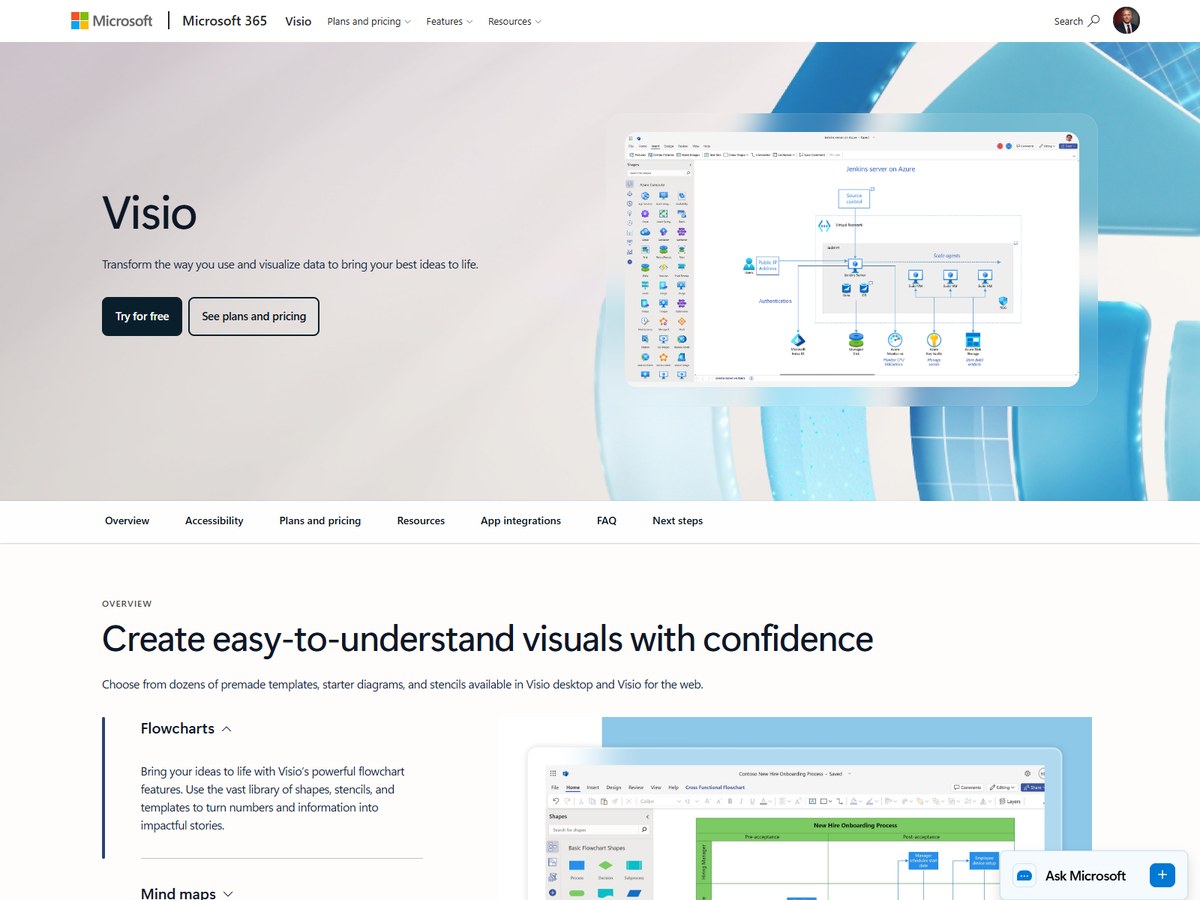
Microsoft does not publish a Visio user count on the pages we read, so Visio is listed after the vendors that do, in alphabetical order. Visio is Microsoft's diagramming app for flowcharts, org charts showing hierarchy and reporting structures, network diagrams and more, which you can share with employees, teams and stakeholders. It comes in two paid plans. Visio Plan 1 costs $5.00 per user a month, paid yearly, and gives you Visio for the web, for creating professional diagrams collaboratively. Visio Plan 2 costs $15.00 per user a month, paid yearly, and includes both the web and desktop apps for enterprise-level diagrams. Both plans include 2 GB of OneDrive cloud storage. Both plans can be tried free for one month; after the trial you are charged the subscription fee, a credit card is required and you can cancel any time. It fits companies that standardize on Microsoft 365.

Best forOrganizations already on Microsoft 365 that want diagramming in the same ecosystem
Skip it ifYou only draw a diagram now and then and do not want a subscription

Sources: www.microsoft.com/en-us/microsoft-365/visio/flowchart-software · www.microsoft.com/en-us/microsoft-365/visio/flowchart-software

10
SmartDraw by SmartDraw
Image: SmartDraw (official site)

SmartDraw

SmartDraw · Diagramming and scaled drawing for floor plans, org charts and flowcharts

No customer count published

Best for floor plans and scaled drawings.

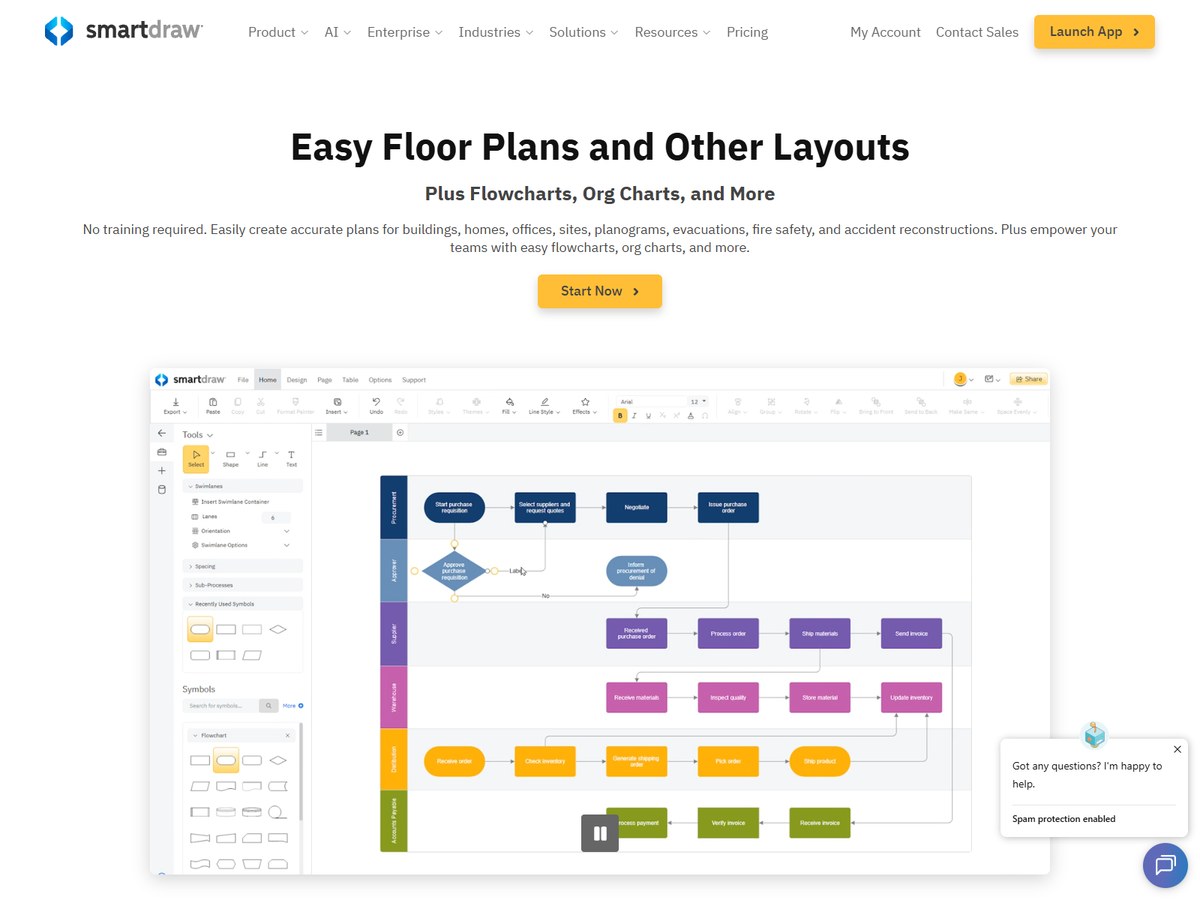
SmartDraw says it is trusted by millions of users but gives no exact count, so it is listed last in alphabetical order. It stands out for scaled drawings: you can create accurate plans for buildings, homes, offices, sites, planograms, evacuations, fire safety and accident reconstructions without the complexity of traditional CAD, drawing a floor plan from scratch or turning measurements into a scaled layout. It also covers flowcharts, org charts, mind maps, project charts, engineering and IT diagrams, and it can build org charts automatically from existing data. Its AI generates floor plans, flowcharts, org charts, mind maps and timelines from a prompt, and thousands of industry-standard symbols can carry data such as product numbers and costs to produce equipment lists. SmartDraw supports SSO and lets you save files to your own storage. It names construction businesses, fire departments, police departments and landscapers among its users, and you can try it free. It fits teams that need plans drawn to scale.

Best forConstruction, public safety and facilities teams that need scaled plans without CAD software
Skip it ifYou need a free plan for ongoing use

Sources: www.smartdraw.com · www.smartdraw.com

Questions people ask

What is the best diagramming software?

draw.io has the largest published user count on this list, 100M+, and it is completely free and open source. EdrawMax, with 30M+ users, is the best all-in-one tool for 210+ diagram types, and Gliffy is best for teams that work in Confluence.

Is there free diagramming software?

Yes. draw.io is free forever with no sign-up. Creately has a free-forever plan, Lucidchart's free version includes three editable documents, and EdrawMax, Mermaid, Cacoo and Eraser can be used or tried free.

What is a good free alternative to Visio?

draw.io is free, open source and opens on any platform, and it integrates with Microsoft SharePoint, OneDrive and Teams. EdrawMax also offers a Microsoft-like interface with a free start.

How much does Microsoft Visio cost?

Visio Plan 1 is $5.00 per user a month and Visio Plan 2 is $15.00 per user a month, both paid yearly, according to Microsoft. Both can be tried free for one month.

How were these diagramming tools ranked?

By the largest user, people or customer count each vendor publishes on its own website. Lucidchart, Microsoft Visio and SmartDraw publish no exact count on the pages we read, so they are listed last in alphabetical order. These are the companies' own claims.

How we ranked

The largest count each vendor publishes on its own website (read November 2026). The units differ: draw.io counts users (homepage), EdrawMax counts users (product page), Gliffy counts Confluence users (homepage), Creately counts people (homepage), Mermaid counts people (homepage), Cacoo counts users (product page) and Eraser counts customers (homepage). Lucidchart, Microsoft Visio and SmartDraw publish no exact count on the pages we read, so they are listed last in alphabetical order. Counts are each company's own claims, so treat them as a guide to scale, not an audit. Every number on this page comes from the source linked under each pick, and every photo shows the actual product. Brands can't pay to be on this list.

List source: www.drawio.com/ · Updated 2026-11-25