consumertop10

Home › Software

Top 10 · Software

Top 10 Digital Signage Software

The cloud tools businesses, schools and offices use to run their screens, ranked by how many customers each vendor says it serves.

Quick answer

Yodeck is the most widely used digital signage software, with 65,000+ accounts and 350,000+ screens, plus a free screen and paid plans from $8 per screen per month. OptiSigns is second with 43,000+ organizations and support for almost any hardware, and NoviSign is third with 20,000+ businesses. For schools, Rise Vision adds emergency alerts and an unlimited-display plan per school.

How it's ranked: Customers, accounts, organizations or teams each vendor says it serves, as published on its own website (read November 2026). Screenly and TelemetryTV publish no customer count, so they are ranked last with a value of 0. Counts are each company's own claims and are measured differently, so treat them as a guide to scale, not an audit.

1
Yodeck by Yodeck
Image: Yodeck (official site)

Yodeck

Yodeck · Cloud digital signage with a free Raspberry Pi player

65,000+ accounts

The most-used and one of the cheapest.

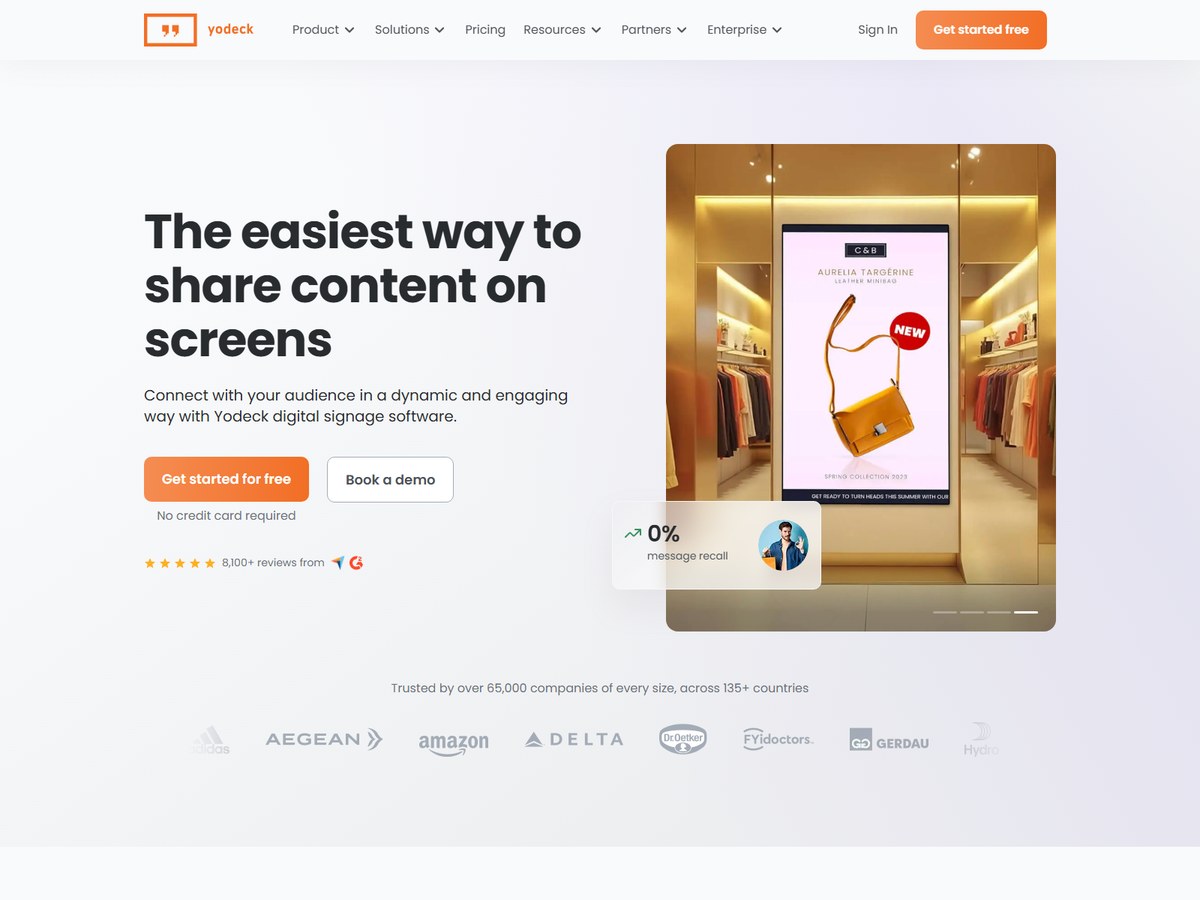
Yodeck says it has 65,000+ accounts running 350,000+ screens in 135+ countries, the largest customer count on this list. It is also one of the cheapest: one screen is free forever, and paid plans are $8 (Basic), $12 (Premium) and $16 (Enterprise) per screen per month, with an Enterprise+ tier through sales. Every plan includes unlimited file storage and unlimited users, and every annual subscription comes with a free Yodeck Player, a pre-configured Raspberry Pi built for signage. Core features include scheduling, playlists, remote monitoring, multi-user access and offline playback, plus 800+ templates and 147+ app integrations. It has 8,100+ reviews on Capterra and G2. It fits shops, offices and restaurants that want screens running quickly without buying expensive hardware.

Best forSmall and mid-size businesses that want low cost per screen
Skip it ifYou need a fully custom enterprise rollout from day one

Source: www.yodeck.com/

2
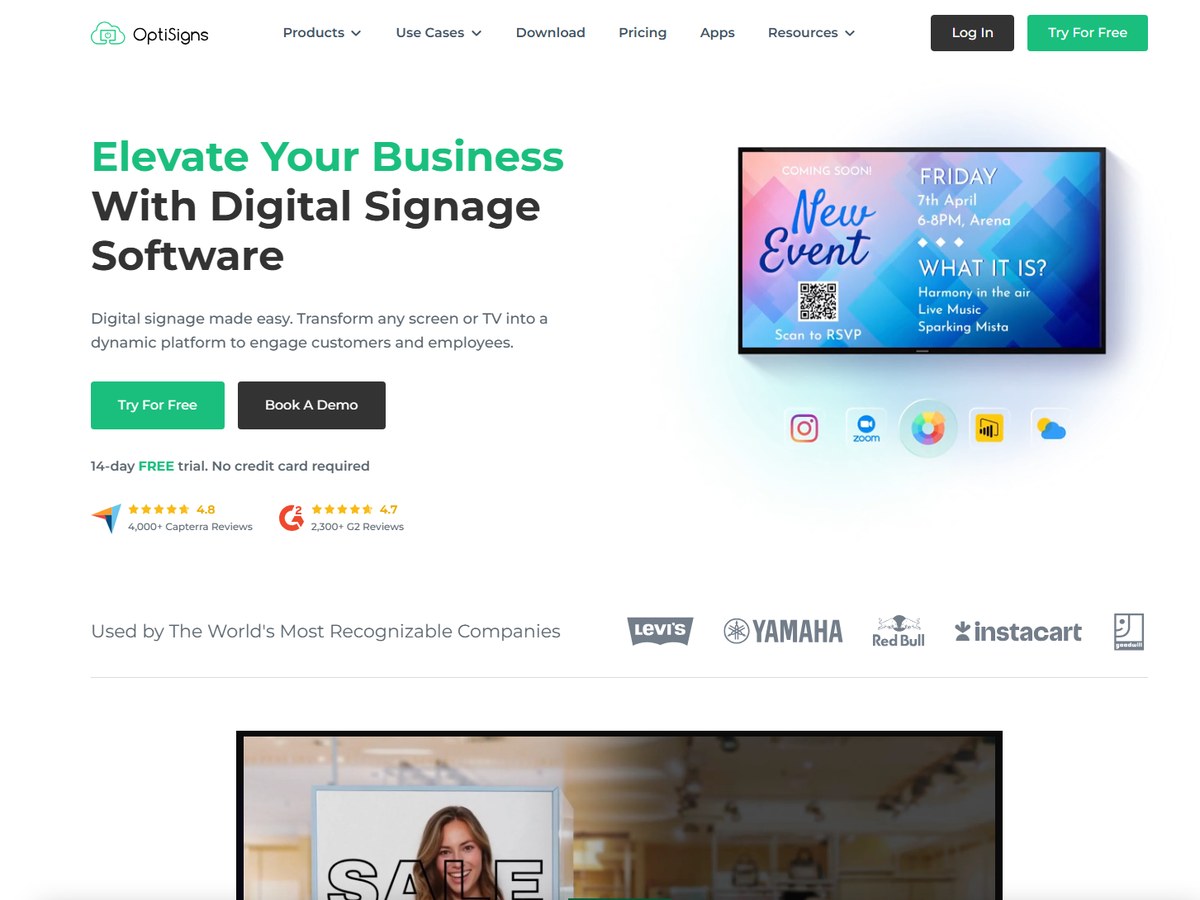
OptiSigns by OptiSigns
Image: OptiSigns (official site)

OptiSigns

OptiSigns · Hardware-agnostic cloud digital signage

43,000+ organizations

The flexible all-rounder.

OptiSigns says 43,000+ organizations in 163 countries use it, with 230,000+ online screens. It is built around any screen and any hardware, and offers 140+ apps including weather, Instagram, Power BI, YouTube and Google Slides. A free plan covers up to 3 screens, 3 users and 1GB of storage. Paid plans run $10 (Standard), $12.50 (Pro), $15 (Pro Plus), $30 (Engage, for interactive experiences) and $45 (Enterprise, minimum 25 screens) per screen per month, a little less when billed yearly. It holds AICPA SOC 2 Type II certification, has a US-based support team and is headquartered in Houston, Texas. It is rated 4.8 on Capterra from 4,000+ reviews. It fits growing businesses that want room to add interactive screens later.

Best forTeams that want to use whatever screens and players they already own
Skip it ifYou only need one screen and nothing else

Source: www.optisigns.com/

3
NoviSign by NoviSign
Image: NoviSign (official site)

NoviSign

NoviSign · AI-powered digital signage with a design studio

20,000+ businesses

Strong design tools, long track record.

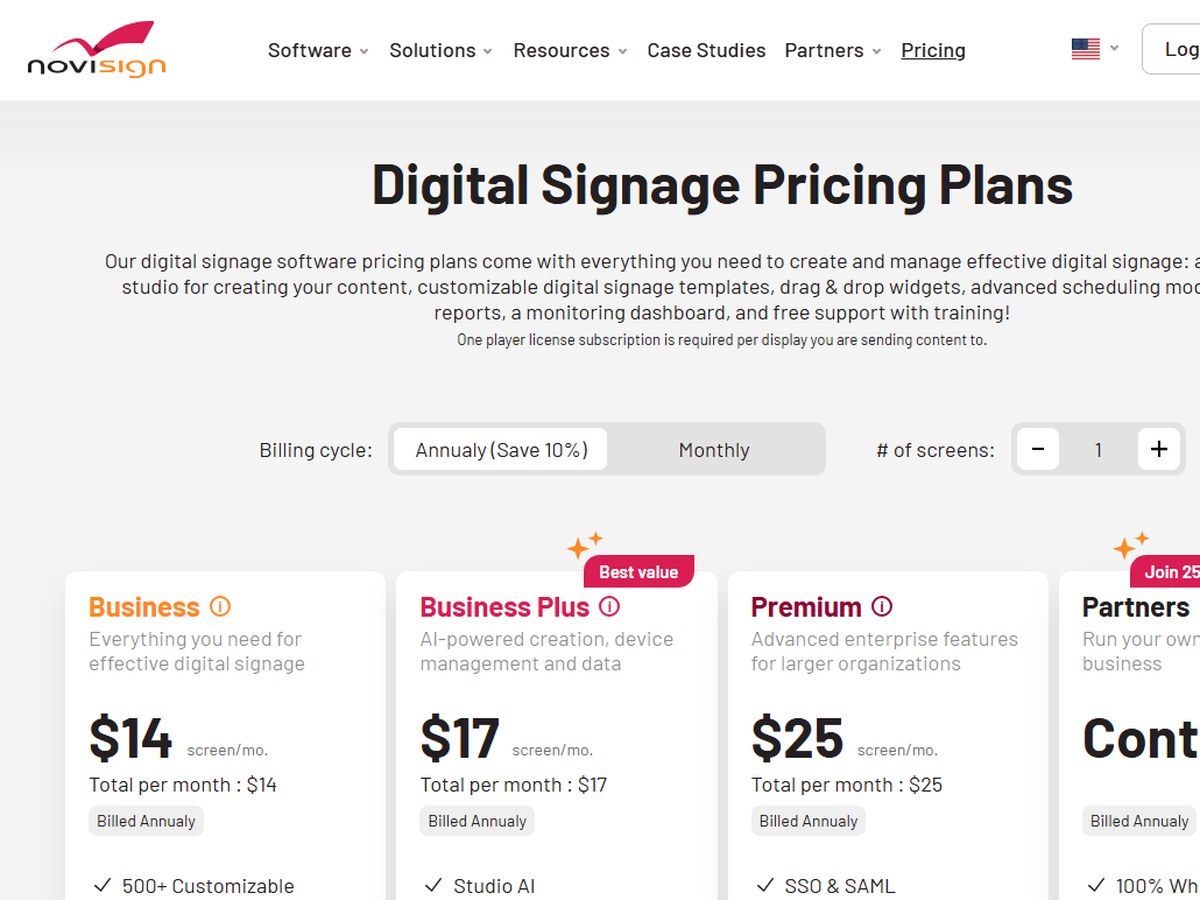
NoviSign says that since 2011 it has helped over 20,000 businesses and organizations across 5 continents set up digital signage. You bring your own hardware, the TV does not have to be a smart TV, and content is cached so it keeps playing offline. It offers 50+ widgets and apps with drag-and-drop editing. Plans billed annually are $14 (Business), $17 (Business Plus, which adds Studio AI, mobile device management and data source connections) and $25 (Premium, with SSO, SAML and an open API) per screen per month, plus a Partners plan for resellers. There is a 30-day free trial with no credit card. It is SOC 2 Type II certified. It fits businesses that want a design studio and touch-screen interactivity in one tool.

Best forBusinesses that design their own content and want touch-screen options
Skip it ifYou want the lowest price per screen

Source: www.novisign.com/

4
Rise Vision by Rise Vision
Image: Rise Vision (official site)

Rise Vision

Rise Vision · Cloud digital signage for schools and organizations

12,300+ organizations

The best pick for schools.

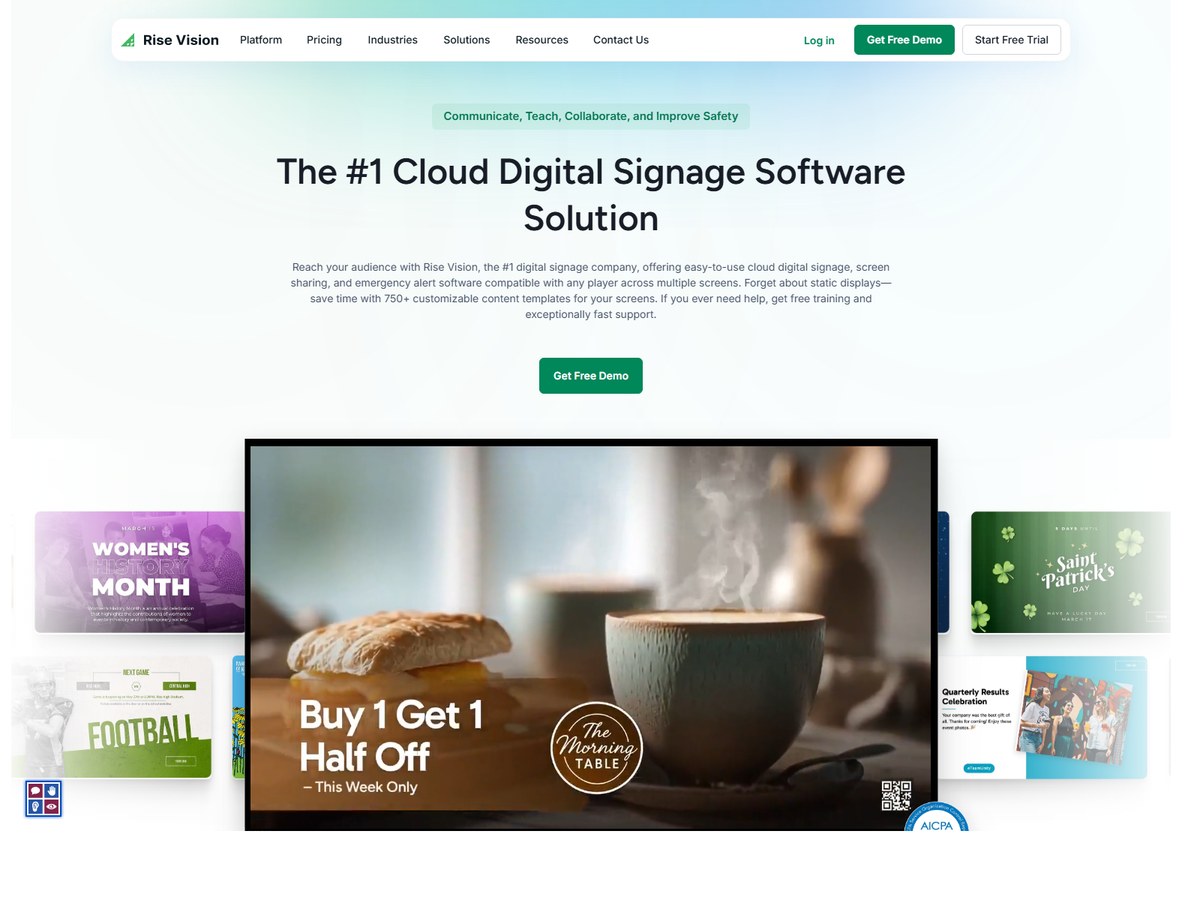
Rise Vision says 12,300+ organizations use it, running 77,846 displays. It is especially popular in education: its Enterprise plan can be bought at $1,399 per school per year for unlimited displays, and it supports emergency alerts through Common Alerting Protocol (CAP) integrations. Other plans are Basic at $11 per display per month and Advanced at $138 or Enterprise at $164 per display per year, with discounts at 11, 70 and 200 displays. It offers 750+ customizable templates, screen sharing and an AI presentation design tool, and the Enterprise plan adds unlimited users and single sign-on. It carries AICPA SOC 2 and TX-RAMP badges and offers a 30-day risk-free money-back promise. It fits schools, universities and offices that want simple templates and safety alerts.

Best forSchools and campuses that need emergency alerts
Skip it ifYou want a large library of third-party apps

Source: www.risevision.com/pricing

5
ScreenCloud by ScreenCloud
Image: ScreenCloud (official site)

ScreenCloud

ScreenCloud · Full-stack digital signage software and hardware

10,000+ organizations

Best for workplace communication.

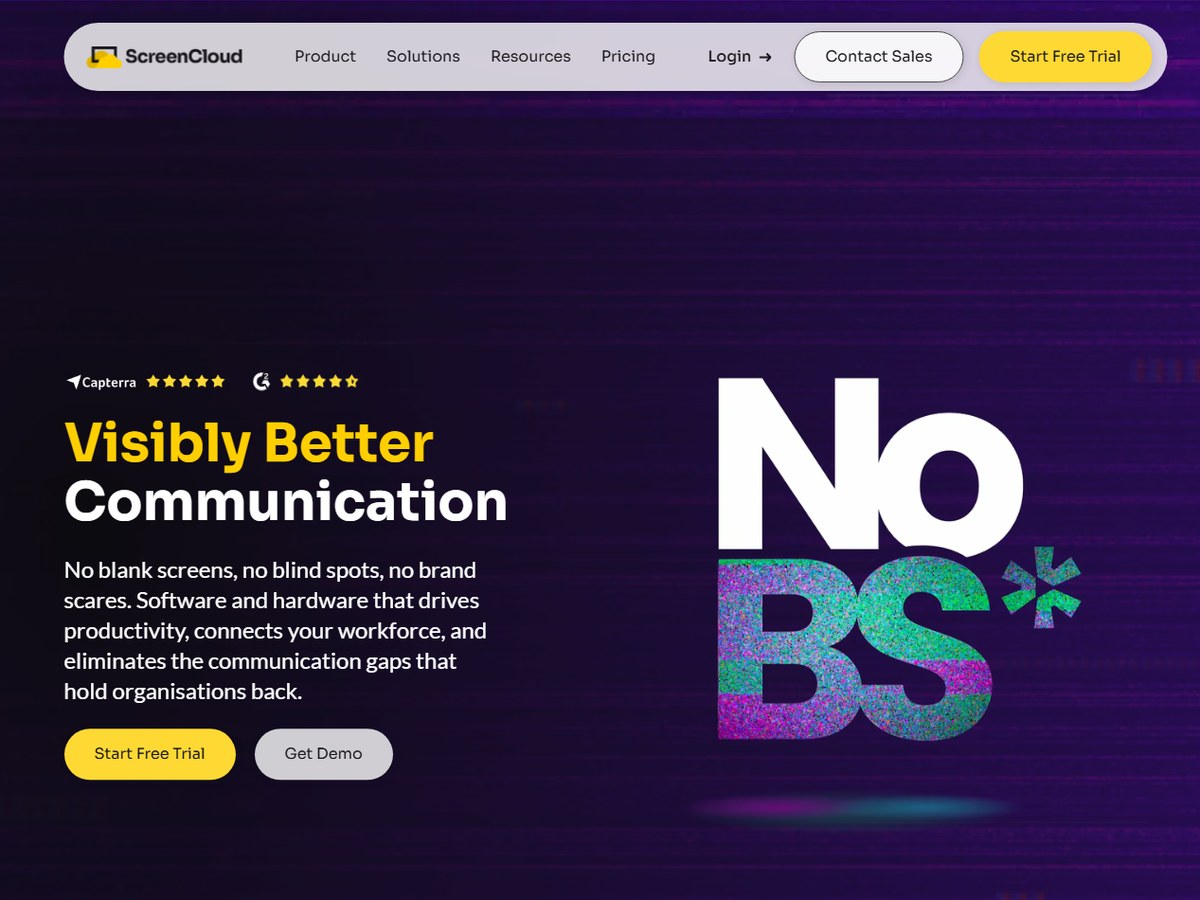
ScreenCloud says it is trusted by 10,000+ organizations worldwide and calls itself a full-stack digital signage company, selling both the software and its own Android-based PIXI player at $95 per device. Plans are Core at $20 and Pro at $30 per screen per month billed annually, with Enterprise through sales; all include unlimited users and unlimited file storage, and there is a 14-day free trial with no credit card. It offers 80+ apps and integrations and enterprise-grade encryption with granular access control. Support response is 6 hours on Core and Pro and 1 hour on Enterprise, with 24/5 live chat. Coca-Cola Consolidated says it rolled out 150+ devices. It fits companies using screens to reach staff on factory floors, in warehouses and offices.

Best forCompanies using screens for internal communication
Skip it ifYou are on a tight budget

Source: screencloud.com/

6
Kitcast by Kitcast
Image: Kitcast (official site)

Kitcast

Kitcast · Cloud digital signage for Apple TV, Fire TV and more

10,000+ companies

Best for Apple TV offices.

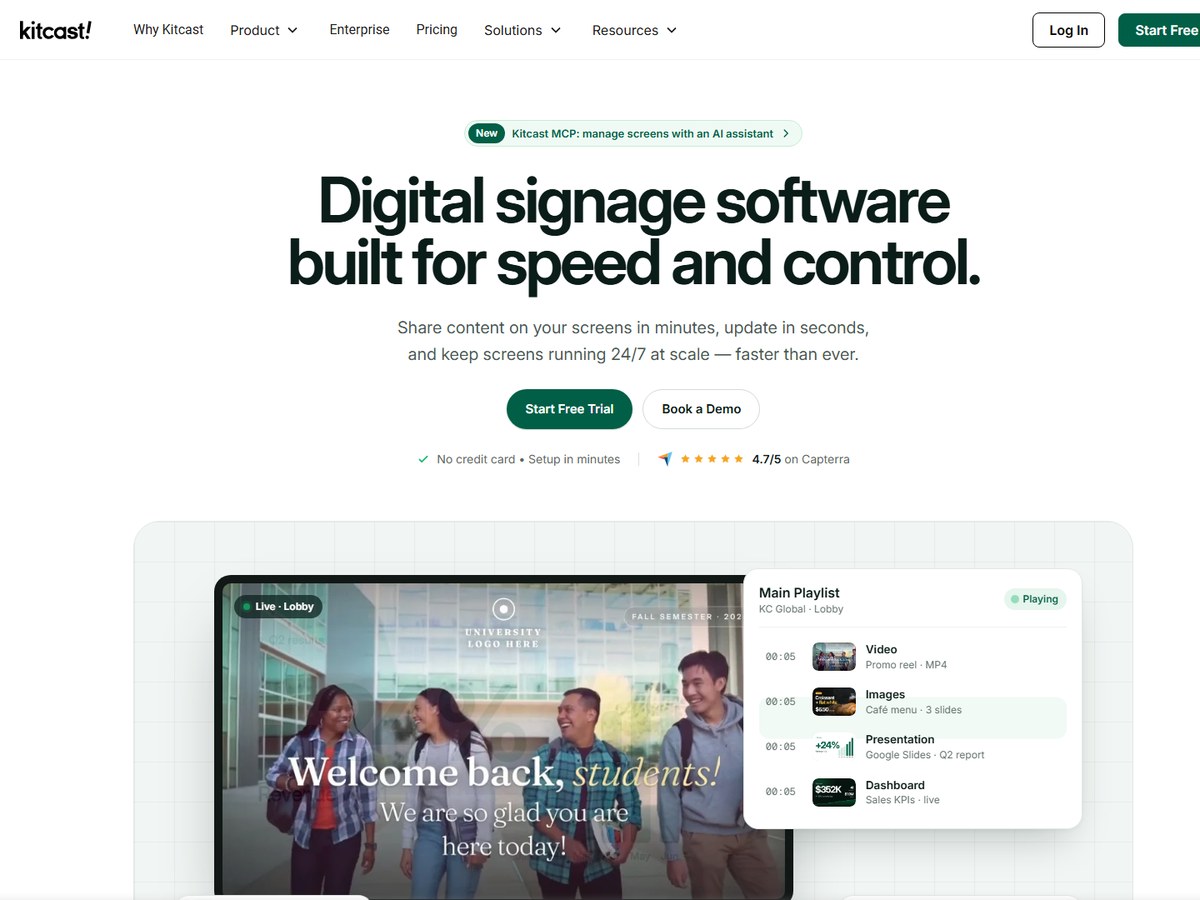
Kitcast says 10,000+ companies in 170+ countries use it, and it has been a digital signage software provider for 12 years. It claims to have been the first digital signage app on the Apple TV App Store, launched in October 2015, and it also runs on Fire TV, Android TV, BrightSign, Samsung, LG, ChromeOS and macOS. Pricing starts at $7 per screen per month on Starter (billed annually); Pro is $10 and adds SSO, SCIM, MDM integration with Jamf, Mosyle and Kandji, a REST API and audit logs. Enterprise is custom. Every plan includes offline playback, and there are 500+ templates, emergency alerts, screen sharing, 24/7 live support and a 14-day free trial. It fits Apple-heavy offices that manage devices centrally.

Best forOffices running Apple TV and other streaming devices
Skip it ifYou need on-premise hosting

Source: www.kitcast.tv/

7
Play Digital Signage by Play Digital Signage
Image: Play Digital Signage (official site)

Play Digital Signage

Play Digital Signage · Cloud digital signage with a free first screen

2,500+ organizations

The best free starting point.

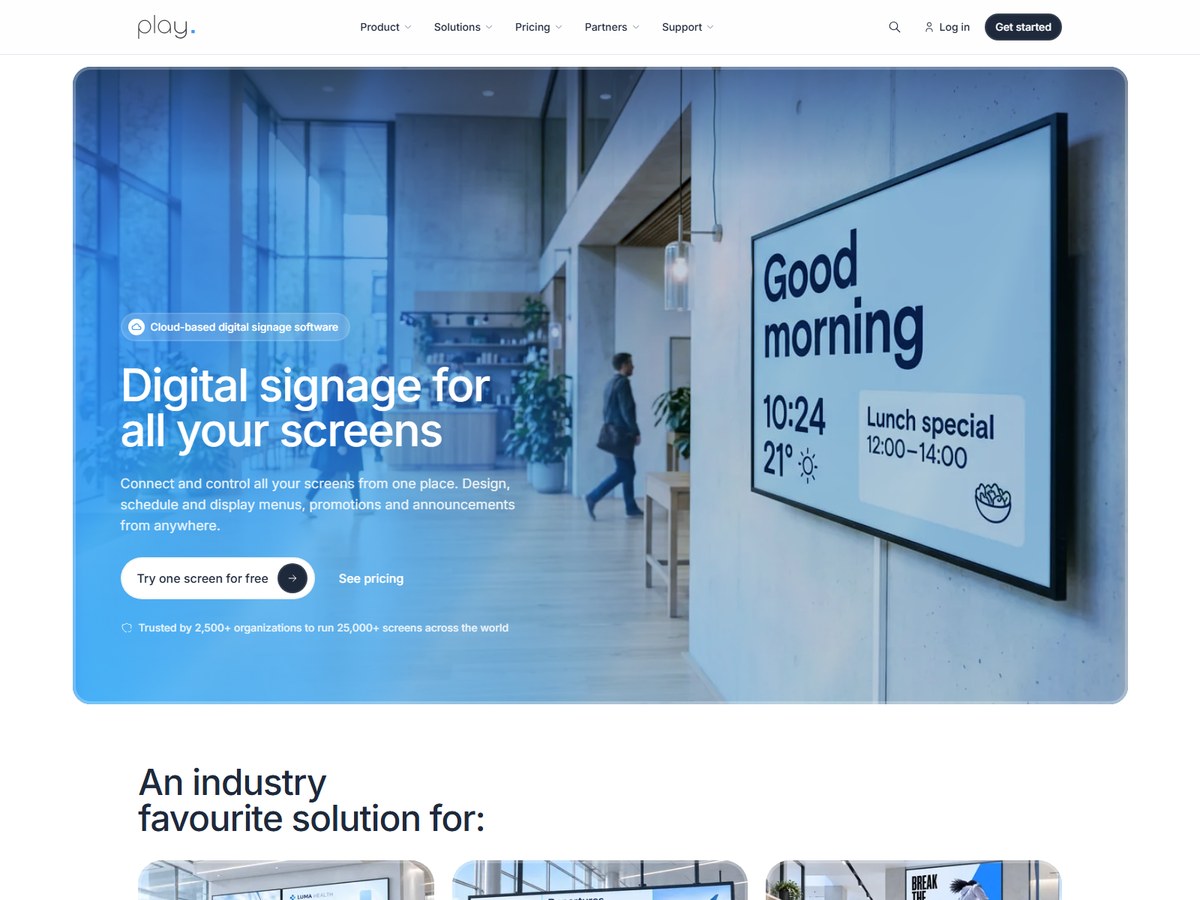
Play Digital Signage says it is trusted by 2,500+ organizations to run 25,000+ screens across the world. Your first screen is free with every Pro feature, and extra screens start at $8 per screen per month, with annual billing 10% cheaper and custom quotes above 10 screens. It works with 100+ screen types, including Samsung, LG, Amazon Fire TV, Google TV, Android, Windows and Raspberry Pi, though Play does not sell TVs or players itself. Content is stored on the player so screens keep running if the internet drops, and offline alerts go out by email, Slack or Teams. It offers touch-screen menus and wayfinding and 24/7 human support, with an average reply under two minutes. It is rated 4.8 on Capterra from 939 reviews.

Best forSmall businesses that want to start free on one screen
Skip it ifYou want the vendor to supply the hardware

Source: www.playsignage.com/

8
Fugo by Fugo
Image: Fugo (official site)

Fugo

Fugo · Digital signage and TV dashboards

1,000+ teams

Best for office dashboards.

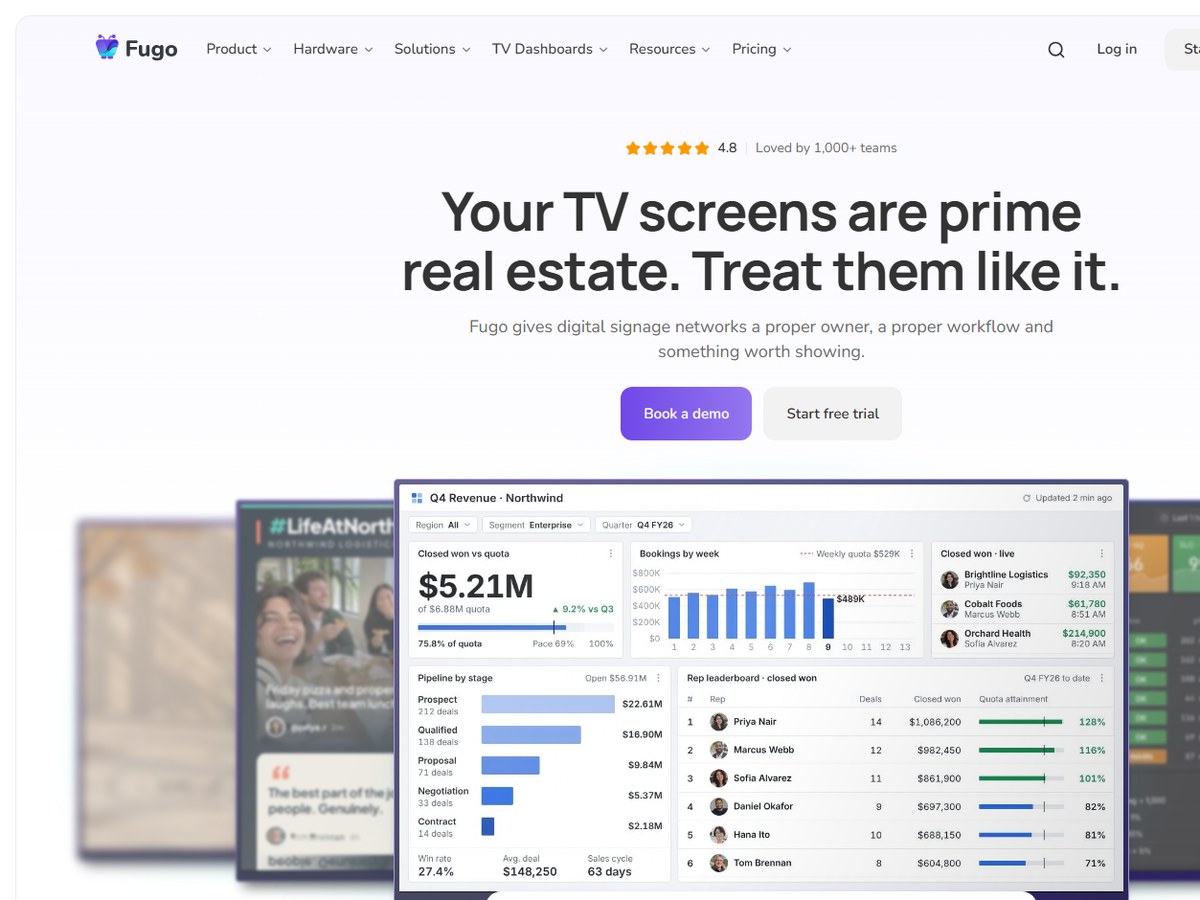
Fugo says it is loved by 1,000+ teams and runs 10,000+ screens in 60+ countries. It stands out for TV dashboards: it puts Power BI, Tableau, Looker, Grafana, Salesforce, HubSpot, Jira and other reports on shared screens, including login-protected web content. It also handles wireless mirroring, video walls and content triggering, which interrupts scheduled content based on live events from connected systems. It runs on Samsung, LG, BrightSign, Amazon, Android, ChromeOS, Windows, Raspberry Pi and more. Plans are $20 (Essential), $30 (Core) and $40 (Enterprise) per screen per month billed annually, with a 14-day free trial and one free screen with a small watermark. It lists SOC 2 Type 2, HIPAA and GDPR compliance. It fits sales, support and engineering teams.

Best forTeams putting live business dashboards on office TVs
Skip it ifYou only need a simple menu board

Source: www.fugo.ai/

9
Screenly by Screenly
Image: Screenly (official site)

Screenly

Screenly · Secure digital signage with its own players

No customer count published (10,000+ active screens)

The security-first choice.

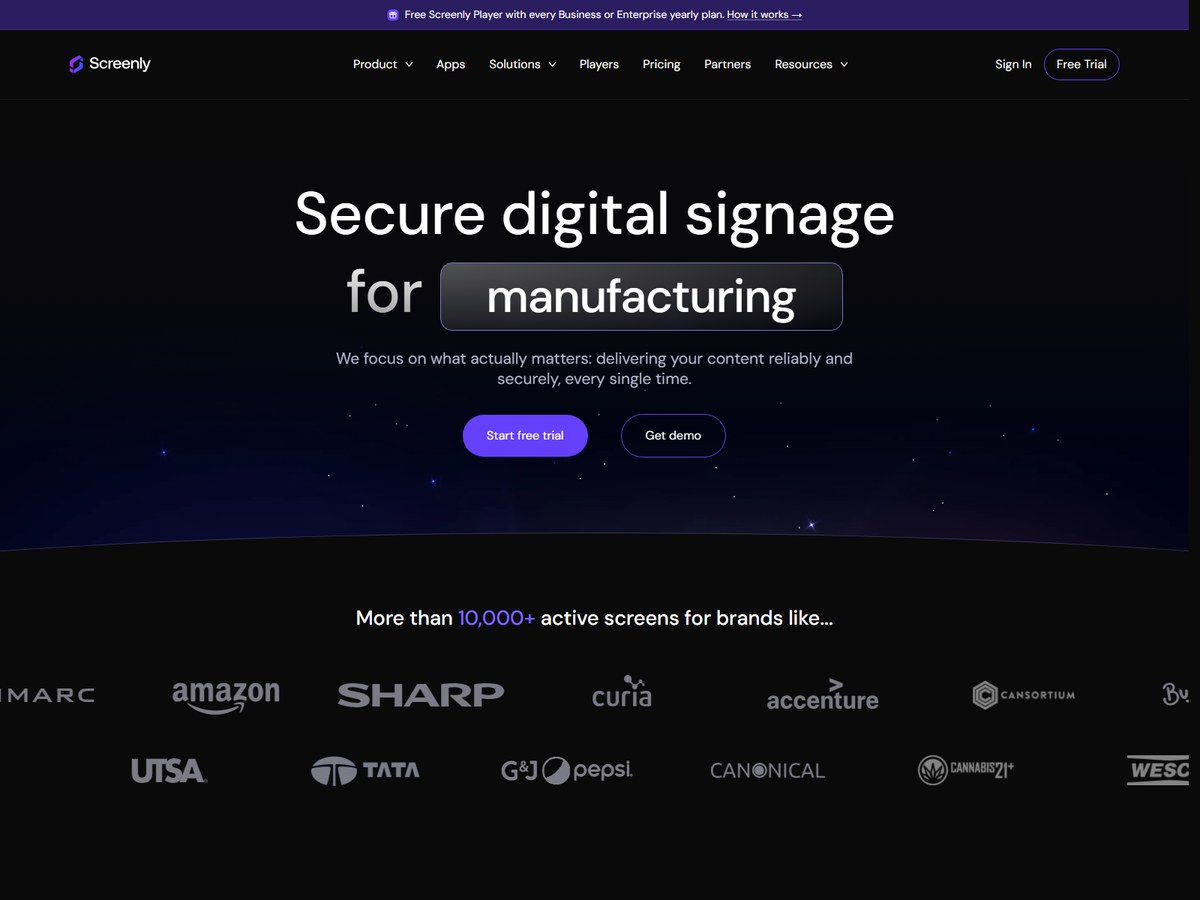
Screenly does not publish a customer count, so it ranks near the bottom here, but it says more than 10,000+ active screens run its software for brands such as Amazon, NASA and Accenture. Its pitch is security: it holds SOC 2 Type II and ISO 27001 certifications, uses a zero-trust design with end-to-end encryption and automatic security updates, and runs ScreenlyOS, a locked-down operating system for signage. Screenly Anywhere runs on Android, Android TV, ChromeOS, Tizen and the Amazon Signage Stick. Plans are Starter at $15 (1 to 5 screens, 2 users) and Business at $24 per screen per month billed annually, with Enterprise pricing for 25+ screens and a free Screenly Player on yearly Business or Enterprise plans. Developers get an API, CLI and Edge Apps. There is a 14-day free trial.

Best forManufacturers and IT teams that put security first
Skip it ifYou want the cheapest per-screen price

Source: www.screenly.io/

10
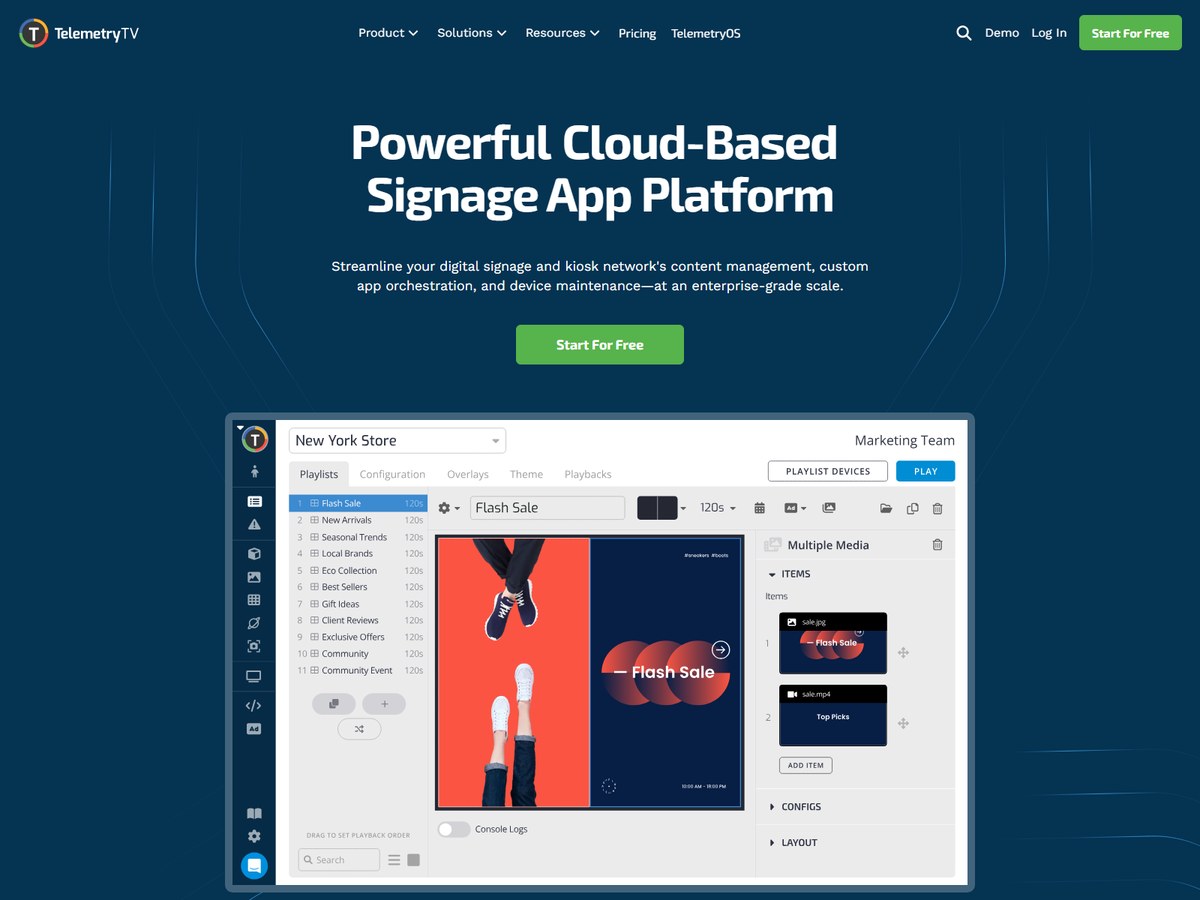
TelemetryTV by TelemetryTV
Image: TelemetryTV (official site)

TelemetryTV

TelemetryTV · Cloud signage and app platform for large networks

No customer count published

Best for custom enterprise apps.

TelemetryTV does not publish a customer count, so it ranks last here, but it names Starbucks, BCG and Amazon among its users and says it is trusted by small businesses, nonprofits and Fortune 500s. It calls itself a cloud-based signage app platform for content management, custom app orchestration and device maintenance at enterprise scale. Developers get native Git integration and an SDK for custom web apps, alongside 70+ turnkey apps. Scheduling supports auto-expiring rules and location or device targeting, content changes can require admin approval, and user groups can be limited to certain features and folders. It is PCI-DSS and SOC 2 compliant, lets you choose the region where your data resides, and lists 99.9% uptime under Enterprise. Prices are not shown on its homepage.

Best forEnterprises and developers building custom screen apps
Skip it ifYou want published prices up front

Source: www.telemetrytv.com/

Questions people ask

What is the best digital signage software?

Yodeck is the most widely used, with 65,000+ accounts and 350,000+ screens in 135+ countries, and paid plans from $8 per screen per month. OptiSigns, with 43,000+ organizations, is the most flexible on hardware.

Is there free digital signage software?

Yes. Yodeck and Play Digital Signage each offer one screen free, OptiSigns has a free plan for up to 3 screens, and Fugo offers one free screen with a small watermark.

How much does digital signage software cost?

Most tools charge per screen per month. Kitcast starts at $7, Yodeck and Play Digital Signage at $8, OptiSigns at $10, NoviSign at $14, Screenly at $15 and ScreenCloud and Fugo at $20, based on each vendor's pricing page.

Which digital signage software is best for schools?

Rise Vision, used by 12,300+ organizations, offers emergency alerts through Common Alerting Protocol integrations and an Enterprise plan at $1,399 per school per year for unlimited displays.

How were these tools ranked?

By the number of customers, accounts, organizations or teams each vendor publishes on its own website. These are the companies' own claims; vendors that publish no count are ranked last.

How we ranked

Customers, accounts, organizations or teams each vendor says it serves, as published on its own website (read November 2026). Screenly and TelemetryTV publish no customer count, so they are ranked last with a value of 0. Counts are each company's own claims and are measured differently, so treat them as a guide to scale, not an audit. Every number on this page comes from the source linked under each pick, and every photo shows the actual product. Brands can't pay to be on this list.

List source: www.yodeck.com/ · Updated 2026-11-14