consumertop10

Home › Software

Top 10 · Software

Top 10 Email Signature Software

The email signature tools companies use to keep every employee signature on-brand and compliant, and to turn emails into a marketing channel, ranked by the largest user or customer count each vendor publishes.

Quick answer

Exclaimer is the most widely used email signature software on this list, trusted by 10 million email accounts, and it starts at $0.90 per user a month. Xink, used by 3.3 million people since 2003, is best for one simple low price, and Letsignit, trusted by 2.2+ million users, is the pick for brand control across signatures, vCards and slides.

How it's ranked: The largest count each vendor publishes on its own website (read November 2026). The units differ: Exclaimer counts email accounts (homepage), Xink counts people since 2003 (homepage), Letsignit counts users (pricing page), WiseStamp counts customers (pricing page), MySignature counts professionals and businesses (homepage), Newoldstamp counts businesses (pricing page) and Signitic counts companies (homepage). Rocketseed, Crossware and Email Signature Rescue publish no exact customer count, so they are listed last. CodeTwo was left out because its website showed a security check instead of its content, and Opensense and Bybrand because they publish no customer count and the list was full. Counts are each company's own claims, so treat them as a guide to scale, not an audit.

1
Exclaimer by Exclaimer
Image: Exclaimer (official site)

Exclaimer

Exclaimer · Centrally managed email signature software for Microsoft 365 and Google Workspace

10 million email accounts

The most accounts, and the original signature software.

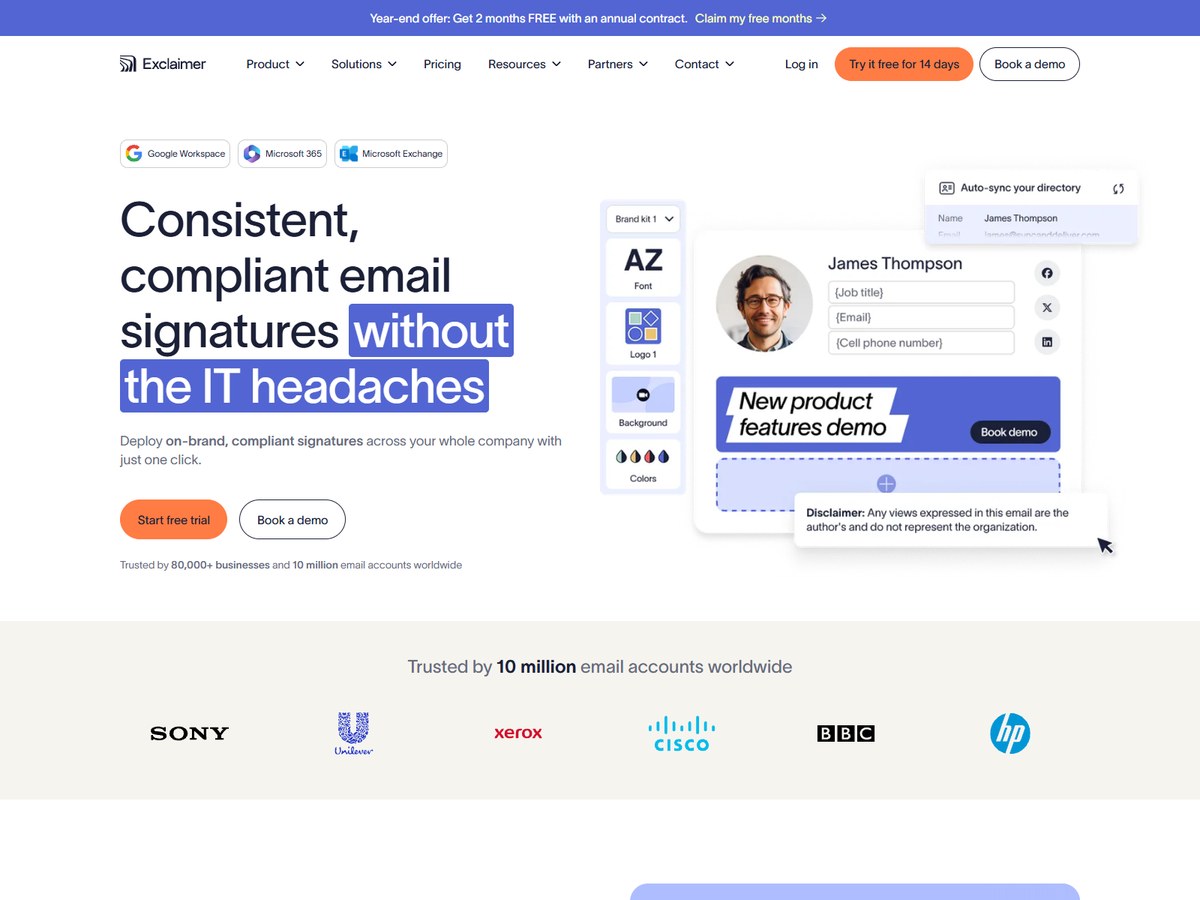
Exclaimer says it is trusted by 80,000+ businesses and 10 million email accounts worldwide, the largest count on this list. It says it created the first-ever email signature software in 2001, and it names Sony, Mattel and Bank of America among its users. It lets you deploy on-brand, compliant signatures across your whole company with one click, without wrestling with mail flow rules. You can create different templates for specific users and departments, sync contact details automatically from Azure Active Directory or Google Directory, and let non-IT teams manage signature design while IT keeps role-based access control. It adds legal disclaimers, schedules campaign banners and reports on signature usage. Its security and compliance list includes SOC 2, GDPR, ISO/IEC 27001 and 27018, HIPAA and PCI. Plans are Starter at $0.90, Standard at $1.45 and Pro at $1.75 per user a month, billed annually. You can try it free for 14 days, with a free 30-minute onboarding call. It fits companies of any size that want IT-grade control.

Best forIT teams that want every employee signature consistent and compliant across the whole company
Skip it ifYou are a freelancer who only needs one personal signature

Sources: exclaimer.com · exclaimer.com/pricing
2
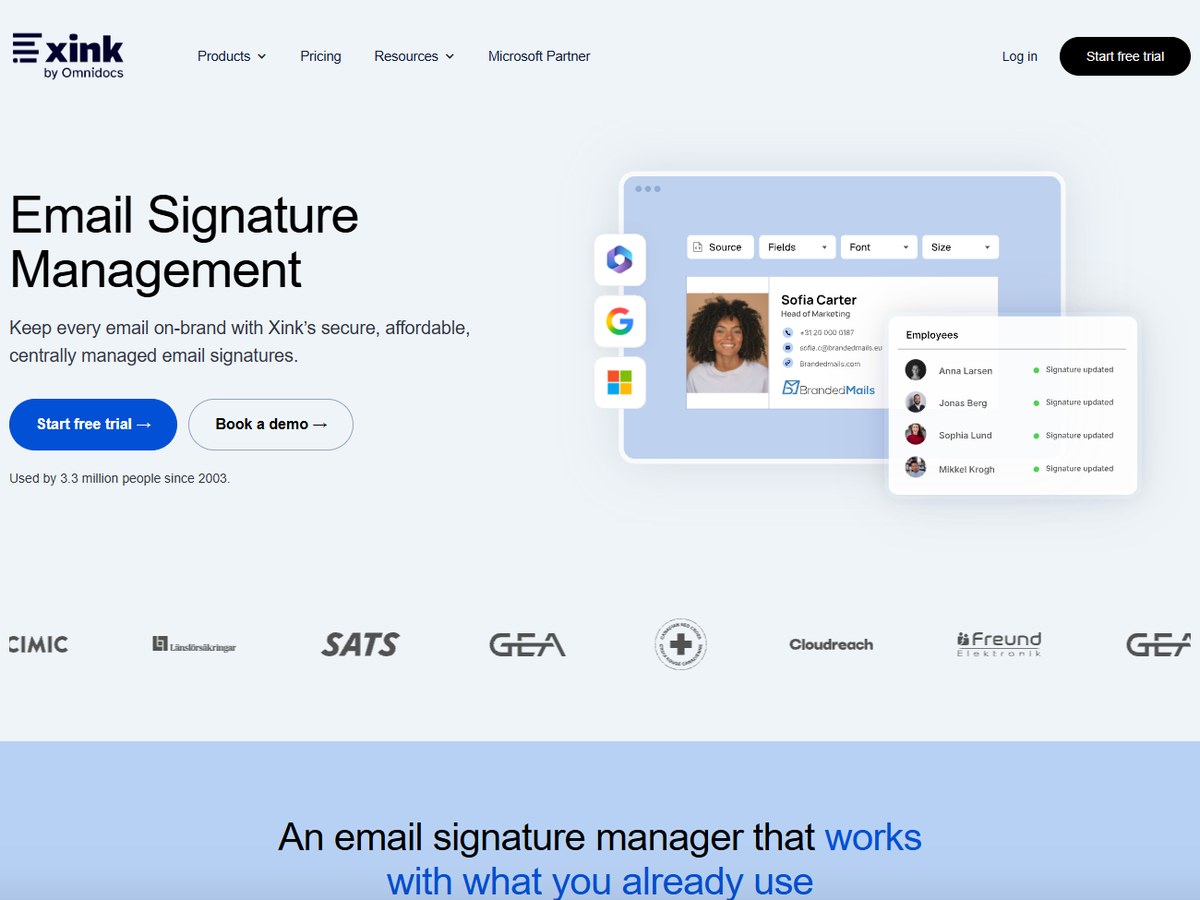
Xink by Xink
Image: Xink (official site)

Xink

Xink · Email signature manager for Microsoft 365 and Google Workspace

3.3 million people since 2003

Best for one simple low price.

Xink says it has been used by 3.3 million people since 2003, when it started pioneering email signature management. It began as an on-premise solution called eMailSignature, then moved to the cloud and rebranded as Xink. It gives you one dashboard for every client, device and employee, pulls details straight from your directory, and says every signature renders correctly across email clients. It works on New Outlook, classic Outlook and Gmail on desktop, web and mobile, through an Outlook add-in or server-side signatures, and pushes signatures straight to Gmail with no email rerouting. It syncs from Entra ID, Active Directory or Google Workspace Directory, uses rules to give each person the right signature, and schedules campaigns that switch on and off by themselves. Data is stored in the EU, UK, US, Canada or Australia on Microsoft Azure. Its one plan costs $1.10 per user a month, or $11.00 a month for 10 users, with a 14-day free trial. It fits teams that want simple pricing.

Best forBusinesses that want one simple, low per-user price for signatures on every device
Skip it ifYou want separate cheaper tiers with fewer features

Sources: www.xink.io · www.xink.io/pricing

3
Letsignit by Letsignit
Image: Letsignit (official site)

Letsignit

Letsignit · Brand governance platform for email signatures, vCards and PowerPoint

2.2+ million users

Best for brand control beyond signatures.

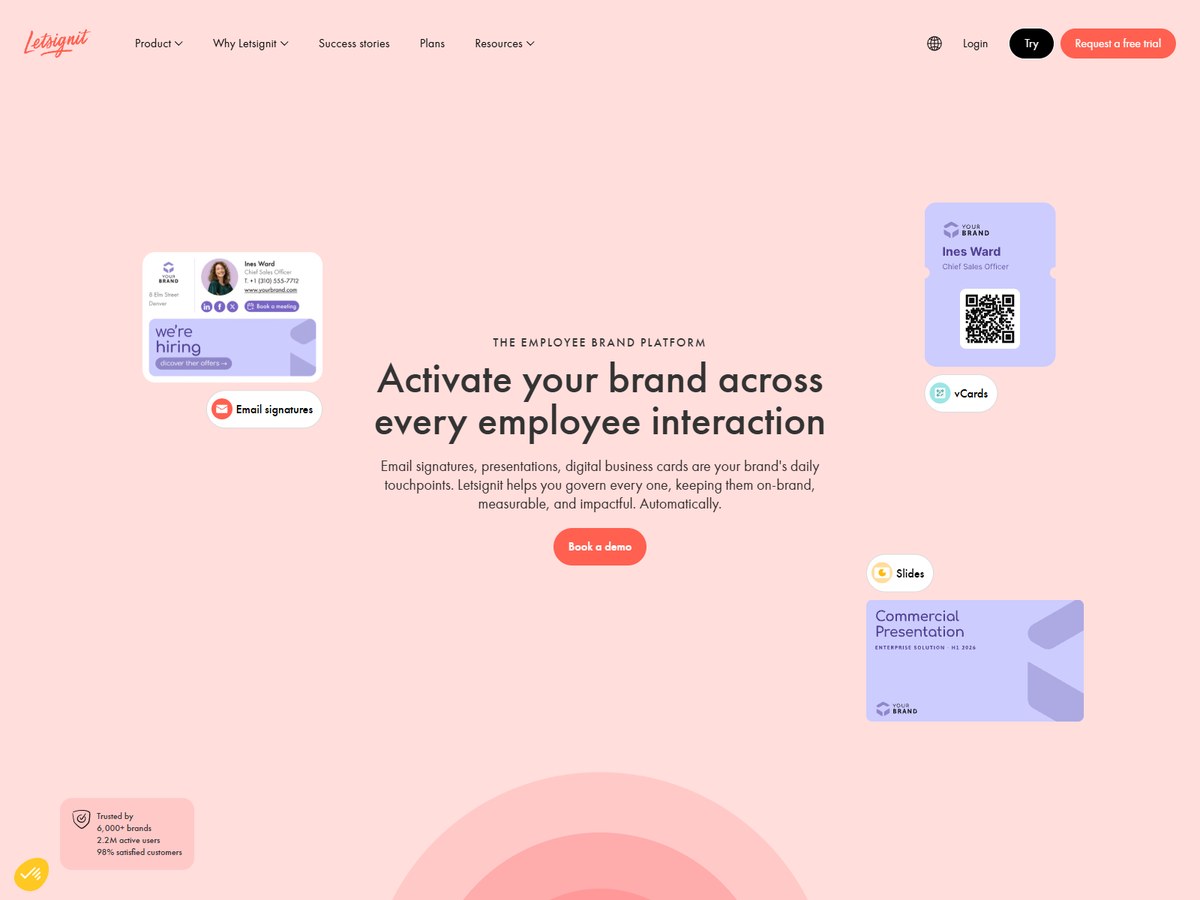
Letsignit says 2.2+ million users trust it, and that 6,000+ companies use it. It helps you govern your brand's daily touchpoints: email signatures, presentations and digital business cards. You create signature templates, import PowerPoint themes and generate vCards, then assign them by team or country, and it applies your employee data and governance rules automatically. Signatures can run targeted campaigns, A/B tests and dynamic polls, and you can track clicks, campaign performance and brand exposure in real time. Digital business cards go into Apple and Android wallets, and brand enforcement locks colors, fonts, layouts and disclaimers. It works with Microsoft 365, Google Workspace and CRM tools, and it says it has a 13-year partnership with Microsoft engineering, with 100% EU hosting and zero compliance incidents in 13 years. Pricing is $2 per user a month for Email signatures and vCards, $2 for Slides, and $4 for the full Platform, with Enterprise plans for complex setups. It fits big Microsoft shops.

Best forLarge Microsoft 365 organizations that want signatures, digital business cards and slides kept on-brand
Skip it ifYou use an email system other than Microsoft 365 or Google Workspace

Sources: www.letsignit.com · www.letsignit.com/pricing

4
WiseStamp by WiseStamp
Image: WiseStamp (official site)

WiseStamp

WiseStamp · Email signature generator and company-wide signature management platform

1,500,000+ customers

Best for growing companies.

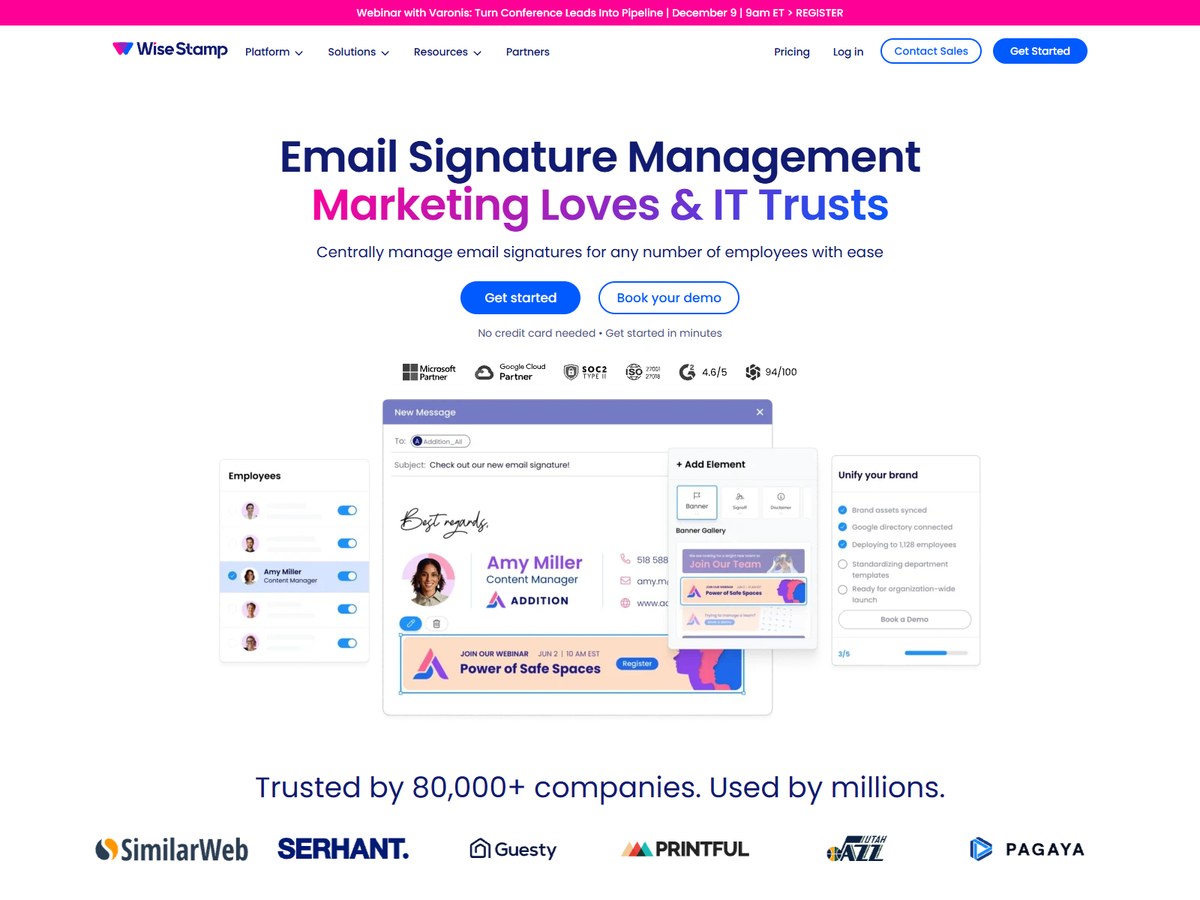
WiseStamp says more than 1,500,000 customers worldwide trust it, and that it is trusted by 80,000+ companies and used by millions. It centrally manages email signatures for any number of employees and needs no credit card to get started. It says small businesses get AI-led design and no-code setup, mid-size companies get automations and integrations, and enterprises get security, governance and compliance, including SOC 2 and ISO 27001 controls. It handles multiple brands and regions from one platform, giving marketing autonomy and IT peace of mind. It says its solution best serves organizations of 50-1000 employees. Individuals can make a professional signature in 2 minutes, with Pro+ starting at $9 a month. For companies, its pricing page lists Basic at $19 a month, Grow at $49 a month with an AI Signature Designer, campaigns, analytics and rules, and Platform at $189 a month, each plus $1 a month per employee and billed annually. It fits growing companies that want marketing from signatures.

Best forSmall and mid-size companies that want AI-designed signatures and marketing campaigns without IT work
Skip it ifYou need a free plan for a whole team

Sources: www.wisestamp.com · www.wisestamp.com/pricing

5
MySignature by MySignature
Image: MySignature (official site)

MySignature

MySignature · HTML email signature generator and digital business cards for professionals and teams

750,000+ professionals and businesses

Best quick generator for professionals.

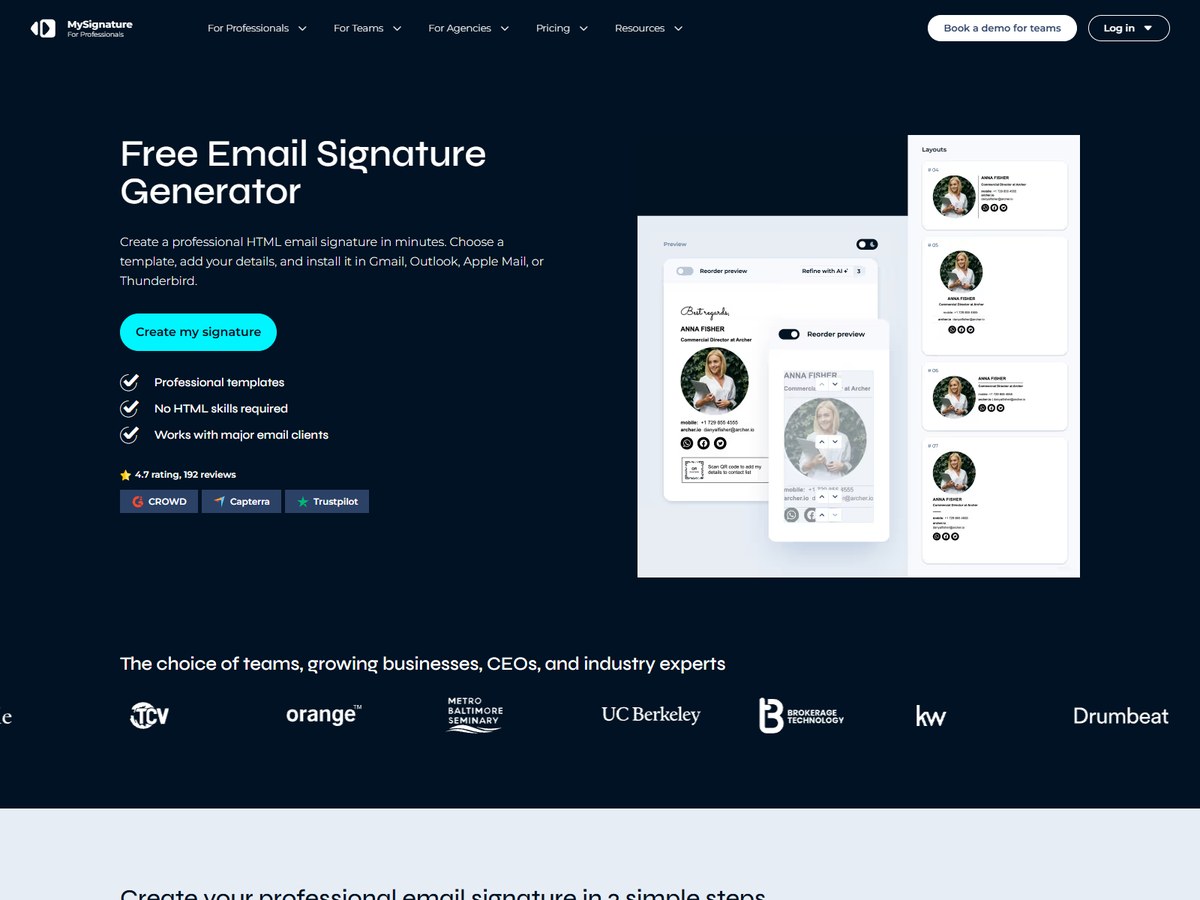
MySignature says it is trusted by 750,000+ professionals and businesses, and that over 3,000,000 signatures have been created in 145 countries. It is an email signature generator: you choose a design template or start from scratch, enter your name, job title, company, phone, website and social links, then change colors, fonts, logo and photo and add a call-to-action button or banner. It offers 100+ professional templates, and you install the result in Gmail, Outlook, Apple Mail or Thunderbird. It serves professionals, teams and agencies, and teams can book a demo. Its Free plan gives individuals basic email signatures with limited functions, limited to 1 signature per email address. Its pricing page lists Core at $6 per user a month for email signature essentials for individuals and SMBs, and Connect at $7 per user a month, which adds digital business cards. It says it is rated 4.7 based on 192 G2 reviews. It fits freelancers and small teams that want a good-looking signature fast.

Best forProfessionals and small teams that want a polished HTML signature quickly
Skip it ifYou need server-side signatures enforced by IT for a large company

Sources: mysignature.io · mysignature.io/pricing

6
Newoldstamp by Newoldstamp
Image: Newoldstamp (official site)

Newoldstamp

Newoldstamp · Email signature management and signature banner marketing

8,000+ businesses

Best for signature banner campaigns.

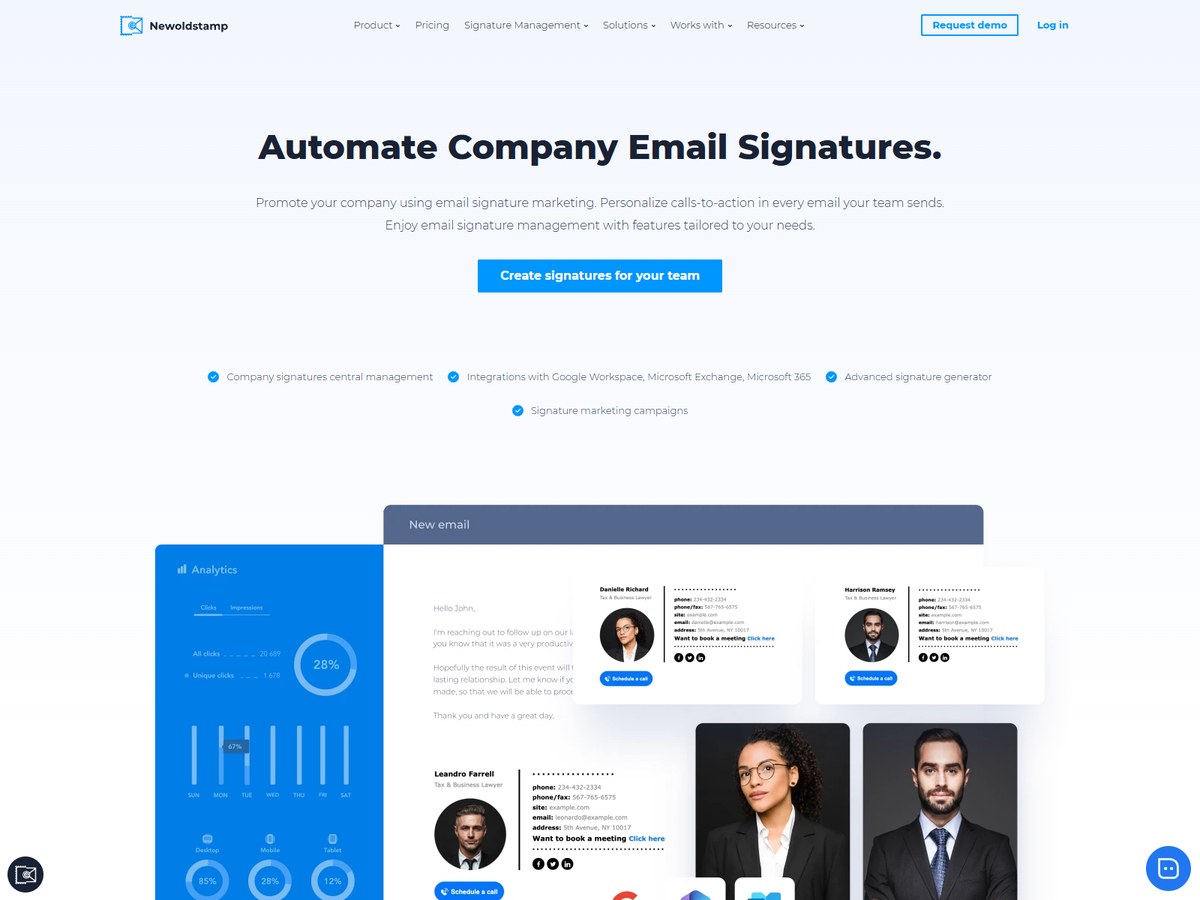
Newoldstamp says it is trusted by over 8,000 businesses and that it has created over 5,000,000 business email signatures. It helps you promote your company with email signature marketing, personalizing calls-to-action in every email your team sends. You manage all signatures from one dashboard, with automatic updates, different templates for company units or branches, and separate reply and forward signatures. It integrates with Google Workspace, Microsoft Exchange and Microsoft 365 and works on major email clients and mobile devices. Signature banner campaigns aim to increase marketing and sales conversions, and in-depth analytics show the results. Its advanced generator lets you customize templates to match your brand. Pricing is set per signature with a slider: its pricing page shows 5 signatures at $109 billed annually, or about $1.80 per signature a month, and teams of 200+ can talk to sales. There is a free 7-day trial, plus onboarding and customer support. It fits marketing teams that want campaigns in every email.

Best forMarketing teams that want brand-consistent signatures plus banner campaigns and analytics
Skip it ifYou want a forever-free plan

Sources: newoldstamp.com · newoldstamp.com/pricing

7
Signitic by Signitic
Image: Signitic (official site)

Signitic

Signitic · Email signature management and campaign platform for marketing teams

5,000+ companies

Best for marketing-led signature campaigns.

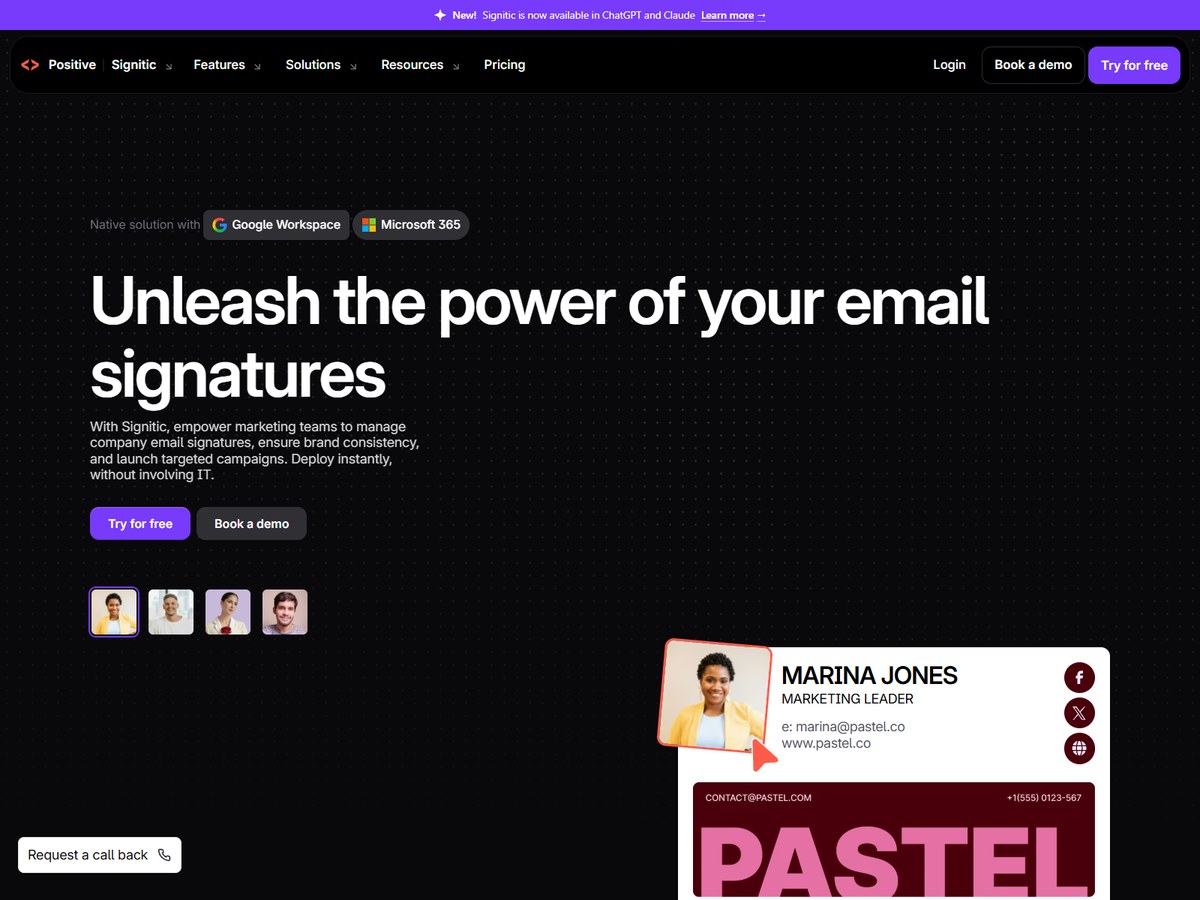
Signitic says over 5,000 companies standardize their email signatures with it, and Sigilium has officially joined Signitic. It lets marketing teams manage company email signatures, ensure brand consistency and launch targeted campaigns, and it says you can deploy instantly without involving IT. You create templates, set permissions and launch campaigns in minutes with a simple visual editor, templates customized to your brand and display rules you define. Signatures can carry CTA buttons such as Make an appointment or Chat with me on Teams, and you can manage social networks by group or user. Its statistics show results by campaign and user, and you can export them to CSV. One customer says Signitic became the 4th source of traffic to its website, better and cheaper than LinkedIn Ads. It is ISO 27001 certified and is now available in ChatGPT and Claude. Its pricing page lists a free trial and Standard at €1 per user a month, excluding VAT. It fits marketing-led teams that want campaigns.

Best forMarketing teams in Europe that want to run signature campaigns without involving IT
Skip it ifYou want prices in U.S. dollars, since plans are listed in euros

Sources: www.signitic.com/en · www.signitic.com/en/pricing

8
Rocketseed by Rocketseed
Image: Rocketseed (official site)

Rocketseed

Rocketseed · Server-side email signature management and banner marketing for mid-market and enterprise

No customer count published

Best for enterprise with full-service setup.

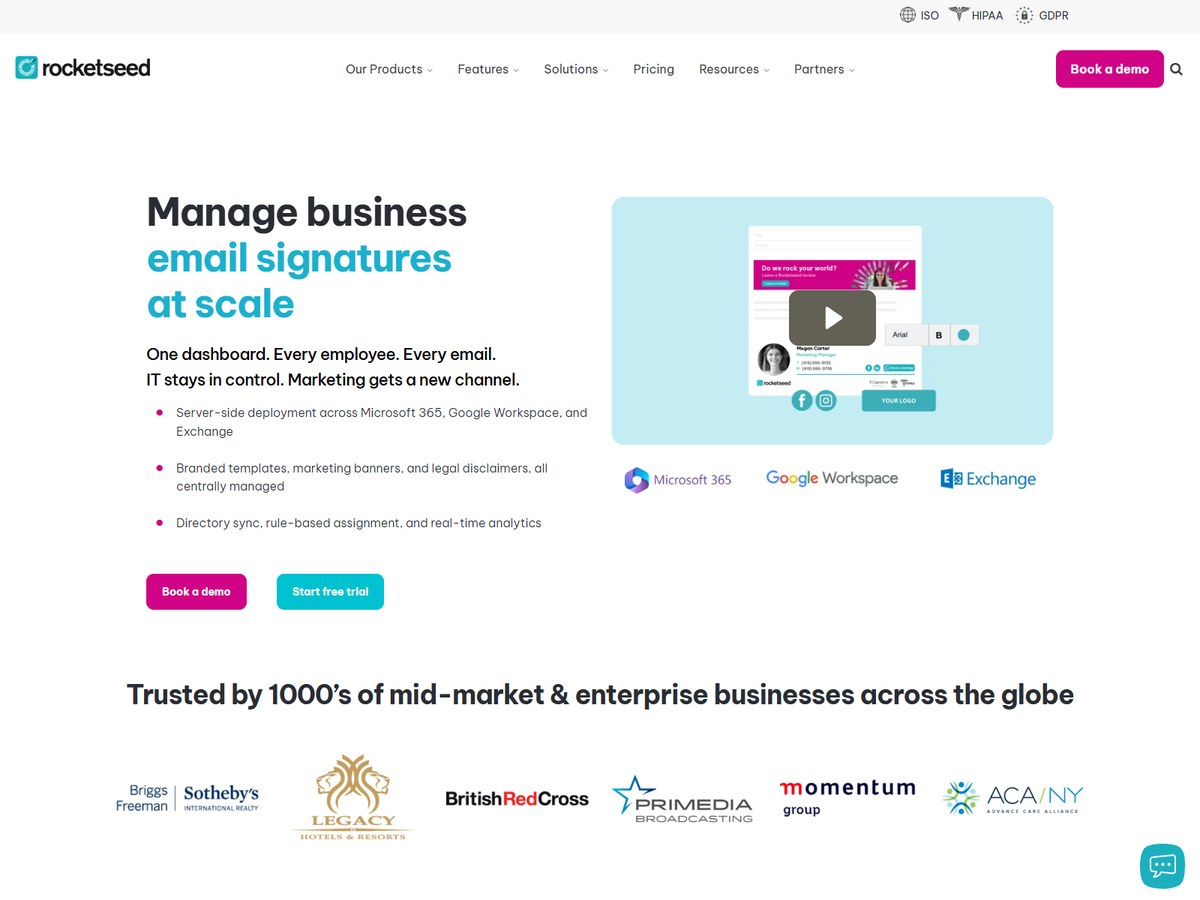
Rocketseed does not publish an exact customer count, so it is listed after the vendors that do. It says it is trusted by 1000's of mid-market and enterprise businesses across the globe, from 50 to 50,000 employees. It gives IT one dashboard for every employee and every email, with server-side deployment across Microsoft 365, Google Workspace and Exchange, so there are no add-ins or end-user installs. Signatures are centrally controlled and, it says, 100% tamper-proof. It syncs automatically with Active Directory, Microsoft Entra ID or Google Directory and manages multiple brands, domains and tenants from a single dashboard. Clickable marketing banners can be targeted by sender, receiver, department or schedule, with every click tracked in real time. It includes everything in one plan, with no tiered feature lockouts, and 24/7 human support. A one-time setup fee covers integration, custom design and training. It is built for teams of 50+, with custom pricing for 200+ and a 14-day free trial for teams of 50+. It fits larger firms.

Best forMid-market and enterprise firms of 50+ staff that want tamper-proof signatures with 24/7 human support
Skip it ifYou are a small team of fewer than 50 people

Sources: www.rocketseed.com · www.rocketseed.com

9
Crossware by Crossware
Image: Crossware (official site)

Crossware

Crossware · Enterprise email signature management for Microsoft 365, Google Workspace, Exchange and HCL Domino

No customer count published

Best for mixed enterprise email systems.

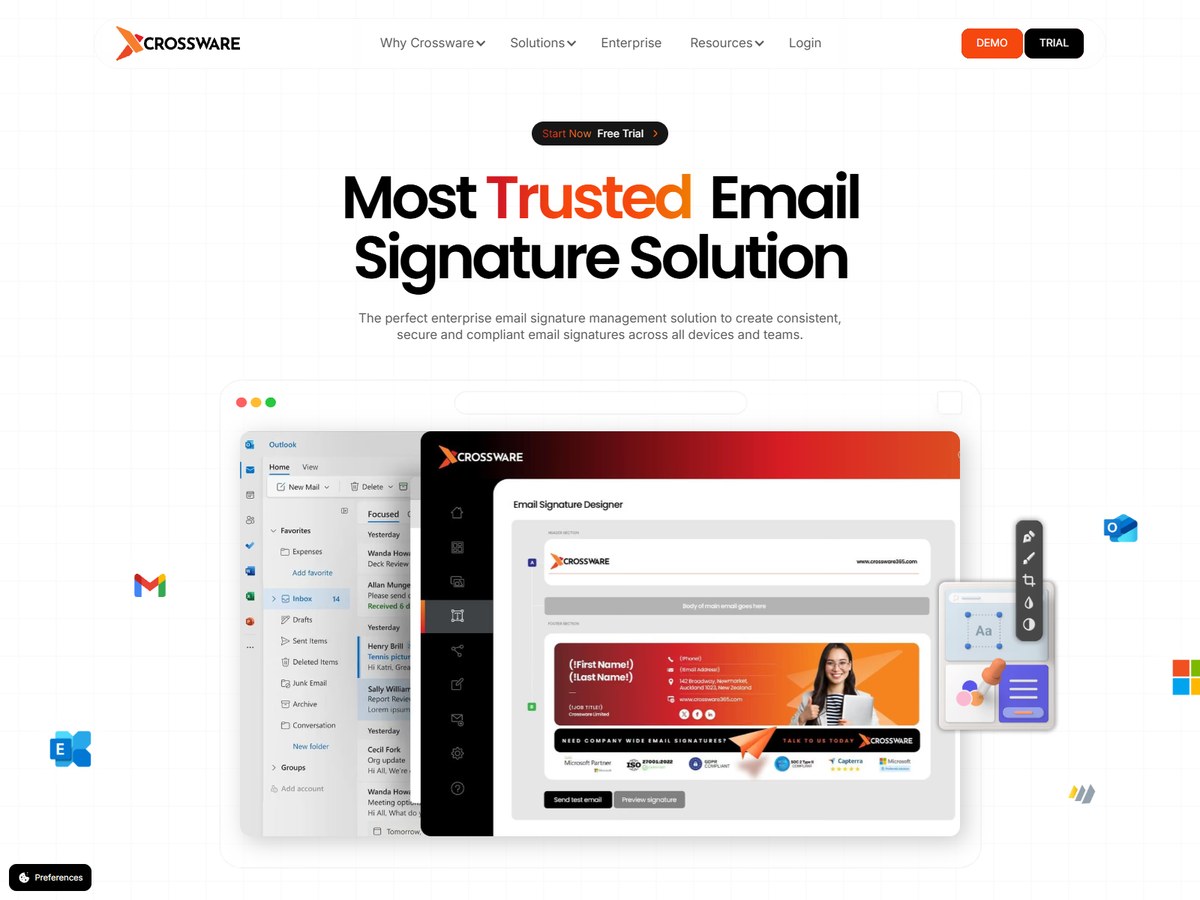
Crossware does not publish a customer count, so it is listed after the vendors that do. It calls Crossware Email Signature the world-leading centrally managed solution for email signatures on Microsoft 365, Google Workspace, Microsoft Exchange and HCL Domino, and says it was the world's first enterprise private cloud solution. It aims to create consistent, secure and compliant email signatures across all devices and teams. Its powerful designer offers dynamic designs and content, drag-and-drop signature blocks, conditional fields and images, and it is built so that people with little to no HTML knowledge can design a business email signature. Rules and settings cover internal versus external emails, new versus reply emails and date ranges, and custom attributes handle credentials, pronouns and more. You can create and manage signatures for as many employees as you need. It says it caters to marketing, IT, legal and sales teams at organizations of 50 or 10,000 people. It offers a free trial and demos. It fits enterprises with mixed email systems.

Best forEnterprises that need compliant signatures across several email platforms, including HCL Domino
Skip it ifYou need a vendor that publishes how many customers it has

Sources: www.crossware365.com · www.crossware365.com

10
Email Signature Rescue by Email Signature Rescue
Image: Email Signature Rescue (official site)

Email Signature Rescue

Email Signature Rescue · Email signature software for individuals and small teams, with SigStudio

No customer count published

Best for small teams without IT.

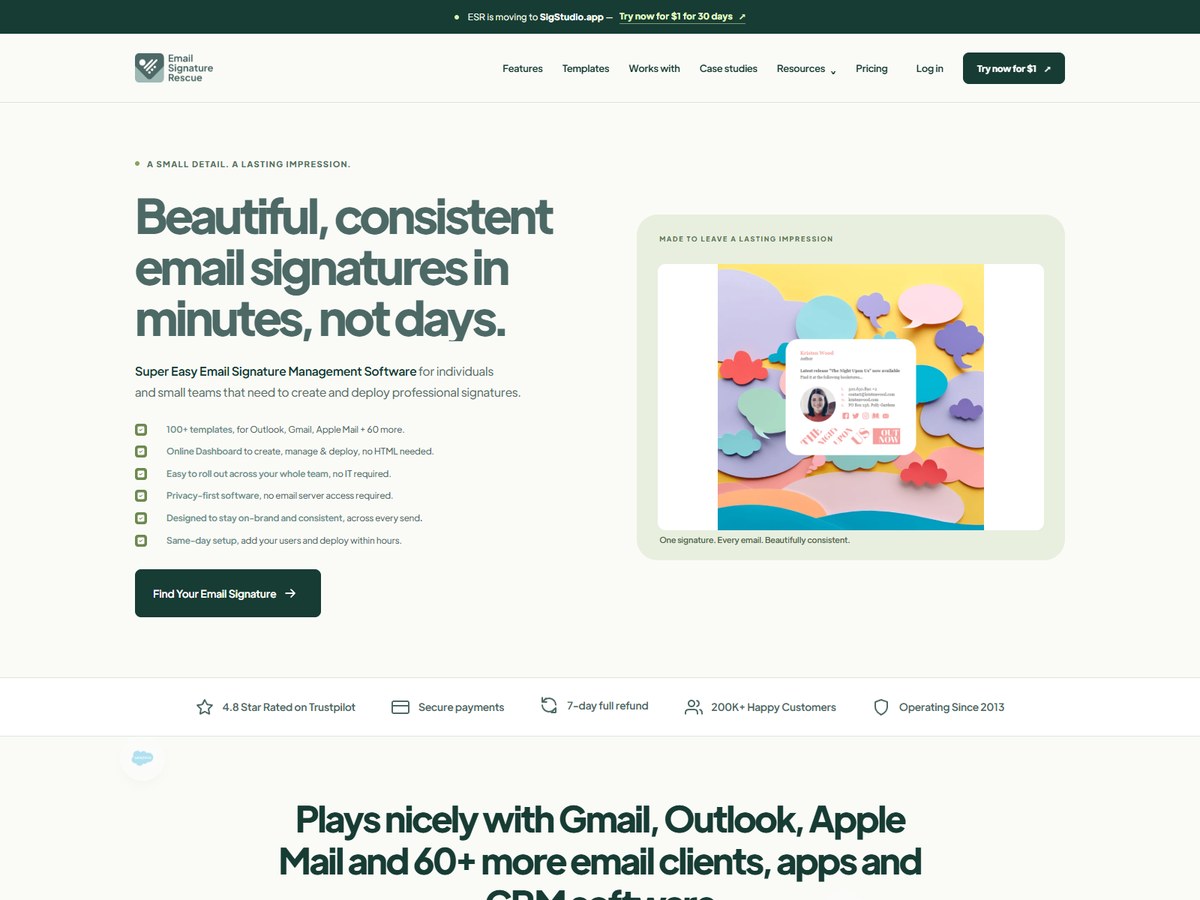
Email Signature Rescue does not publish a customer count, so it is listed last. It says thousands of businesses worldwide trust it, and that it has been an email signature expert since 2013. It calls itself super easy email signature management software for individuals and small teams. Its online dashboard lets you create, manage and deploy HTML email signatures with no HTML needed and no IT setup, and it says you can add your users and deploy within hours. It offers 100+ templates and works with Outlook, Gmail, Apple Mail and 60+ more email clients, apps and CRM software. It aims to fix common problems such as images showing as attachments, signatures not loading, or signatures that look different on every device. Its SigStudio pricing lists Starter at $75.00 a month for 25 signatures, or $3.00 per signature, with a 30-day trial for $1, and custom pricing for 500+ users. It fits small teams that want signatures that just work.

Best forIndividuals and small teams that want designer signatures working in many email clients without IT
Skip it ifYou need a vendor that publishes how many customers it has

Sources: www.emailsignaturerescue.com · www.emailsignaturerescue.com/pricing

Questions people ask

What is the best email signature software?

Exclaimer has the largest count on this list, trusted by 10 million email accounts and 80,000+ businesses, and says it created the first email signature software in 2001. Xink, used by 3.3 million people since 2003, is the pick for one simple price, and Letsignit, trusted by 2.2+ million users, also covers vCards and PowerPoint.

How much does email signature software cost?

Most tools charge per user. Exclaimer starts at $0.90 per user a month billed annually, Signitic at €1, Xink at $1.10 and Letsignit at $2. WiseStamp starts at $19 a month plus $1 per employee, and MySignature at $6 per user a month.

Is there a free email signature generator?

Yes. MySignature has a Free plan for basic signatures, limited to 1 signature per email address, and WiseStamp needs no credit card to get started. Exclaimer and Xink offer 14-day free trials, and Newoldstamp a 7-day trial.

What is server-side email signature management?

Server-side tools add signatures as email passes through your mail system, so they appear on every device without add-ins or employee installs. Rocketseed deploys server-side across Microsoft 365, Google Workspace and Exchange, and Xink offers server-side signatures for any device.

How were these email signature tools ranked?

By the largest email account, user, customer, business or company count each vendor publishes on its own website. Rocketseed, Crossware and Email Signature Rescue publish no exact count, so they are listed last. CodeTwo was left out because its website showed a security check instead of its content. These are the companies' own claims.

How we ranked

The largest count each vendor publishes on its own website (read November 2026). The units differ: Exclaimer counts email accounts (homepage), Xink counts people since 2003 (homepage), Letsignit counts users (pricing page), WiseStamp counts customers (pricing page), MySignature counts professionals and businesses (homepage), Newoldstamp counts businesses (pricing page) and Signitic counts companies (homepage). Rocketseed, Crossware and Email Signature Rescue publish no exact customer count, so they are listed last. CodeTwo was left out because its website showed a security check instead of its content, and Opensense and Bybrand because they publish no customer count and the list was full. Counts are each company's own claims, so treat them as a guide to scale, not an audit. Every number on this page comes from the source linked under each pick, and every photo shows the actual product. Brands can't pay to be on this list.

List source: exclaimer.com/ · Updated 2026-11-27