consumertop10

Home › Software

Top 10 · Software

Top 10 Graphic Design Software

The online tools people and businesses use to make graphics, social posts, infographics and presentations, ranked by the largest user count each company publishes.

Quick answer

Fotor is the largest graphic design tool on this list, trusted by 800M+ customers, with a free editor and AI tools. automo designer, formerly Desygner, is second with 50 million+ users and is free for 3 users. Visme, with 35M+ companies and creators, is the pick for business presentations, and Figma leads for product design.

How it's ranked: The largest customer or user count each company publishes on its own website (read November 2026). The units differ: Fotor counts customers (homepage), automo designer (formerly Desygner) counts users (homepage), Visme counts companies and creators (homepage), Piktochart counts users (homepage), VistaCreate counts users (homepage), Venngage counts creators (pricing page) and Snappa counts customers served (homepage). Figma, Picsart and Pixlr publish no exact count on the pages we read, so they are listed last in alphabetical order. Canva and Adobe Express were left out because their websites blocked our reader, and Kittl and PosterMyWall were left out because their pages would not load for us. Counts are each company's own claims, so treat them as a guide to scale, not an audit.

1
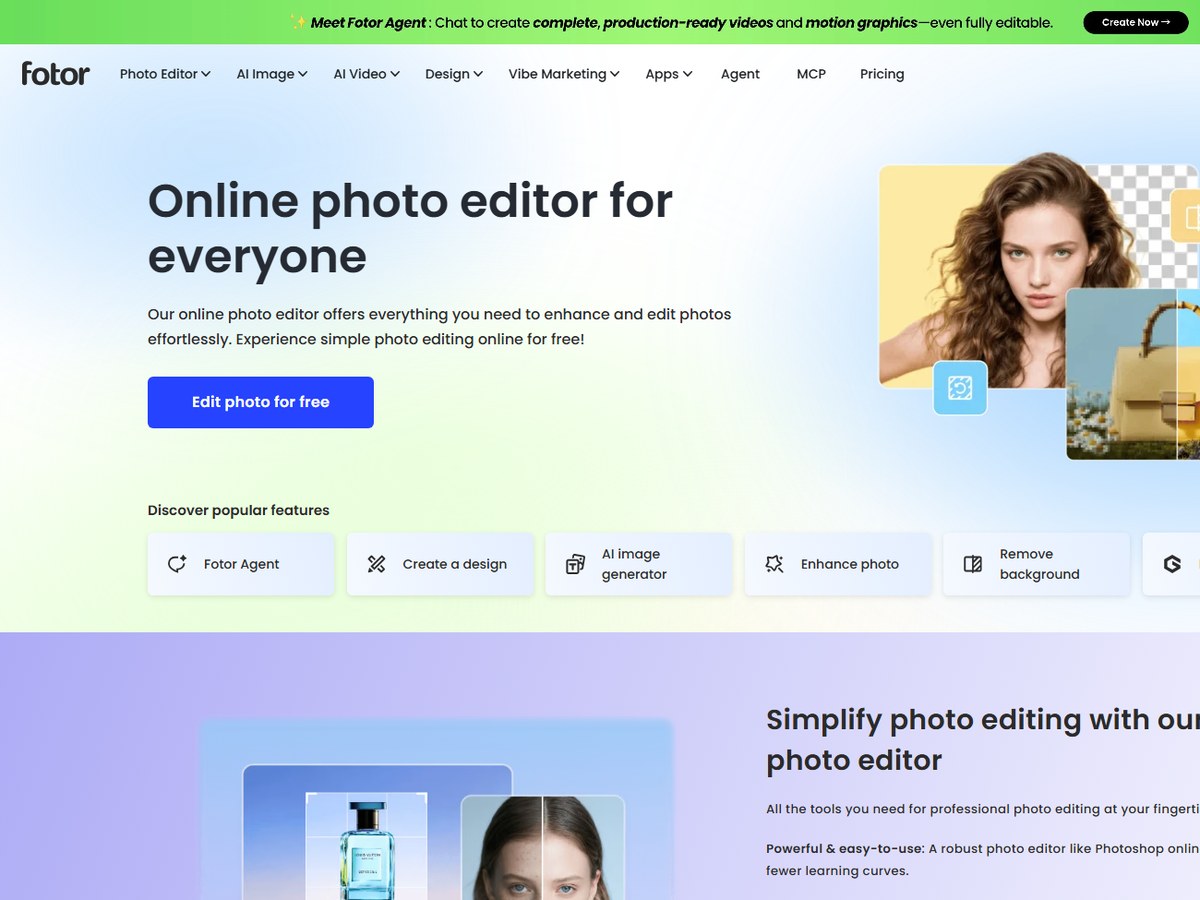
Fotor by Fotor
Image: Fotor (official site)

Fotor

Fotor · Online photo editor and AI design tool for web, desktop and mobile

800M+ customers

The biggest user base, and the best for photo-first design.

Fotor says 800M+ customers trust it worldwide, the largest count on this list. It started as an online photo editor and now mixes editing with design and AI. You can crop, retouch portraits, remove backgrounds, sharpen blurry photos and add frames, and decorate images with millions of stickers, icons, backgrounds and illustrations plus 100+ fonts. Its AI tools turn text into images, fill or expand a photo beyond its borders, make AI avatars from selfies, create headshots and generate product shots such as fashion models and studio backgrounds. A design maker covers social posts and other graphics. Fotor runs on Windows, Mac, iOS and Android with one account. Its free plan lets you edit as many images as you want and export them without watermarks. Paid plans add credits for the AI tools and are sold monthly or yearly. It fits people who mostly edit photos and want design tools alongside.

Best forAnyone who wants quick photo edits, AI images and simple designs for free
Skip it ifYou need professional layout, print or team brand controls

Sources: www.fotor.com · www.fotor.com/pricing
2
automo designer (formerly Desygner) by automo designer
Image: automo designer (official site)

automo designer (formerly Desygner)

automo designer · Free all-in-one design, document and presentation editor

50 million+ users

Best free all-in-one workspace.

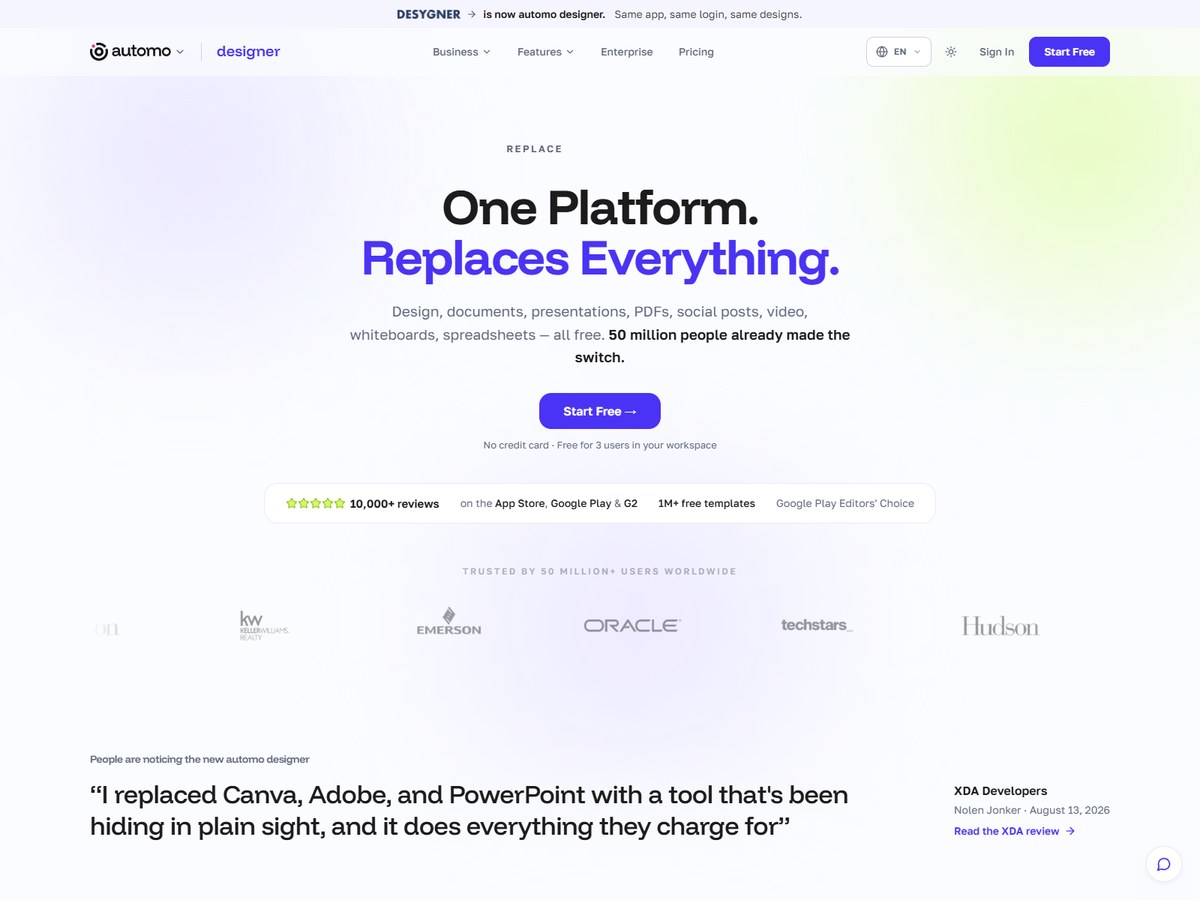
Desygner is now called automo designer, with the same app, login and designs, and it says it is trusted by 50 million+ users worldwide. It aims to replace several paid tools at once: graphic design, documents, presentations, PDF editing, social posts, video, whiteboards and spreadsheets all sit in one workspace. You can import files from Figma, InDesign, Canva, Word, Excel and PowerPoint, keep InDesign layers and fonts, and edit any PDF. AI Assistants suggest layouts and copy, generate logos and images from text, remove backgrounds and build slides in your brand colors, and a layer-based photo editor has a pro brush engine. It offers 1M+ free templates and shows 10,000+ reviews. The main plan is free for 3 users in a workspace, with no credit card needed. It fits small businesses that want one free tool for most everyday design and office work.

Best forSmall teams that want design, documents and slides in one free tool
Skip it ifYou need a specialist tool for product or interface design

Sources: desygner.com · desygner.com

3
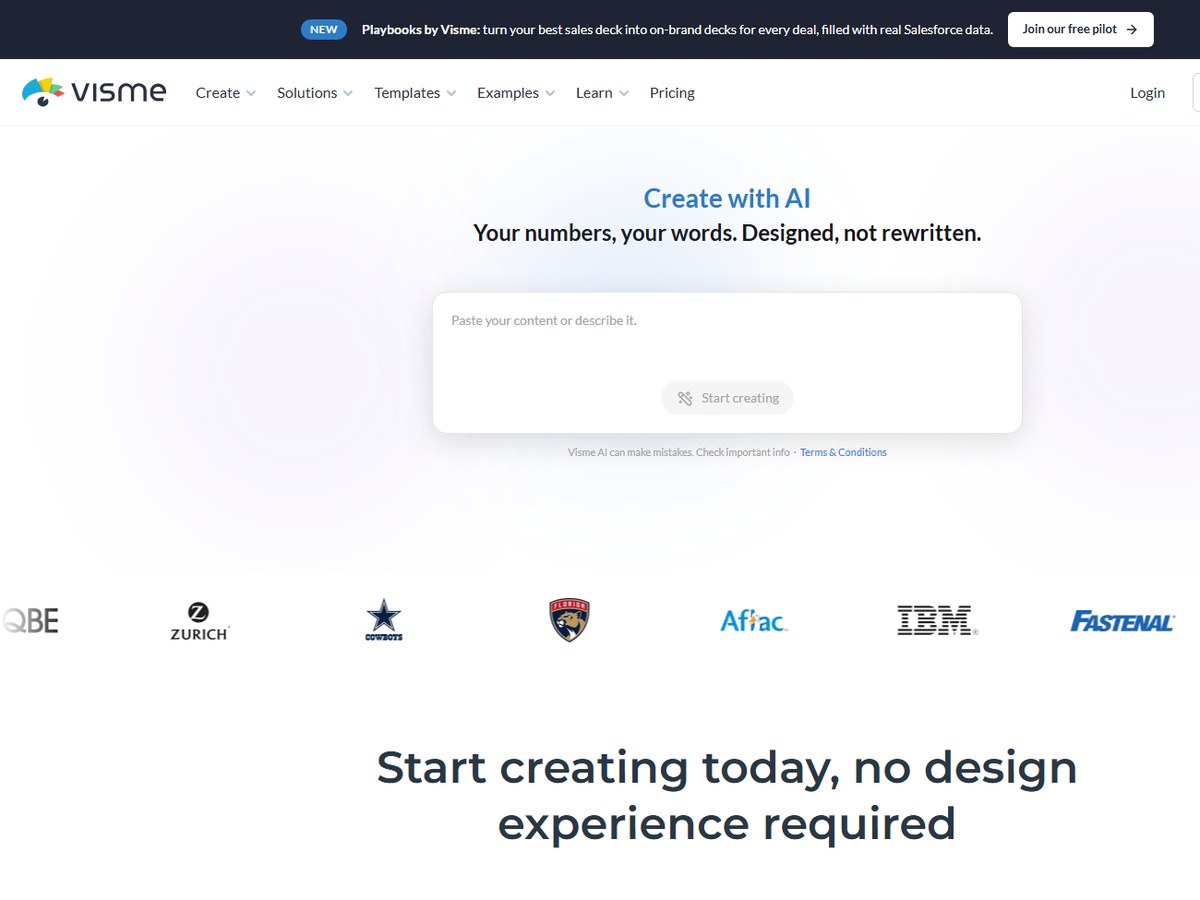
Visme by Visme
Image: Visme (official site)

Visme

Visme · AI content platform for presentations, infographics and branded documents

35M+ companies and creators

Best for business presentations and reports.

Visme says it is trusted by 35M+ leading companies and creators. It is an AI-powered platform for business content: presentations, infographics, documents, reports, charts, social graphics, videos and forms, with thousands of templates across 50+ content types. Visme AI turns a text prompt into a ready-to-use design, and a library of high-resolution photos, icons, videos, audio and 3D graphics adds polish. Teams can collaborate while keeping branding consistent, and paid plans add brand governance, analytics, premium templates and team features. Its customer stories include the Florida Panthers. Visme has a free plan with a limited set of templates, assets and AI tools, and downloads limited to JPG, PNG and PDF. Paid plans start at $12.25 a month for individuals and $24.75 a month for teams, billed annually, and Enterprise is quoted. It fits teams that turn numbers and ideas into branded visual content.

Best forBusiness teams that create presentations, reports and infographics with brand controls
Skip it ifYou only need quick social posts or photo edits

Sources: www.visme.co · www.visme.co/pricing

4
Piktochart by Piktochart
Image: Piktochart (official site)

Piktochart

Piktochart · Infographic, report and presentation maker with AI

34M+ users

Best for infographics.

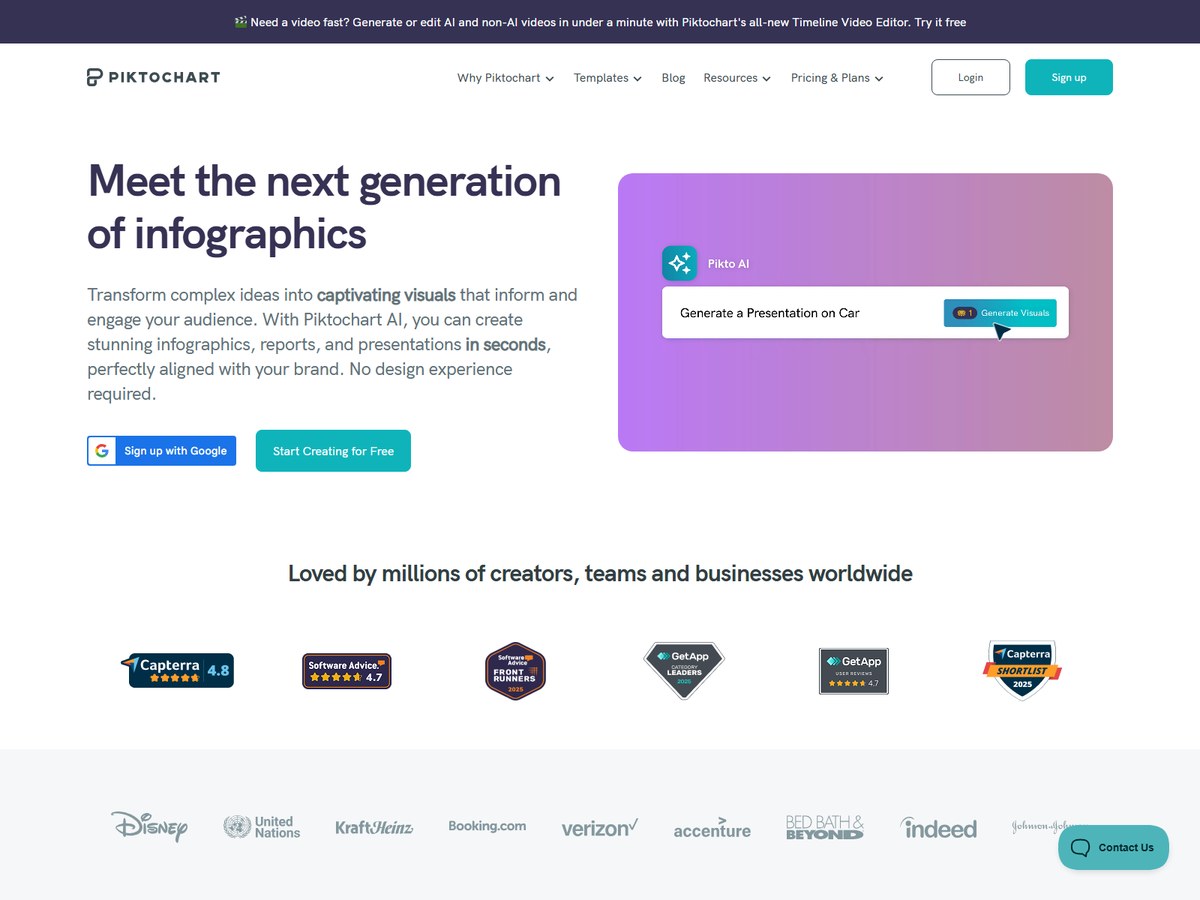
Piktochart says it has 34 Million+ users worldwide. It is best known for infographics, and Piktochart AI can now create infographics, reports and presentations from a prompt, matched to your brand, with no design experience required. A new Timeline Video Editor lets you generate or edit AI and non-AI videos in under a minute, using models such as Sora 2 and Veo 3.1. There is a Free plan, and its team workspace can be shared with 3 extra members for free. Pro costs $120 a year, or $10 a month, when billed annually, and Business costs $204 a year, or $17 a month, when billed annually, or $20 billed monthly; annual billing saves up to 33%. Prices are per account member. Enterprise adds onboarding, support and SSO, and there are discounted plans for education and for registered nonprofits, whose Pro plan costs $60 a year. It fits anyone who turns information into clear visuals.

Best forMarketers, teachers and nonprofits who make infographics and reports
Skip it ifYou need advanced photo editing or interface design

Sources: piktochart.com · piktochart.com/pricing

5
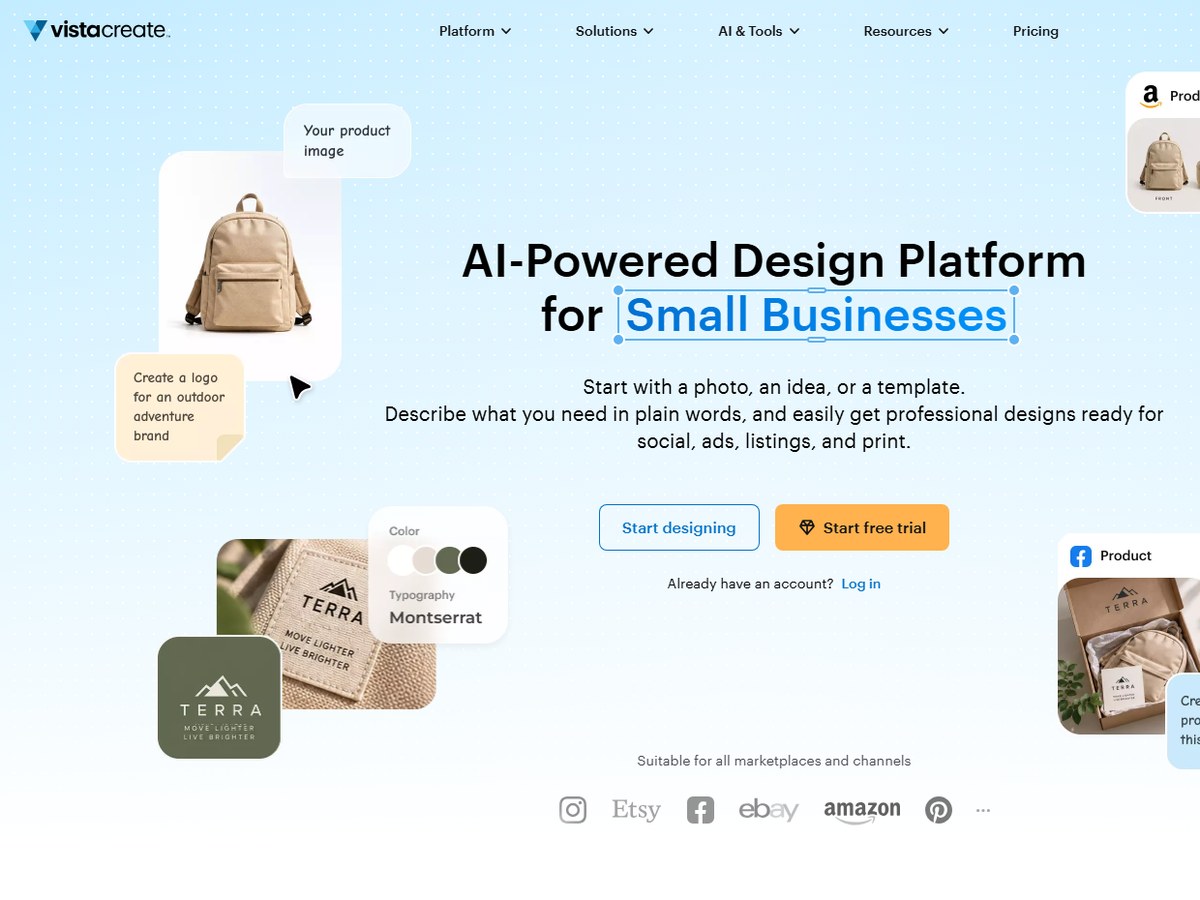
VistaCreate by VistaCreate
Image: VistaCreate (official site)

VistaCreate

VistaCreate · AI graphic design platform for small businesses, backed by VistaPrint

21M+ users

Best for small-business marketing and print.

VistaCreate says it has 21M+ users worldwide and is backed by VistaPrint. It is built for small businesses: describe what you need in plain words, or start from a photo or a template, and get designs ready for social media, ads, product listings and print. AI tools help you find a design direction, generate an image and write or rewrite copy. Its library holds 200K+ templates and 170M+ images and videos, and brand tools keep your colors, logos and templates consistent. Designs are suited to marketplaces and channels such as Etsy, eBay and Amazon, with templates for Facebook posts, Instagram Stories, YouTube thumbnails, display ads, promo videos and posters. Because it is part of the VistaPrint family, you can take your brand from screen to printed materials. You can start designing for free or start a free trial of its paid features. It fits sellers who want marketing graphics without a design team.

Best forSmall businesses that make social posts, product listings and print materials
Skip it ifYou want an infographic or presentation specialist

Sources: create.vista.com · create.vista.com

6
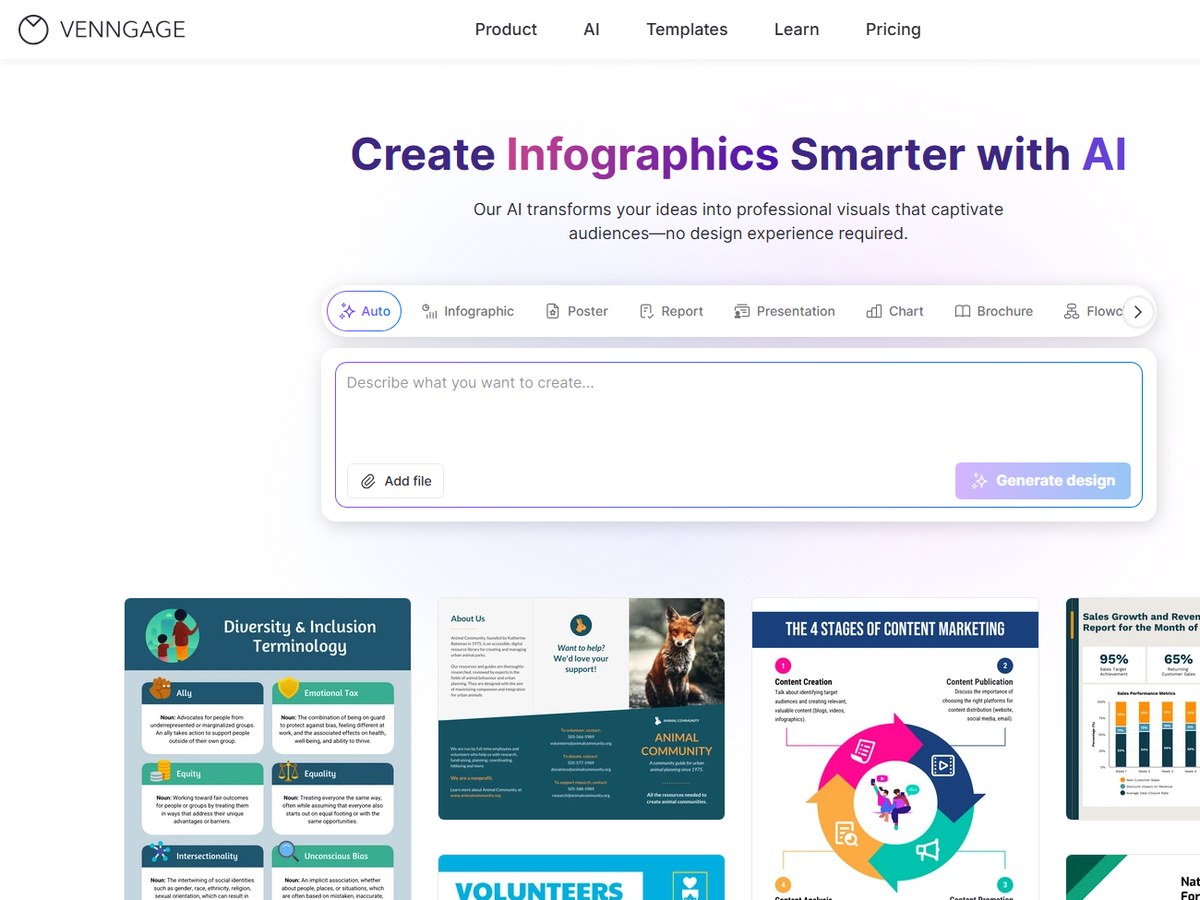
Venngage by Venngage
Image: Venngage (official site)

Venngage

Venngage · AI infographic and visual content maker

14 million+ creators

Best for accessible, data-driven infographics.

Venngage says over 14 million creators use it. It is professional infographic software with 10,000+ templates, and its AI turns plain text into structured layouts, fills templates with on-brand content, generates custom icons and images, and rewrites or translates text. A strong point is accessibility: an AI checker audits color contrast, font size, readability and alt text and can simulate visual impairments, so designs meet WCAG guidelines. Data tools turn spreadsheets, dashboards and research into charts, process flows, timelines and frameworks, and more than 4M royalty-free icons, illustrations, photos and maps are built in. Plans are Free, Premium, Business and Enterprise; Premium suits students and freelancers, Business adds advanced AI, brand controls and collaboration, and AI credits range up to 48,000 a month. Nonprofit and education discounts are offered. It fits teams that publish data-heavy visuals.

Best forTeams that need accessible, data-driven infographics and reports
Skip it ifYou mainly need photo editing or video

Sources: venngage.com · venngage.com/pricing

7
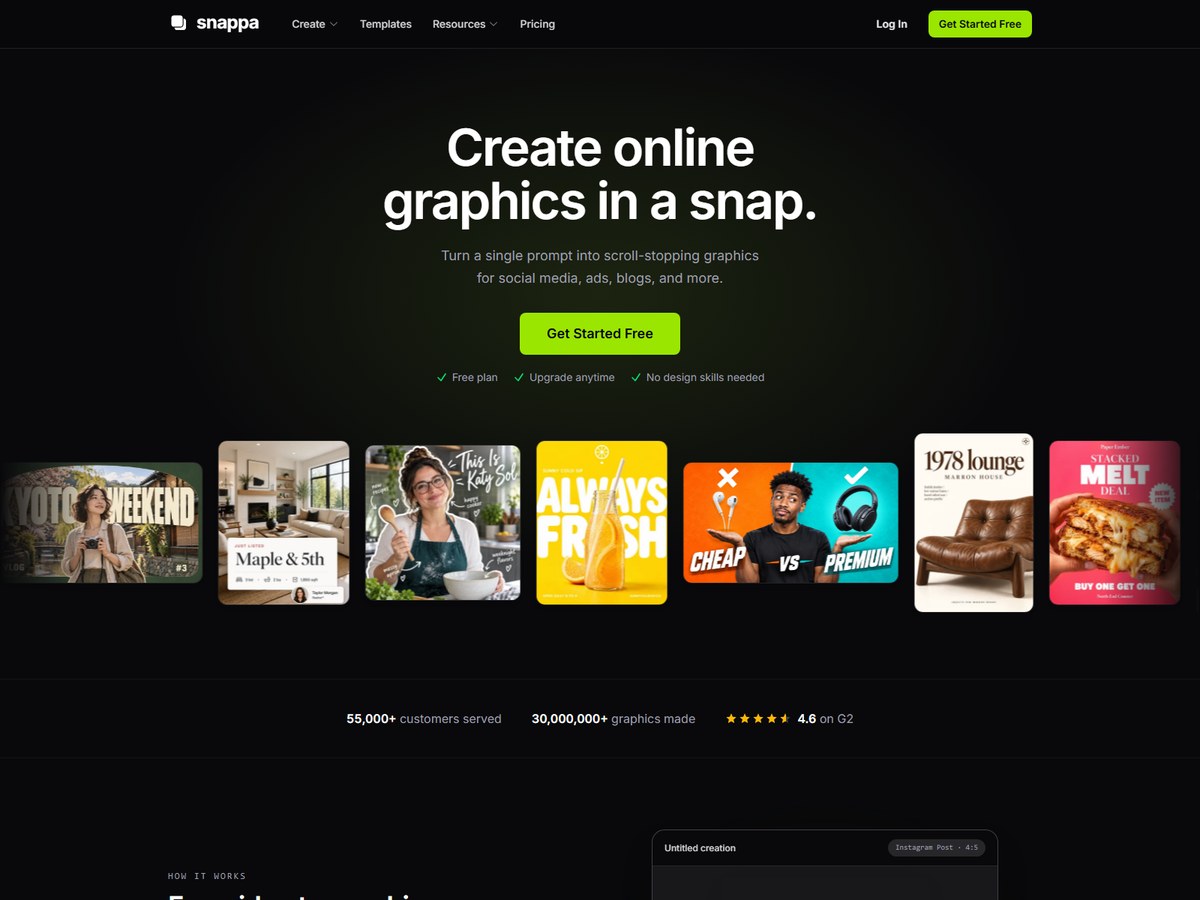
Snappa by Snappa
Image: Snappa (official site)

Snappa

Snappa · AI graphics maker for social posts, ads and blog images

55,000+ customers

Best for fast social media graphics.

Snappa says it has served 55,000+ customers who have made 30,000,000+ graphics, with a 4.6 rating on G2. It turns a single plain-language prompt, such as a sale post for a bakery, into a finished graphic at the size you pick, with no layouts or fonts to choose. You can ask for changes in plain words, brush over a spot that is hard to describe, and resize a design into a Story, feed post or wide banner in one click; Snappa recomposes it rather than cropping, so text and photos stay intact. You can also start from 2,000+ templates or duplicate your own designs, and keep work organized in projects by client or campaign. Pricing is credit-based: one credit is one AI image, edit or resize. The free plan includes 10 credits a month and every feature, and Pro costs $15 a month for 250 credits or $120 a year for 3,000. Graphics can be used commercially on every plan.

Best forSmall businesses and marketers who need quick social graphics
Skip it ifYou need print layouts, documents or presentations

Sources: snappa.com · snappa.com

8
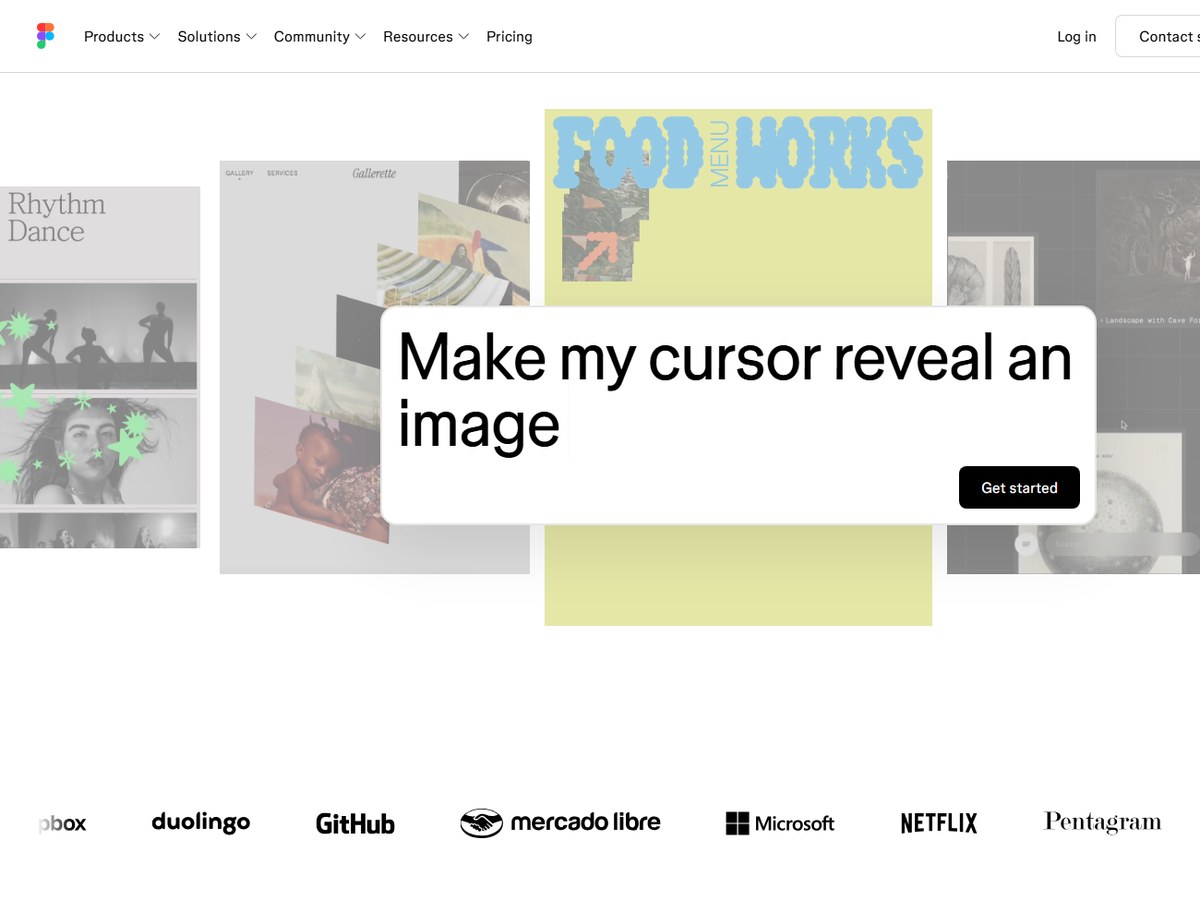
Figma by Figma
Image: Figma (official site)

Figma

Figma · Collaborative design canvas for product, interface and web design

No customer count published

Best for product and interface design.

Figma is a collaborative canvas for design, code and AI, used to design apps, websites and products. It does not publish a user count on the pages we read, so it is listed after the tools that do. Teammates and AI agents work in the same file with shared context: you can ask Figma's agent to add motion, document a design system or apply feedback, turn ideas into working apps and sites, and hand designs to developers with dev tools and an MCP server. Reusable components and shared libraries keep large teams consistent. Companies shown on its homepage include GitHub, Microsoft, Netflix, Duolingo and Mercado Libre. The Starter plan is free with limited access and 500 AI credits a month. Professional costs $16 a month for a full seat, Organization $55 and Enterprise $90, each billed annually with more AI credits, and cheaper dev seats are offered. It fits teams designing digital products, not one-off graphics.

Best forProduct and design teams building apps, websites and design systems
Skip it ifYou just need a quick flyer or social post

Sources: www.figma.com · www.figma.com/pricing

9
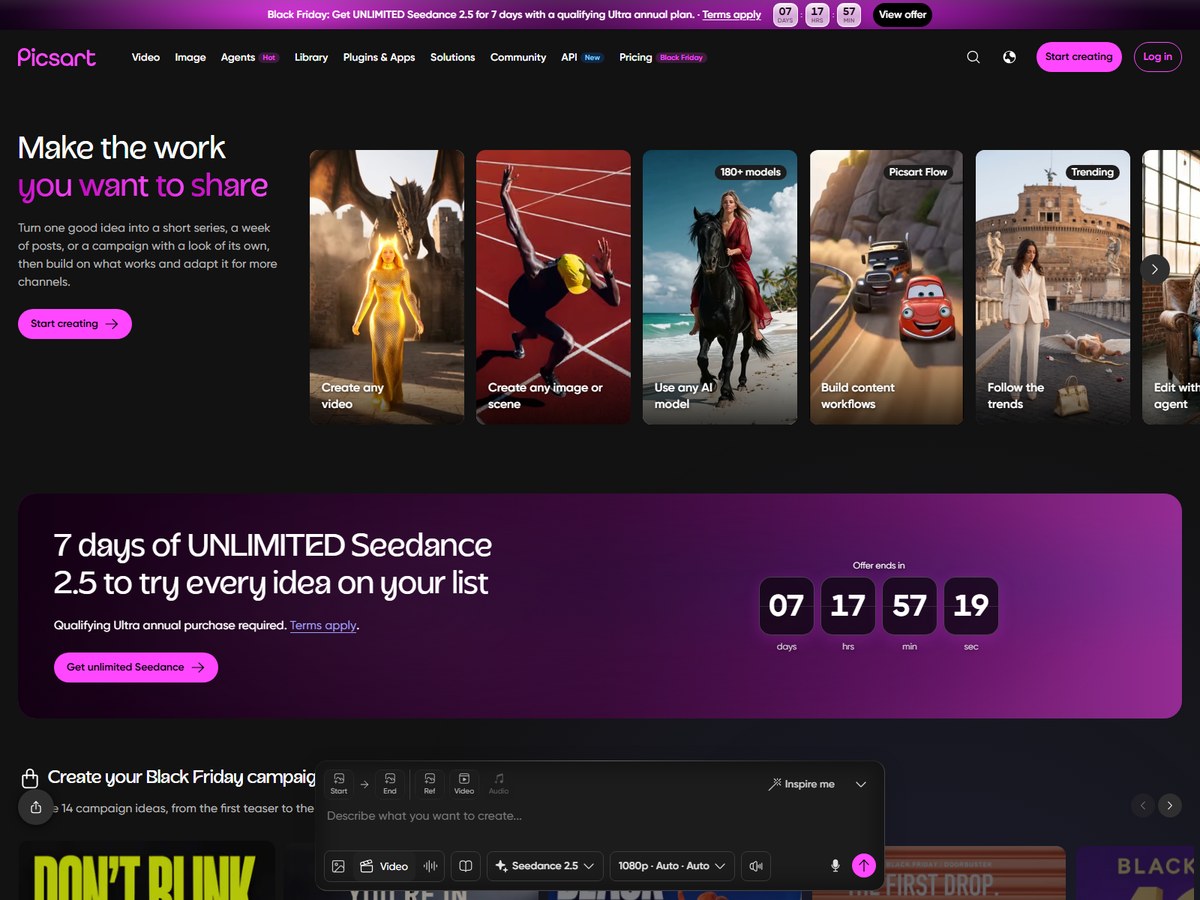
Picsart by Picsart
Image: Picsart (official site)

Picsart

Picsart · AI photo, video and design app with many AI models

No customer count published

Best for AI-powered social content.

Picsart lets you create and edit images and videos, build workflows and share content. It says millions create on it every day but gives no exact user count, so it is listed after the tools that do. Its homepage says 4.6M+ pieces of AI content and 200K+ videos are generated daily. Picsart brings many AI models into one place for images, video and audio, and Aura can take a plain-language request, pick the models, run the steps and return a finished result. AI Playground lets you test models for product images, videos and ads, and Flow templates cover invites, greetings and sale ads. Plugins connect Picsart to other tools, including AI assistants through MCP. Paid plans shown on its site cost $10.50 or $24.50 a month when billed yearly, versus $15 or $45 billed monthly. It fits social creators and sellers who want fast AI-powered visuals.

Best forCreators and online sellers who want AI images, video and edits in one app
Skip it ifYou need structured business documents or infographics

Sources: picsart.com · picsart.com

10
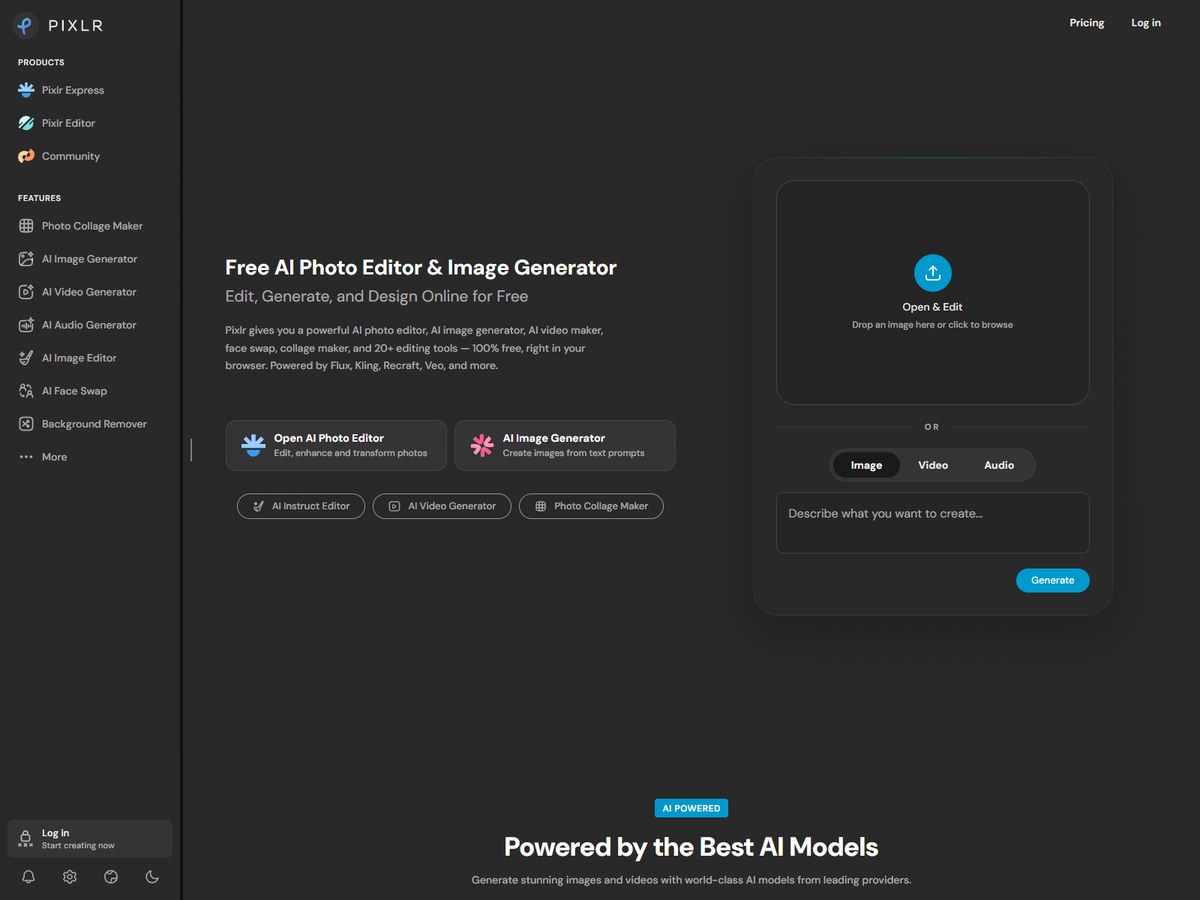
Pixlr by Pixlr
Image: Pixlr (official site)

Pixlr

Pixlr · Free online AI photo editor, image generator and designer

No customer count published

The lowest-cost pick.

Pixlr is a free online AI photo editor and image generator that runs in your browser. It says millions of creators use it but gives no exact count, so it is listed after the tools that do. It has been online for over 15 years. Pixlr Express handles quick edits and Pixlr Editor handles detailed work, with 20+ editing tools including a collage maker, background remover, object removal, generative fill and face swap. It also brings in AI models from leading providers for images, video and audio. Designers get a library of fonts, templates and elements. Pixlr says its free version offers a robust set of features with no account or charges needed. Paid Plus and Premium plans start at just $1.99 a month, an Enterprise plan covers whole organizations, and Pixlr is free for education. It fits students and anyone who wants capable editing without paying much.

Best forBudget users who want free photo editing and simple designs in a browser
Skip it ifYou need team brand controls or print-ready layouts

Sources: pixlr.com · pixlr.com

Questions people ask

What is the best graphic design software?

Fotor has the largest published user base on this list, 800M+ customers, and is best for photo-first design. Visme, trusted by 35M+ companies and creators, is the pick for business presentations and reports, and Figma is the leader for product and interface design.

Which graphic design tools are free?

automo designer (formerly Desygner) is free for 3 users, Figma has a free Starter plan, and Fotor, Visme, Piktochart, Venngage, Snappa and Pixlr all have free versions. Paid plans add templates, AI credits and brand tools.

What is the best tool for infographics?

Piktochart, with 34M+ users, and Venngage, with 14 million+ creators, both specialize in infographics. Venngage adds an AI accessibility checker for WCAG-compliant designs.

Why are Canva and Adobe Express not on this list?

We only include tools whose own websites we could read when building the list. Canva and Adobe Express blocked our reader, so we left them out rather than rely on other sources.

How was this graphic design software ranked?

By the largest customer or user count each company publishes on its own website. Tools that publish no exact count are listed last, in alphabetical order. These are the companies' own claims.

How we ranked

The largest customer or user count each company publishes on its own website (read November 2026). The units differ: Fotor counts customers (homepage), automo designer (formerly Desygner) counts users (homepage), Visme counts companies and creators (homepage), Piktochart counts users (homepage), VistaCreate counts users (homepage), Venngage counts creators (pricing page) and Snappa counts customers served (homepage). Figma, Picsart and Pixlr publish no exact count on the pages we read, so they are listed last in alphabetical order. Canva and Adobe Express were left out because their websites blocked our reader, and Kittl and PosterMyWall were left out because their pages would not load for us. Counts are each company's own claims, so treat them as a guide to scale, not an audit. Every number on this page comes from the source linked under each pick, and every photo shows the actual product. Brands can't pay to be on this list.

List source: www.fotor.com/ · Updated 2026-11-24