consumertop10

Home › Software

Top 10 · Software

Top 10 Heatmap Tools

The website heatmap and session recording tools teams use to see where visitors click, scroll and get stuck, ranked by how many websites or customers each one says it serves.

Quick answer

Microsoft Clarity is the most widely used heatmap tool, serving 2M+ sites and apps, and it is free forever with no traffic limits. Contentsquare, which Hotjar has become, is second with 1.3+ million websites and apps and a free plan of up to 200k sessions a month. Lucky Orange is third with 500,000+ websites and puts heatmaps, recordings, live chat and surveys on every plan.

How it's ranked: Websites, apps, users or customers each vendor says it serves, as published on its own website (read November 2026). Counts are each company's own claims and are measured differently (UXCam counts product installs, LogRocket counts customers), so treat them as a guide to scale, not an audit. Fullstory, Plerdy and Heatmap publish no count and are ranked last.

1
Microsoft Clarity by Microsoft
Image: Microsoft Clarity (official site)

Microsoft Clarity

Microsoft · Free heatmaps and session recordings with AI summaries

2M+ sites and apps

The best free heatmap tool, and the most widely used.

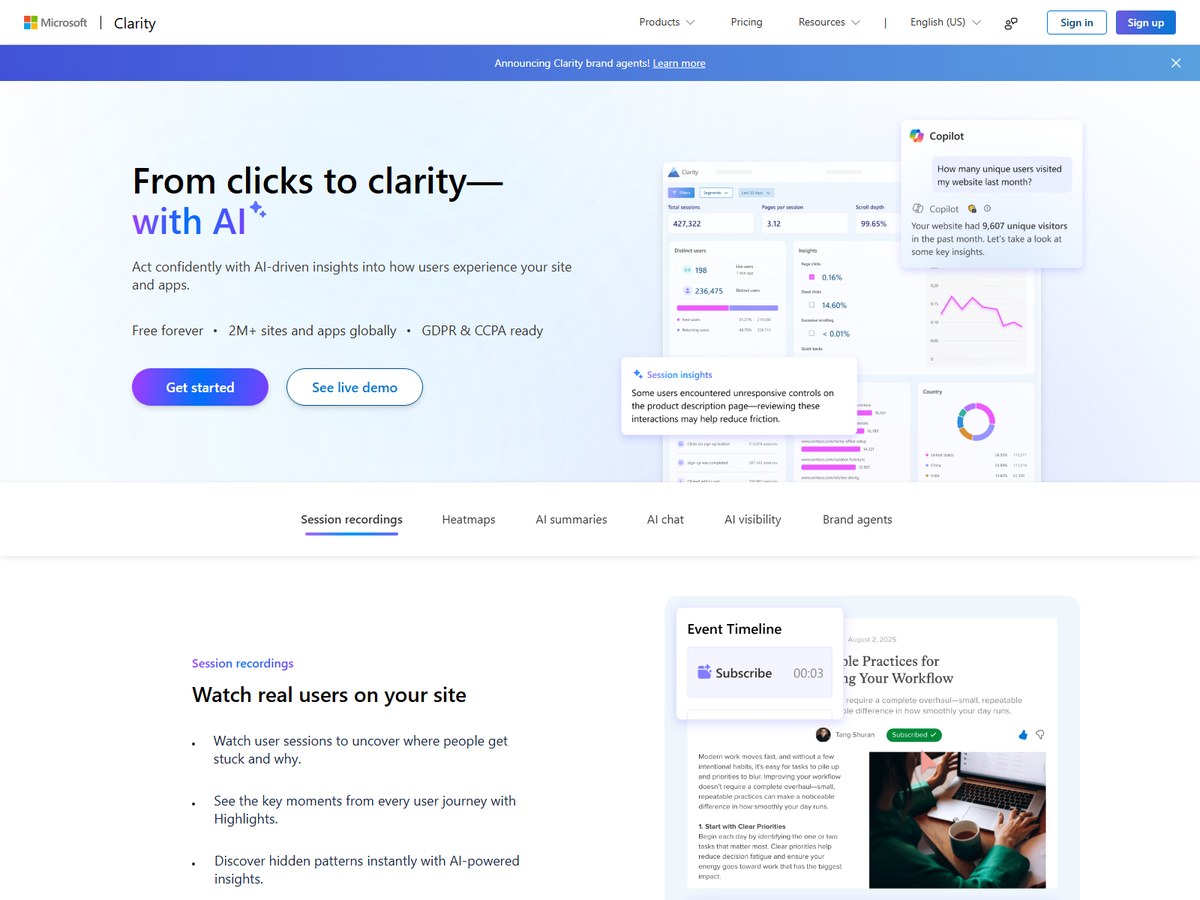
Microsoft Clarity says it serves 2M+ sites and apps globally, the biggest number on this list, and it is free forever with no limits on traffic. That is the main reason it is so widely installed: you can add it to a busy site without worrying about session caps. Its heatmaps show where people click, scroll and drop off, and you can compare them across page versions. Session recordings let you watch real visits, with Highlights pulling out the key moments of each journey. AI summaries give one-click takeaways, and an AI chat answers questions about your data. Clarity also covers mobile apps on Android, iOS, Flutter and React Native, says it is GDPR and CCPA ready, and now tracks when your content is cited in AI experiences. It fits small sites, bloggers and big teams alike that want solid behavior data before paying for anything.

Best forAnyone who wants heatmaps and recordings at no cost
Skip it ifYou need a vendor-supported paid plan with a contract

Source: clarity.microsoft.com/

2
Contentsquare (formerly Hotjar) by Contentsquare
Image: Contentsquare (official site)

Contentsquare (formerly Hotjar)

Contentsquare · Heatmaps, attention maps, session replay and surveys

1.3+ million websites and apps

The Hotjar successor, with the most generous free plan.

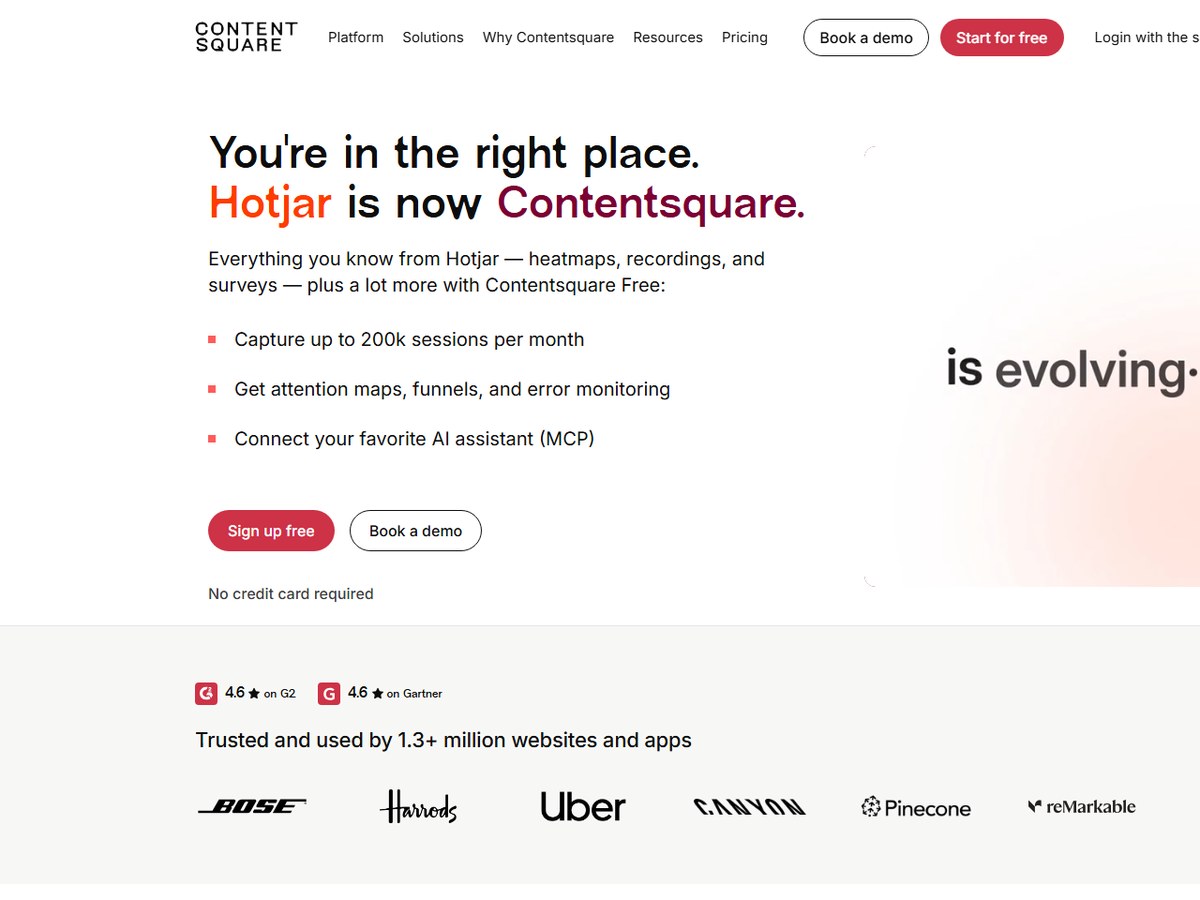
Hotjar is now Contentsquare: hotjar.com redirects to a Contentsquare page that says it is trusted and used by 1.3+ million websites and apps. Everything Hotjar was known for, heatmaps, recordings and surveys, carries over. Heatmaps show where users click, hover and scroll, and Attention Maps add a measure of real engagement rather than just clicks. Session Replay lets you spot struggles, errors and moments of delight. The free plan is the headline: up to 200k sessions per month, compared with 35 per day on Hotjar's old free plan, plus 100 survey responses a month and 10+ integrations such as Slack, Jira and Unbounce. Funnels and error monitoring are included free, and new users get a 15-day Growth plan trial with no credit card. It is rated 4.6 on both G2 and Gartner. A good fit for marketing and product teams that grew up on Hotjar.

Best forHotjar users and teams that want a generous free plan
Skip it ifYou only want a tiny, single-purpose heatmap script

Source: contentsquare.com/hotjar/

3
Lucky Orange by Lucky Orange
Image: Lucky Orange (official site)

Lucky Orange

Lucky Orange · Heatmaps, recordings, live chat, surveys and funnels

500,000+ websites

The best all-in-one plan for small businesses.

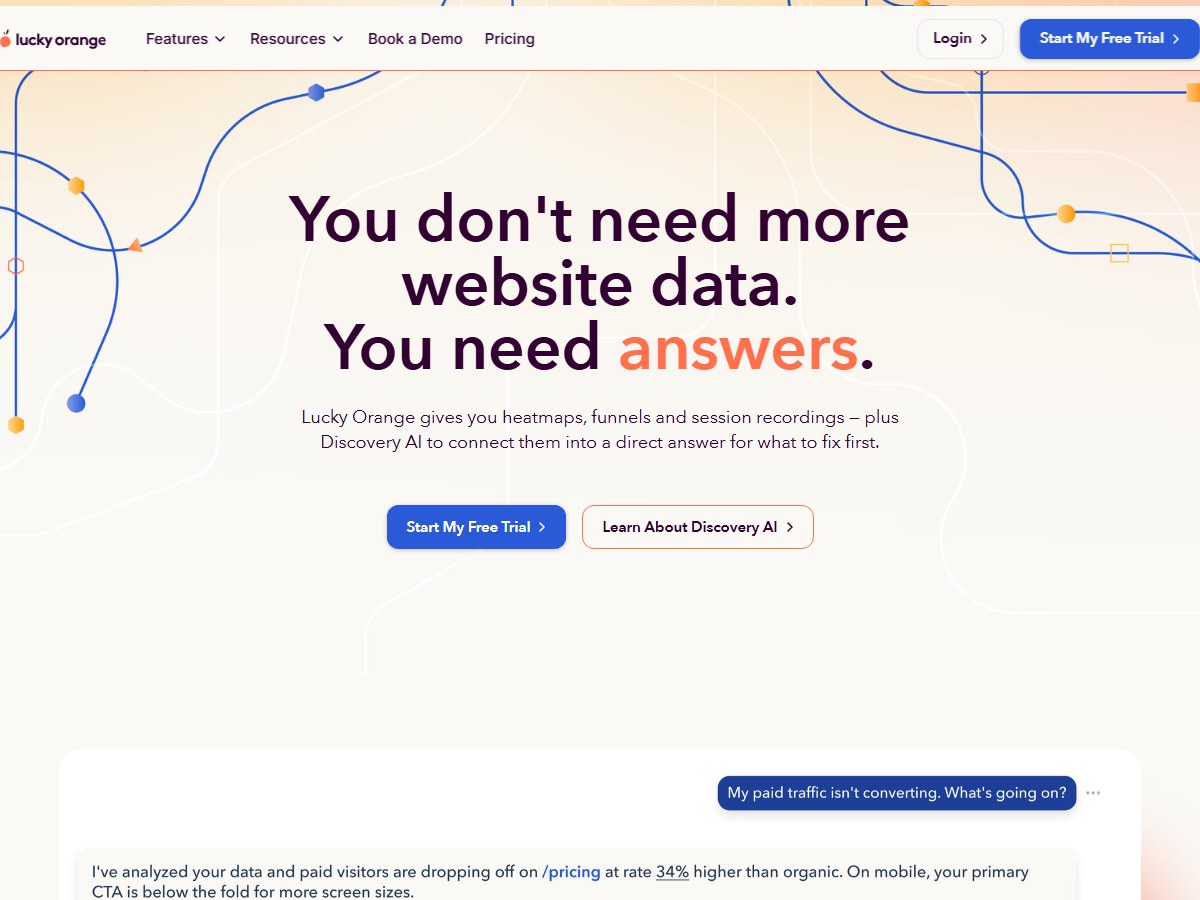
Lucky Orange says it is trusted by over 500,000 websites worldwide. Its pitch is that you do not need more data, you need answers, and its Discovery AI connects heatmaps, funnels and session recordings into a direct answer about what to fix first. Heatmaps include click, scroll and move maps for every page, including dynamic elements, and it captures clicks in dropdowns and pop-ups. A useful extra is that all features are available on all plan levels, so even the entry plan includes recordings, live chat, unlimited surveys and announcements, and conversion funnels. Paid annually, Build is $32/mo for up to 3,500 monthly sessions, Grow is $72/mo for 10,000 and Expand is $199/mo from 50,000. There is no permanent free plan, but there is a 7-day trial with full access. It suits small and mid-size businesses that want heatmaps, chat and surveys under one login.

Best forSmall businesses and stores that want everything in one plan
Skip it ifYou need a permanent free tier

Source: www.luckyorange.com/

4
Crazy Egg by Crazy Egg
Image: Crazy Egg (official site)

Crazy Egg

Crazy Egg · Heatmaps, scrollmaps, recordings and A/B testing

449,000+ websites

The heatmap pioneer, still great for landing pages.

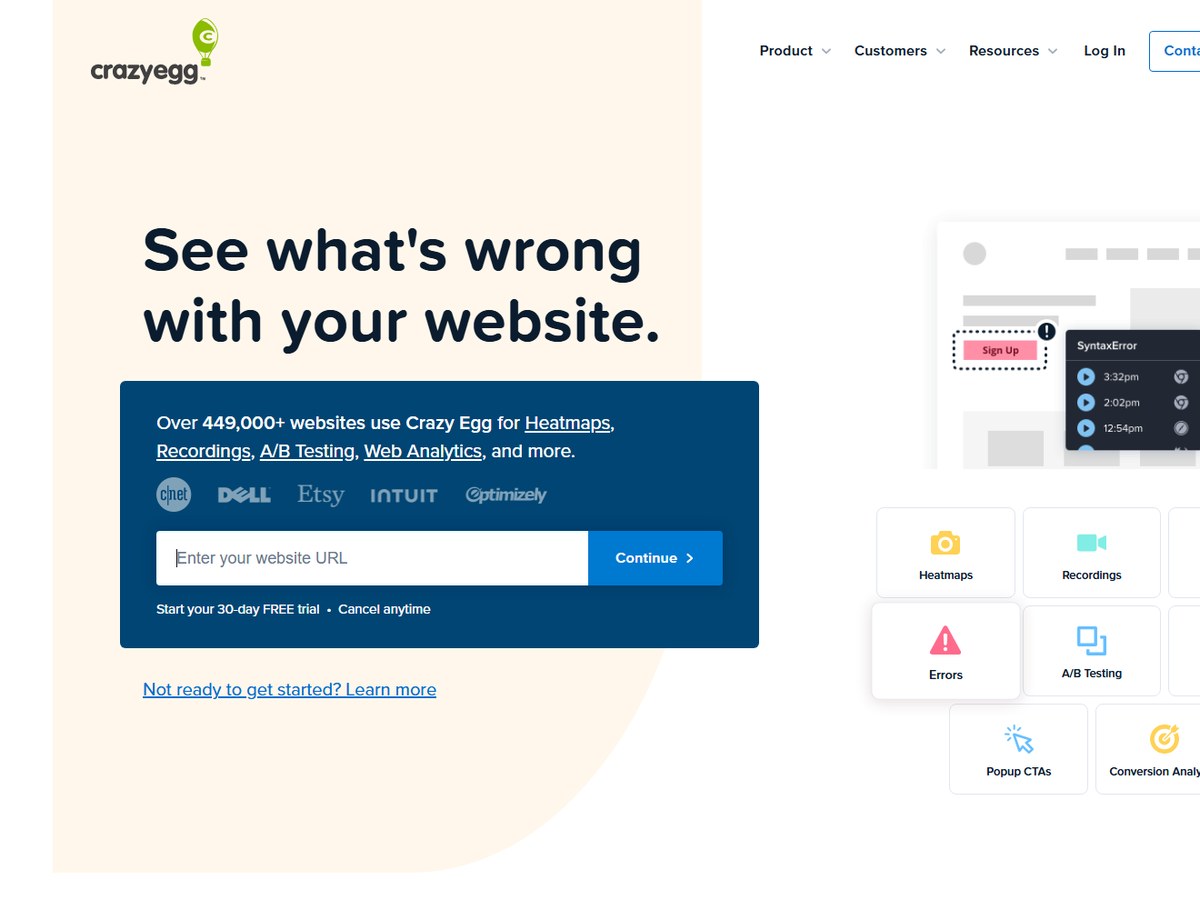
Crazy Egg says 449,000+ websites use it. It was born in 2006, founded by Amee Shah and John Butler, and says it created one of the first heatmap technologies for showing how visitors use a website. Its Snapshot reports still cover the classic views: heatmaps, scrollmaps, confetti maps, overlay and list reports. Recordings let you watch real visitors, and higher plans add A/B testing, CTAs and error tracking. All plans include AI analysis for heatmaps and recordings, and team seats are free. Billed annually, Starter is $29/month for 5,000 tracked pageviews and 50 recordings, Plus is $99/month for 150,000 pageviews and 1,000 recordings, and Pro is $249/month for 500,000 pageviews and 5,000 recordings. Every plan starts with a 30-day free trial. It fits marketers and site owners who think in landing pages and want visual reports they can share.

Best forMarketers who want classic heatmap reports plus simple tests
Skip it ifYou need high recording volumes on a small budget

Source: www.crazyegg.com/

5
Mouseflow by Mouseflow
Image: Mouseflow (official site)

Mouseflow

Mouseflow · Session replay, heatmaps, funnels and friction detection

210,000+ digital experience teams

Best for full session capture and friction alerts.

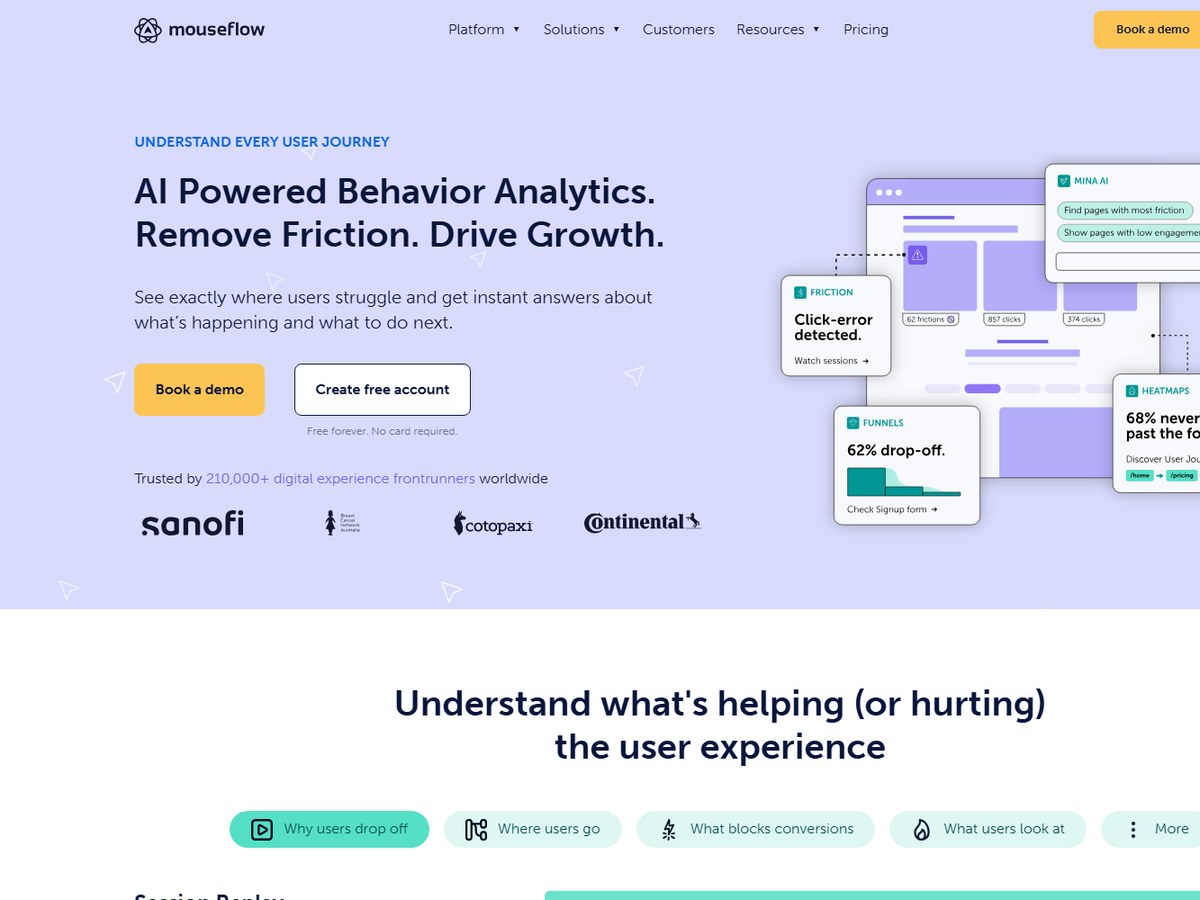
Mouseflow says it is trusted by 210,000+ digital experience frontrunners worldwide. It is headquartered in Denmark and built in Europe, which matters to teams careful about where their data lives. It records 100% of sessions rather than sampling traffic, and its session replay captures every click, scroll, hesitation and rage click. Heatmaps can be compared across time periods, devices and segments side by side. Friction Detection on every plan flags rage clicks, dead clicks and errors automatically, and Premium adds form analytics that show where people hesitate or give up. There is a free forever plan with 1 website, 500 sessions per month and 1 month of history. Billed annually, Essential is $25 a month for 5,000 sessions, Advanced is $109 for 25,000 and Premium is $319 for 100,000, all with unlimited users. Booking.com reports 37% less search dissatisfaction.

Best forEuropean teams and anyone who wants every session recorded
Skip it ifYou need a large free plan

Source: mouseflow.com/

6
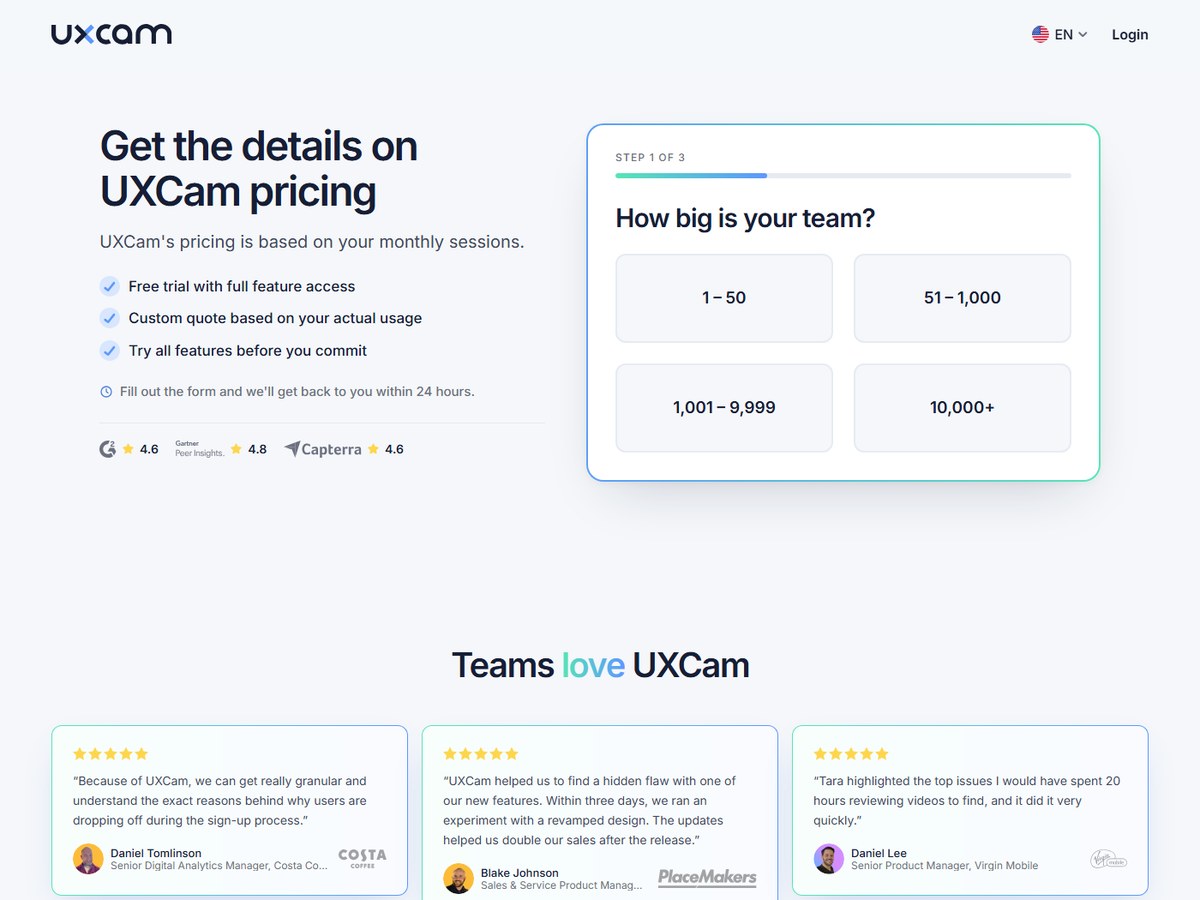
UXCam by UXCam
Image: UXCam (official site)

UXCam

UXCam · Product analytics with heatmaps and session replay for apps and websites

37,000+ products (installs)

Best for mobile app heatmaps.

UXCam says it is installed in 37,000+ products, with companies in 50+ countries, and processes over 100 billion data points a month. It counts installs in products rather than customers, so treat its number as a different kind of count from the others here. Its pitch is product analytics that gives you answers: Tara, its AI analyst, flags what changed and why, and it says its AI gives insights in 30 seconds. Every tap, click and rage tap lands on the heatmap automatically, and you can compare releases side by side, which is handy for app teams shipping often. Rather than watching thousands of replays, you open the sessions UXCam points you to. You can also ask Claude, ChatGPT, Cursor or any MCP-compatible tool about your UXCam data. Pricing is a custom quote based on monthly sessions, and all plans start with a 14-day free trial. Carrefour Banco reports a 50% reduction in rage taps.

Best forMobile app teams that want tap heatmaps and AI answers
Skip it ifYou want public, fixed pricing

Source: uxcam.com/

7
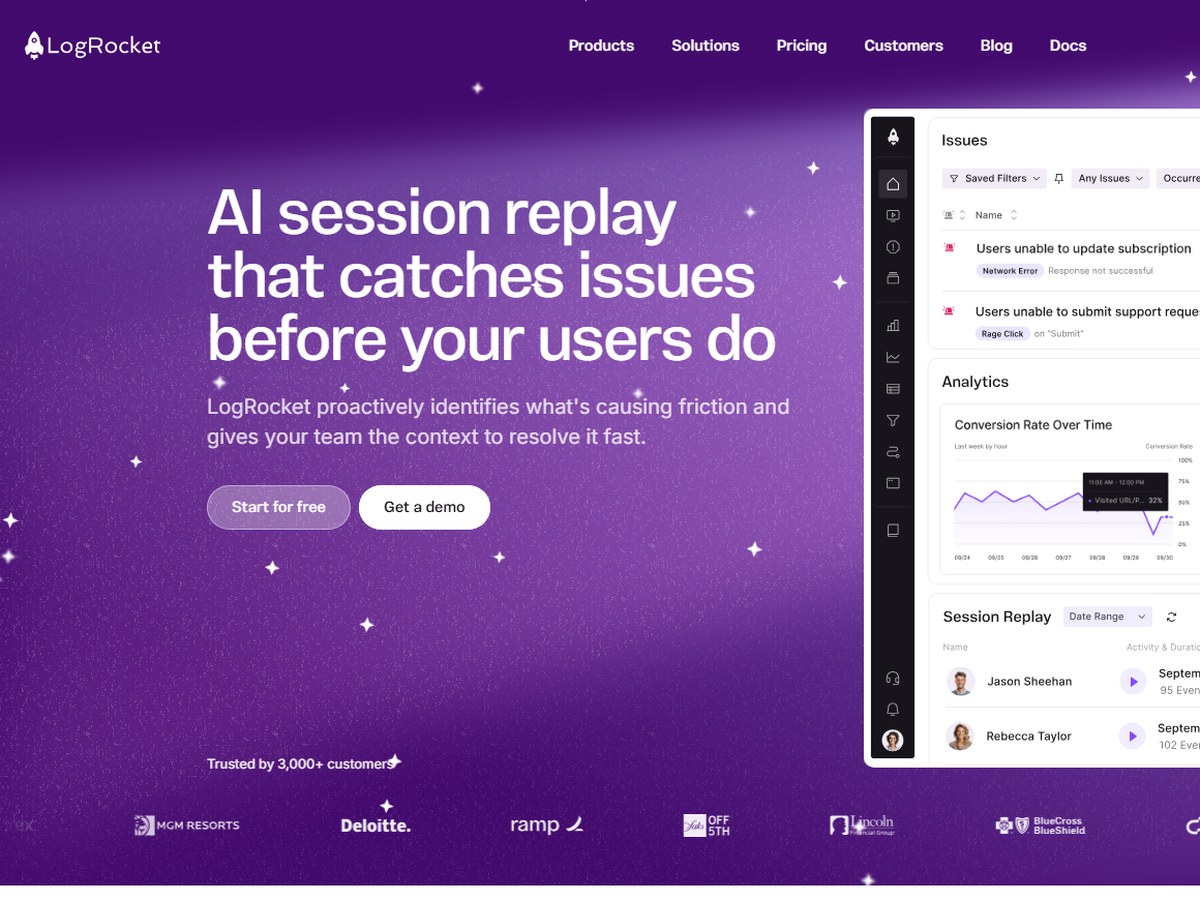
LogRocket by LogRocket
Image: LogRocket (official site)

LogRocket

LogRocket · AI session replay with heatmaps, errors and performance data

3,000+ customers

Best for developers debugging user sessions.

LogRocket says it is trusted by 3,000+ customers. It comes at heatmaps from the engineering side: its session replay promises 100% accurate playback of every user session across web and native mobile apps, alongside console and network logs, errors and performance data, so a developer can see exactly what a user experienced. Its Galileo AI watches and summarizes sessions for you, so you can find what happened without watching the whole replay, and there are 50+ search and filter options. Clickmaps, heatmaps and rage-click maps come in the Core plan. There is a free plan with 1,000 sessions a month. Billed annually, Core is $83 a month for 10,000 sessions and Pro, which adds Galileo AI and AI heatmap insights, is $292 a month for 10,000 sessions. A 14-day free trial unlocks all features. It fits software teams more than marketers.

Best forProduct and engineering teams fixing bugs and friction in web apps
Skip it ifYou run a simple marketing site

Source: logrocket.com/

8
Fullstory by Fullstory
Image: Fullstory (official site)

Fullstory

Fullstory · Digital experience analytics with heatmaps and session replay

No customer count published

Best for enterprise teams linking clicks to revenue.

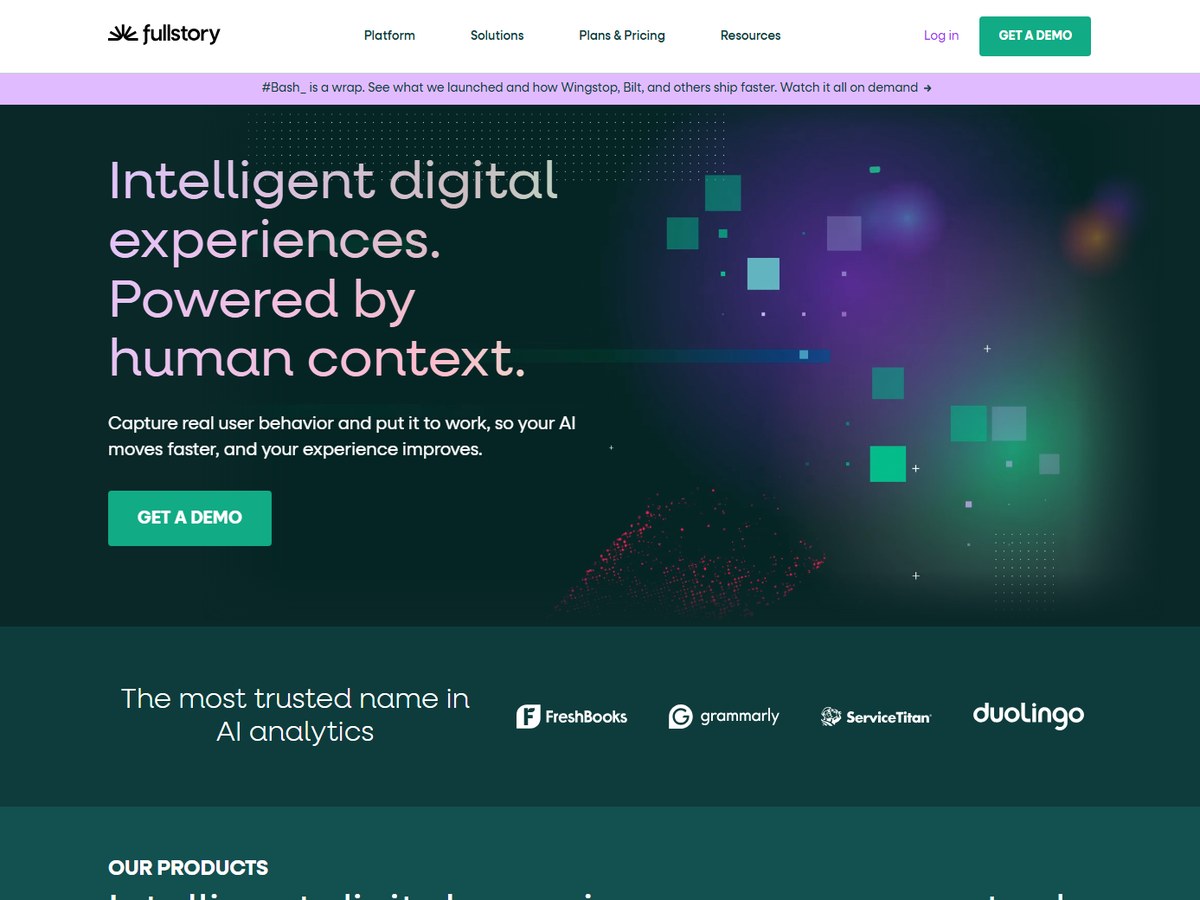
Fullstory does not publish a customer count, so it is ranked after the tools that do. It calls itself the most trusted name in AI analytics and shows customers such as FreshBooks, Grammarly, ServiceTitan and Duolingo. Its customer stories are its strongest evidence: Chipotle reclaims over 71% of lost revenue, Pizza Hut increases total transactions by 6.5% and Addison Lee sees an 80% reduction in booking time. Heatmaps go beyond clicks and scrolls by letting you overlay revenue, average order value and conversion rates on each element. Session replay adds one-click AI session summaries, and privacy controls let you choose what to capture and what to mask on desktop and mobile. Its AI layer is called StoryAI. Pricing is not listed on the site; you book a demo. It suits larger digital teams that want behavior data tied to business results.

Best forLarger companies tying behavior data to revenue
Skip it ifYou want public pricing or a quick self-serve setup

Source: www.fullstory.com/

9
Plerdy by Plerdy
Image: Plerdy (official site)

Plerdy

Plerdy · Heatmaps, session replay, SEO audit and pop-ups

No customer count published

The budget all-rounder with SEO tools built in.

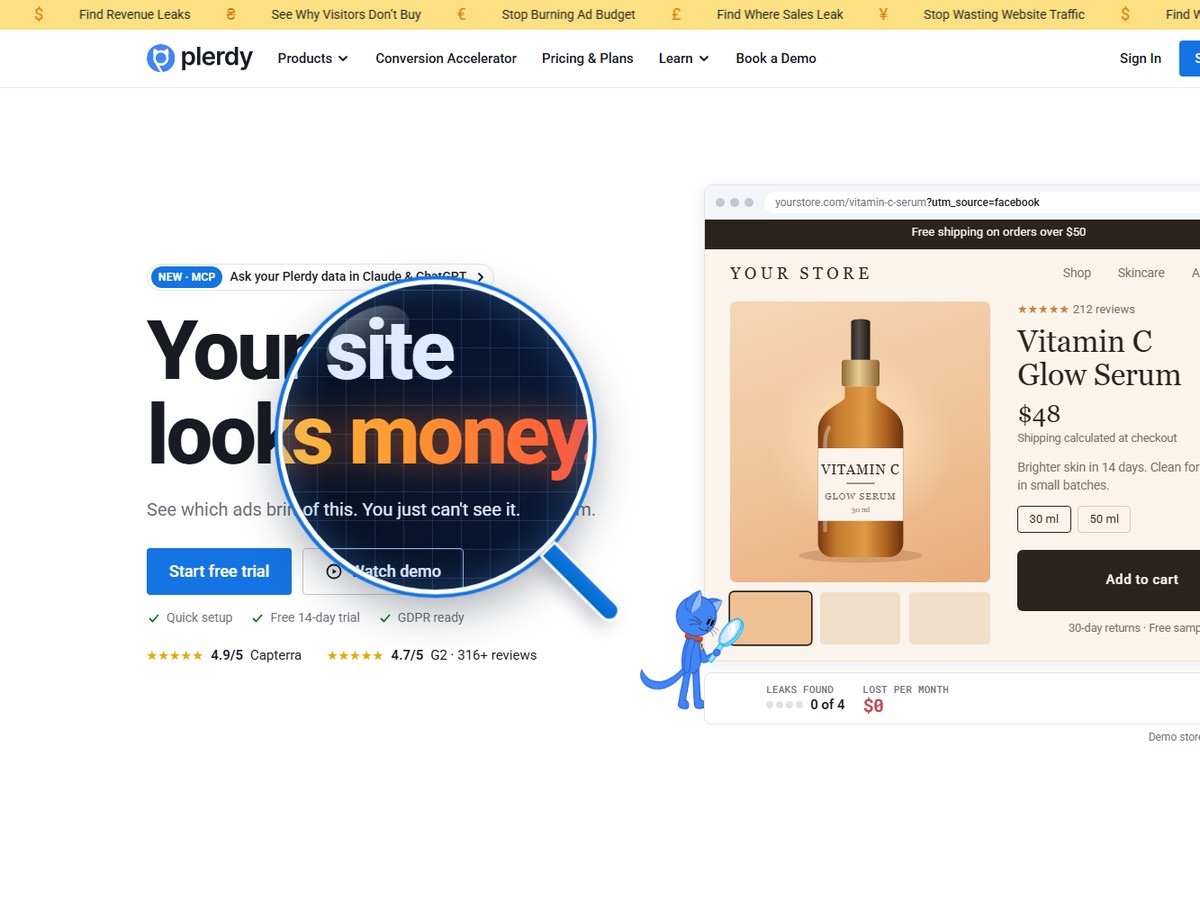
Plerdy does not publish a customer count, so it is ranked after the tools that do. It was founded in 2017 and is rated 4.7/5 on G2 from 316+ reviews and 4.9/5 on Capterra. It bundles more than heatmaps: heatmaps that record clicks on dynamic page elements, session replay it calls video sessions, rage click detection, an SEO audit, pop-ups and error monitoring. The free plan gives heatmaps on 100 page views per day, 500 video sessions in total and 1 month of data storage. Billed annually, Startup is $21 a month for 500 heatmap page views per day and 5,000 video sessions, and Scale is $42 a month for 1,500 page views per day and 10,000 video sessions. Annual billing saves 35%, and every paid plan has a 14-day free trial. It suits small businesses and stores that want conversion and SEO checks in one cheap tool.

Best forSmall sites that want heatmaps plus SEO and conversion tools cheaply
Skip it ifYou need enterprise scale

Source: www.plerdy.com/pricing/

10
Heatmap by Heatmap (heatmap.com)
Image: Heatmap (official site)

Heatmap

Heatmap (heatmap.com) · Revenue heatmaps for ecommerce stores

No customer count published

Best for ecommerce revenue per click.

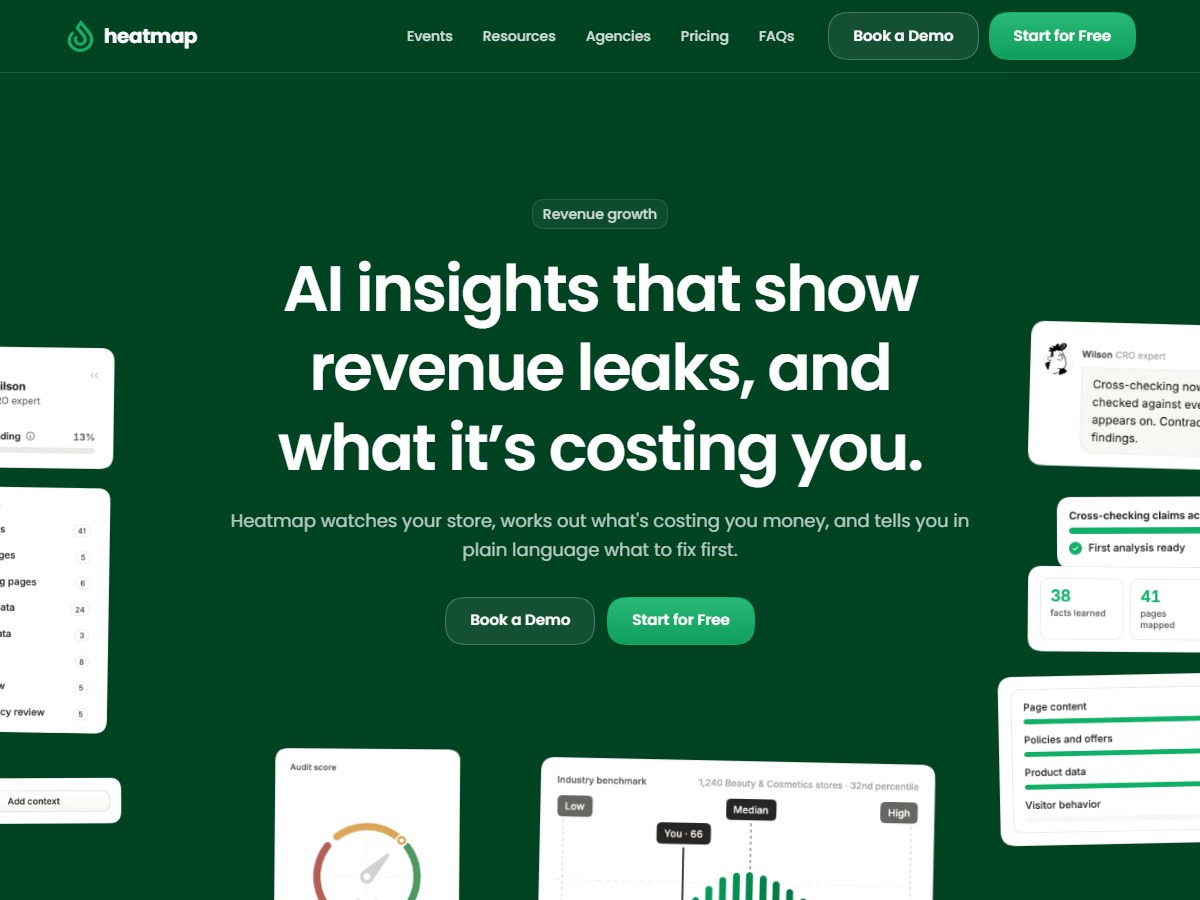
Heatmap does not publish a customer count, so it is ranked after the tools that do. It is built for online stores: its heatmaps show the dollars earned by each element on a page, not just clicks, and its AI insights point to revenue leaks and what they are costing you. It also offers scrollmaps, analysis of every session rather than a sample, and journey analysis from landing to checkout. It says it has analyzed 1.2B sessions, 10.5B clicks and 225M+ real-time transactions. Pricing is tied to store revenue: Launch is $199 a month for stores with $0-10M revenue, Growth is $349 for $10-25M and Scale is $699 for $25-50M, with up to 32% off for annual prepay and a 14-day free trial. It runs inside your Shopify admin and integrates with Klaviyo and Attentive. It fits ecommerce brands, not blogs or software apps.

Best forShopify and ecommerce brands that think in revenue, not clicks
Skip it ifYou run a content site or a non-store business

Source: www.heatmap.com/

Questions people ask

What is the best free heatmap tool?

Microsoft Clarity is free forever with no limits on traffic and serves 2M+ sites and apps. Contentsquare (formerly Hotjar) also has a free plan of up to 200k sessions per month.

What happened to Hotjar?

Hotjar is now Contentsquare. Hotjar.com redirects to a Contentsquare page that carries over heatmaps, recordings and surveys and adds attention maps, funnels and error monitoring.

Which heatmap tool is best for mobile apps?

UXCam, installed in 37,000+ products, puts every tap and rage tap on its heatmaps automatically. Microsoft Clarity also supports Android, iOS, Flutter and React Native.

Which heatmap tool is best for ecommerce?

Heatmap (heatmap.com) shows the revenue earned by each page element and runs inside your Shopify admin. Fullstory can also overlay revenue, average order value and conversion rates on its heatmaps.

How were these tools ranked?

By the number of websites, apps, users or customers each vendor publishes on its own website. These are the companies' own claims. Vendors that publish no count are ranked last.

How we ranked

Websites, apps, users or customers each vendor says it serves, as published on its own website (read November 2026). Counts are each company's own claims and are measured differently (UXCam counts product installs, LogRocket counts customers), so treat them as a guide to scale, not an audit. Fullstory, Plerdy and Heatmap publish no count and are ranked last. Every number on this page comes from the source linked under each pick, and every photo shows the actual product. Brands can't pay to be on this list.

List source: clarity.microsoft.com/ · Updated 2026-11-14