consumertop10

Home › Software

Top 10 · Software

Top 10 Mind Mapping Software

The apps people use to brainstorm, study and plan by drawing their ideas as connected maps, ranked by the largest user count each maker publishes.

Quick answer

Xmind is the most widely used mind mapping app on this list, with 100M+ users, and it makes the most polished maps. MindMeister, whose maker Meister reports 40+ million users, is best for simple maps in the browser, and EdrawMind, with over 25 million users, adds notes, Kanban and Gantt views. GitMind is the pick for turning PDFs and videos into maps with AI.

How it's ranked: The largest count each vendor publishes on its own website (read November 2026). The units differ: Xmind counts users (homepage), Meister counts users across its products, not MindMeister alone (About page), EdrawMind counts users (product page), Coggle counts people and businesses (homepage), GitMind counts users (homepage) and Mindomo counts people (homepage). Coggle and GitMind both publish 10 million or more, so they are listed alphabetically. Ayoa, MindManager, MindNode and SimpleMind publish no user count, so they are listed last in alphabetical order. Counts are each company's own claims, so treat them as a guide to scale, not an audit.

1
Xmind by Xmind
Image: Xmind (official site)

Xmind

Xmind · Mind mapping and brainstorming app with AI, for desktop, web and mobile

100M+ users

The most users, and the most polished maps.

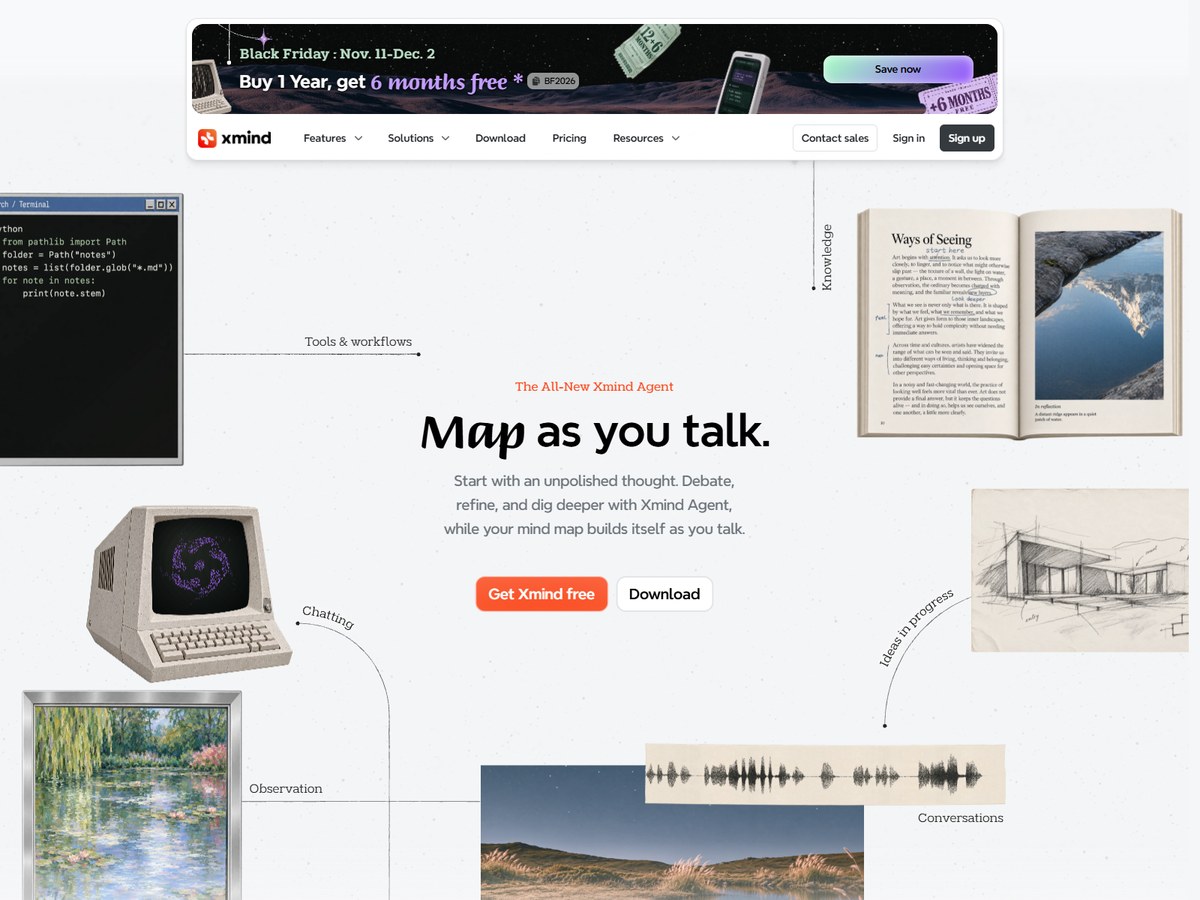
Xmind says it has 100M+ users worldwide, the largest count on this list, with a 95% user satisfaction rate and a 4.8 out of 5 rating on the App Store. It offers elegant structures and smart layouts to make ideas clear, and real-time collaboration so teams can brainstorm and plan together. Xmind Agent lets you start from a rough thought, a sentence, a file, a link or a conversation, then debate and refine it while your mind map builds itself as you talk. Maps can also be used to plan, track and deliver projects, and Pitch turns a map into presentation slides. The Free plan lets you create up to 10 online maps by hand, with basic themes, 3-day version history and up to 5 slides in Pitch, plus 50 free AI credits at sign-up. Paid Pro and Premium plans add more maps, exports without watermarks, custom themes and more collaboration, and there are education and team plans. It fits anyone who wants the most popular mind mapping app.

Best forStudents and professionals who want polished mind maps, AI help and presentation slides
Skip it ifYou need maps that a large team edits at once on the free plan

Sources: xmind.com · xmind.com/pricing
2
MindMeister by Meister
Image: Meister (official site)

MindMeister

Meister · Online mind mapping tool for brainstorming, studying and team planning

40+ million users (Meister)

Best for simple browser-based team mind maps.

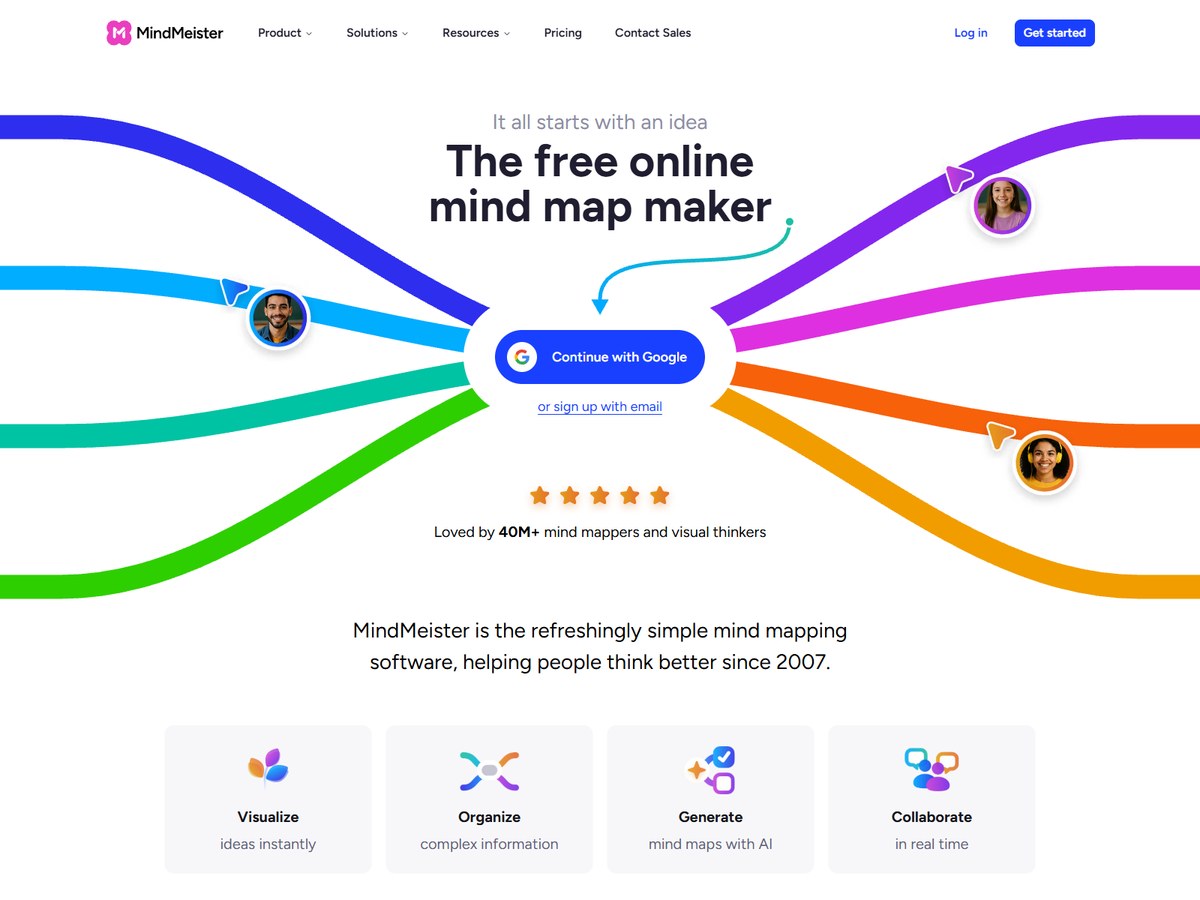
MindMeister's maker, Meister, says it has 40+ million users worldwide. That count covers Meister's products, not MindMeister alone. MindMeister calls itself the refreshingly simple mind mapping software, helping people think better since 2007, and it is used by students, teachers and professionals. Meister was founded in 2006 by Till Vollmer and Michael Hollauf and is headquartered in Vienna, Austria, and it raised $52 million in 2021. MindMeister works in any browser with no download, and maps sync across desktop, tablet and phone. You can switch layouts, themes and colors, share maps securely with your team, and use presentation mode to walk people through ideas without leaving the map. Its AI creates a customizable mind map from a prompt or an uploaded file. A Free plan costs $0 forever, and paid plans are Personal at $6.50, Pro at $10.50 and Business at $15.50 per user a month. It fits teams that want simple maps in the browser.

Best forTeams, teachers and students who want browser-based mind maps they can share and present
Skip it ifYou want a desktop app that works fully offline

Sources: www.mindmeister.com · www.mindmeister.com/pricing

3
EdrawMind by Wondershare
Image: Wondershare (official site)

EdrawMind

Wondershare · Mind mapping and note-taking app with AI, Kanban and Gantt views

25 million+ users

Best for mind maps plus notes and project views.

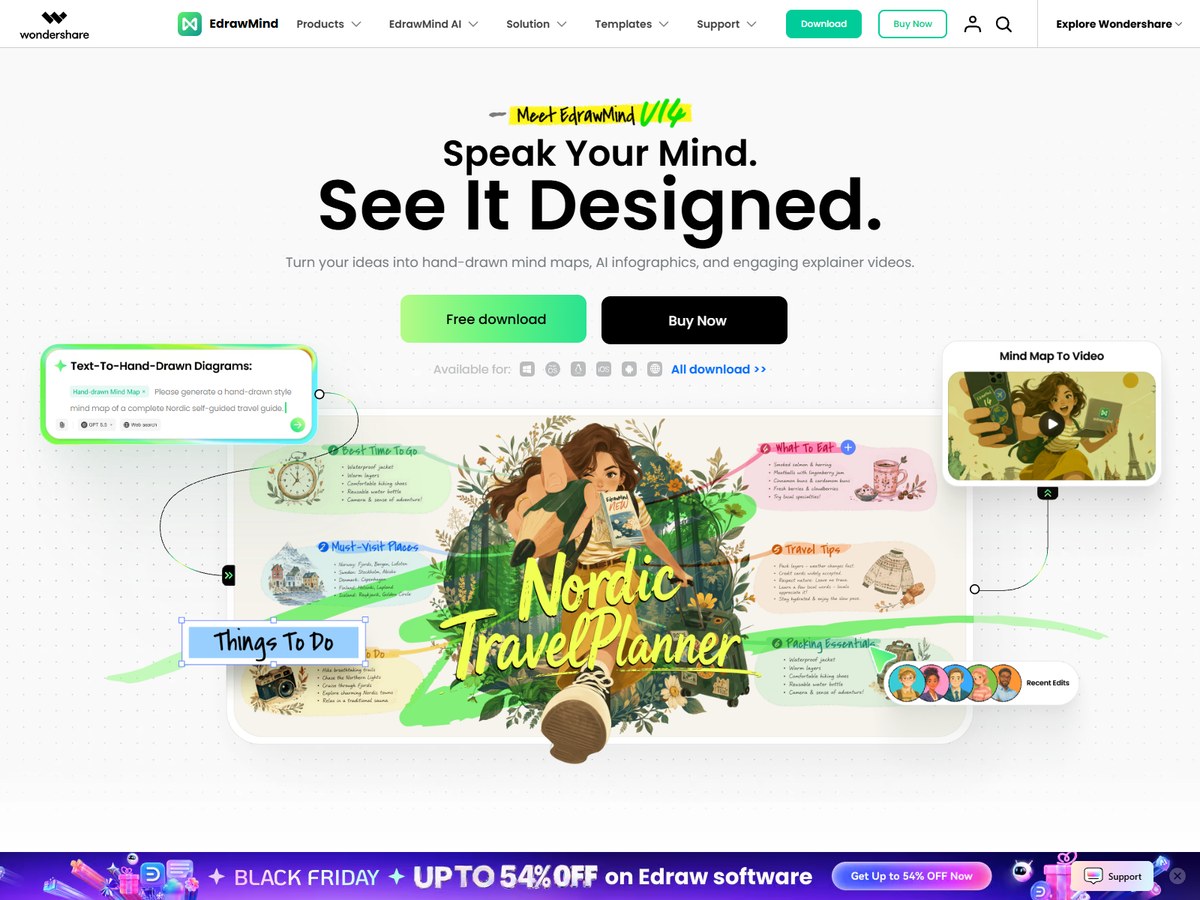
EdrawMind says it is trusted by over 25 million users worldwide. It comes from Wondershare's Edraw line and aims to cover everything you need for visual thinking and knowledge management, from mind mapping to detailed note-taking. You can now attach full documents to any node, so you structure your thinking visually while keeping detailed notes in the same workspace, with AI-powered outlines and summaries. EdrawMind AI turns a prompt, a file, a webpage or an existing map into a clear, editable mind map, and it can turn ideas into hand-drawn style maps with AI illustrations or share-ready animations. Customer reviews on its site point to its templates and layouts, Kanban and Gantt chart modes for planning projects, and AI slide generation with a Pitch Mode for presentations. Maps stay synced across desktop, web, mobile and tablet. You can try it free. It fits users who want one app for maps, notes and plans.

Best forPeople who want mind maps, notes and project views in one app with AI to draft them
Skip it ifYou want a minimal app with as few features as possible

Sources: www.edrawsoft.com/edrawmind · www.edrawsoft.com/edrawmind

4
Coggle by Coggle
Image: Coggle (official site)

Coggle

Coggle · Simple online mind maps and flowcharts with real-time collaboration

10,000,000+ people and businesses

Best for quick, shareable maps.

Coggle says it is trusted by over 10,000,000 people and businesses. Coggle and GitMind both publish 10 million or more, so they are listed alphabetically. Coggle produces clean notes and mind maps quickly and easily, and it also makes flowcharts and process maps with a range of shapes. You can join branches and create loops, add several central items to one workspace, and drag images from your desktop straight into a diagram with no limit on how many. Collaboration is real time, so changes show up instantly wherever your colleagues are, and anyone can edit a diagram through a secret link without logging in. Full change history lets you copy a diagram from any earlier point. The Free Forever plan includes 3 private diagrams, unlimited public diagrams, real-time collaboration, over 1600 icons, unlimited image uploads and PDF and image downloads, and private diagrams stay private even if you cancel a paid plan. It fits people who want simple, shareable maps.

Best forStudents and teams who want quick, clean mind maps they can share with a link
Skip it ifYou need offline desktop software or project scheduling

Sources: coggle.it · coggle.it

5
GitMind by GitMind
Image: GitMind (official site)

GitMind

GitMind · AI mind mapping that turns files, videos and web pages into maps and summaries

10M+ users

Best for AI maps from PDFs, videos and lectures.

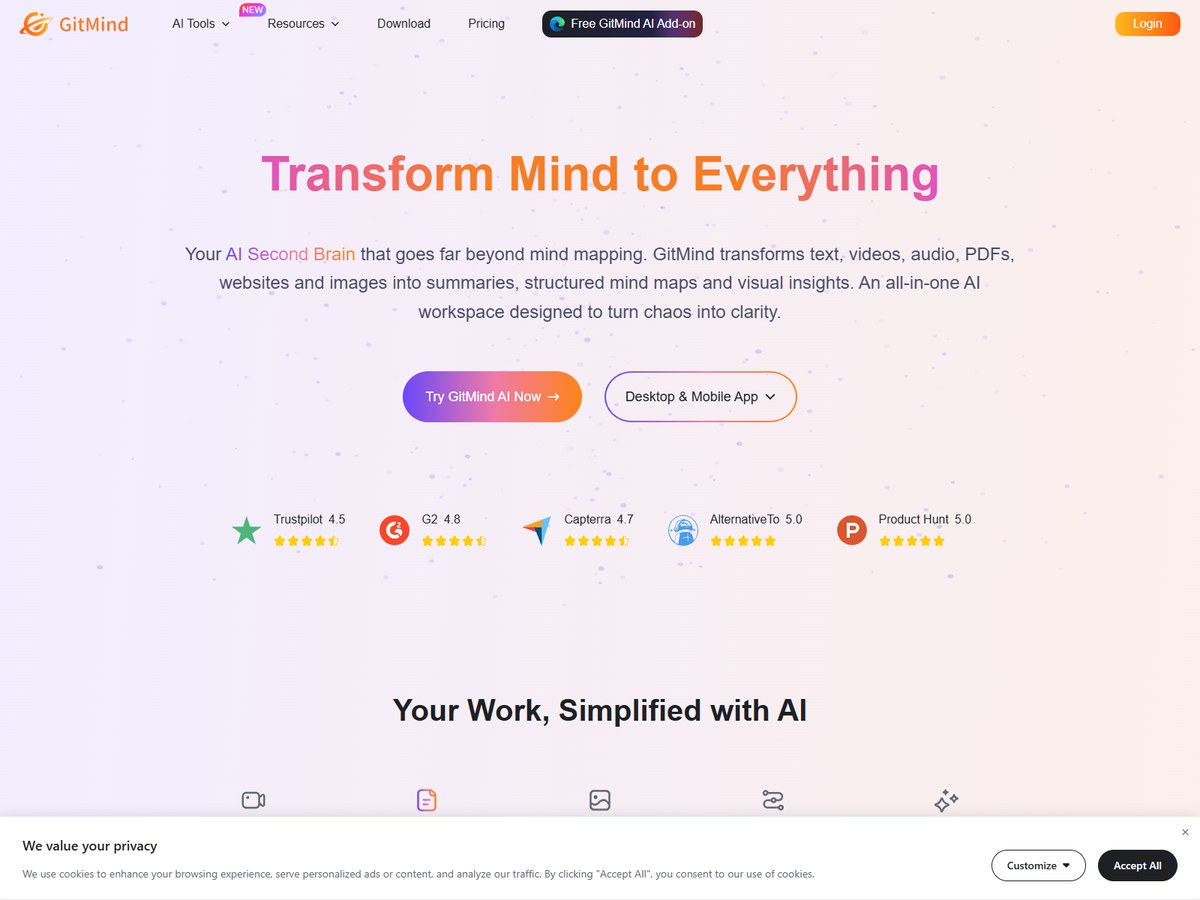
GitMind says it has 10M+ users, 20M+ app downloads and users in 160+ countries worldwide. It calls itself your AI second brain that goes far beyond mind mapping. GitMind turns text, videos, audio, PDFs, websites and images into summaries, structured mind maps and visual insights, and it can turn reports, presentations, spreadsheets and ebooks into maps or short summaries for studying and work. Reviews on its site describe using a YouTube transcript generator for long lectures, a PDF summarizer for academic papers, image-to-text extraction for photographed handouts, an AI chatbot that answers questions about uploaded documents, and a Presentation Mode for lessons. You can also type a prompt and let GitMind organize ideas into a logical map, then explore different angles and rearrange thoughts freely. It adds hand-drawn mind maps, AI infographics and explainer videos. You can try GitMind free and earn free credits. It fits learners who want AI to do the first draft.

Best forStudents and teachers who want AI to turn PDFs, videos and lectures into mind maps
Skip it ifYou prefer to build every map by hand without AI

Sources: gitmind.com · gitmind.com

6
Mindomo by Mindomo
Image: Mindomo (official site)

Mindomo

Mindomo · Mind maps, concept maps, outlines and Gantt charts in one, with AI

8.5 million people

Best for classrooms and turning maps into plans.

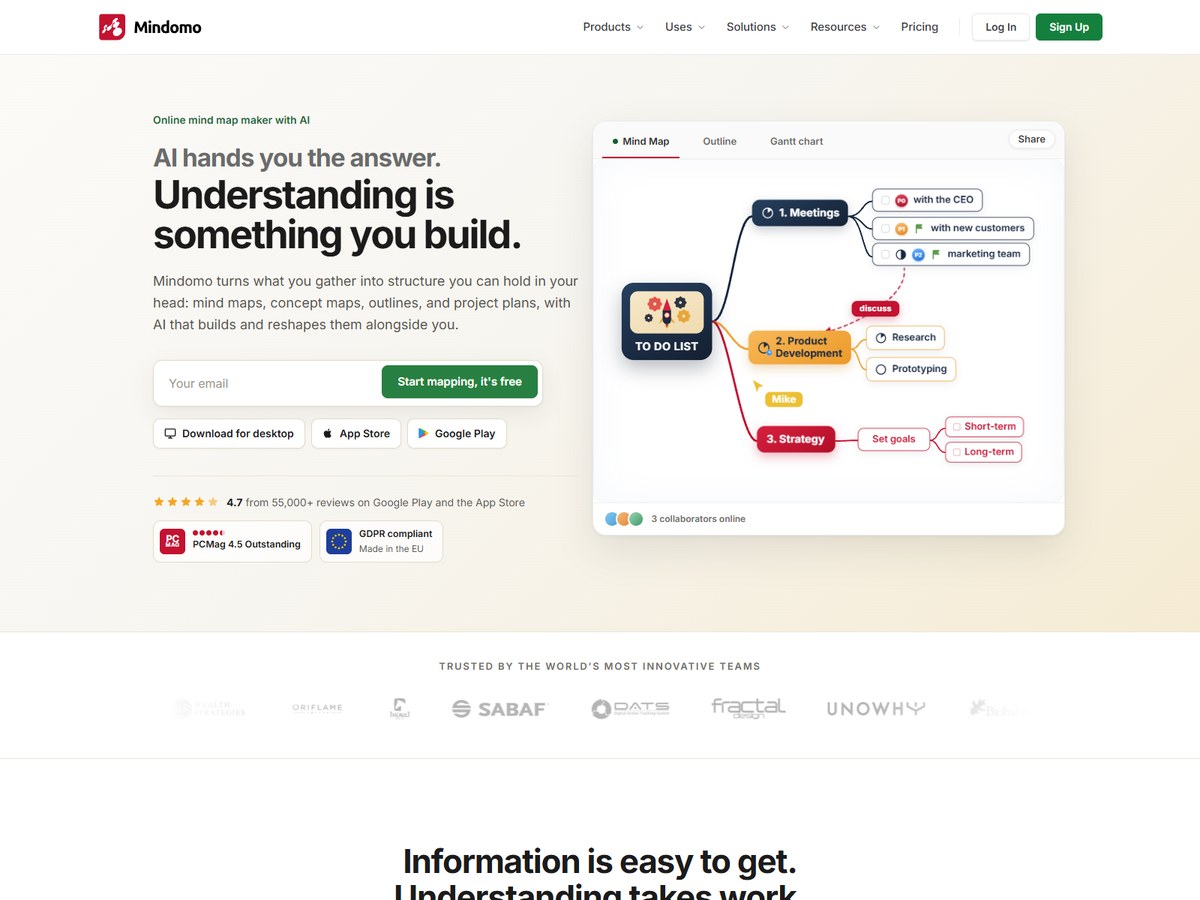
Mindomo says it is trusted by 8.5 million people worldwide, with ratings from 55,000+ reviews. It turns what you gather into mind maps, concept maps, outlines and project plans, with AI that builds and reshapes them alongside you. One project has four views, mind map, concept map, outline and Gantt chart, and a change in one shows in the others, so you can think in a map, write in an outline and plan with tasks, dates, dependencies, critical path and milestones. Mindomo AI can add questions, ideas, pros and cons or a SWOT to any topic, and an MCP connection gives your AI assistant about 28 tools to create and edit maps. For schools, teachers can set mapping assignments, grade them four ways and connect Google Classroom or an LMS, and Mindomo is recognized for the UK Disabled Students' Allowance. It runs in the browser, on desktop and on mobile, with a one-time license for offline use. You can start mapping free. It fits classrooms and planners.

Best forTeachers, students and planners who want one map to become an outline or a project plan
Skip it ifYou want a free tool with no paid tier at all

Sources: www.mindomo.com · www.mindomo.com

7
Ayoa by Ayoa
Image: Ayoa (official site)

Ayoa

Ayoa · Organic mind mapping with AI and task management, designed for every type of mind

No customer count published

Best for neurodivergent thinkers.

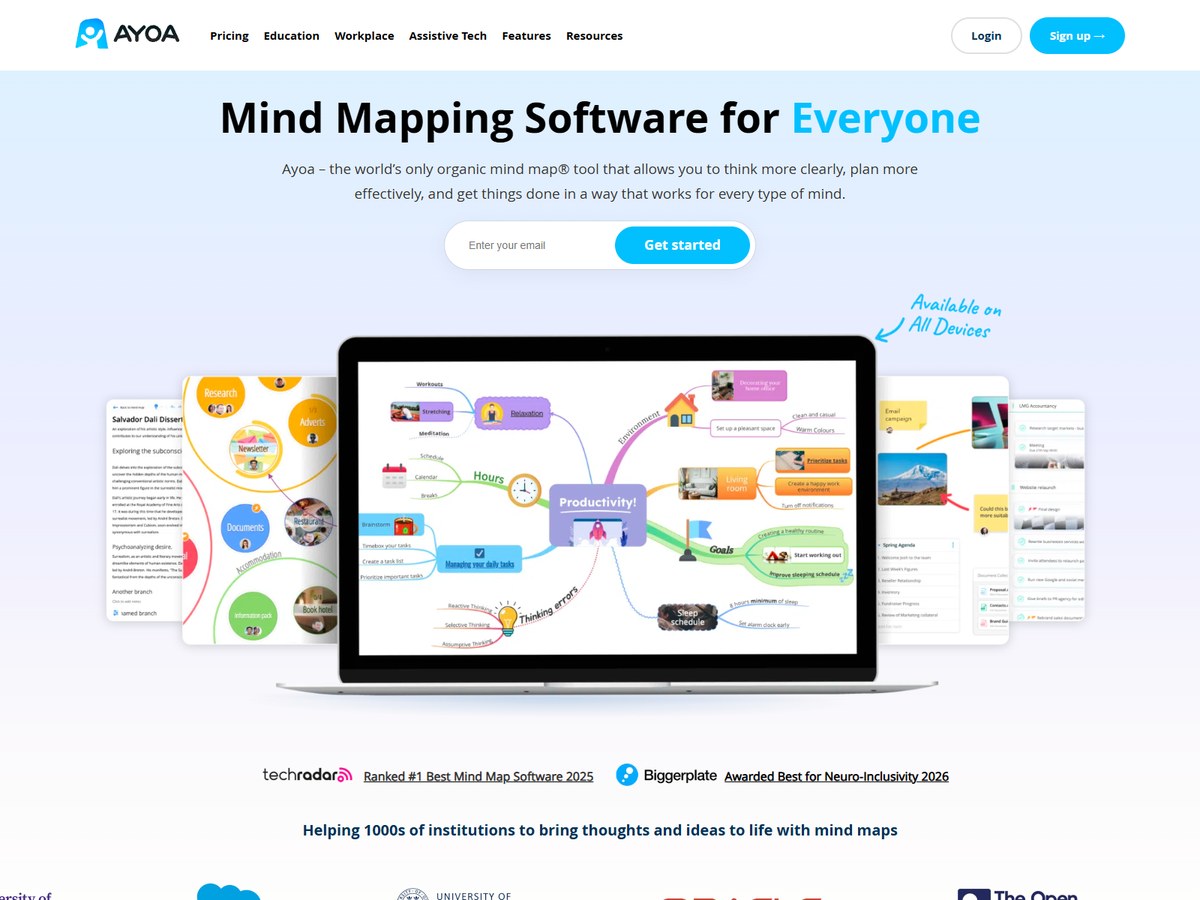
Ayoa does not publish a user count, so it is listed after the vendors that do, in alphabetical order. It says it helps thousands of institutions bring ideas to life, and it shows an average rating of 4.5 stars from 1,000+ reviews across the Apple App Store, Google Play and Capterra. Ayoa calls itself the world's only organic mind map tool, and it offers AI-powered mind mapping and task management built to work for everyone, including people with ADHD, dyslexia and autism. AI prompts help you think through a topic, an Idea Bank captures thoughts as they come, and once ideas are mapped you can convert them straight into tasks with deadlines and reminders, or switch to a document or presentation view. Ayoa Free is for personal use only. Ayoa Ultimate adds AI, task management, collaboration, whiteboards, Gantt charts and exports, and its pricing page lists it at $6.10 per user a month when billed every 3 years. It fits neurodivergent thinkers.

Best forPeople with ADHD, dyslexia or autism, and anyone who wants mind maps that turn into tasks
Skip it ifYou need a free plan for commercial work

Sources: www.ayoa.com · www.ayoa.com/pricing

8
MindManager by MindManager
Image: MindManager (official site)

MindManager

MindManager · Visual mind mapping, diagrams and Gantt charts for business teams

No customer count published

Best for business project planning.

MindManager does not publish a user count, so it is listed after the vendors that do, in alphabetical order. It is built for business: you go from brainstorming to execution with dynamic visual diagrams, mind maps, flowcharts and Gantt charts, so a map of ideas can become a project plan you can track. MindManager integrates with tools teams already use, including Microsoft Teams, SharePoint and Jira. There are versions for individuals, including a web version to organize your workday, options for individuals and small teams, plans that connect whole teams, and pricing for government, non-profit and educational institutions. Its site quotes an associate professor at Indiana University School of Medicine saying that running a project is far more efficient when you can see what has been done and what still needs doing. It shows 4.5 stars based on 565+ reviews. You can try the full version of MindManager free for 30 days. It fits business teams that plan projects visually.

Best forBusiness teams and project managers who work in Microsoft Teams, SharePoint and Jira
Skip it ifYou are a student looking for a free mind mapping app

Sources: www.mindmanager.com/en · www.mindmanager.com/en

9
MindNode by MindNode
Image: MindNode (official site)

MindNode

MindNode · Mind mapping and outlining app for Mac, iPad, iPhone and Apple Vision Pro

No customer count published

Best for Apple devices.

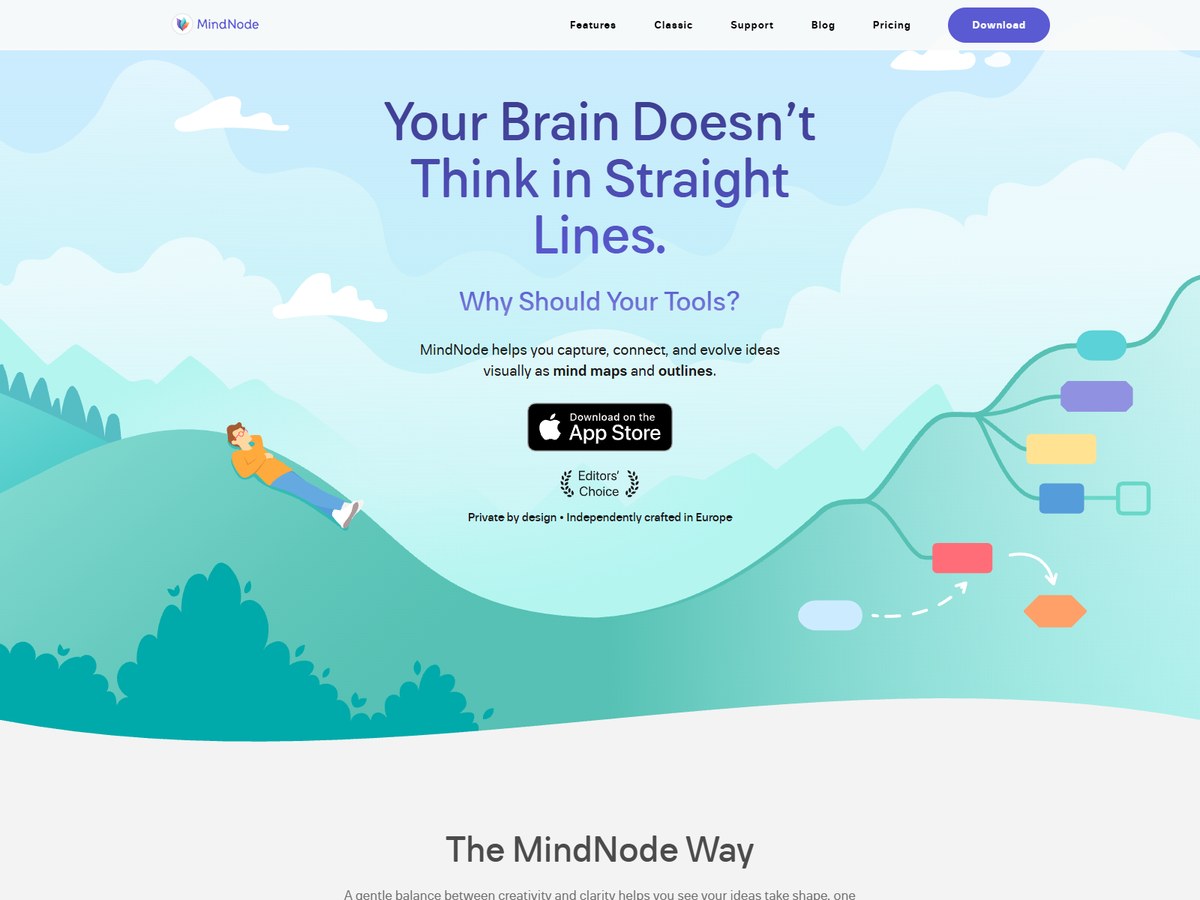
MindNode does not publish a user count, so it is listed after the vendors that do, in alphabetical order. It helps you capture, connect and evolve ideas visually on an open canvas, and you can switch between a mind map and an outline as structure emerges. It is designed specifically for Mac, iPad, iPhone, Apple Watch and Vision Pro, with native Liquid Glass interfaces and sync between all your devices. Your data is stored encrypted in your personal iCloud, so your ideas stay yours. MindNode says it has 18+ years of refinement, and that it is fully supported by its users and owned by its founder, listening to users rather than investors. Uses on its site range from planning a week, life goals or a vacation to study guides, essay outlines, project roadmaps, meeting agendas, novel outlines and content calendars. MindNode is free to use, and MindNode Plus, which adds outlining, themes and collaboration, costs $2.99 a month or $24.99 a year, with a free trial. It fits Apple users.

Best forApple users who want a calm, private mind mapping app synced through iCloud
Skip it ifYou use Windows or Android

Sources: www.mindnode.com · www.mindnode.com/pricing

10
SimpleMind by SimpleMind
Image: SimpleMind (official site)

SimpleMind

SimpleMind · Cross-platform mind mapping app with a one-time purchase

No customer count published

Best for a one-time purchase.

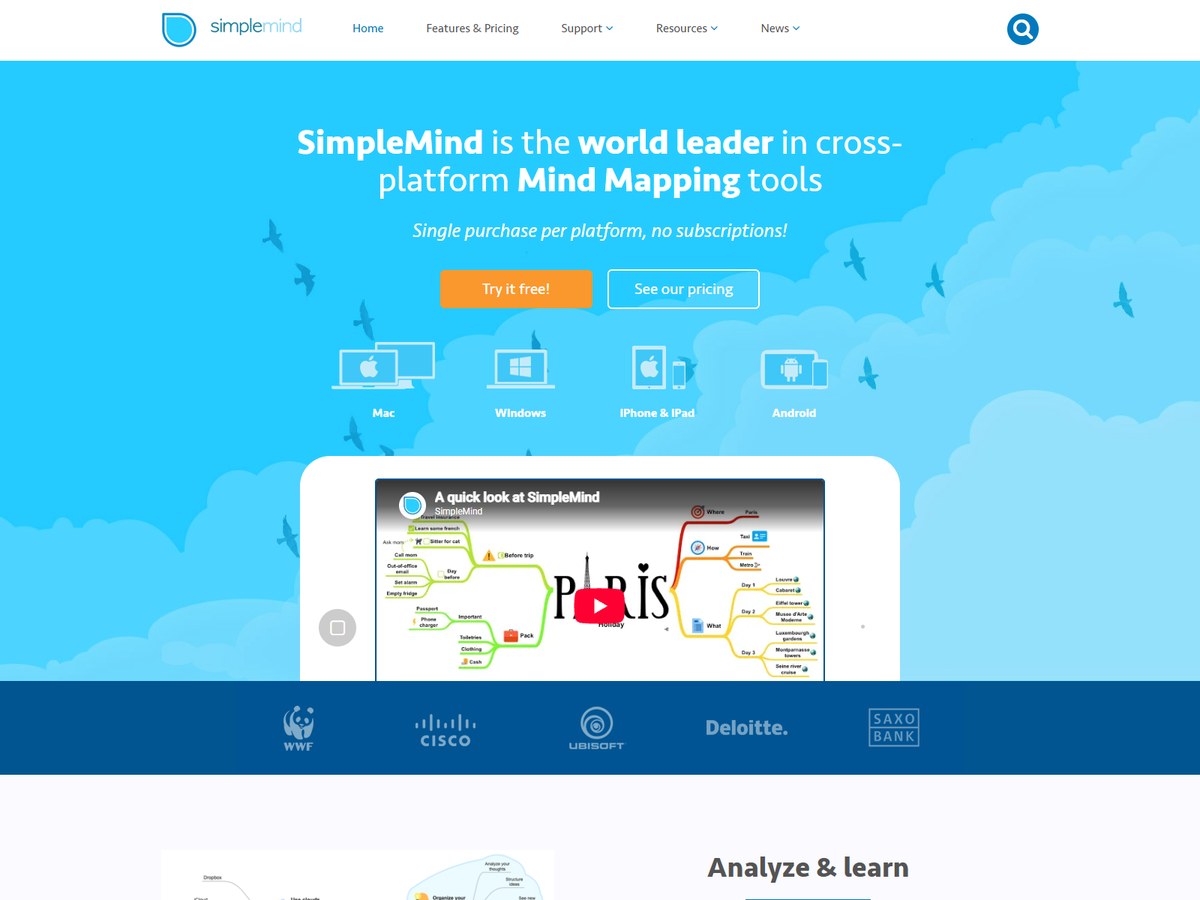
SimpleMind does not publish a user count, so it is listed last in alphabetical order. It helps you organize your thoughts, remember information and generate new ideas with an app it describes as beautiful, intuitive and easy to use. It is cross-platform, with versions including Windows and Android, and its pricing is a single purchase per platform, with no subscriptions. You can use free-form layouts that let you place topics anywhere, or one of several auto layouts that suit brainstorming, and customize topics and lines, add notes, links and checkboxes. SimpleMind Pro adds color, images and photos to your maps. The 2.10 update brought custom backgrounds, outline search and an improved read-only mode. SimpleMind stresses data ownership and privacy for the personal thoughts and business data in your maps. Reviews on its site come from users such as a clinical professor who uses it for writing, planning and teaching. You can try it free. It fits people who want to pay once.

Best forPeople who want an easy mind mapping app on Windows, Mac, Android and iOS without a subscription
Skip it ifYou need real-time team collaboration in the browser

Sources: simplemind.eu · simplemind.eu

Questions people ask

What is the best mind mapping software?

Xmind has the largest published user count on this list, 100M+, and makes the most polished maps. MindMeister, from Meister with 40+ million users, is best for simple browser-based team maps, and EdrawMind, with over 25 million users, adds notes and project views.

Is there free mind mapping software?

Yes. Xmind, MindMeister, Coggle, MindNode and Ayoa all have free plans, and GitMind, Mindomo and SimpleMind can be tried free. Coggle's Free Forever plan includes 3 private diagrams and unlimited public ones.

Which mind mapping app can make maps with AI?

Xmind, MindMeister, EdrawMind, GitMind, Mindomo and Ayoa all use AI to draft maps. GitMind goes furthest in turning PDFs, videos and audio into maps and summaries.

Is there mind mapping software without a subscription?

Yes. SimpleMind is sold as a single purchase per platform with no subscription, and Mindomo offers a one-time license for offline desktop use.

How were these mind mapping tools ranked?

By the largest user or people count each vendor publishes on its own website. Ayoa, MindManager, MindNode and SimpleMind publish no user count, so they are listed last in alphabetical order. These are the companies' own claims.

How we ranked

The largest count each vendor publishes on its own website (read November 2026). The units differ: Xmind counts users (homepage), Meister counts users across its products, not MindMeister alone (About page), EdrawMind counts users (product page), Coggle counts people and businesses (homepage), GitMind counts users (homepage) and Mindomo counts people (homepage). Coggle and GitMind both publish 10 million or more, so they are listed alphabetically. Ayoa, MindManager, MindNode and SimpleMind publish no user count, so they are listed last in alphabetical order. Counts are each company's own claims, so treat them as a guide to scale, not an audit. Every number on this page comes from the source linked under each pick, and every photo shows the actual product. Brands can't pay to be on this list.

List source: xmind.com/ · Updated 2026-11-25