consumertop10

Home › Software

Top 10 · Software

Top 10 Note-Taking Apps

The apps people use to capture, organize and find their notes, ranked by the number of users each maker publishes.

Quick answer

Notion is the most-used note-taking app, with 100M users in over 50 countries; it combines notes, docs and wikis in one AI workspace. Goodnotes is second with 24M+ monthly active users and is the top pick for handwritten notes on a tablet, and RemNote is third with 1,000,000+ students who use it to turn notes into flashcards. For privacy, Notesnook, Joplin and Standard Notes encrypt your notes end to end, and Obsidian keeps them as plain Markdown files on your device.

How it's ranked: The user count each maker publishes on its own website, read November 14, 2026. The counts are not all measured the same way: Notion states total users, Goodnotes monthly active users, RemNote students, Notesnook people who write every day and Capacities active knowledge workers. Bear, Evernote, Joplin, Obsidian and Standard Notes publish no user count, so they are ranked last, in alphabetical order.

1
Notion by Notion Labs
Image: Notion (official site)

Notion

Notion Labs · All-in-one AI workspace for notes, docs and wikis

100M users

The most-used workspace for notes and docs.

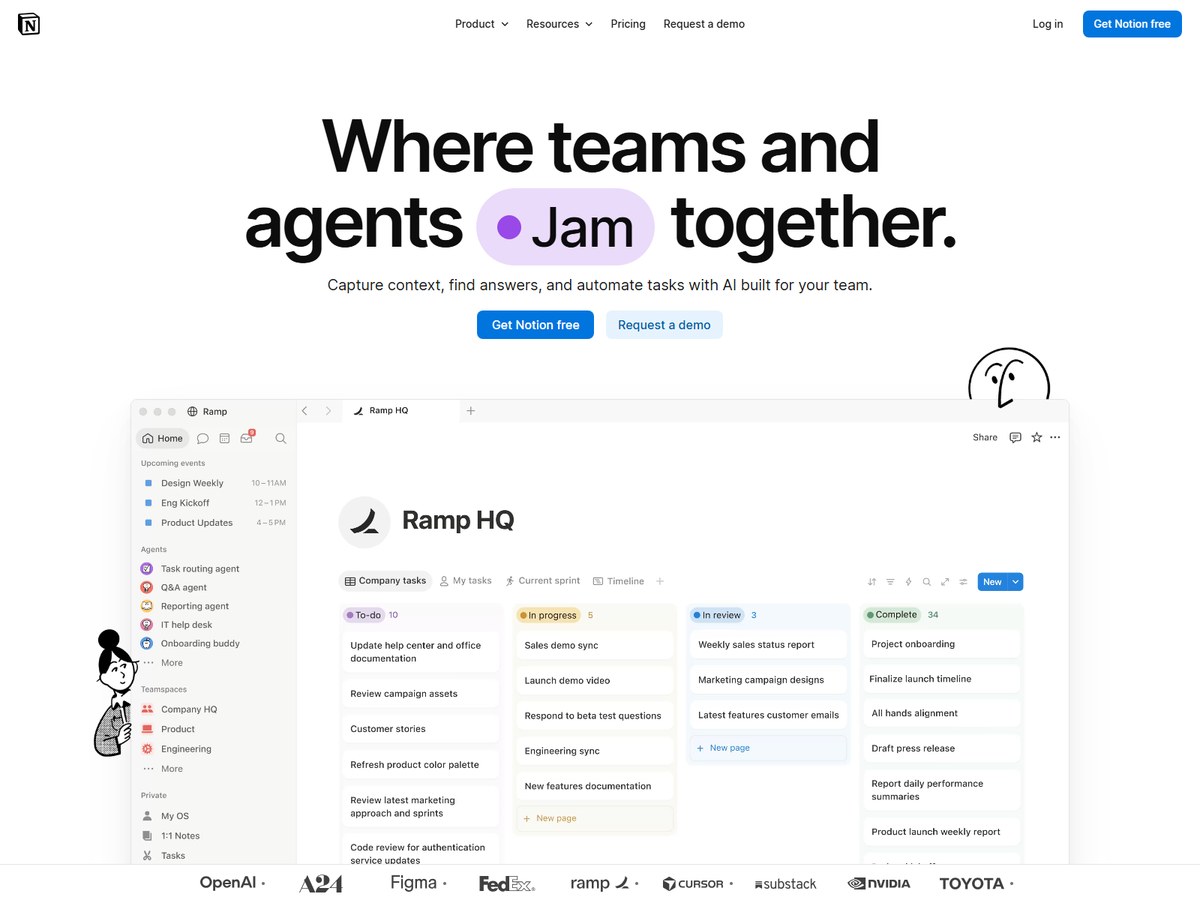
Notion is the biggest name here by a wide margin: its homepage says it has 100M users in over 50 countries. It is more than a notes app. Notion calls itself an AI workspace where you capture everything into one system of record, get answers from your notes with citations, and set agents to keep work moving around the clock. The company also says 62% of the Fortune 100 use Notion, that over 50% of YC companies do too, and that its community has 1.4M+ members. G2 has named it the #1 knowledge base for 3 consecutive years. Notion is based in San Francisco and you can start free. It fits people who like to build their own system of pages and databases; if you just want to jot things down quickly, it can feel like more than you need.

Best forTeams and individuals who want notes, docs, wikis and projects in one place
Skip it ifYou want a simple, fast notepad or offline-first files

Source: www.notion.com/

2
Goodnotes by Goodnotes
Image: Goodnotes (official site)

Goodnotes

Goodnotes · Handwriting and typed notes app for tablets

24M+ monthly active users

The top pick for handwritten notes.

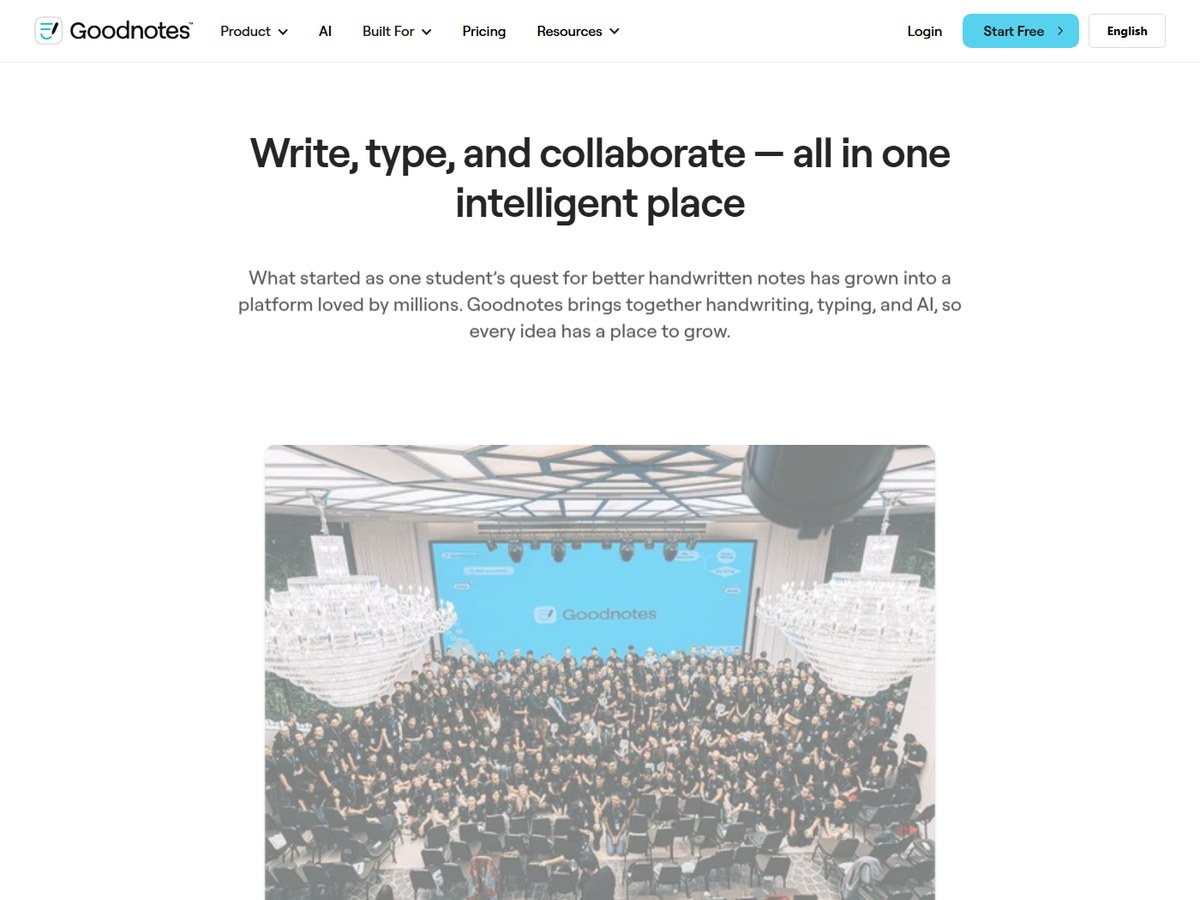
Goodnotes is the leading handwriting notes app, with 24M+ monthly active users according to its About page. Users have created 1.8B notes, it is used in 190+ countries, and it holds a 4.8/5 average star rating. The story began in 2010, when founder Steven Chan was a maths student in Australia looking for better handwritten notes; today the company is a remote-friendly team with offices in London, Hong Kong and Singapore. Goodnotes brings handwriting, typing and AI together: you can annotate PDFs, sketch on an infinite whiteboard, record audio with transcription and get AI summaries. It runs on iPad and iPhone, Android, Windows, Mac and the web, and you can start free. If you take notes with a pen on a tablet, this is the one to try first.

Best forStudents and professionals who write with a stylus on a tablet
Skip it ifYou only type and never handwrite

Source: www.goodnotes.com/about-us

3
RemNote by RemNote
Image: RemNote (official site)

RemNote

RemNote · Note-taking and flashcard app for studying

1,000,000+ students

Notes that turn into flashcards.

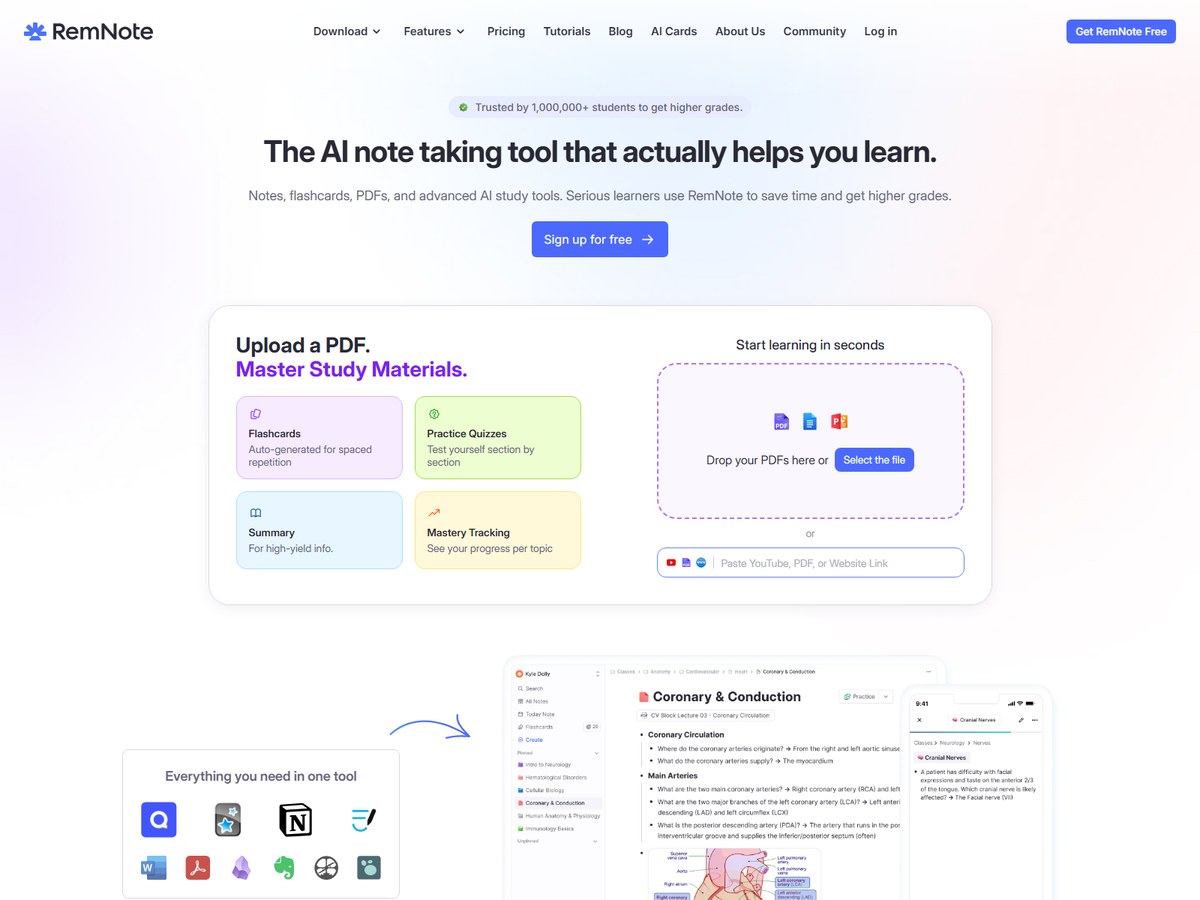
RemNote is a note-taking app built for studying, and it says it is trusted by 1,000,000+ students. Its pitch is that it is the AI note-taking tool that actually helps you learn. You write typed notes in an outlining editor, take handwritten notes on a tablet, or upload PDFs and slides and annotate them. The twist is that flashcards live inside your notes: RemNote can generate cards, practice quizzes and summaries from a PDF, then schedule reviews with spaced repetition. Set your exam date and its Exam Scheduler tells you what to study each day. An AI tutor answers questions about your notes, and the app works offline and syncs across desktop and mobile. You can sign up for free. It is best for students; if you never need to memorize anything, a general notes app is simpler.

Best forStudents who want notes and flashcards in the same app
Skip it ifYou take notes for work, not for exams

Source: www.remnote.com/

4
Notesnook by Streetwriters
Image: Notesnook (official site)

Notesnook

Streetwriters · Open-source, end-to-end encrypted notes app

300,000+ people write daily

The best free encrypted notes app.

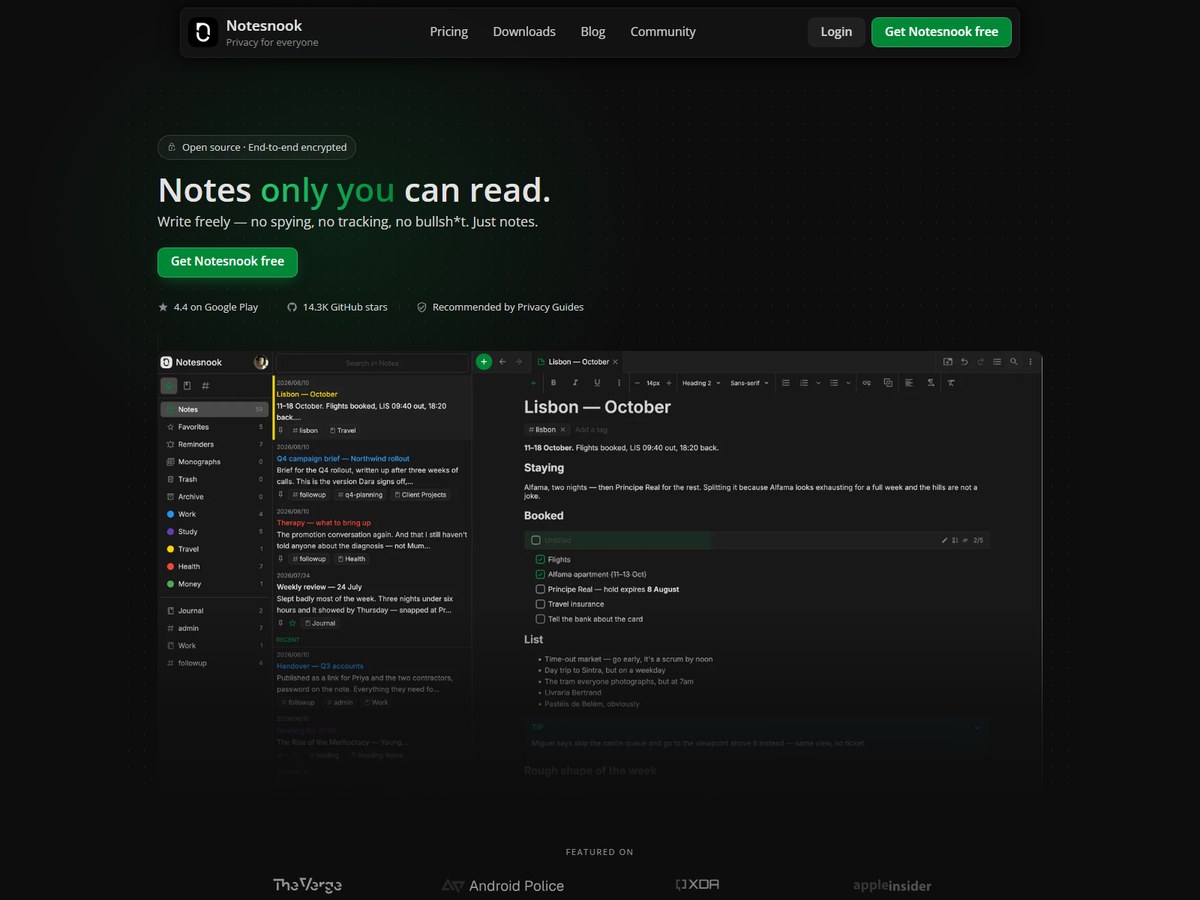
Notesnook is a private notes app, and its homepage says more than 300,000 people write in it every day. Its headline is simple: notes only you can read. Every note is end-to-end encrypted, meaning it is encrypted before it leaves your device, and every Notesnook app, plus the server your notes travel through, is 100% open-source, so anyone can check the code. It runs on Windows, macOS, Linux, Android, iOS and the web. The free plan gives you unlimited notes on unlimited devices, encrypted by default, while paid plans add storage and features. That makes it one of the most generous free options here for people who care about privacy. It is built for personal notes rather than shared team workspaces.

Best forPrivacy-minded people who want encrypted notes on every device for free
Skip it ifYou need real-time team collaboration

Source: notesnook.com/

5
Capacities by Capacities
Image: Capacities (official site)

Capacities

Capacities · Object-based notes app for connected thinking

50,000+ active knowledge workers

A fresh take on linked notes.

Capacities is a newer notes app that says it is trusted by 50,000+ active knowledge workers, with a Discord community of 10,000+ members. It calls itself a home for everything you think, learn and create. Instead of files buried in folders, Capacities turns your ideas into connected objects, such as a person, a book or a meeting, and lets you link anything to anything so you can find what you need the moment you need it. It is available free on Mac, Windows, Linux, iOS and Android, and it runs on the web too. The free forever plan needs no credit card, and you can export everything at any time. It suits people building a personal knowledge base; if you want a quick scratchpad, it is more structure than you need.

Best forThinkers who want to link people, books, ideas and meetings together
Skip it ifYou prefer plain folders and files

Source: capacities.io/

6
Bear by Shiny Frog
Image: Bear (official site)

Bear

Shiny Frog · Markdown notes app for Apple devices

No user count published

The most pleasant notes app on Apple devices.

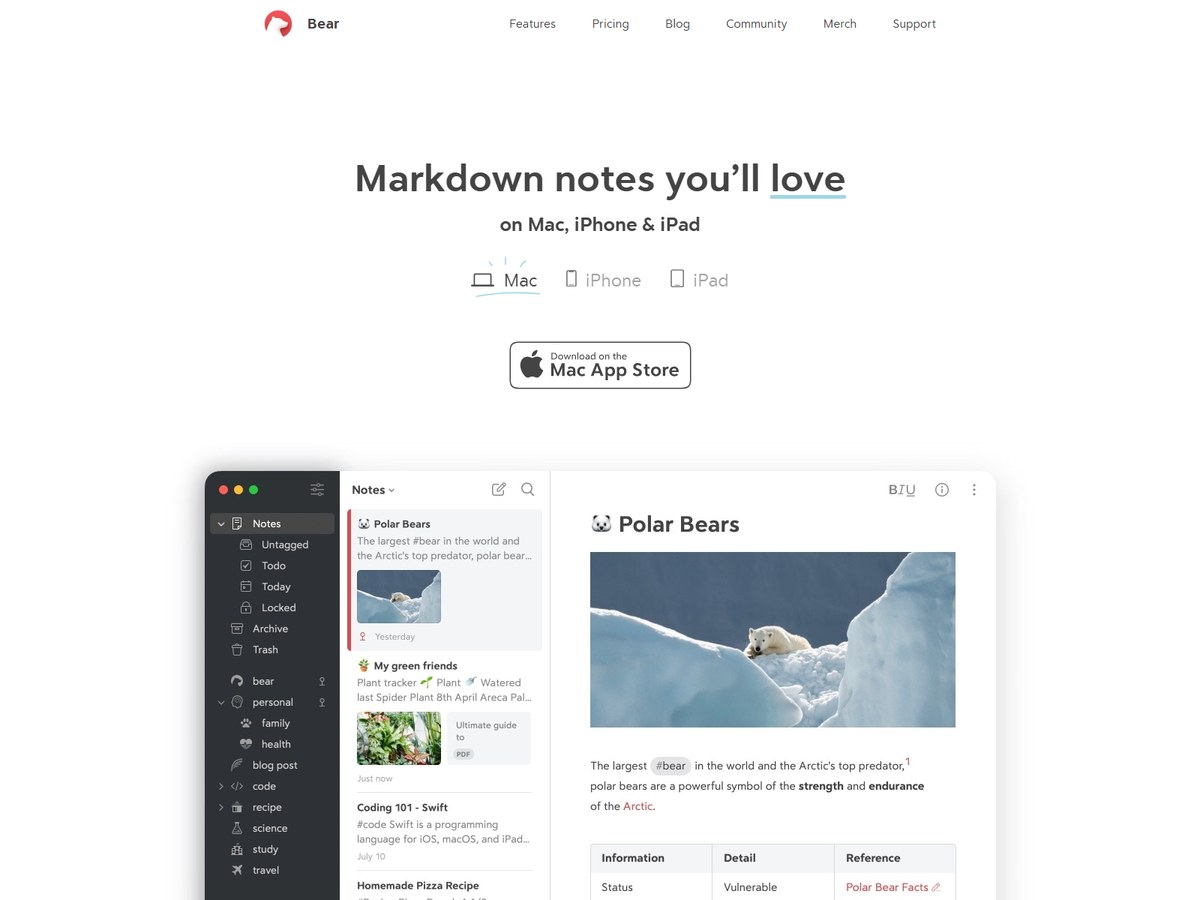
Bear is a beautiful Markdown notes app for Mac, iPhone and iPad. It does not publish a user count, so it is ranked after the apps that do. What it does publish is a shelf of awards: App of the Year 2016, an Apple Design Award in 2017 and Editor's Choice 2020. Bear's polished, minimal interface stays out of your way, and you organize notes with tags. The free version keeps your notes on the device and includes document scanning, but leaves out iCloud sync and search inside PDFs and images. Bear Pro adds those, with a 7 day free trial and then $2.99 a month or $29.99 a year. It is Apple-only, so it is not an option if you also use Windows or Android.

Best forMac, iPhone and iPad users who love clean writing in Markdown
Skip it ifYou use Windows or Android

Source: bear.app/

7
Evernote by Bending Spoons
Image: Evernote (official site)

Evernote

Bending Spoons · Notes, tasks and calendar app with web clipper

No user count published

A classic, but the free plan is tight.

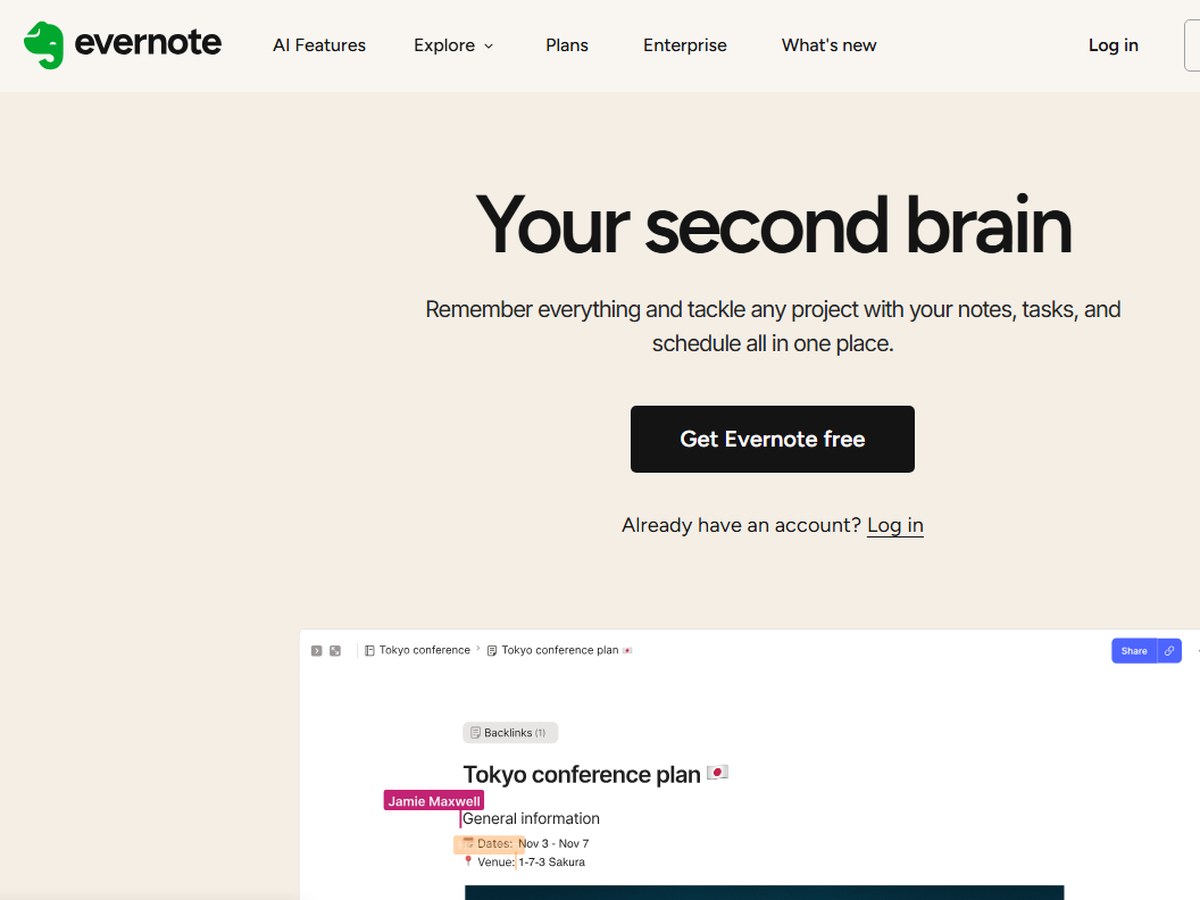
Evernote is one of the original note-taking apps, founded in 2007 by Stepan Pachikov and bought by the Italian company Bending Spoons in November 2022. Its website does not publish a current user count, so it is ranked after the apps that do. Evernote calls itself your second brain: notes, tasks and your schedule in one place, with templates, notebooks and spaces, powerful search, a calendar that links events to notes, a web clipper, real-time collaboration and AI features. The catch is the free plan. Wikipedia reports that, as of February 2025, it allowed 50 notes and 1 notebook, syncing to 1 device. That makes Evernote a paid app in practice. It still fits people with years of notes already inside it.

Best forLong-time users and people who clip a lot from the web
Skip it ifYou want a generous free plan

Source: en.wikipedia.org › Evernote

8
Joplin by Laurent Cozic
Image: Joplin (official site)

Joplin

Laurent Cozic · Open-source notes app with end-to-end encryption

No user count published

The open-source workhorse.

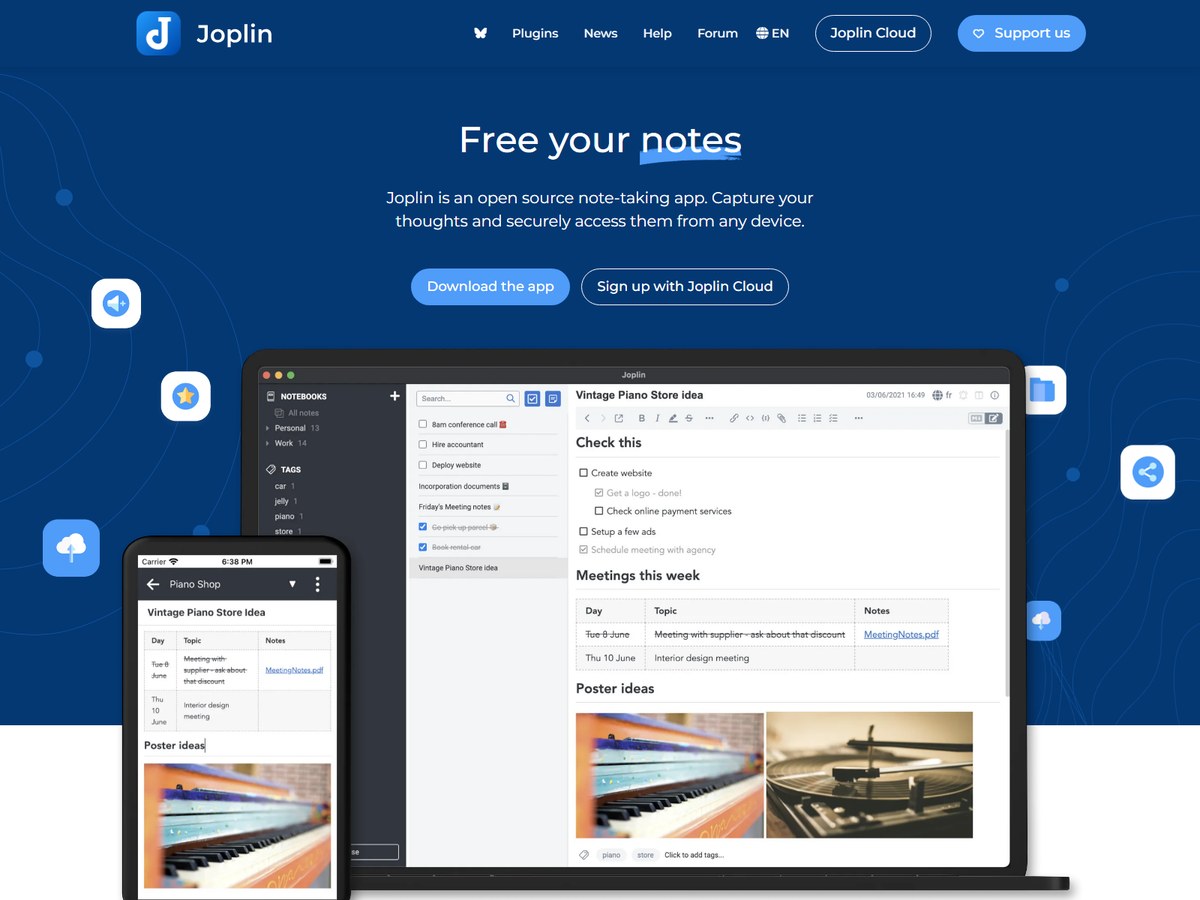
Joplin is an open source note-taking app that does not publish a user count, so it is ranked after the apps that do. Its promise is "free your notes": the app is open source and your notes are saved to an open format, so you will always have access to them. Notes can hold images, videos, PDFs and audio, plus math expressions and diagrams, and you can write in Rich Text or Markdown. A web clipper for Chrome and Firefox saves web pages as notes. You can sync through Joplin Cloud, Dropbox or OneDrive, protected by end-to-end encryption, and Joplin Cloud is based in France under EU privacy law. It runs on Windows, macOS, Linux, Android and iOS, and there is even a terminal app.

Best forPeople who want a free, open-source Evernote alternative
Skip it ifYou want the most polished design

Source: joplinapp.org/

9
Obsidian by Obsidian
Image: Obsidian (official site)

Obsidian

Obsidian · Local Markdown notes app with links and plugins

No user count published

The best app for notes you truly own.

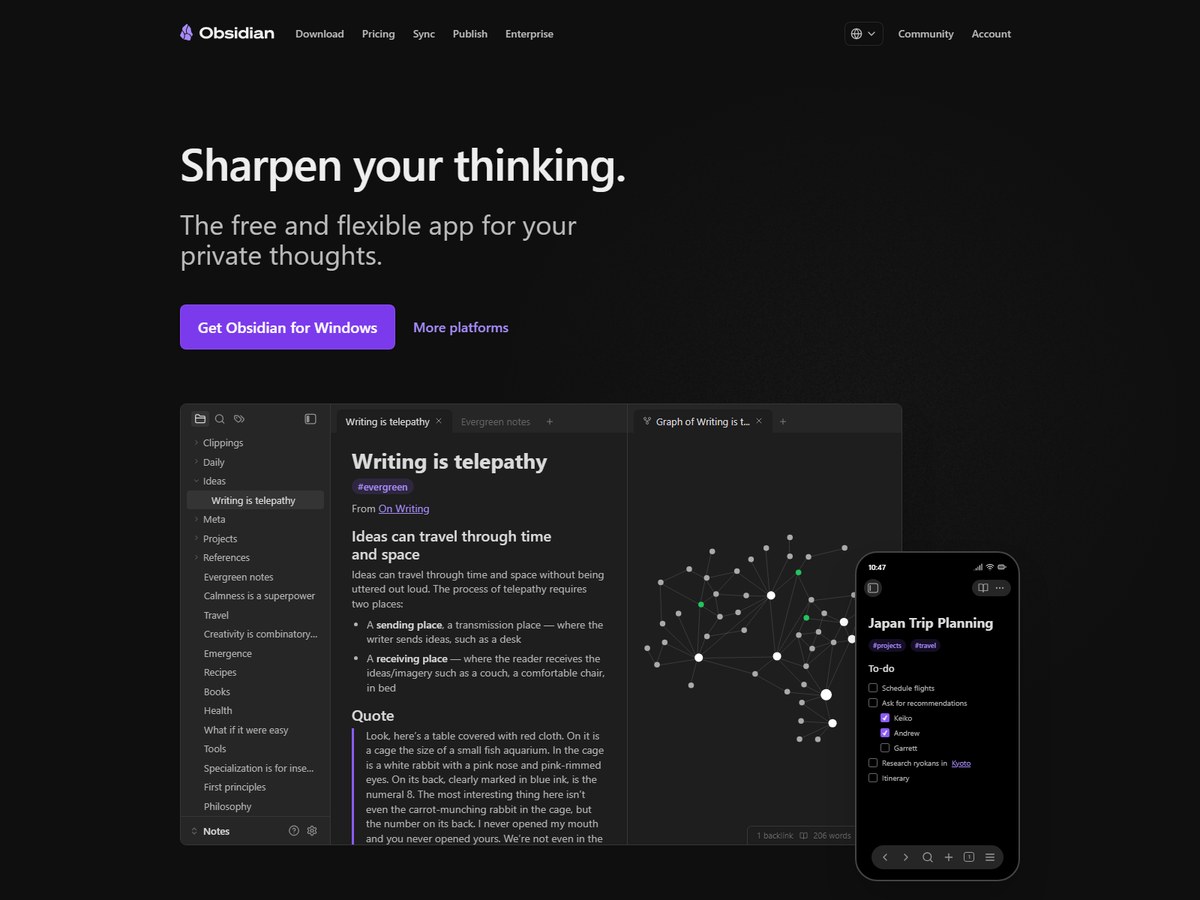
Obsidian is a favorite of writers and researchers, but it does not publish a user count, so it is ranked after the apps that do. It stores your notes on your own device as plain text Markdown files, so you are never locked in. You link notes to each other, explore them in a graph view, brainstorm on an infinite Canvas, and shape the app with thousands of community plugins and themes. The app itself is free without limits; optional Sync with end-to-end encryption and Publish, which turns notes into a website, are extra services. Co-founder Erica Xu started Obsidian in 2020, and the small team says it is 100% supported by its users, not investors. It fits people who like to tinker; beginners may find it a lot to set up.

Best forWriters and researchers who want their notes as plain files they own
Skip it ifYou want team collaboration out of the box

Source: obsidian.md/about

10
Standard Notes by Standard Notes
Image: Standard Notes (official site)

Standard Notes

Standard Notes · Encrypted notes app with audited security

No user count published

A steel vault for private notes.

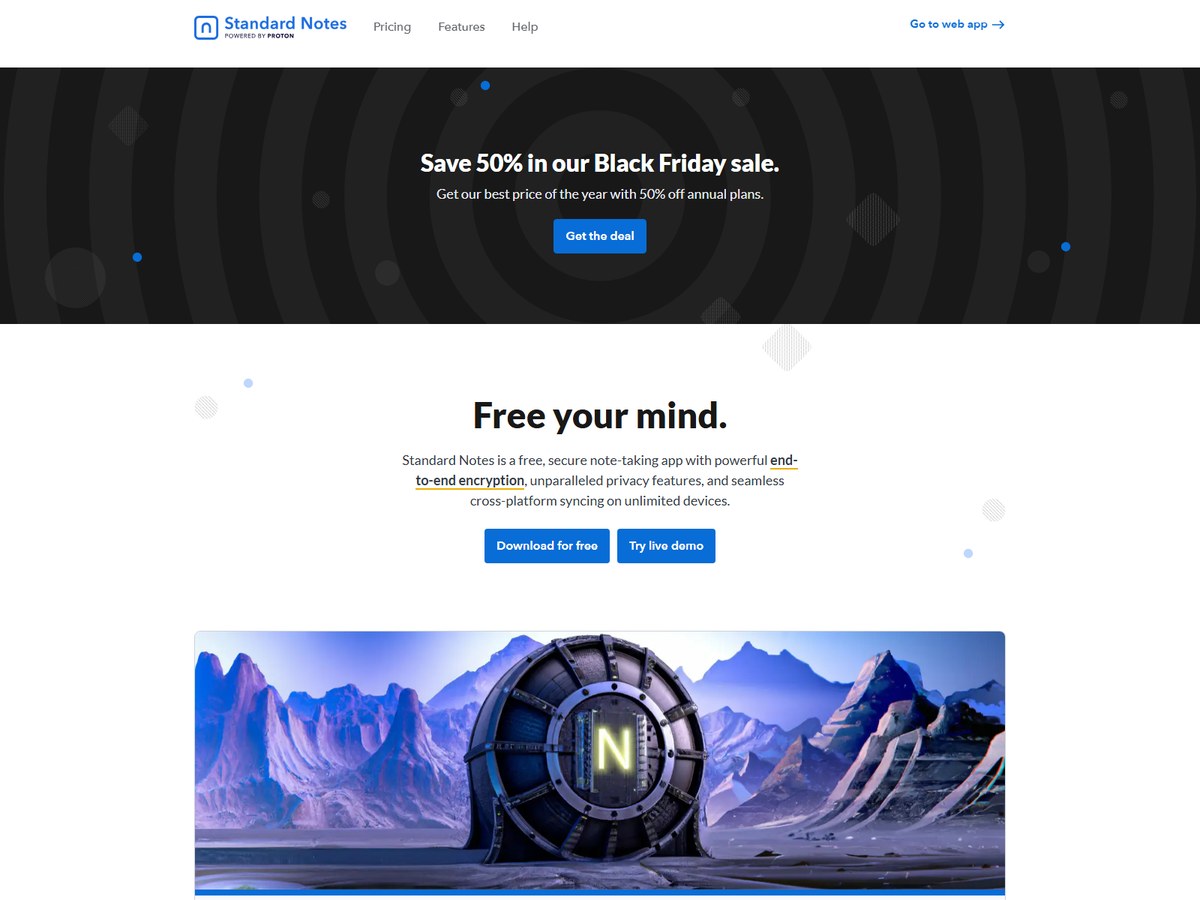
Standard Notes is a secure notes app that does not publish a user count, so it is ranked after the apps that do. It protects notes and files with audited, end-to-end encryption, and only you hold the keys needed to decrypt your data. Its code is completely open and independently audited by security researchers. The free version gives you unlimited notes on unlimited devices, with an offline copy of your data and secure cloud sync, and paid plans add more. Standard Notes is an independent company: it says 100% of its revenue comes from paying users, it has taken $0 in venture capital, and it has been in service for 10 years. It is aimed at people keeping private journals, health records, passwords or contracts, rather than at teams.

Best forPeople storing sensitive notes, records and files
Skip it ifYou want rich formatting and AI features

Source: standardnotes.com/

Questions people ask

What is the most popular note-taking app?

Of the apps that publish a count, Notion is the largest, with 100M users in over 50 countries. Goodnotes is next with 24M+ monthly active users.

What is the best free note-taking app?

Obsidian is free without limits, and Notesnook, Joplin and Standard Notes all offer free apps; Notesnook and Standard Notes give unlimited notes on unlimited devices for free. Capacities also has a free forever plan.

Which note-taking app is best for handwriting?

Goodnotes, with 24M+ monthly active users, is built for writing with a stylus on a tablet and also handles PDF annotation and typed notes. RemNote also supports handwritten notes for students.

Which note-taking apps are end-to-end encrypted?

Notesnook, Joplin and Standard Notes encrypt notes end to end. Obsidian stores notes locally on your device, and its optional Sync service uses end-to-end encryption.

How were these apps ranked?

By the user count each maker publishes on its own website, read November 14, 2026. Apps that publish no count are listed last, alphabetically.

How we ranked

The user count each maker publishes on its own website, read November 14, 2026. The counts are not all measured the same way: Notion states total users, Goodnotes monthly active users, RemNote students, Notesnook people who write every day and Capacities active knowledge workers. Bear, Evernote, Joplin, Obsidian and Standard Notes publish no user count, so they are ranked last, in alphabetical order. Every number on this page comes from the source linked under each pick, and every photo shows the actual product. Brands can't pay to be on this list.

List source: www.notion.com/ · Updated 2026-11-14