consumertop10

Home › Software

Top 10 · Software

Top 10 PDF Editors

The PDF editors people use to edit, convert, sign and organize documents on the web, desktop and phone, ranked by the largest user count each maker publishes.

Quick answer

Smallpdf is the most-used PDF editor on this list, trusted by 1.7 billion people since 2013, with a free plan and Pro listed at $15 a month. Foxit PDF Editor is second with 700M+ users and is the pick for businesses leaving Acrobat, from $10.99 per user a month. pdfFiller is third with 56 million users. Mac and iPad users should look at PDF Expert, and anyone working with scans should look at ABBYY FineReader PDF.

How it's ranked: The largest user count each maker publishes on its own website (read November 2026). The units differ: Smallpdf counts people who have used it since 2013 (pricing page; its homepage says over a billion users), Foxit counts users of Foxit (PDF Editor page, which also lists 660,000+ organizations, or 640,000+ in its FAQ), pdfFiller counts users (homepage), PDF Expert counts users worldwide (homepage and pricing page), Tungsten Power PDF counts users (product page) and ABBYY counts users of FineReader PDF (homepage). We ranked on users for every vendor so the numbers are as comparable as possible; Smallpdf's figure is a running total since 2013, not active users. iLovePDF, Nitro PDF, Sejda PDF and Xodo publish no user count on the pages we read and are listed last in alphabetical order; iLovePDF says it processes 16.5 million documents a day, which is not a user count. Counts are each company's own claims, so treat them as a guide to scale, not an audit. Adobe Acrobat returned an Access Denied page to our reader, and Wondershare PDFelement's site did not load in our reader and its store page returned an error, so neither is included. Soda PDF and PDF24 were read but not picked; neither publishes a user count.

1
Smallpdf by Smallpdf
Image: Smallpdf (official site)

Smallpdf

Smallpdf · Online PDF editor with 30+ tools, AI chat and e-signing

1.7 billion people since 2013

The most-used online PDF editor, simple and browser-first.

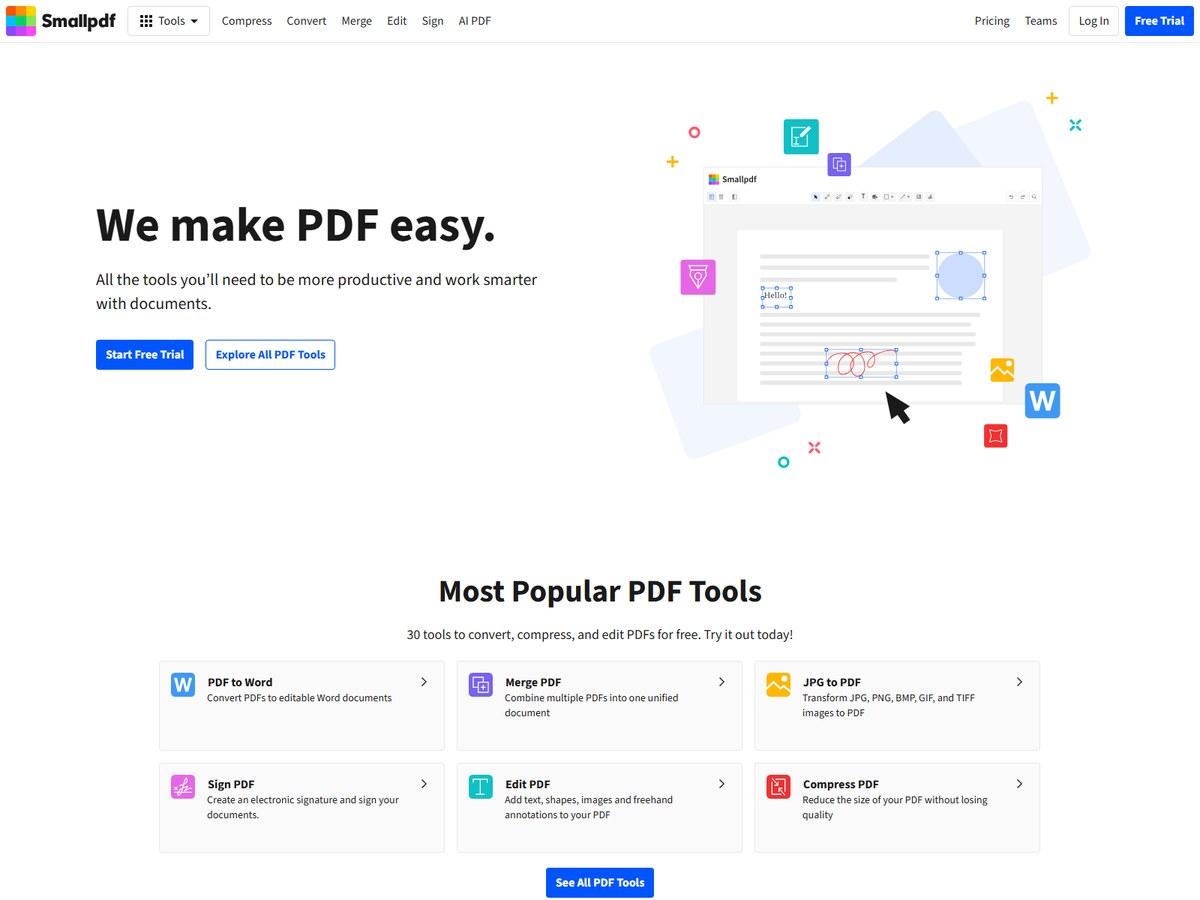
Smallpdf says it has been trusted by 1.7 billion people since 2013, the largest count on this list, and its homepage says over a billion users have used its service. It is built in Switzerland and works mainly in the browser, with 30+ tools to compress, convert, merge, split, rotate, edit, annotate, redact, watermark, OCR and sign PDFs. AI tools include an AI PDF Assistant, Chat with PDF, a summarizer and Translate PDF. There are mobile apps for iPhone and Android, a Windows app, a Chrome extension and Google Workspace and Dropbox integrations. Smallpdf says it is ISO/IEC 27001 certified, GDPR, CCPA and nFADP compliant, and uses 256-bit TLS encryption. The Free plan costs $0 with limited downloads. When we checked, the pricing page listed Pro at $15 a month with unlimited use of every tool and the AI features, and Team at $12 per seat a month for 2 or more seats. A 7-day free trial is offered. It fits occasional browser users.

Best forPeople who want quick PDF fixes in a browser without installing anything
Skip it ifYou need a full desktop editor for heavy, offline document work

Sources: smallpdf.com · smallpdf.com/pricing
2
Foxit PDF Editor by Foxit Software
Image: Foxit (official site)

Foxit PDF Editor

Foxit Software · Desktop, web and mobile PDF editor with AI and eSign

700M+ users

Best Acrobat alternative for businesses.

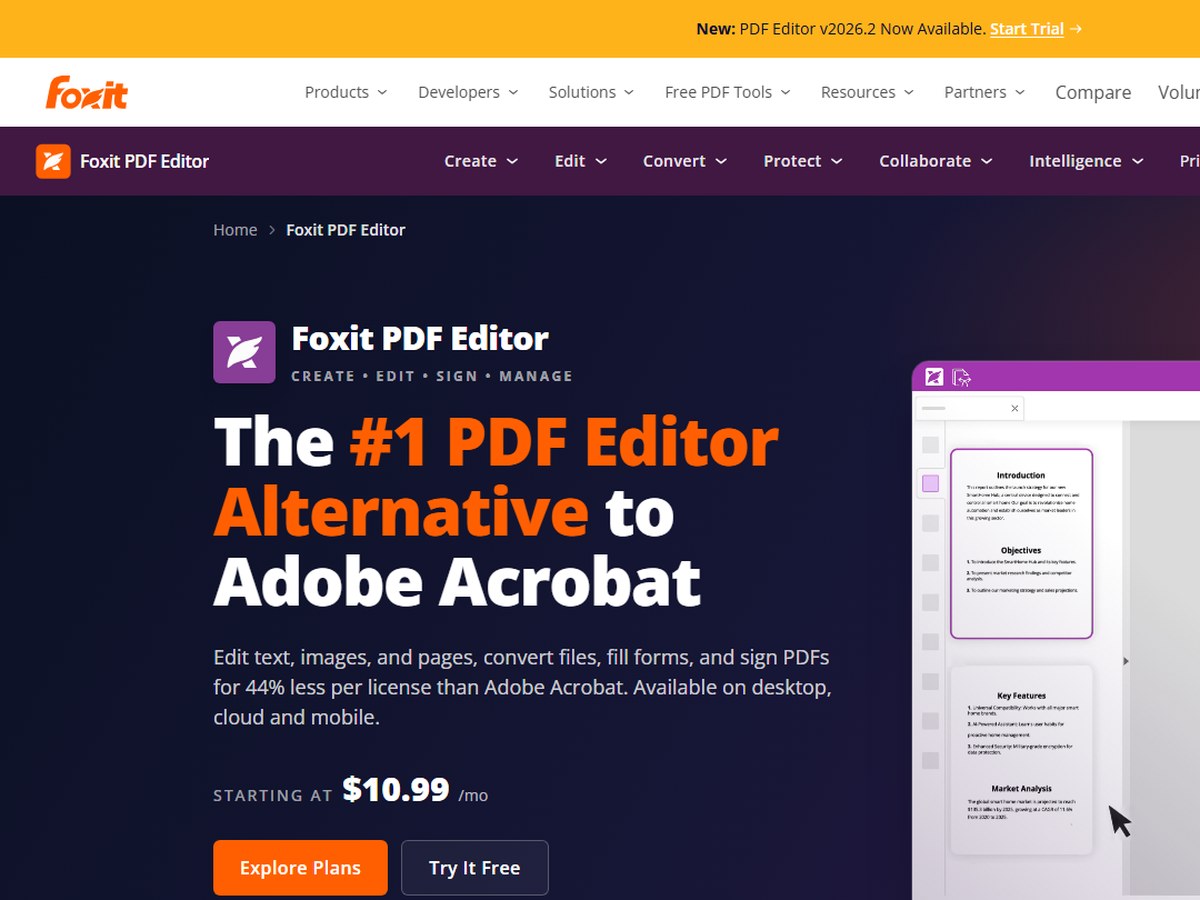
Foxit says its PDF Editor is trusted by 700M+ users and 660,000+ organizations worldwide; its FAQ gives 640,000+ organizations. It calls itself the #1 alternative to Adobe Acrobat. The editor runs on Windows, macOS and the web, and the PDF Editor+ plan adds iOS and Android apps. It edits text, images and pages, converts to and from Word, Excel and PowerPoint, creates and fills forms, runs OCR on scans, compares two versions and password-protects files, and it includes the Foxit document management system. Built-in AI chats with documents, summarizes and builds bookmarks, and every account gets 300 AI credits a month; a paid AI tier costs $49.99 a year for 2,000 credits a month. Subscriptions start at $10.99 per user a month. PDF Editor+ costs $159.99 per user a year and adds AI Smart Redact and Foxit eSign with 150 envelopes a year. A perpetual license costs $209.99 for Windows or macOS, without AI and cloud features. A free trial is offered. It fits teams leaving Acrobat.

Best forBusinesses that want an Acrobat-style editor at a lower per-seat price, or a one-time license
Skip it ifYou only need a free tool for the odd merge or compress

Sources: www.foxit.com/pdf-editor · www.foxit.com/company/about.html

3
pdfFiller by pdfFiller
Image: pdfFiller (official site)

pdfFiller

pdfFiller · Browser-based PDF editor for forms, e-signing and faxing

56 million users

Best for filling and signing forms online.

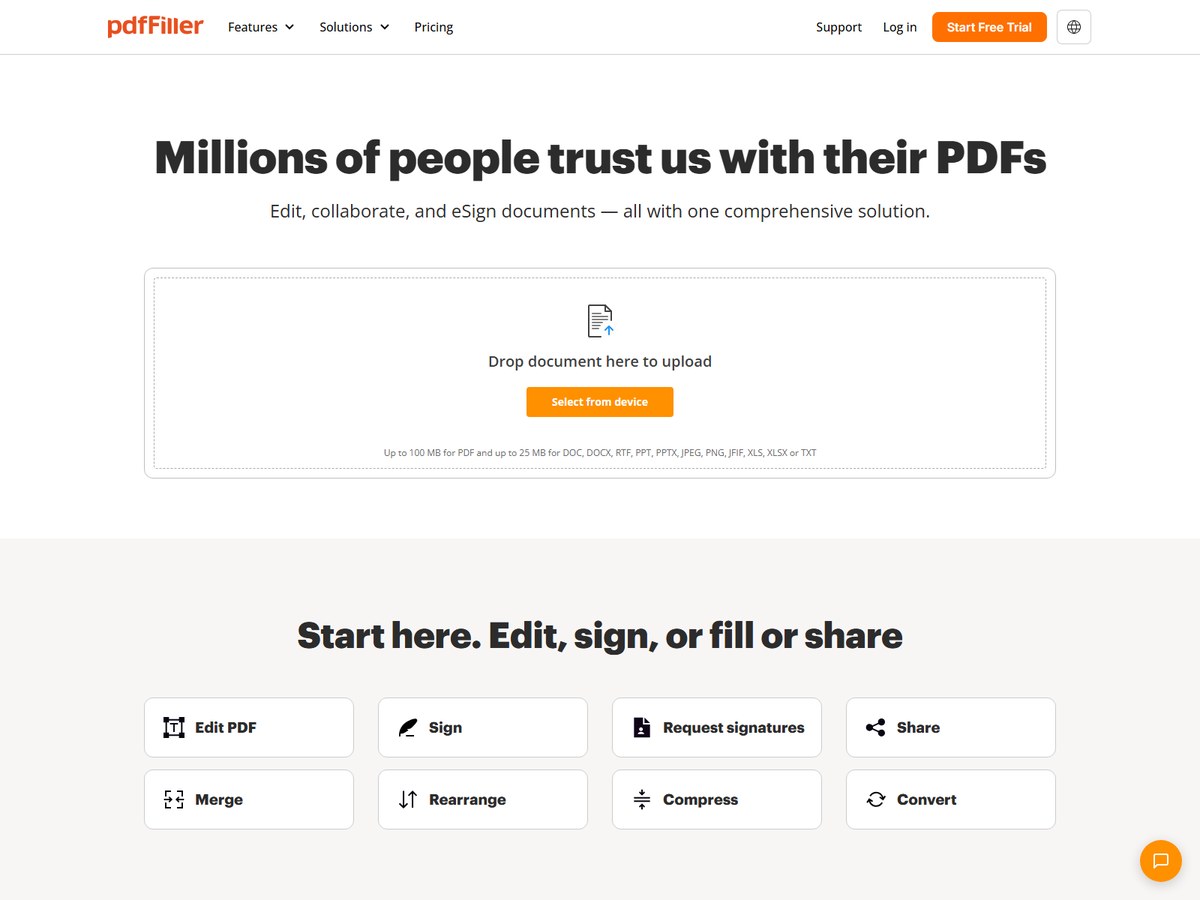
pdfFiller says 56 million users changed their work for the better with it. It is a browser-based editor built around forms: you can edit text, highlight, add images and drawings, build fillable forms with a drag-and-drop builder, and send documents for e-signature in a set order. It also merges, splits, rearranges, compresses and converts PDFs, shares files by link, email or website, and keeps team folders and shared templates, with AI tools such as a summarizer, chat with PDF and a translator. It runs in any browser, with a Mac desktop app and iPhone and Android apps. pdfFiller lists SOC 2 Type II, PCI DSS, HIPAA, GDPR and CCPA compliance. Billed annually, Basic costs $8 a month, Plus costs $12 a month and adds templates, fillable fields and mobile apps, and Premium costs $15 a month and adds signNow e-signing and the US Legal Forms library; month to month, they cost $20, $30 and $40. A free 30-day trial is offered. It fits form-heavy small businesses.

Best forSmall businesses that fill, sign and send many forms from a browser
Skip it ifYou want a desktop editor you can use offline on Windows

Sources: www.pdffiller.com · www.pdffiller.com/en/services.htm

4
PDF Expert by Readdle
Image: PDF Expert (official site)

PDF Expert

Readdle · PDF editor for iPhone, iPad and Mac

30 million users

Best PDF editor for Mac and iPad.

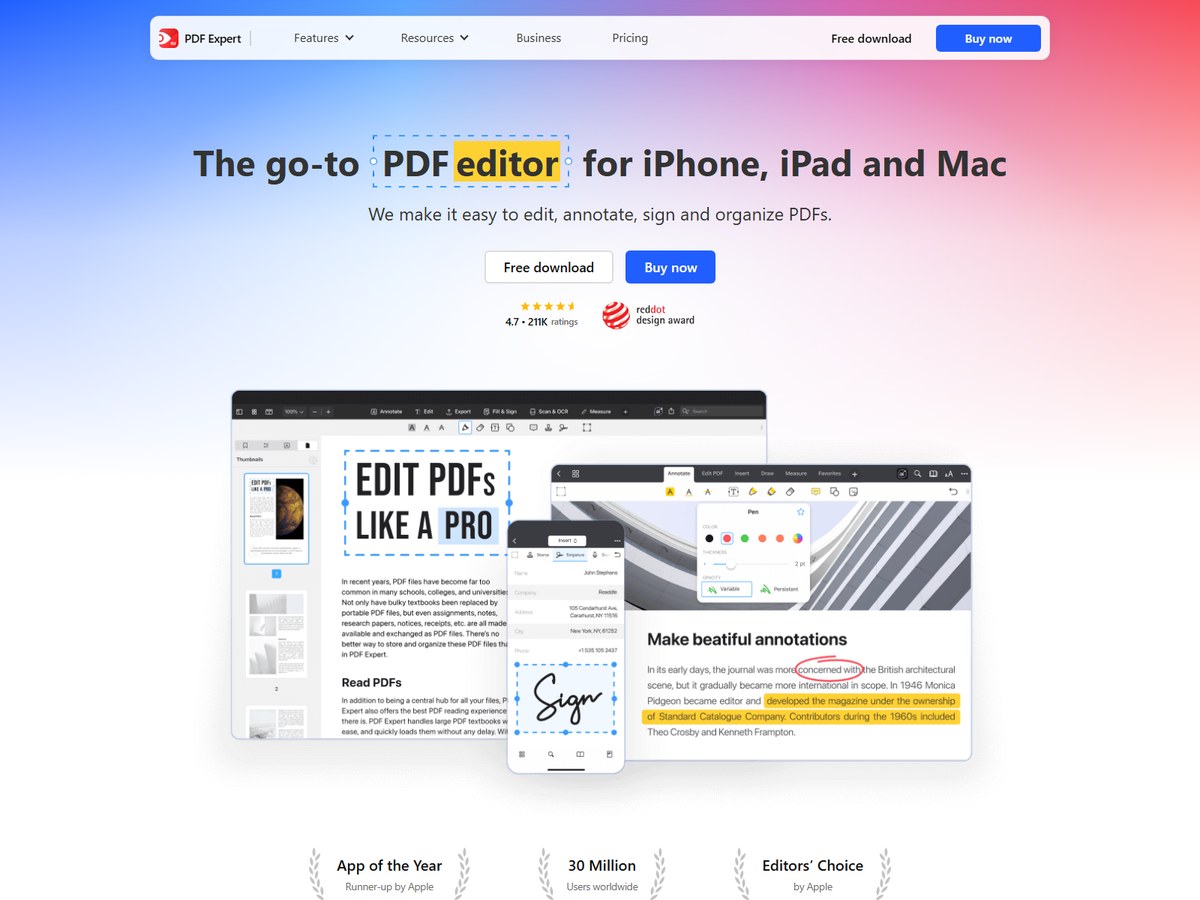
PDF Expert, made by Readdle, says it has 30 million users worldwide, and Readdle says 194 million people have downloaded its apps overall. It is built only for Apple devices: iPhone, iPad and Mac. You can edit PDF text, images and links, sign documents, fill forms with formulas and calculations, and merge, rearrange, extract, delete and rotate pages. It converts PDFs to Word, Excel, PowerPoint and JPG, runs OCR so scanned text can be searched and copied, and crops and splits scanned pages. Reading modes adjust font size, brightness and theme, and annotation tools include highlights, notes, stamps, audio notes and drawing. AI features include PDF Copilot, Translate PDF and an Enhance tool that fixes distortion and shadows in scans. Apple has named it App of the Year runner-up and an Editors' Choice. The Yearly plan costs $79.99 and covers iPhone, iPad and Mac, and a Lifetime license costs $139.99 one time for the Mac version only. Both come with a 30-day money-back guarantee. It fits Apple users.

Best forMac, iPhone and iPad users who want a fast, polished editor
Skip it ifYou work on Windows or Android

Sources: pdfexpert.com · pdfexpert.com/pricing

5
Tungsten Power PDF by Tungsten Automation
Image: Tungsten Automation (official site)

Tungsten Power PDF

Tungsten Automation · Windows and Mac PDF editor with a one-time license

15 million+ users

Best one-time-purchase desktop editor.

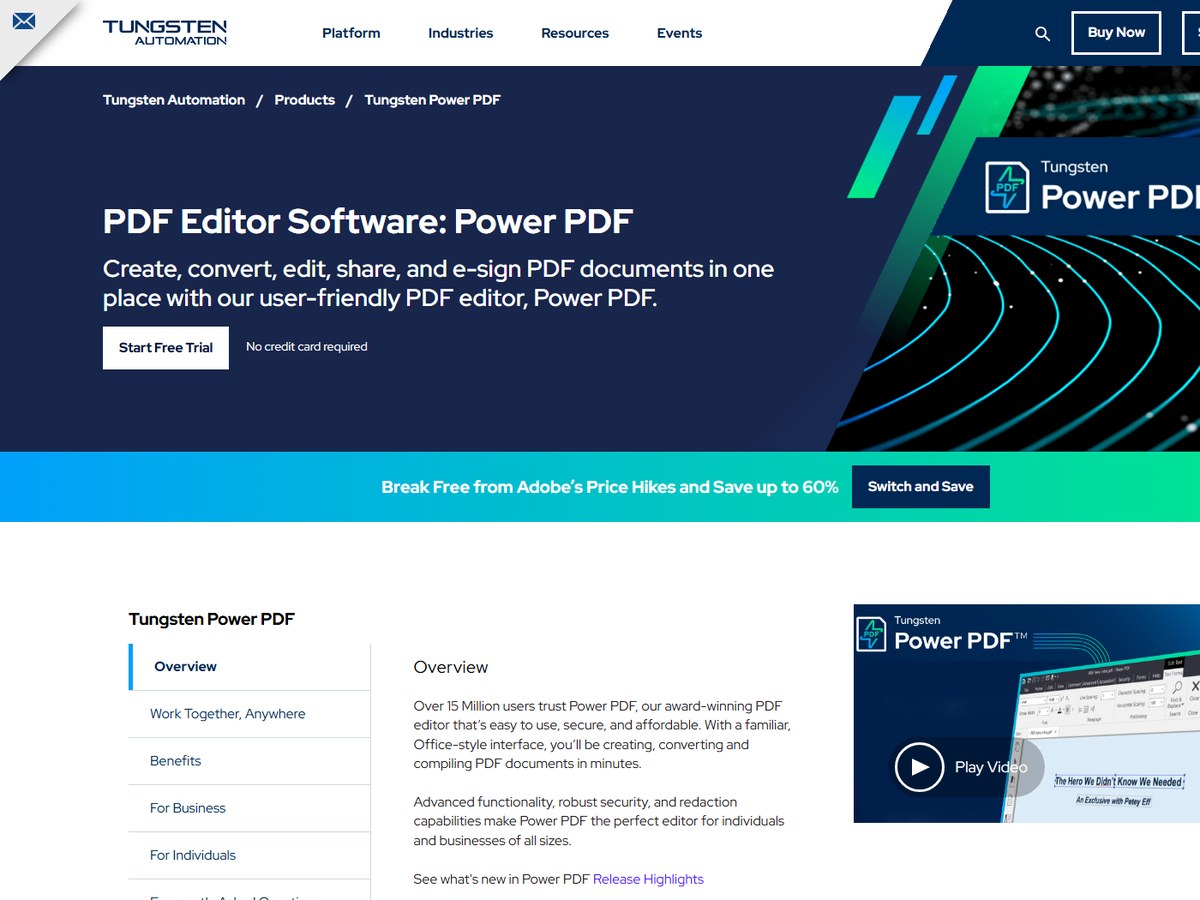
Tungsten Automation, formerly Kofax, says over 15 million users trust Power PDF. It is a desktop editor with a familiar, Office-style interface for creating, converting, editing, sharing and e-signing PDFs. Standard for Windows covers creation, editing and export with native ARM support. Advanced adds SharePoint and iManage integration, e-signatures, batch processing, Bates numbering, advanced redaction and password protection. The Business edition adds a browser-based Cloud Editor, a Microsoft Teams app, central admin, and generative AI copilots where you bring your own OpenAI license. The Mac version has a native interface, markup, conversion to Word, Excel and images, page organizing and form filling and signing, and there are iOS and Android apps for reading and signing. Standard for Windows costs $129, Advanced for Windows costs $179 and Standard for Mac costs $129, all as one-time licenses; Business is quote only. The free 15-day trial needs no credit card, and the Mac page lists a 30-day money-back guarantee. It fits offices that dislike subscriptions.

Best forOffices that want to buy a PDF editor once instead of paying a subscription
Skip it ifYou mainly work on a phone or tablet

Sources: www.tungstenautomation.com/products/power-pdf · www.tungstenautomation.com/products/power-pdf/mac

6
ABBYY FineReader PDF by ABBYY
Image: ABBYY (official site)

ABBYY FineReader PDF

ABBYY · PDF editor built around OCR for scans and paper documents

10 million users

Best for scanned documents and OCR.

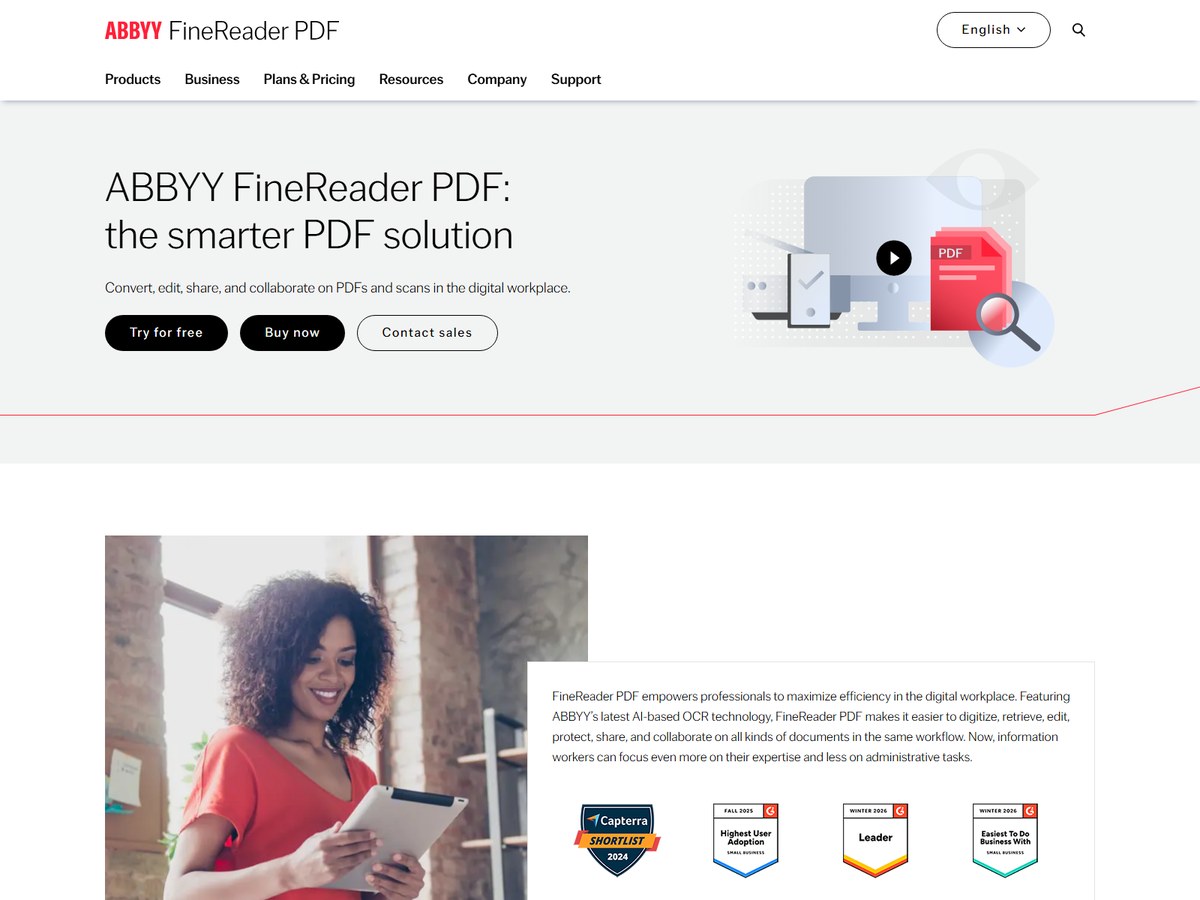
ABBYY's FineReader PDF homepage lists 10 millions of users and says millions of customers worldwide rely on it; ABBYY says it has helped organizations with digital transformation for more than 30 years. Its strength is OCR: it turns paper documents and scans into searchable, editable files and pulls out text and tables, and the homepage lists 198 recognition languages. It also creates, edits and organizes PDFs, builds fillable forms, compares documents in different formats, converts files, and lets teams comment on, approve, protect, redact and sign PDFs. Versions exist for Windows and Mac, with an iOS app and a Server edition. Standard for Windows costs $99 a year, $267 for three years or $16 a month. Corporate for Windows costs $165 a year or $24 a month and adds document comparison and Hot Folder automated conversion of up to 5,000 pages a month. FineReader PDF for Mac costs $69 a year. A 7-day free trial needs no payment. It fits people who digitize lots of paper.

Best forAnyone who works with a lot of scans and needs accurate text recognition
Skip it ifYou only edit PDFs that were created digitally

Sources: pdf.abbyy.com · pdf.abbyy.com/pricing

7
iLovePDF by iLovePDF
Image: iLovePDF (official site)

iLovePDF

iLovePDF · Free online PDF tools with desktop and mobile apps

No user count published

Best free online PDF toolkit.

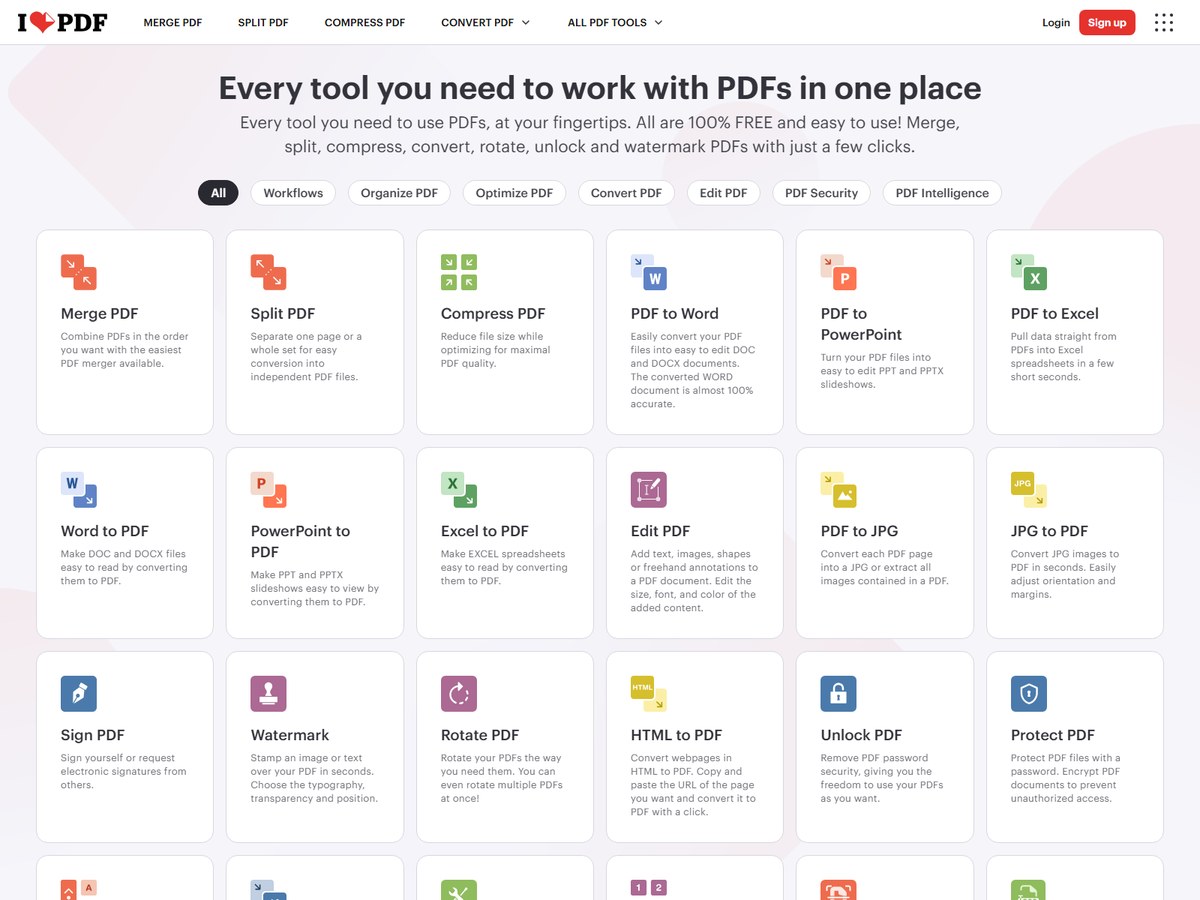
iLovePDF does not publish a user count; its homepage says it is trusted by millions of users, and its pricing page says 16.5 million documents are processed every day and calls it the most-used online PDF software worldwide. Its tools cover merging, splitting, compressing, repairing and OCR, converting to and from Word, PowerPoint, Excel, JPG and PDF/A, editing, page numbers, watermarks, forms, unlocking, protecting, signing, redacting and comparing. AI tools include a summarizer, Translate PDF and PDF to Markdown, and Workflows chain several tools together. It runs on the web, Mac and Windows desktop, and iPhone and Android, and shows an ISO 27001 certified logo. The Free plan has per-task limits, such as 25 files per merge. Premium costs $9 a month billed monthly, or $5 a month billed yearly at $60, for 1 to 25 users, with unlimited processing, digital signatures, no ads and 2,000 AI credits. Business is custom for 25+ users. It fits budget users.

Best forStudents and casual users who want free merge, split, compress and convert tools
Skip it ifYou need advanced editing of the text inside a PDF every day

Sources: www.ilovepdf.com · www.ilovepdf.com/pricing

8
Nitro PDF by Nitro Software
Image: Nitro (official site)

Nitro PDF

Nitro Software · Business PDF editor and eSign platform for Windows, Mac and iOS

No user count published

Best for company-wide PDF and eSign rollouts.

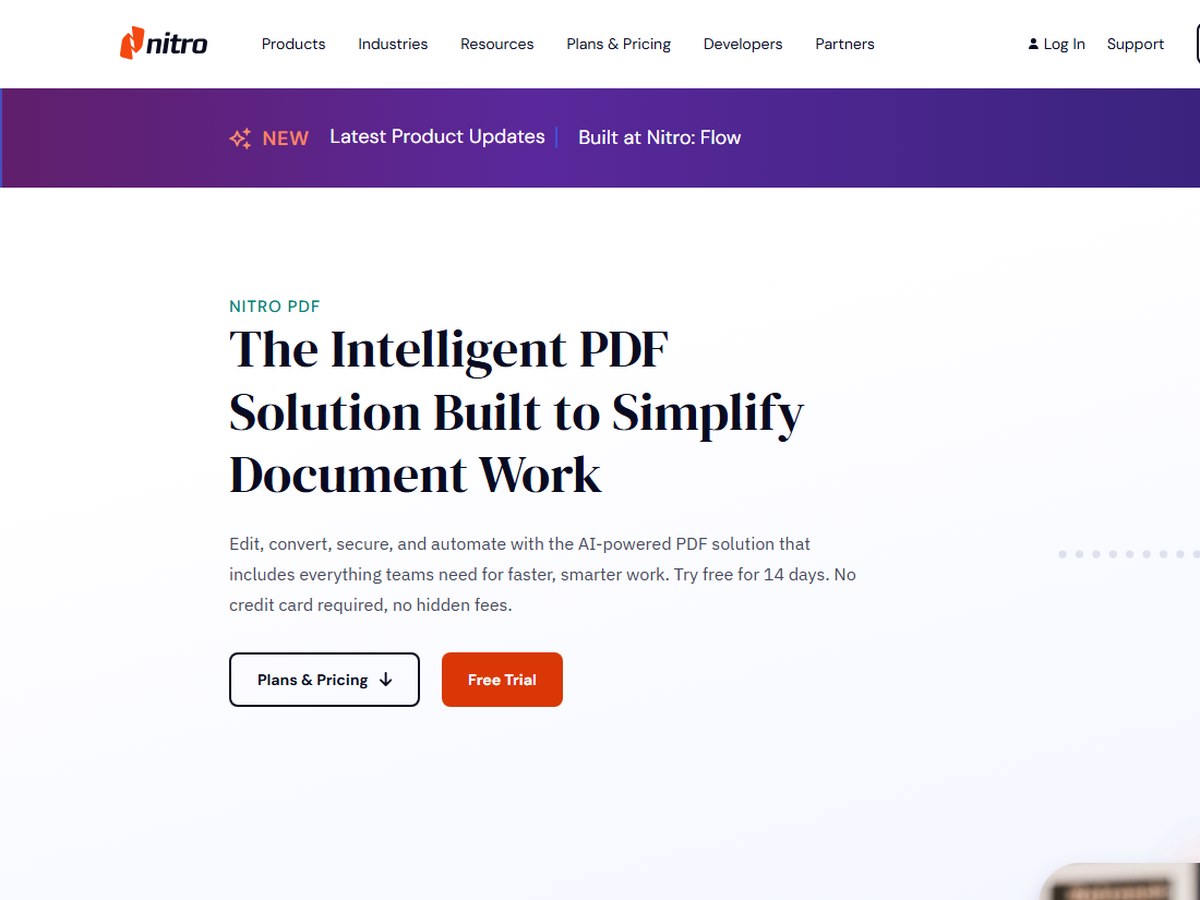
Nitro does not publish a user count; it says millions of users worldwide trust it, including 67% of the Fortune 500, with customers in 190 countries. Nitro PDF creates, converts, combines and edits PDFs, reorders pages, annotates, redacts, compares two versions, runs OCR, creates fillable forms and handles certificate signatures, with password and permission controls. AI tools summarize, rewrite and extract key data, pull tables and forms, and create fillable forms automatically, and Smart Redact, a separate add-on, finds 30+ types of personal information. Standard and Plus run on Windows, Mac and iOS; Plus adds single sign-on, domain control, Azure Information Protection and Nitro Analytics. Nitro PDF Classic is a one-time payment for a three-year Windows-only license. Nitro lists ISO 27001, SOC 2 and HIPAA among its certifications. Prices were not shown on the pages we read; up to 20 licenses can be bought online and larger orders go through sales. The 14-day free trial needs no credit card. It fits mid-size and large companies.

Best forCompanies that want PDF editing and e-signing rolled out across teams
Skip it ifYou want to see a price on the page before you start

Sources: www.gonitro.com · www.gonitro.com/about

9
Sejda PDF by Sejda
Image: Sejda (official site)

Sejda PDF

Sejda · Online and desktop PDF editor with 30+ tools

No user count published

Best low-cost pass for occasional PDF jobs.

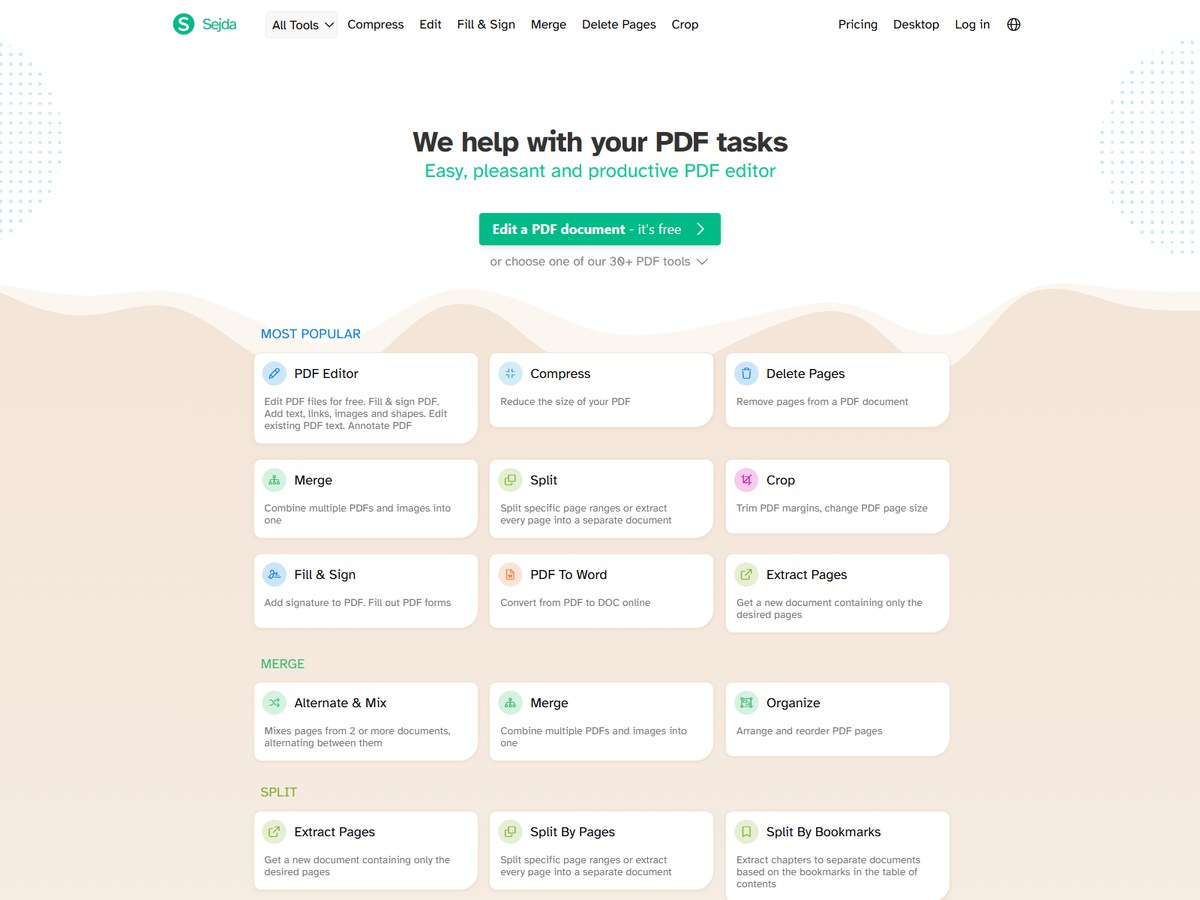
Sejda does not publish a user count. It offers 30+ PDF tools in the browser and as a desktop app for Windows, macOS and Linux. You can add or change text, images, links and shapes, fill and sign forms, annotate, and merge, split, extract, delete, rotate, crop and reorder pages. It converts PDFs to and from Word, Excel, PowerPoint, images and text, compresses files, runs OCR, adds watermarks, page numbers and headers, and protects or unlocks files. Editing existing text in scanned documents is not supported. Sejda says web files are permanently deleted after processing, and desktop files never leave your computer. A free tier needs no signup but has page, hourly and file limits. The Web Week Pass costs $5 for 7 days as a one-time charge that does not renew, and the Desktop+Web Annual plan costs $63 a year. Paid plans allow unlimited documents, OCR on documents up to 100 pages and uploads up to 500MB. It fits occasional users.

Best forOccasional users who want a cheap short-term pass or an offline desktop app
Skip it ifYou need to edit the existing text in scanned documents

Sources: www.sejda.com · www.sejda.com/pricing

10
Xodo by Apryse
Image: Xodo (official site)

Xodo

Apryse · PDF editor suite for web, desktop and mobile

No user count published

Best cross-platform suite, including Linux.

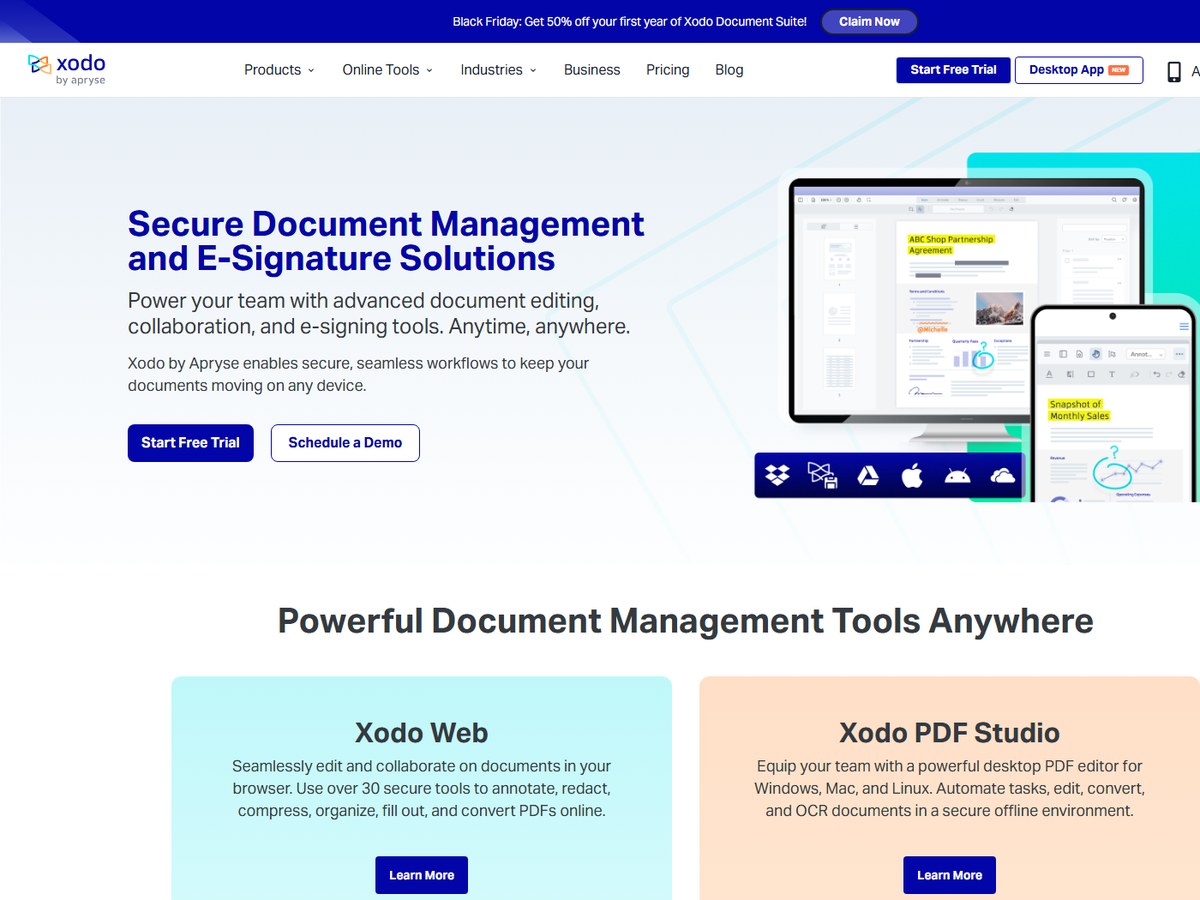
Xodo does not publish a user count. It is made by Apryse, which says Xodo is backed by 20 years of its PDF technology. The suite includes Xodo Web, with 40+ online tools listed on the pricing cards for editing, annotating, redacting, compressing, organizing pages, filling forms and converting; Xodo Desktop, also called PDF Studio, with 60+ tools on Windows, macOS and Linux, including automation and OCR; Xodo Mobile for iPhone and Android; and Xodo Sign for e-signatures with audit trails. A free PDF reader is available, and free users get 1 free action a day on the web tools. The Document Suite costs $14.99 a month, or $179.88 billed yearly. Xodo Web alone costs $7.99 a month or $95.88 a year, and Xodo Desktop costs $9.99 a month or $119.88 a year, with a perpetual license option. Web and Desktop come with a free 3-day trial, and teams get custom quotes with volume discounts. It fits users who need Linux support.

Best forLinux users and teams that want one subscription across web, desktop and mobile
Skip it ifYou want a generous free online tier

Sources: xodo.com · xodo.com/pricing

Questions people ask

What is the best PDF editor?

Smallpdf is the most-used on this list, trusted by 1.7 billion people since 2013, and works in the browser. For a full desktop editor that replaces Acrobat in a business, Foxit PDF Editor is the largest, with 700M+ users and plans from $10.99 per user a month.

Is there a free PDF editor?

Yes. Smallpdf, iLovePDF and Sejda have free tiers with limits on downloads, tasks or pages, and Xodo gives free users 1 action a day on its web tools. Foxit, Nitro, pdfFiller, Power PDF and ABBYY offer free trials instead.

Which PDF editor can I buy once instead of subscribing?

Tungsten Power PDF Standard costs $129 one time for Windows or Mac, Foxit sells a perpetual license for $209.99, PDF Expert sells a Mac lifetime license for $139.99, and Nitro PDF Classic is a one-time payment for a three-year Windows license.

What is the best PDF editor for Mac?

PDF Expert by Readdle is built only for Mac, iPhone and iPad and says it has 30 million users; its Yearly plan costs $79.99. Foxit, Power PDF, ABBYY FineReader PDF, Nitro and Xodo also run on Mac.

How were these PDF editors ranked?

By the largest user count each maker publishes on its own website. Makers with no published user count are listed last, alphabetically. These are the companies' own claims.

How we ranked

The largest user count each maker publishes on its own website (read November 2026). The units differ: Smallpdf counts people who have used it since 2013 (pricing page; its homepage says over a billion users), Foxit counts users of Foxit (PDF Editor page, which also lists 660,000+ organizations, or 640,000+ in its FAQ), pdfFiller counts users (homepage), PDF Expert counts users worldwide (homepage and pricing page), Tungsten Power PDF counts users (product page) and ABBYY counts users of FineReader PDF (homepage). We ranked on users for every vendor so the numbers are as comparable as possible; Smallpdf's figure is a running total since 2013, not active users. iLovePDF, Nitro PDF, Sejda PDF and Xodo publish no user count on the pages we read and are listed last in alphabetical order; iLovePDF says it processes 16.5 million documents a day, which is not a user count. Counts are each company's own claims, so treat them as a guide to scale, not an audit. Adobe Acrobat returned an Access Denied page to our reader, and Wondershare PDFelement's site did not load in our reader and its store page returned an error, so neither is included. Soda PDF and PDF24 were read but not picked; neither publishes a user count. Every number on this page comes from the source linked under each pick, and every photo shows the actual product. Brands can't pay to be on this list.

List source: smallpdf.com/pricing · Updated 2026-11-20