Splashtop is the largest remote desktop tool on this list, trusted by 30 million users, with plans from $6 a month billed annually. Zoho Assist is second with 3.39 million+ installations and a free plan, and TeamViewer is third with more than 620,000 customers. For a free, open-source option, RustDesk is the pick.
How it's ranked: The largest count each vendor publishes on its own website or official GitHub page (read November 2026). The units differ: Splashtop counts users, Zoho Assist counts installations of Zoho Assist (its page also shows a larger Zoho-wide customer figure, which we did not use), TeamViewer counts customers, and RustDesk, an open-source project, is ranked by GitHub stars. DWService, Getscreen.me, ISL Online, LogMeIn Resolve, Parsec and Microsoft's Windows App publish no count and are listed last in alphabetical order. Counts are each company's own claims, so treat them as a guide to scale, not an audit. AnyDesk, BeyondTrust and Remote Utilities blocked our reader and are not included, and we could not get a clear view of the ConnectWise ScreenConnect or Supremo websites, so they are not included either.
Splashtop · Remote access, remote support and endpoint management
30 million users
The biggest and best-value remote access tool.
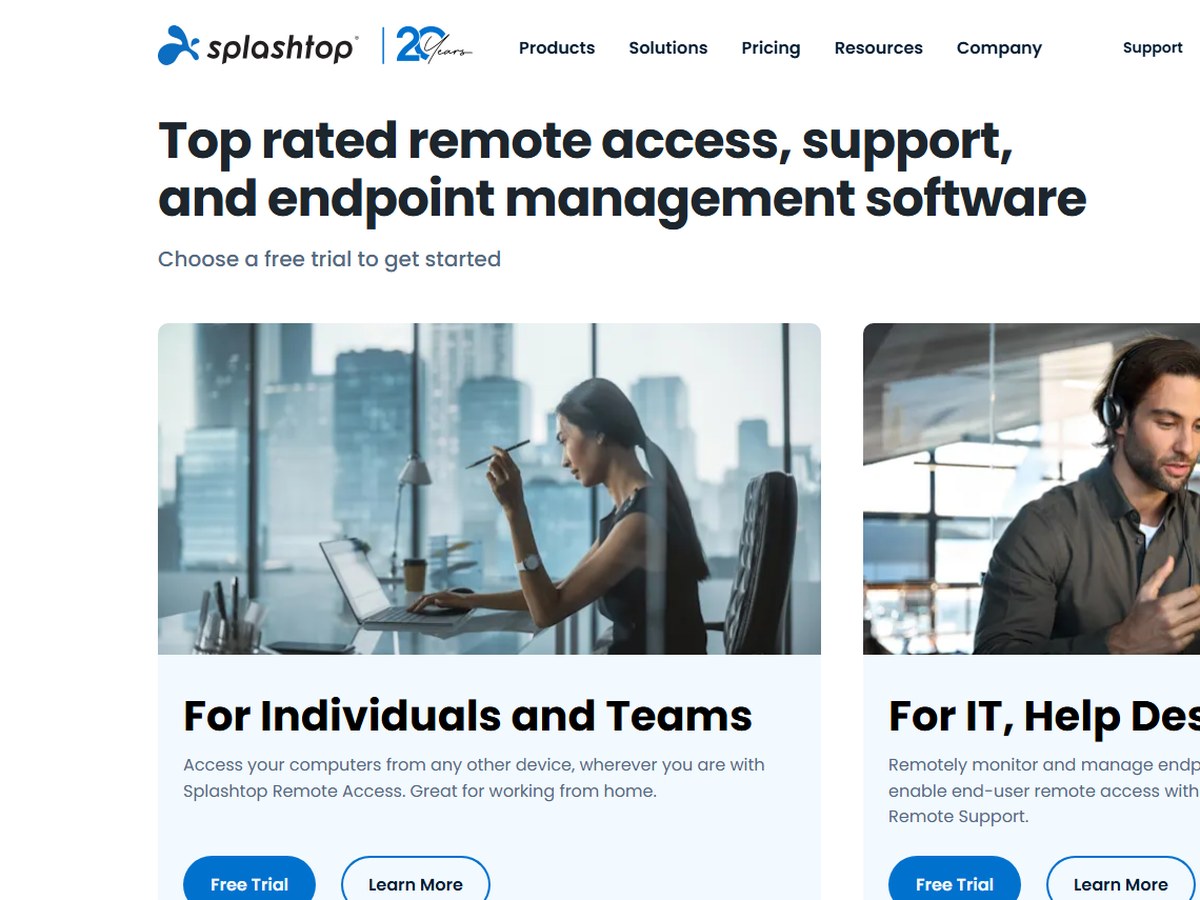
Splashtop says it is trusted by 30 million users and Fortune 500 companies, the largest count on this list, and it is celebrating 20 years in business. It covers remote access for individuals and teams, remote IT support for help desks and MSPs, and endpoint management with patching and automation. Plans start at $6 a month for Solo, billed annually at $72, with unattended access from any device, file transfer and remote print. Pro costs $8.25 per user a month, billed annually at $99, and adds multi-monitor support, user roles, chat and session recording. Performance costs $13 per user a month, billed annually at $149, with 4:4:4 color, up to 240 FPS, high-fidelity audio and Wacom support. Enterprise adds SSO and an on-premises option by quote, and Remote Support SOS starts at $22 a month per concurrent tech. Splashtop says it only offers annual billing. It fits most people who want simple, affordable remote access.
Best forIndividuals, small teams and IT help desks that want fast remote access at a low annual price
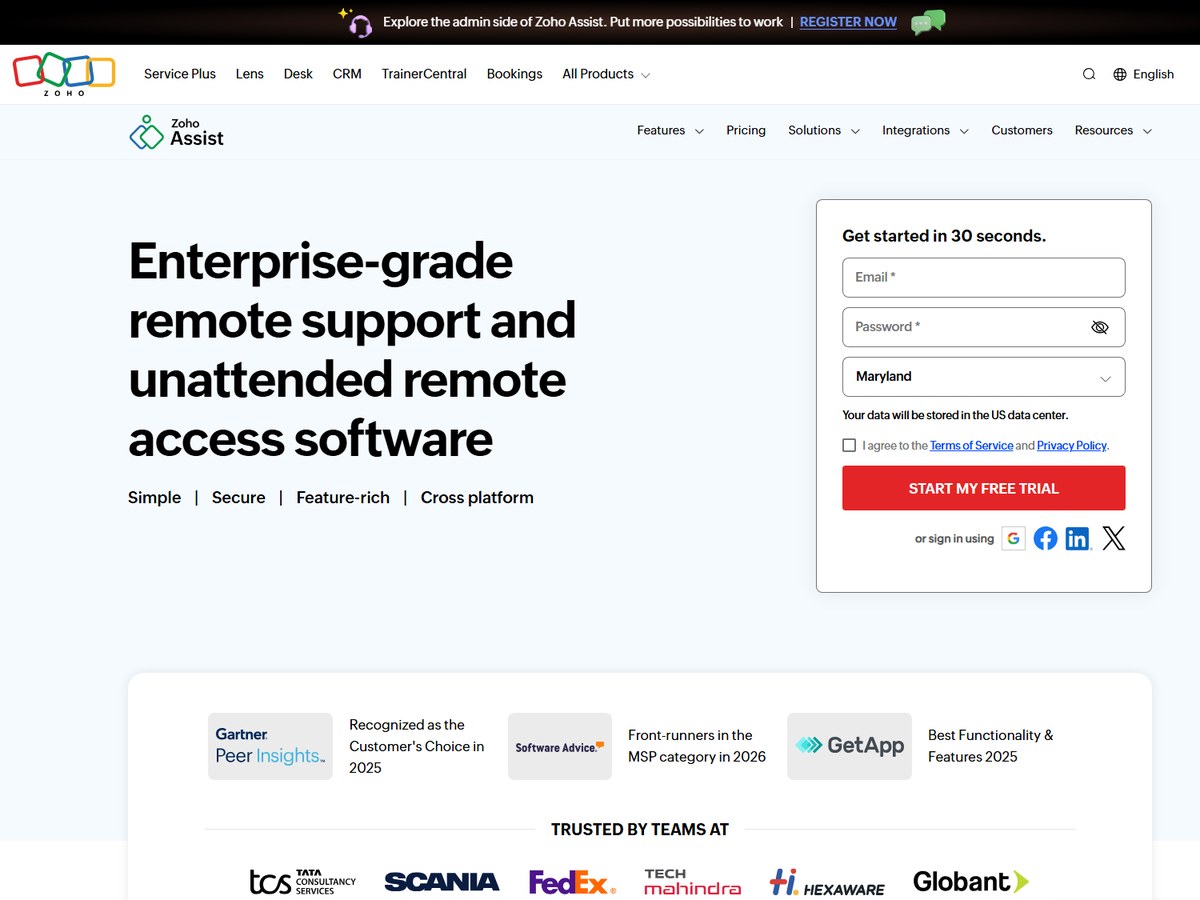
Zoho says Zoho Assist has 3.39M+ installations and has handled 132M+ remote sessions. It is cloud-based remote desktop software for on-demand support sessions and unattended access to Windows, Mac, Linux, Raspberry Pi, Android and iOS devices, with 256-bit AES encryption and multi-factor authentication. There is a free plan to start. For customer support teams, billed annually, Standard costs US$10 per technician a month with file transfer, voice chat and 2 concurrent sessions, Professional US$15 adds mobile device support, scheduled sessions and rebranding, and Enterprise US$24 adds session recording, remote printing, video chat and 6 concurrent sessions. For IT teams, unattended access starts at US$10 a month for 25 computers, billed annually. A Corporate plan costs US$75 a month billed annually with 50 licensed technicians. Paid plans come with a 15-day free trial. It fits help desks that want a low per-technician price.
Best forCustomer support and IT teams that want per-technician pricing and a free plan
Skip it ifYou need a gaming-grade, high-frame-rate connection
TeamViewer · Remote access and IT support platform
620,000+ customers
The best-known name in remote support.
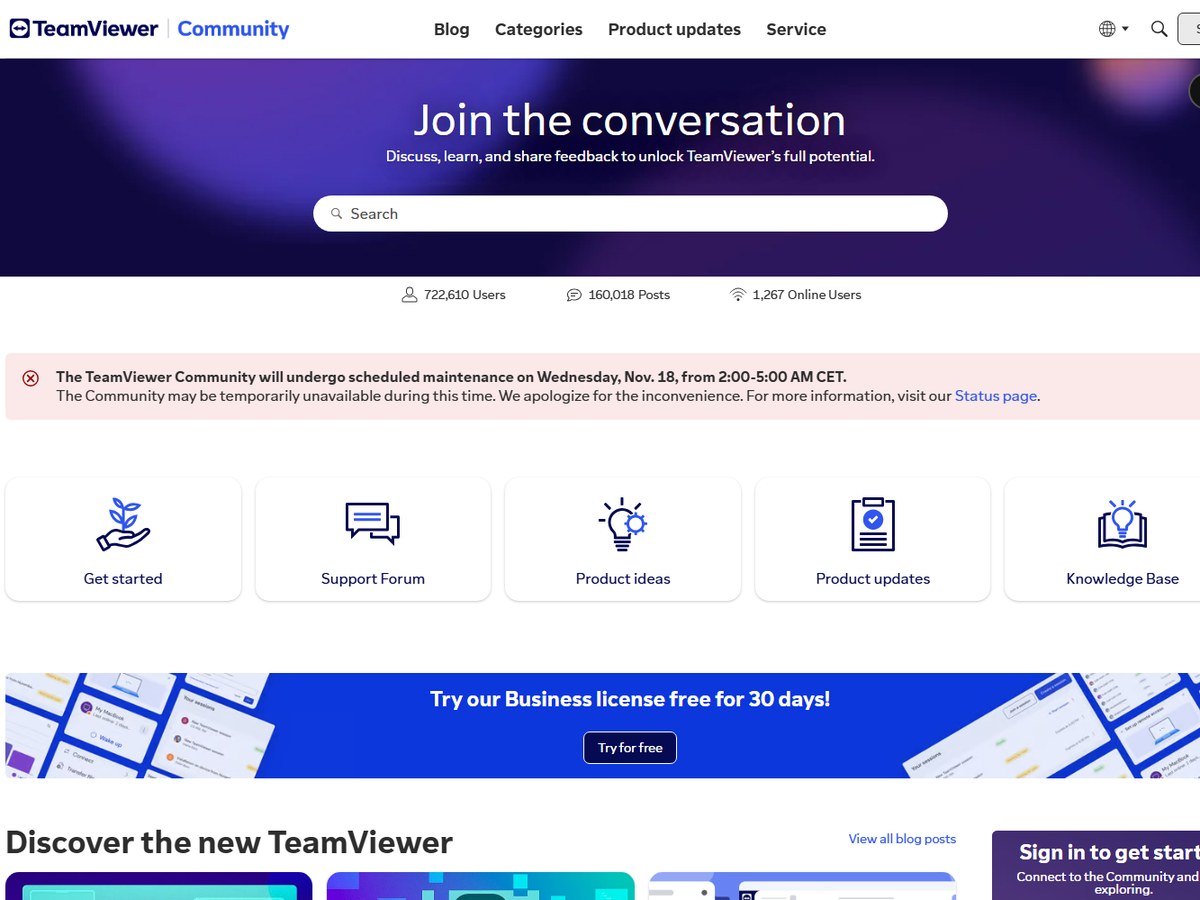
TeamViewer says more than 620,000 customers rely on it, and that it is the preferred tool for hundreds of millions of users. It started in Goeppingen, Germany, in 2005. Its software covers remote access, remote support, device management and AI-guided troubleshooting, with 256-bit AES end-to-end encryption and phone support in 33 languages. At regular list prices, billed yearly, TeamViewer Remote Access costs US$24.90 a month for 1 user and up to 3 unattended devices. Business costs US$50.90 a month for up to 200 unattended devices with 25 free AI credits a month, Premium US$120.90 a month for 15 licensed users and up to 300 devices, and Corporate US$245.90 a month for 30 licensed users, 3 concurrent connections and up to 500 devices. Business, Premium and Corporate come with a 30-day free trial, and subscriptions renew every 12 months unless cancelled at least 28 days before. It fits businesses that want a proven, full-featured tool.
Best forBusinesses that want the best-known remote support tool with AI help and mobile support
Skip it ifYou want the lowest price for a few computers
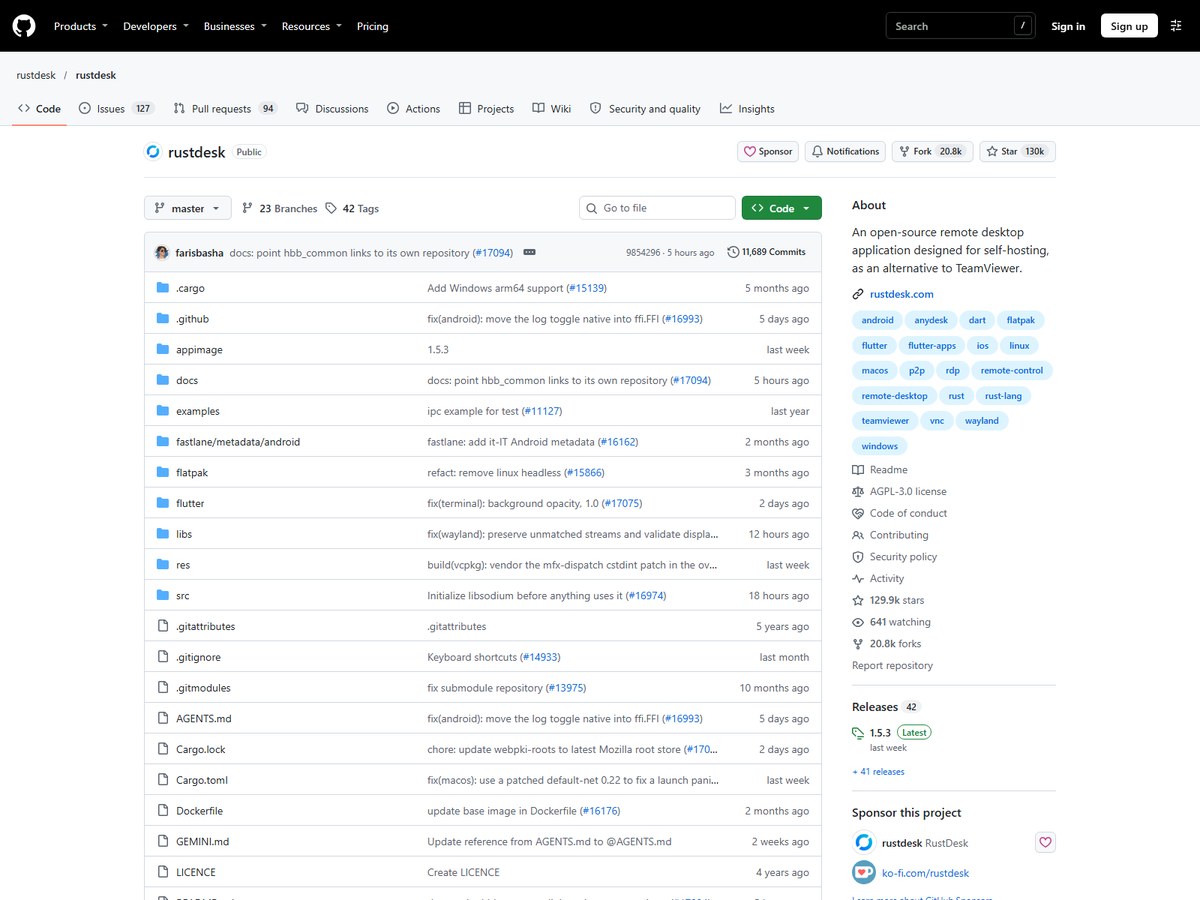
RustDesk's official GitHub repository shows 129.9k stars, 20.8k forks and 489 contributors. Its repository describes it as an open-source remote desktop application designed for self-hosting, as an alternative to TeamViewer. It is written in Rust, with a Flutter interface for desktop and mobile, and it says it works out of the box with no configuration required. You can use RustDesk's own rendezvous and relay server, set up your own, or write your own, so you keep full control of your data. The code is released under the AGPL-3.0 license and has 11,689 commits, with release 1.5.3 published on Nov 9, 2026. The project topics list Windows, macOS, Linux, Android and iOS. It fits people who want a free remote desktop and are comfortable running their own server.
Best forTech-savvy users and IT teams that want a free, open-source tool they can host themselves
Skip it ifYou want a polished paid product with phone support
DWSNET · Free, open-source remote access from a web browser
No count published
Best free browser-based access.
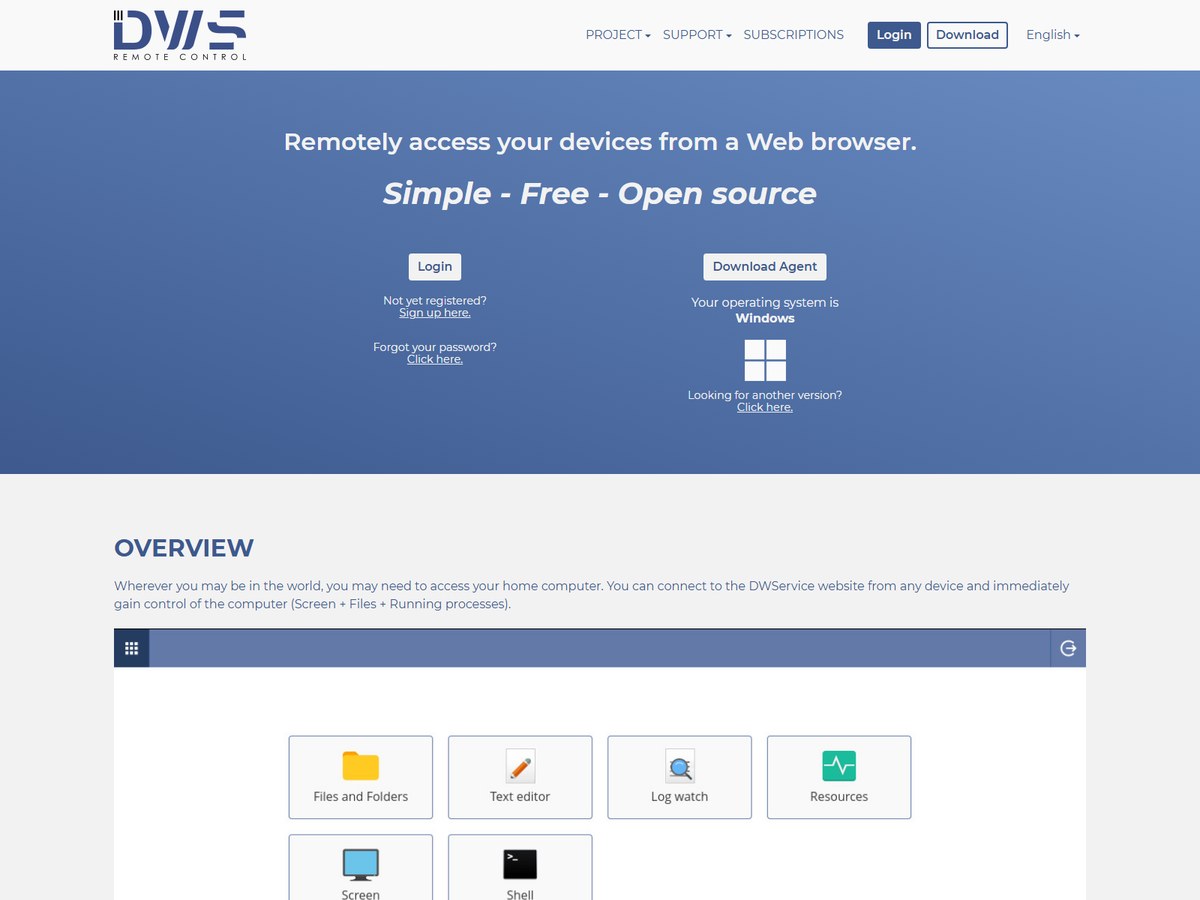
DWService does not publish a user count. It describes itself as simple, free and open source, and it lets you remotely access your devices from a web browser. You create an account, download the DWAgent and install it on Windows, Linux or Mac OS, and you can also run the agent without installing it. From any device you then sign in on the DWService website and take control of the computer. Its applications include the screen, files and folders, resources, a shell, a text editor and a log watcher. DWService says it does not store information from the agent on its servers, and that communications between users, its servers and agents are encrypted. The software updates itself automatically, and an API lets developers build its features into their own apps. It is run by DWSNET s.r.l. in Napoli, Italy. It fits people who want free browser-based access to their own machines.
Best forHome users who want to reach their own computers from any browser at no cost
Skip it ifYou need a business help desk with ticketing and branding
Getscreen.me · Browser-based remote desktop for businesses
No count published
Best pay-as-you-grow pricing.
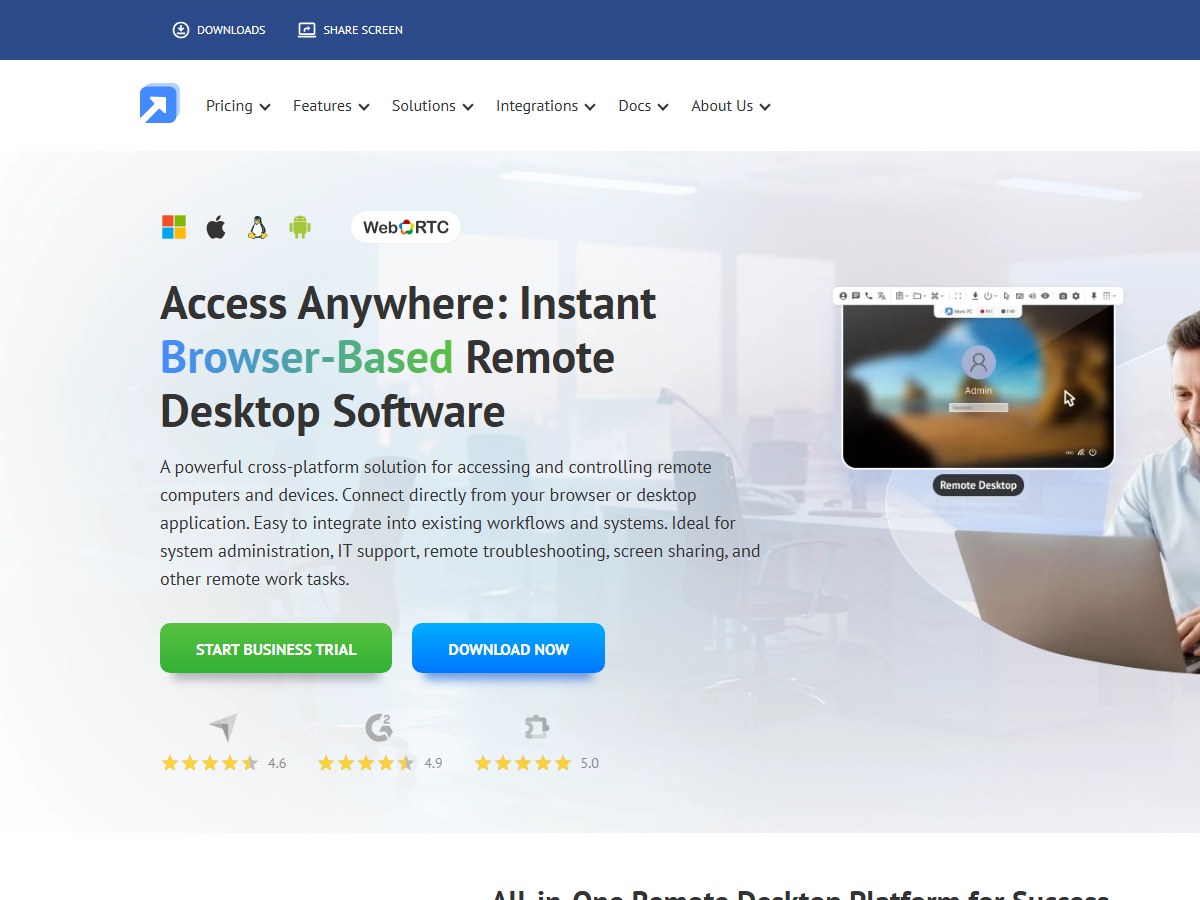
Getscreen.me does not publish a user count. It is a browser-based remote desktop service for accessing and controlling computers and devices from your browser or desktop app, aimed at system administration, IT support and remote work. Its features include unlimited concurrent connections, file manager, session video recording, voice calls, chat, Wake-on-LAN, connections through a permanent link and support for mobile devices, plus Active Directory import and single sign-on. There is a free version to start. Pricing is built from technician seats plus devices. Billed monthly, a technician seat costs $5.00 a month on Standard, $8.00 on Advanced and $10.00 on Enterprise, and each device with permanent access adds $0.10, $0.15 or $0.20 a month. Annual payments cut that to $4.17, $6.67 and $8.33 per technician, a 16% saving. Client invitations for quick support are unlimited on every plan. It fits small teams that want to pay only for what they use.
Best forSmall IT teams that want to pay per technician and per device
Skip it ifYou want one flat price that includes every device
ISL Online · Secure remote desktop with cloud or self-hosted options
No count published
Best for security and self-hosting.
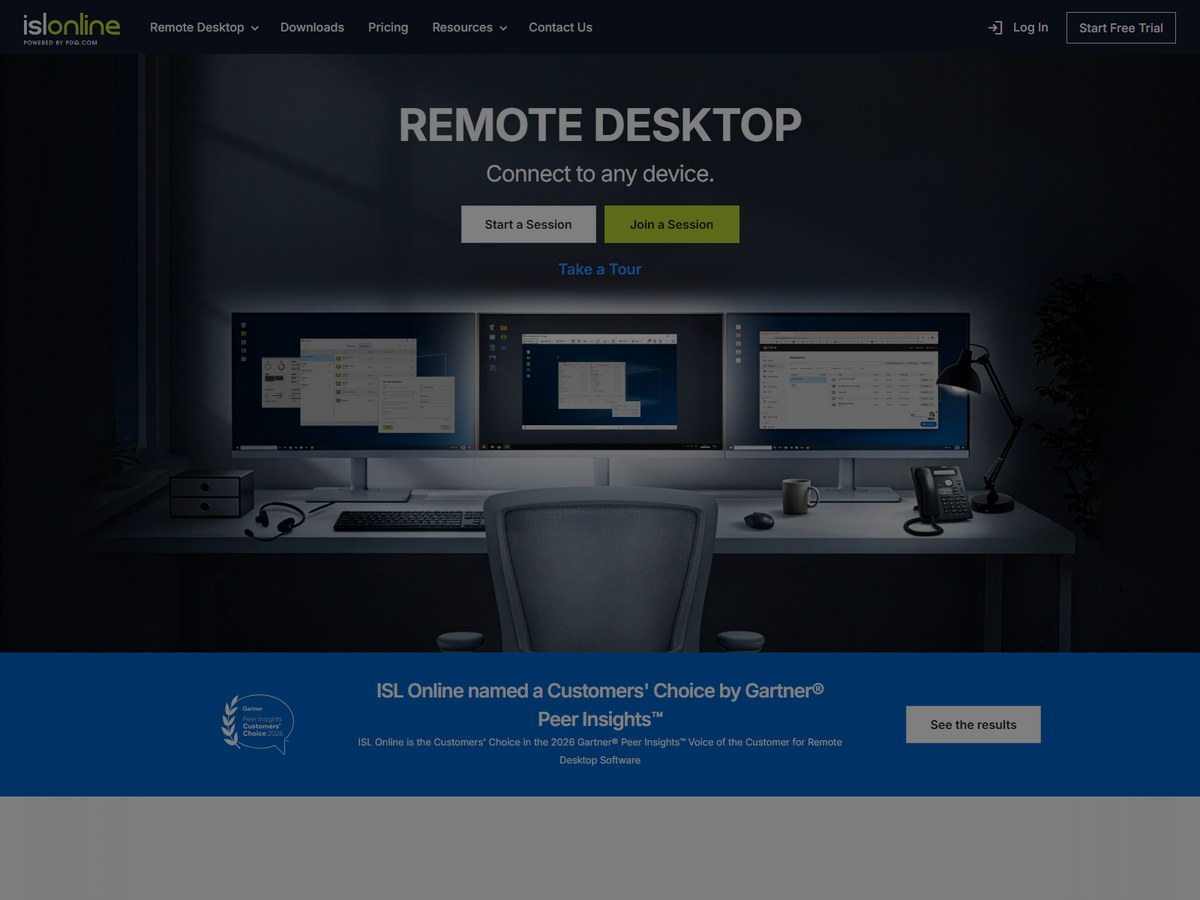
ISL Online does not publish a user count. Its ISL Light app supports customers on demand and gives access to unattended computers, with connections over RDP or SSH without a VPN. It uses end-to-end encryption with RSA 2048/4096-bit key exchange and AES 256-bit encryption, is certified under ISO/IEC 27001:2022, and supports two-factor authentication and SSO. ISL Online says it is the Customers' Choice in the 2026 Gartner Peer Insights Voice of the Customer for Remote Desktop Software. A free trial runs 15 days with 5 managed devices. Cloud plans are billed yearly: Starter costs $16.90 a month, billed at $202.80 a year, for 1 user and 10 managed devices; Standard starts at $34.90 a month ($418.80 a year) with 40 licensed users and 1000 managed devices; Premium starts at $54.90 a month ($658.80 a year) with unlimited users and devices and SSO/SAML. A self-hosted license starts at $44.90 a month ($538.80 a year). It fits security-minded IT teams.
Best forOrganizations that need strict security, compliance or an on-premises server
Skip it ifYou only need occasional access to one home computer
LogMeIn (formerly GoTo Resolve) · Remote support inside a unified endpoint management platform
No count published
Best all-in-one IT management pick.
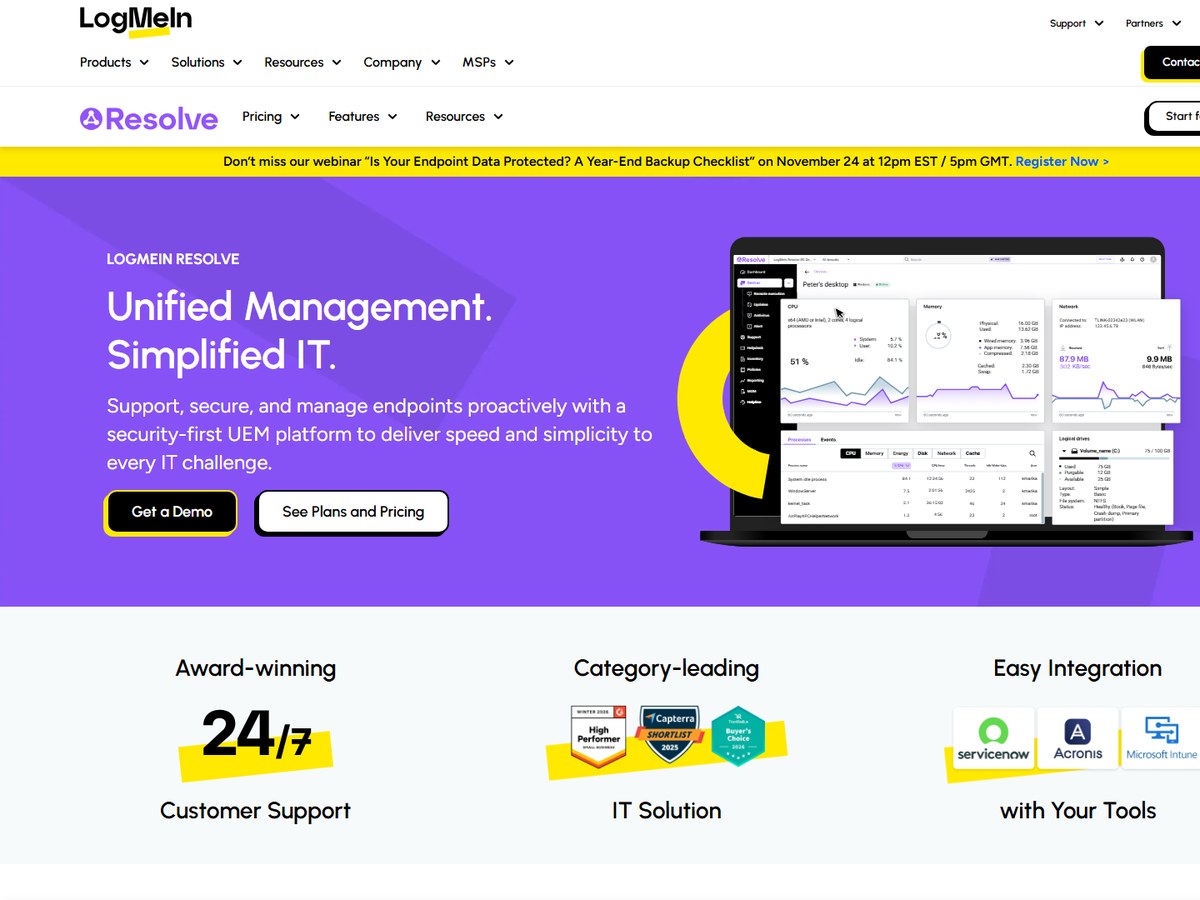
LogMeIn Resolve, formerly GoTo Resolve, does not publish a user count. It is an all-in-one IT management platform that brings together remote monitoring and management, remote access and support, ticketing, automation and asset tracking for Windows, Mac and Android devices, with a zero trust security architecture. Its AI can spot critical issues and generate scripts in PowerShell, Shell, JavaScript or Python. Every plan requires a minimum of 25 endpoints and includes unlimited users. Billed annually, Starter costs $23 a month ($276 a year) for unattended remote access, terminal access and a background file manager; Advanced costs $63 a month ($749 a year) and adds device monitoring and alerts, Windows patch management and a remote support license; Complete costs $75 a month ($899 a year) and adds mobile device management and application patching. Monthly billing costs $29, $78 and $94. You can start free with no credit card. It fits IT teams that want one console for everything.
Best forIT teams and MSPs that want remote access, monitoring, patching and ticketing in one tool
Skip it ifYou only need to reach a couple of personal computers
Parsec · High-performance remote desktop for creative teams and gaming
No count published
Best for creative work and gaming.
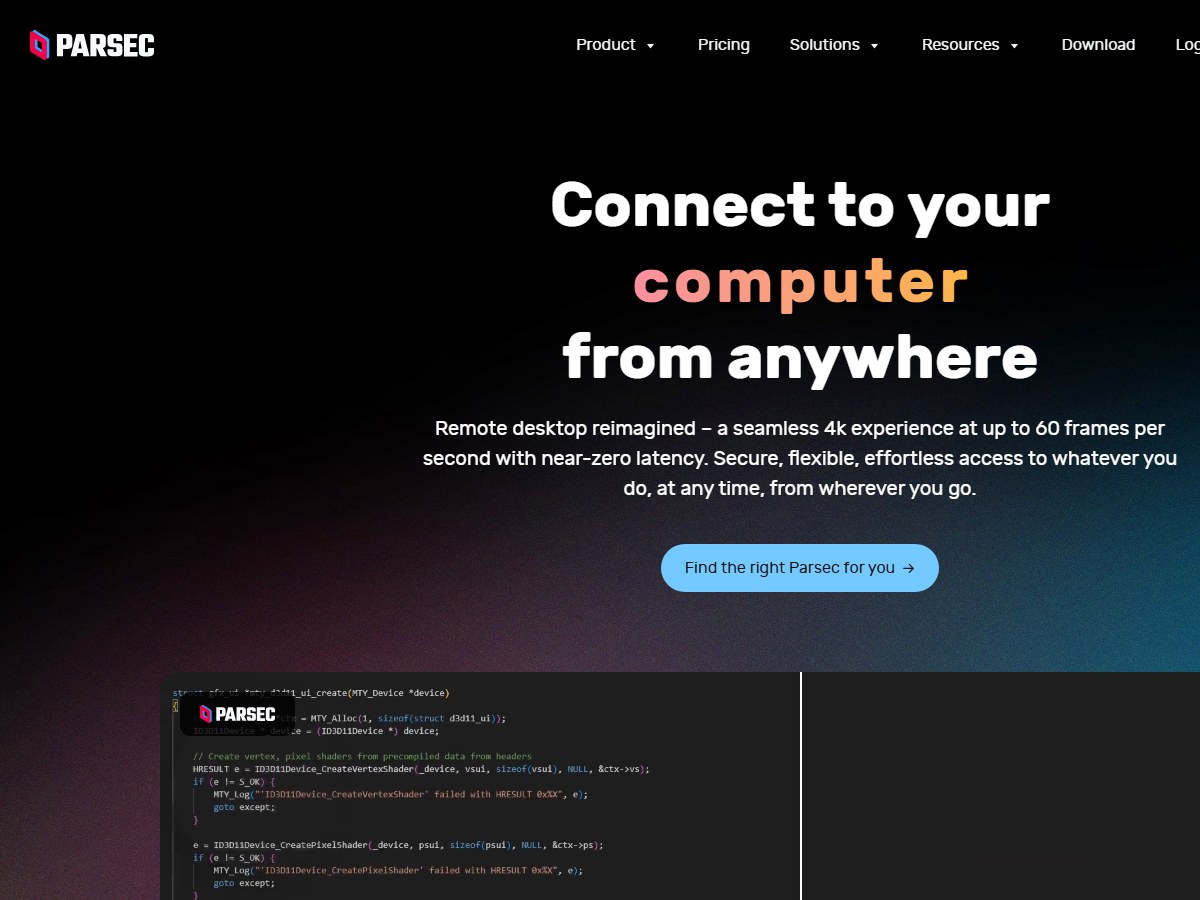
Parsec does not publish a user count. It is built for speed: it streams at resolutions up to 4K with 4:4:4 color, at frame rates up to 240 FPS (up to 60 FPS at 4K), over direct peer-to-peer connections that Parsec says never pass through its infrastructure. It supports Wacom tablets with pressure and tilt, game controllers and multiple monitors, and it is SOC 2 Type 2 certified. Personal use is free, but the free and Individuals plans are licensed for non-commercial use only. Individuals (Warp) costs $8.33 per user a month paid annually ($9.99 monthly) and adds multi-monitor, 4:4:4 color, virtual monitors and privacy mode. Teams costs $30 per user a month paid annually ($35 monthly) with SAML single sign-on, permissions and team computers, and Enterprise costs $45 per user a month, paid annually only, with a high-performance relay and API access. Teams and Enterprise can be trialed for 14 days. It fits creative work where every frame counts.
Best forArtists, video editors, game studios and gamers who need smooth, low-latency video
Skip it ifYou run an IT help desk supporting customers
Microsoft · Microsoft's app for remote PCs and cloud Windows desktops
No count published
Best for Microsoft cloud desktops.
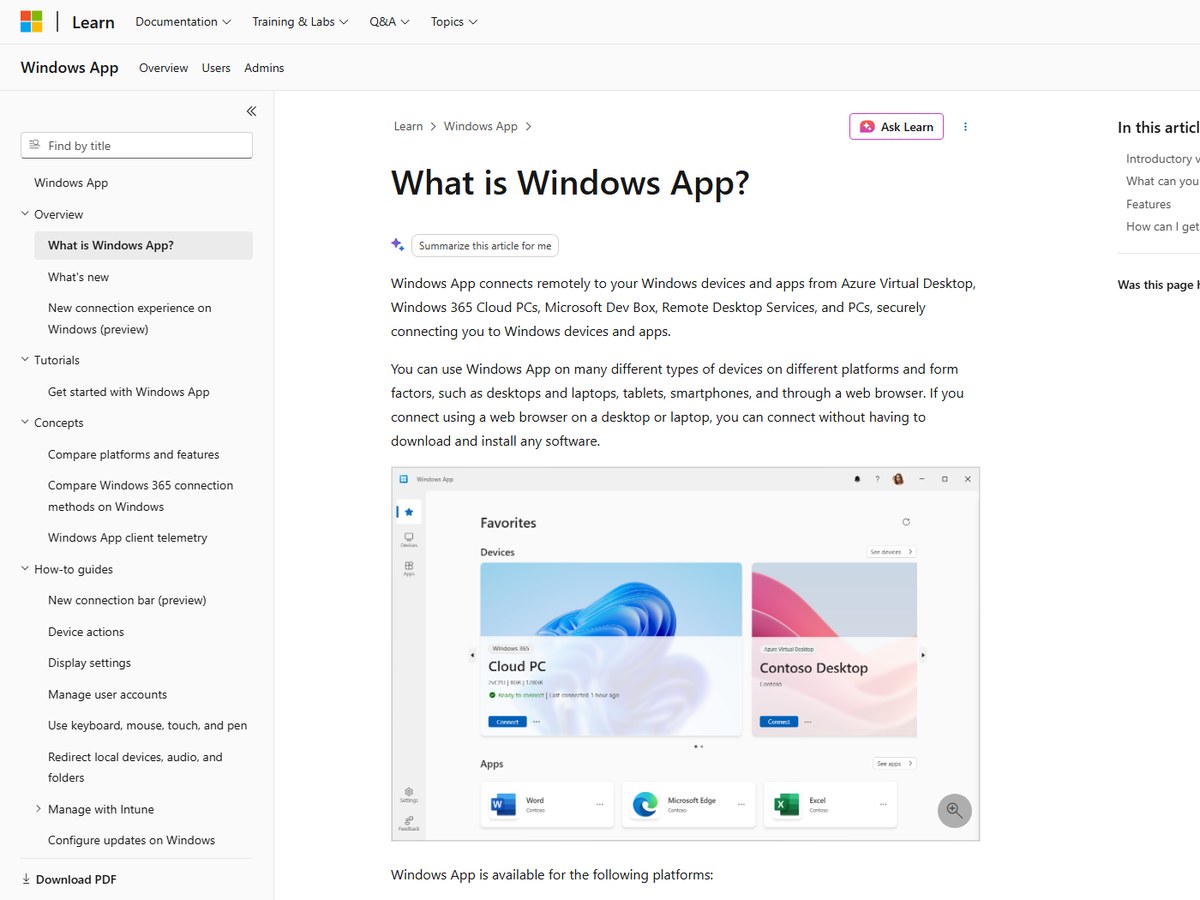
Microsoft does not publish a user count for Windows App. It is Microsoft's app for connecting remotely to Windows devices and apps from Azure Virtual Desktop, Windows 365 Cloud PCs, Microsoft Dev Box, Remote Desktop Services and remote PCs. You can use it on desktops, laptops, tablets and smartphones, and through a web browser, where you can connect without downloading or installing any software. A customizable home screen lets you pin the devices and apps you use most, and you can sign in with multiple accounts and switch between them. Features include multiple monitor support, custom and dynamic display resolutions, redirection of webcams, audio, storage devices and printers, and Microsoft Teams optimizations. You only need to sign in for the cloud services, which require a work or school account from your administrator; remote PC connections work without signing in on supported platforms. It fits businesses already running Windows in the cloud.
Best forOrganizations using Azure Virtual Desktop, Windows 365 or Remote Desktop Services
Skip it ifYou need to support other people’s computers on demand
Splashtop is the largest on this list, trusted by 30 million users, and it starts at $6 a month billed annually. Zoho Assist, with 3.39 million+ installations, is the best value for support teams, and TeamViewer, with more than 620,000 customers, is the best-known name.
Is there free remote desktop software?
Yes. RustDesk is free and open source, DWService describes itself as simple, free and open source, Zoho Assist and Getscreen.me have free versions, and Parsec is free for personal, non-commercial use.
What is the cheapest remote desktop software for business?
Splashtop Solo costs $6 a month billed annually at $72, and Getscreen.me starts at $4.17 per technician a month on annual payments plus a small charge per device. Zoho Assist starts at US$10 per technician a month billed annually.
Which remote desktop is best for gaming or video editing?
Parsec is built for it, streaming up to 4K with 4:4:4 color at up to 240 FPS over peer-to-peer connections. Splashtop Performance also offers 4:4:4 color and up to 240 FPS.
How were these tools ranked?
By the largest count each vendor publishes on its own website or official GitHub page: users, installations, customers or GitHub stars. Tools with no published count are listed last. These are the companies' own claims.
How we ranked
The largest count each vendor publishes on its own website or official GitHub page (read November 2026). The units differ: Splashtop counts users, Zoho Assist counts installations of Zoho Assist (its page also shows a larger Zoho-wide customer figure, which we did not use), TeamViewer counts customers, and RustDesk, an open-source project, is ranked by GitHub stars. DWService, Getscreen.me, ISL Online, LogMeIn Resolve, Parsec and Microsoft's Windows App publish no count and are listed last in alphabetical order. Counts are each company's own claims, so treat them as a guide to scale, not an audit. AnyDesk, BeyondTrust and Remote Utilities blocked our reader and are not included, and we could not get a clear view of the ConnectWise ScreenConnect or Supremo websites, so they are not included either. Every number on this page comes from the source linked under each pick, and every photo shows the actual product. Brands can't pay to be on this list.

 Zoho Assist3.39 million+ installations
 TeamViewer620,000+ customers