consumertop10

Home › Software

Top 10 · Software

Top 10 Screen Recording Software

The apps people use to record their screen for tutorials, lessons, games and work messages, ranked by the users each maker publishes.

Quick answer

Camtasia is the biggest name in screen recording: its maker TechSmith says more than 73 million people have used its products, and Camtasia records and edits in one app on Windows and Mac. Movavi Screen Recorder is second with 70M+ users, and the free, open-source ShareX has more than 34 million downloads. For schools, Screencastify has 12.4M+ users; for gaming, Bandicam has 10 million+; and OBS Studio is the most powerful free option.

How it's ranked: Users each maker says it has, as published on its own website (read November 14, 2026). Two makers publish a different unit: ShareX counts downloads and Loom counts companies, and they are ranked on those numbers. OBS Studio and Descript publish no count and rank last. TechSmith's figure covers all its products, including Snagit. Counts are each company's own claims, so treat them as a guide to scale, not an audit.

1
Camtasia by TechSmith
Image: TechSmith (official site)

Camtasia

TechSmith · Screen recorder and video editor for Windows and Mac

73 million+ people (all TechSmith products)

The most complete record-and-edit package.

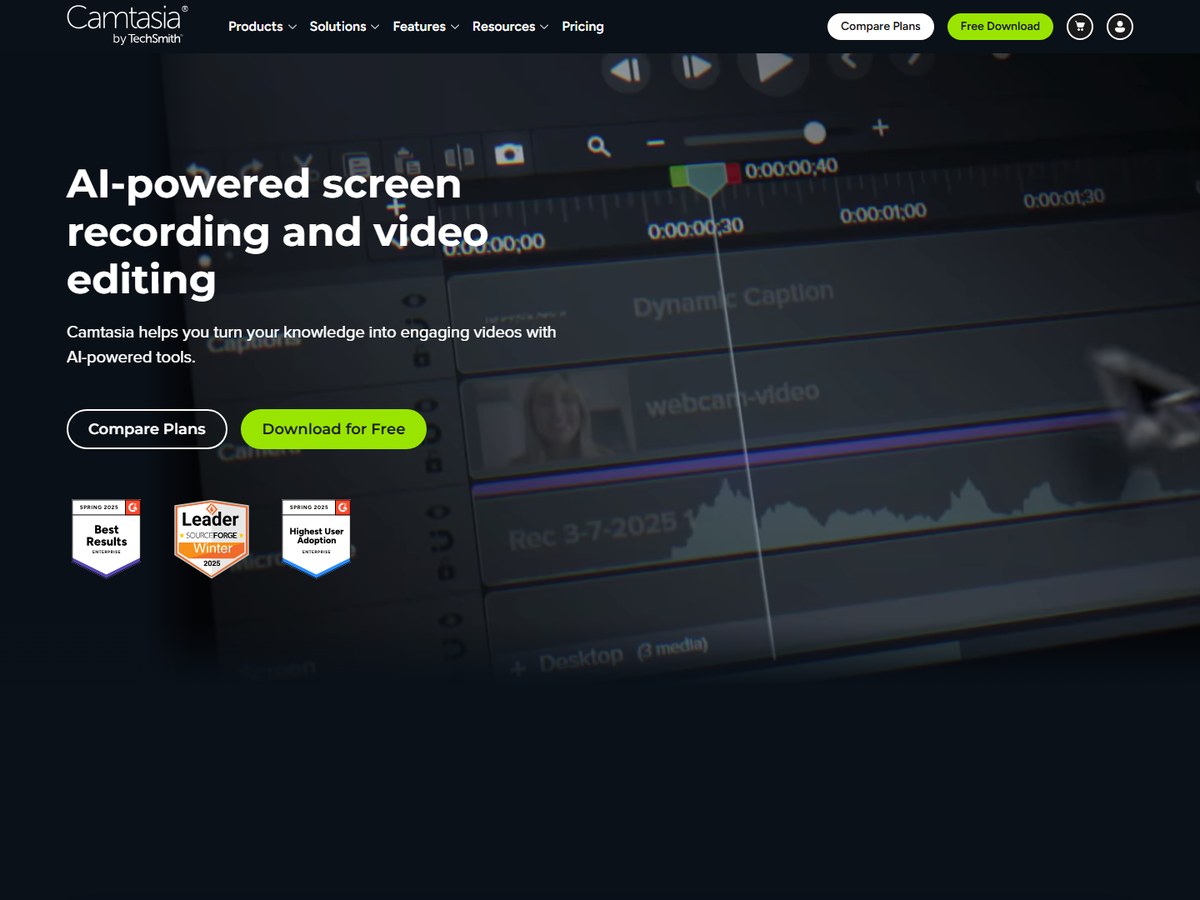
Camtasia comes from TechSmith, which says images and videos have been made with its products by more than 73 million people across more than 190 countries, the biggest count on this list. That figure covers all TechSmith products, including its Snagit screenshot tool, not Camtasia alone. TechSmith was founded in 1987 and says 100% of Fortune 500 companies use it. Camtasia bills itself as AI-powered screen recording and video editing. It records screen, camera, system audio and microphone as separate tracks, then lets you edit by deleting words from the transcript, add zooms and callouts by drag and drop, and generate captions and translations into 7 languages and 9 dialects. It runs on Windows and macOS. A free version of the editor is available, but exports carry a watermark until you buy the Essentials, Create or Pro plan.

Best forTrainers and course makers who want to record and polish videos in one app
Skip it ifYou only need quick, throwaway clips

Source: www.techsmith.com/about/
2
Movavi Screen Recorder by Movavi
Image: Movavi (official site)

Movavi Screen Recorder

Movavi · Desktop screen recorder for Windows and Mac

70 million+ users

A friendly paid recorder with useful extras.

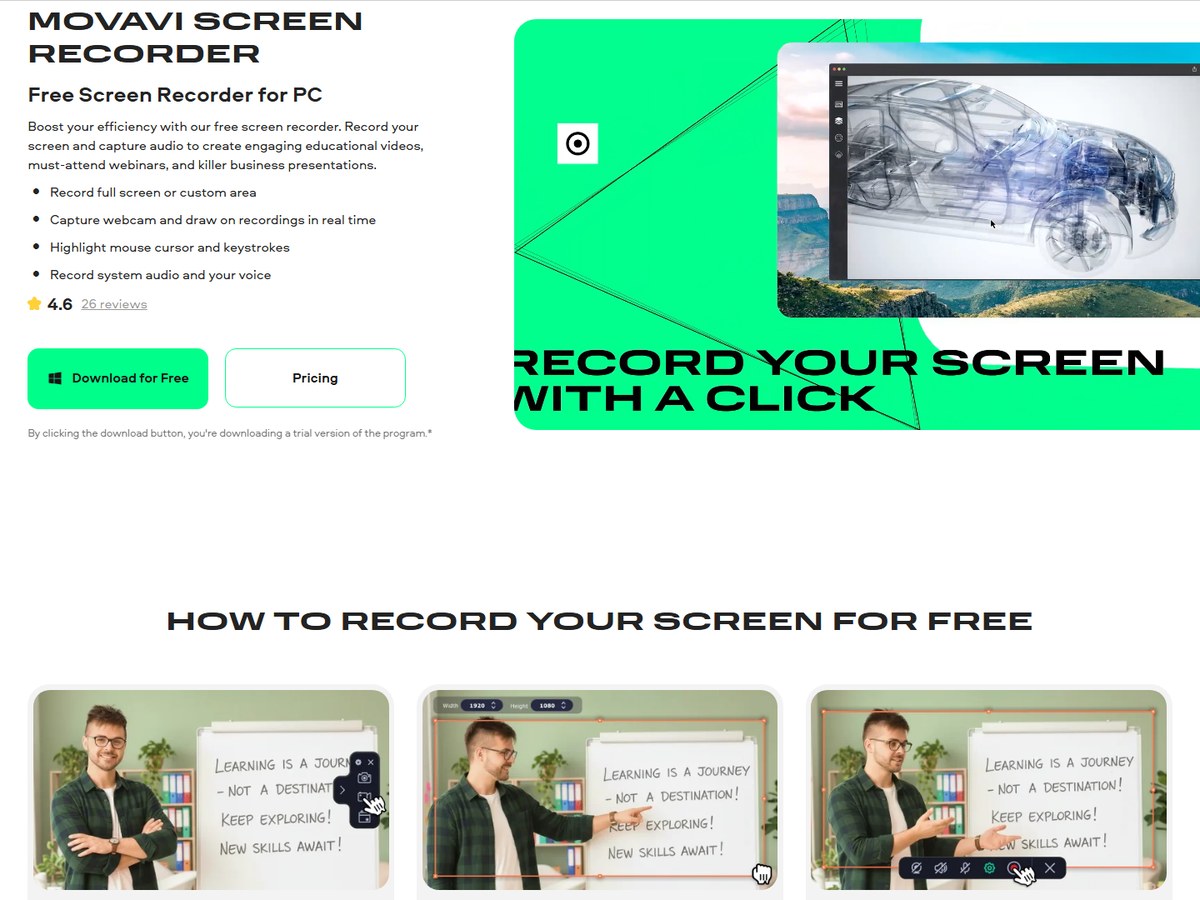
Movavi says it has 70M+ users worldwide and is available in 190+ countries, which puts it second here. Movavi Screen Recorder is a desktop app for Windows and Mac that covers the everyday jobs: record the full screen or a chosen area, add your webcam on top, and capture system audio and your microphone. It goes further than most basic recorders with a scheduler that starts and stops recordings at set times, noise reduction for background sounds, highlighting of the cursor, clicks and keystrokes, and drawing on the screen while you record. It can also take scrolling screenshots of pages taller than one screen. There is a 7-day trial, but videos made during the trial carry a watermark, so plan on paying to keep using it.

Best forHome users who want a simple recorder with handy extras
Skip it ifYou want a free tool with no watermark

Source: www.movavi.com/screen-recorder/

3
ShareX by ShareX open-source project
Image: ShareX (official site)

ShareX

ShareX open-source project · Free, open-source screen capture and recording tool for Windows

34 million+ downloads (not users)

The best free tool for Windows power users.

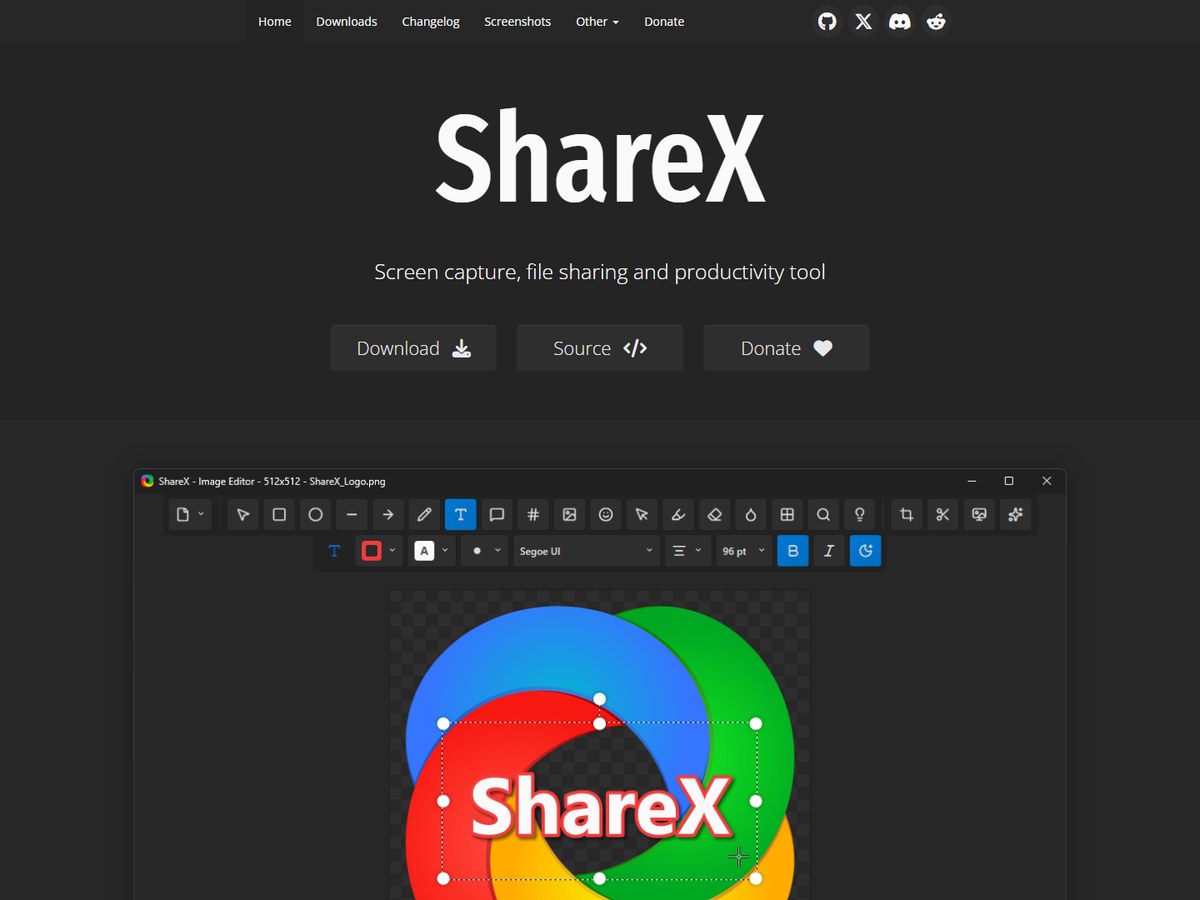
ShareX reports more than 34 million downloads worldwide. That is a download count, not a count of people, so it is not exactly comparable with the user numbers above it. ShareX calls itself a screen capture, file sharing and productivity tool, and it has had over 18 years of active development. It is completely free and open source, with no advertisements and no account required. ShareX is best known for screenshots, but it also records the screen and makes GIF recordings, and a customizable workflow system lets you chain actions, such as capturing, annotating and uploading to your own server, into a single hotkey. It is a Windows tool, available as an installer, a portable version, or from the Microsoft Store and Steam. The trade-off is a busy interface built for power users.

Best forWindows power users who want a free, ad-free capture tool
Skip it ifYou use a Mac or want built-in video editing

Source: getsharex.com/

4
Screencastify by Screencastify (Castify)
Image: Screencastify (official site)

Screencastify

Screencastify (Castify) · Browser-based screen recorder for classrooms

12.4 million+ users

The classroom favorite for Chromebooks.

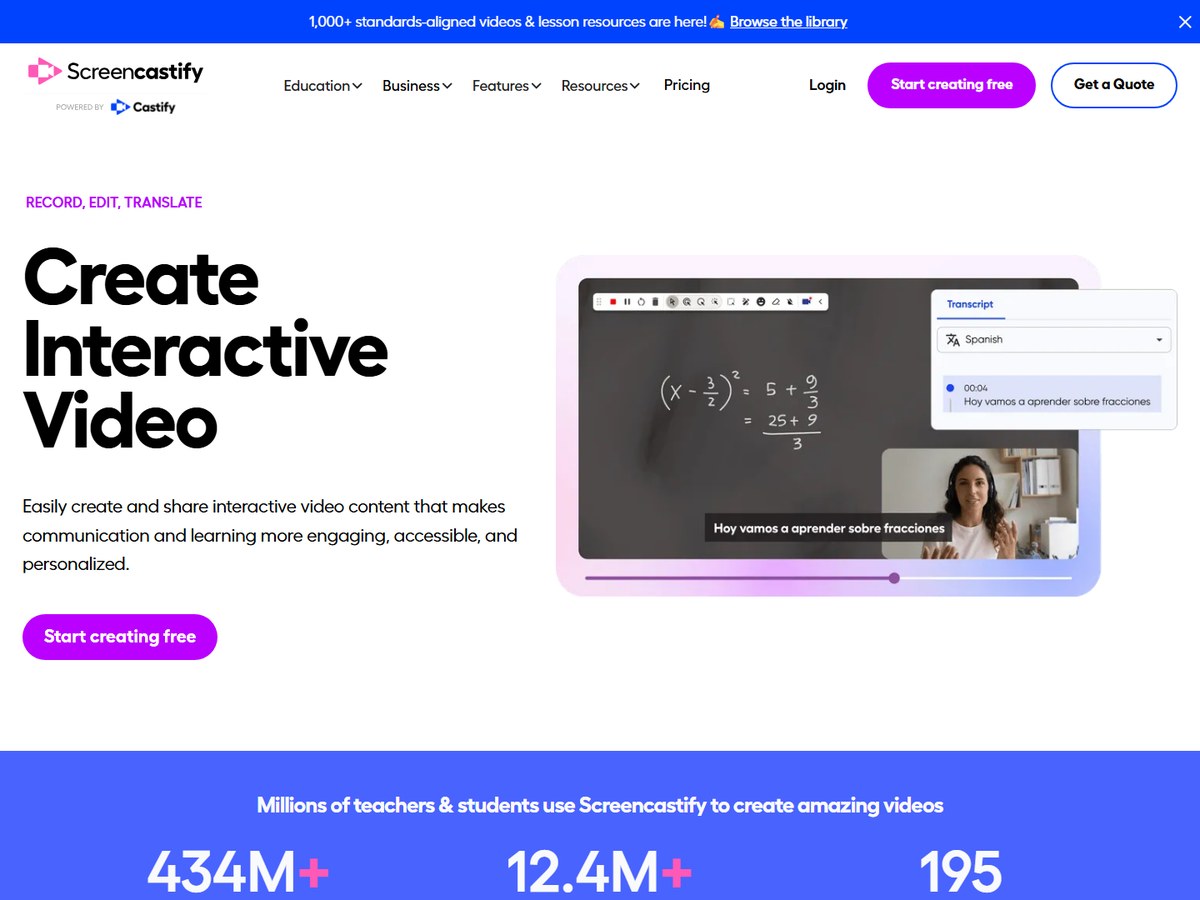
Screencastify says it has 12.4M+ users in 195 countries, and it is built for schools: its homepage says millions of teachers and students use it to create videos. It runs as an extension from the Chrome Web Store and the Microsoft Edge Add-On store, which means it works on Chromebooks, and it connects to Google Classroom, Schoology, Canvas and Google Drive. Beyond screen recording, it adds tools teachers use every day: annotations to highlight key ideas, interactive questions inside a video to check understanding, a Submit feature to collect video assignments from students, video analytics, a teleprompter, voice over and a GIF creator. Its current headline, Record, Edit, Translate, points to its translation tools for language classes. You can start free, with paid plans listed on its pricing page.

Best forTeachers and students on Chromebooks and Google Classroom
Skip it ifYou need a full desktop video editor

Source: www.screencastify.com/

5
Bandicam by Bandicam Company
Image: Bandicam (official site)

Bandicam

Bandicam Company · Screen, game and webcam recorder for Windows and Mac

10 million+ people

The go-to pick for recording games.

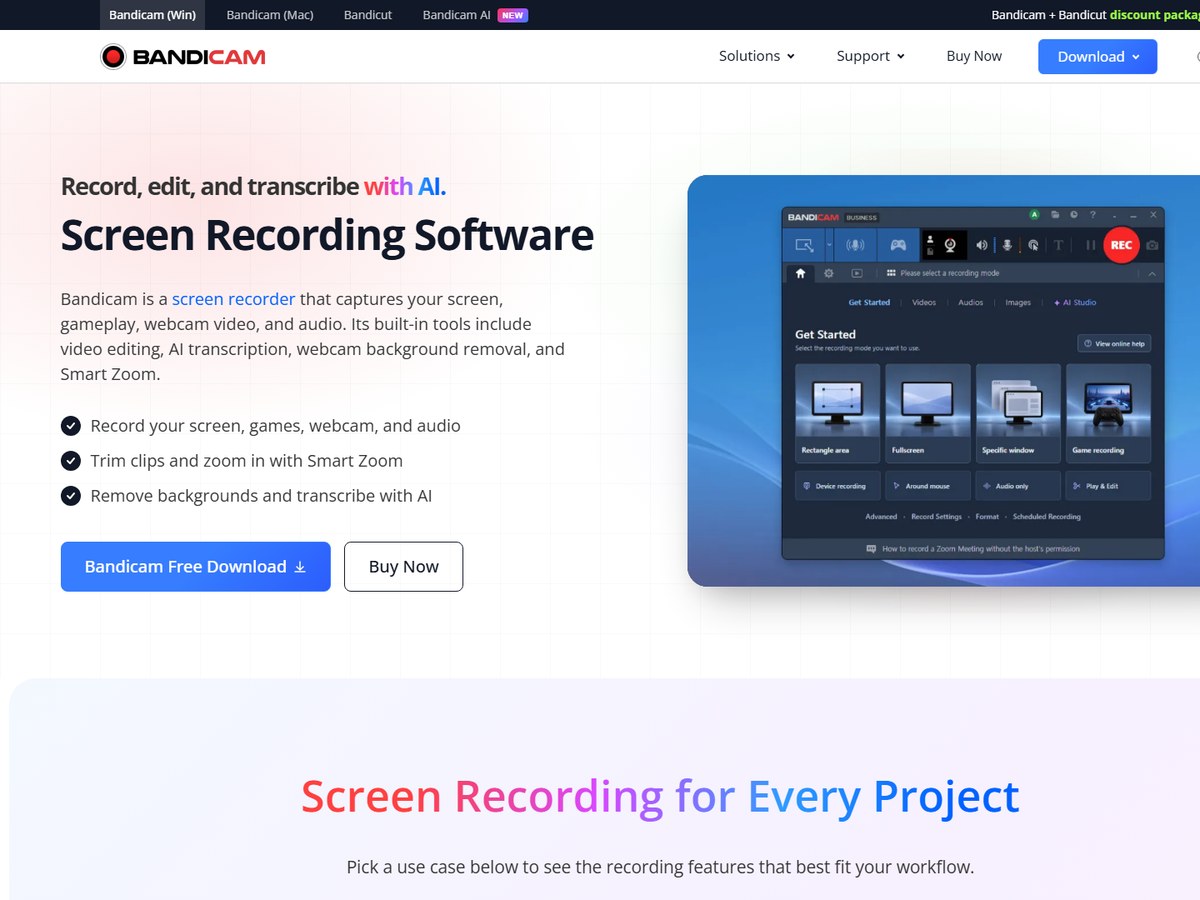
Bandicam says over 10 million people use its screen recording software. It is a long-standing favorite for recording games as well as the desktop, and it captures your screen, gameplay, webcam video and audio. Its pitch today is Record, edit, and transcribe with AI: built-in tools trim clips, Smart Zoom zooms in automatically based on mouse activity, AI transcribes your recordings, and webcam background removal cleans up your camera feed. There are separate versions for Windows and macOS. Unlike most tools here, it is sold as a one-time purchase rather than a subscription: the buy button lists $33.26 for one PC, and a companion video cutter, Bandicut, is sold as a discounted bundle. A free version is available to try before you buy.

Best forGamers and anyone who wants a one-time purchase
Skip it ifYou want cloud sharing and team features

Source: www.bandicam.com/

6
ScreenPal by ScreenPal (formerly Screencast-O-Matic)
Image: ScreenPal (official site)

ScreenPal

ScreenPal (formerly Screencast-O-Matic) · Screen recorder, editor and video host

9 million+ users

Record, edit and host in one tool.

ScreenPal, the tool formerly called Screencast-O-Matic, says it has helped more than 9 million users worldwide in 190 countries. It says 98 of the top 100 US universities use it, and that more than 200,000,000 videos have been captured with it. ScreenPal covers the whole job in one place: screen and webcam recording, easy video editing, secure video hosting, sharing by link, embedding, interactive elements and video analytics. AI tools add background removal, speech-to-text captions, text-to-speech voiceovers and video translation. It runs on Windows, Mac, iOS, Android and Chromebook, and you can download it free with no account required. That breadth makes it a good fit for teachers and training teams who want to record, host and track videos without stitching several tools together.

Best forSchools and teams that want recording, editing and hosting together
Skip it ifYou only need a desktop recorder

Source: screenpal.com/about

7
Zight by Zight
Image: Zight (official site)

Zight

Zight · Screen recordings, screenshots and GIFs for work

5 million+ people

The best recorder for bug reports.

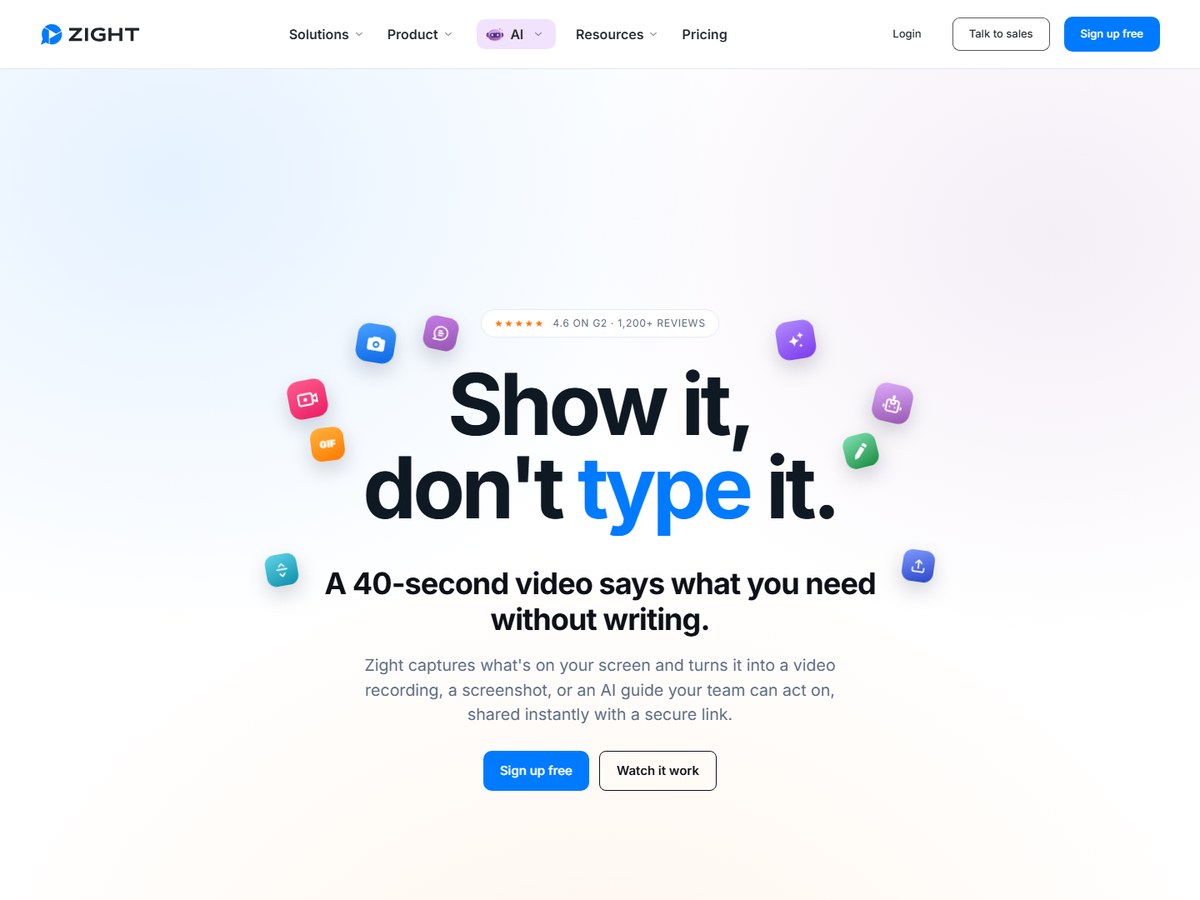
Zight says it is trusted by 5m+ people who would rather show than tell, and it is rated 4.6 on G2 from 1,200+ reviews. Its tagline is Show it, don't type it. Zight captures screen recordings, screenshots and GIFs and shares them instantly with a secure link, and recipients need no account or install. It is aimed at work teams, especially support and engineering: a Request Video link lets a customer record their own screen without an account, with console and network logs attached to the bug report. It plugs into Zendesk, Intercom, Jira and Salesforce Service Cloud. Zight can also turn recordings into step-by-step guides with summaries and chapters, record meetings with notes and action items, and blur sensitive details. You can sign up free.

Best forSupport and engineering teams sharing bug reports
Skip it ifYou want to edit polished videos

Source: zight.com/

8
Loom by Atlassian
Image: Loom (official site)

Loom

Atlassian · Async video messages with screen and camera

400,000 companies (no user count)

The standard for async work video.

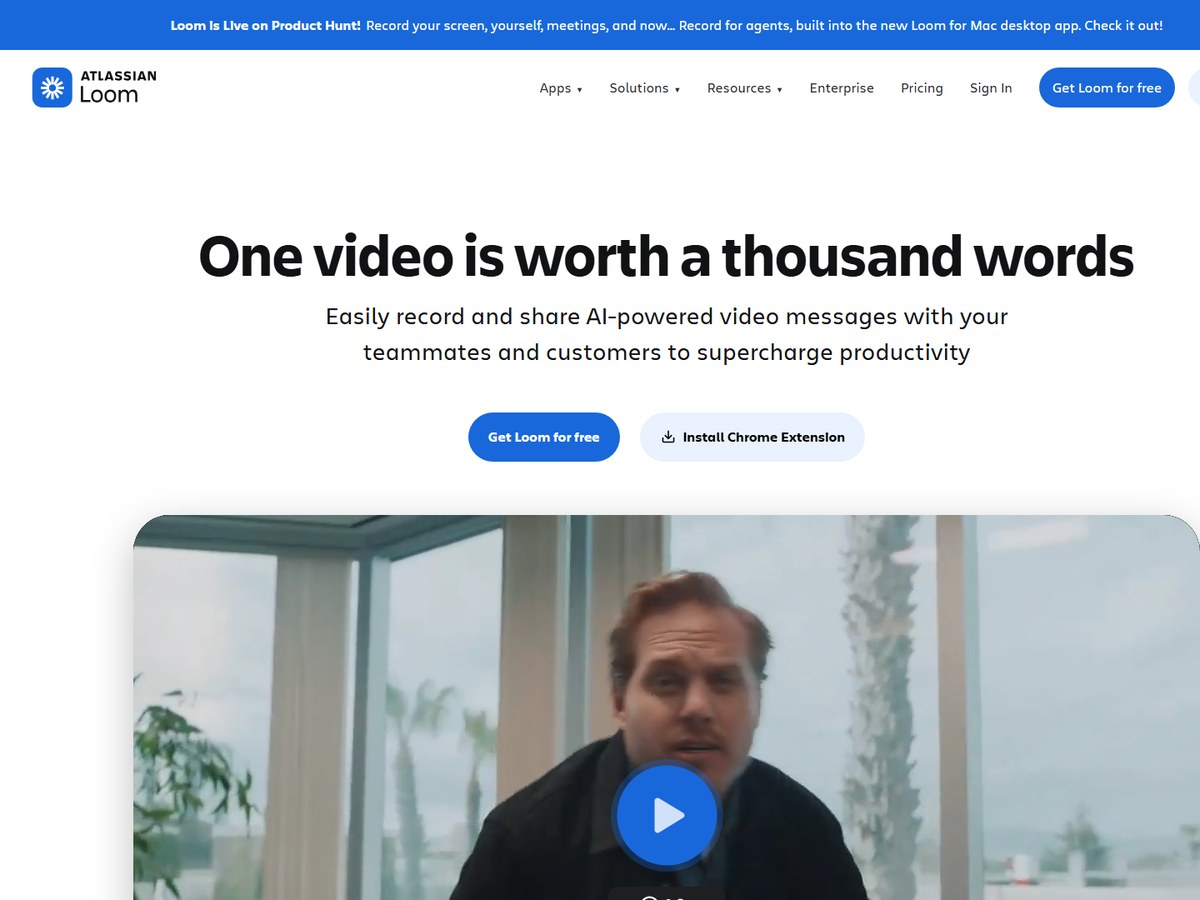
Loom says millions of people across 400,000 companies choose it. It counts companies rather than individual users, so its number is not directly comparable with the user counts above, which is why it sits eighth. Loom, now part of Atlassian, is built for quick work video messages: its homepage says one video is worth a thousand words, and it pitches easy recording and sharing of AI-powered video messages with teammates and customers. You record your screen and camera, then share or embed the video with a link. Light editing lets you trim and stitch clips, and Loom adds transcriptions and closed captions in 50+ languages, custom backgrounds, privacy controls and insights into who watched. It works as a Chrome extension and desktop app, and you can get Loom for free.

Best forTeams replacing meetings with quick recorded video messages
Skip it ifYou need heavy editing or offline recording

Source: www.loom.com/

9
OBS Studio by The OBS Project
Image: OBS Project (official site)

OBS Studio

The OBS Project · Free, open-source recording and live-streaming software

No user count published

The most powerful free recorder.

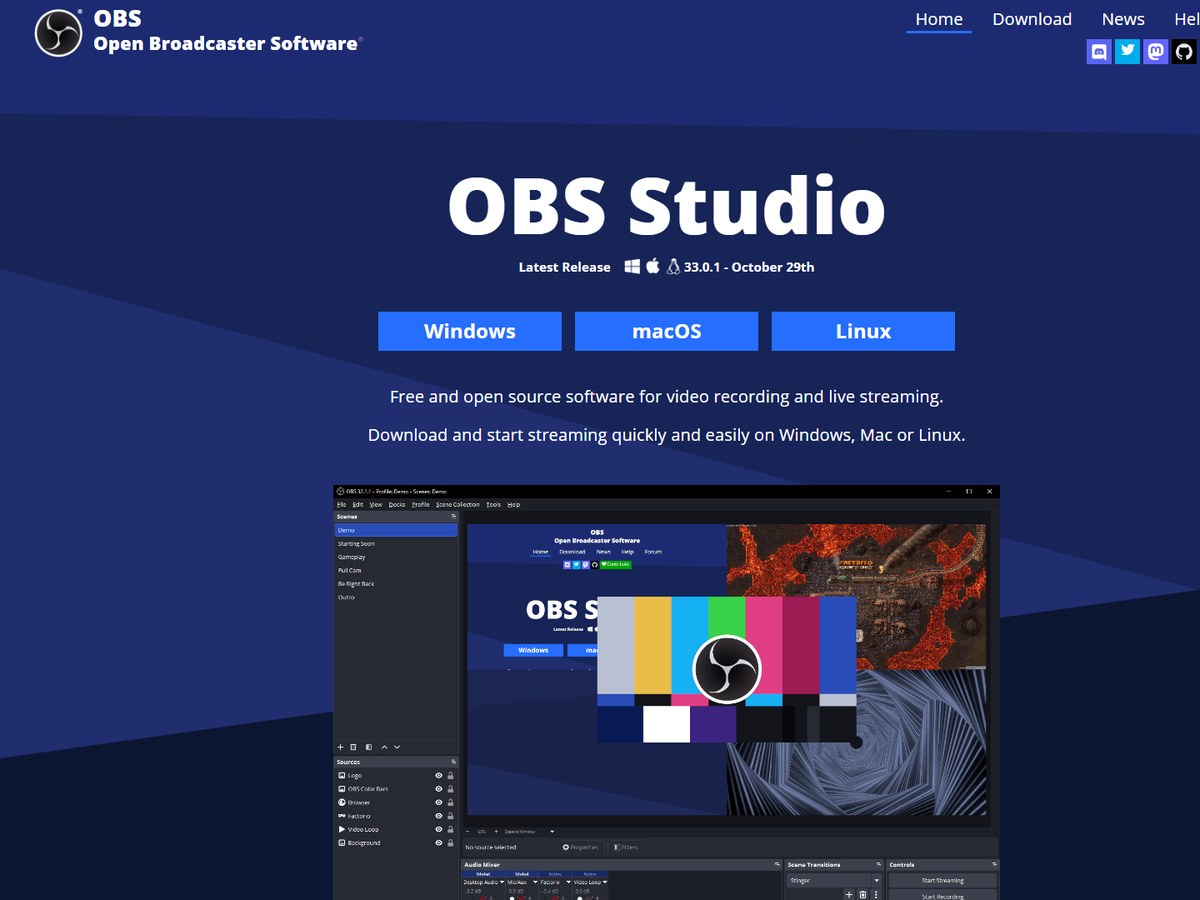
OBS Studio publishes no user count, so it ranks near the bottom here despite its huge following. It describes itself as free and open source software for video recording and live streaming, and it costs nothing. OBS began in August 2012 as a small project created by Lain Bailey, is written in C and C++, and is licensed GPL-2.0-or-later, according to Wikipedia. Its strength is control: it captures and mixes video and audio in real time from window captures, images, text, browser windows, webcams and capture cards, with unlimited scenes and custom transitions. An audio mixer adds per-source filters such as noise suppression, Studio Mode lets you preview changes before they go live, and Multiview monitors 8 scenes at once. It runs on Windows 10 and 11, macOS 13.0 or newer, and Linux. The latest release is 33.0.1.

Best forStreamers and creators who want full control at no cost
Skip it ifYou want something simple to learn

Source: obsproject.com/

10
Descript by Descript
Image: Descript (official site)

Descript

Descript · Screen recorder with text-based video editing

No user count published

Edit your recording like a document.

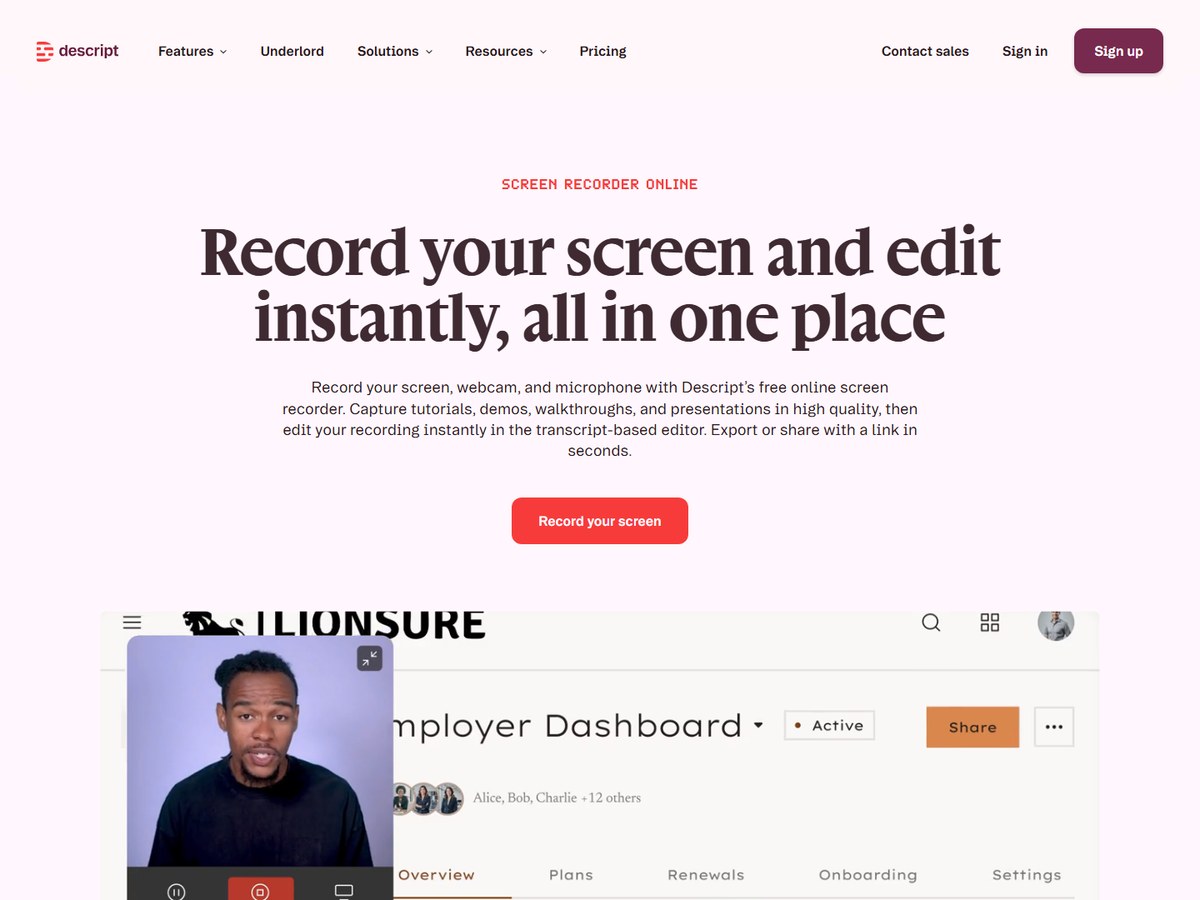
Descript publishes no user count on its screen recorder page, so it ranks last here, but it is a strong choice for people who also need to edit. Its pitch is to record your screen and edit instantly, all in one place. You record screen, webcam and microphone at once with picture-in-picture overlays, then edit by deleting words from the transcript instead of cutting a timeline. AI tools remove background noise, level audio and smooth rough takes, and its AI co-editor, Underlord, removes filler words and cuts retakes. Descript works on Mac and Windows and also supports browser-based recording, and you can share a finished video by link. The free plan costs $0 and includes 1 media hour per month and 100 one-time AI credits, with exports up to 720p and a watermark.

Best forCreators who would rather edit a transcript than a timeline
Skip it ifYou need long recordings on the free plan

Source: www.descript.com/screen-recorder

Questions people ask

What is the best screen recording software?

Camtasia is the most widely used: TechSmith says more than 73 million people have used its products. It records and edits in one app on Windows and Mac. Movavi Screen Recorder, with 70M+ users, is a simpler paid alternative.

What is the best free screen recorder?

OBS Studio is free and open source on Windows, macOS and Linux, and gives full control over scenes and audio. ShareX is completely free and ad-free on Windows, with more than 34 million downloads.

What is the best screen recorder for teachers?

Screencastify, with 12.4M+ users, runs in Chrome and Edge, works on Chromebooks and connects to Google Classroom, Schoology and Canvas. ScreenPal says 98 of the top 100 US universities use it.

What is the best screen recorder for gaming?

Bandicam, used by over 10 million people, records games, webcam and audio and is sold as a one-time purchase at $33.26 for one PC. OBS Studio is the free choice for recording and live streaming.

How were these tools ranked?

By the users each maker publishes on its own website, read November 14, 2026. ShareX counts downloads and Loom counts companies; OBS Studio and Descript publish no count and rank last.

How we ranked

Users each maker says it has, as published on its own website (read November 14, 2026). Two makers publish a different unit: ShareX counts downloads and Loom counts companies, and they are ranked on those numbers. OBS Studio and Descript publish no count and rank last. TechSmith's figure covers all its products, including Snagit. Counts are each company's own claims, so treat them as a guide to scale, not an audit. Every number on this page comes from the source linked under each pick, and every photo shows the actual product. Brands can't pay to be on this list.

List source: www.techsmith.com/about/ · Updated 2026-11-14