
consumertop10

Home › Software

Top 10 · Software

Top 10 Team Chat Apps for Business

The chat apps businesses use to keep teams talking, ranked by how many users, teams or companies each one says it serves.

Quick answer

Microsoft Teams is the most-used team chat app for business, with 360 million monthly users, and is the easy pick for Microsoft 365 companies. Element (200M+ users) and Rocket.Chat (12M+ users) lead for self-hosted, secure chat. Slack remains the best-connected option with 2,600 apps, while Zoho Cliq and Pumble offer the lowest prices, from $2 and $2.49 per user per month.

How it's ranked: The largest user, team or company count each vendor publishes on its own website (or, for Microsoft Teams and Slack, the latest figure on their Wikipedia pages), read November 2026. Units differ: Teams, Element, Rocket.Chat, Slack and Zoho Cliq count users, Pumble counts teams and Chanty counts companies, so treat the order as a guide to scale. Slack's figure dates from 2019. Google Chat, Mattermost and Flock publish no count and are ranked last.

1
Microsoft Teams by Microsoft
Image: Microsoft (official site)

Microsoft Teams

Microsoft · Chat, meetings and calling inside Microsoft 365

360 million monthly users

The default pick for Microsoft 365 shops.

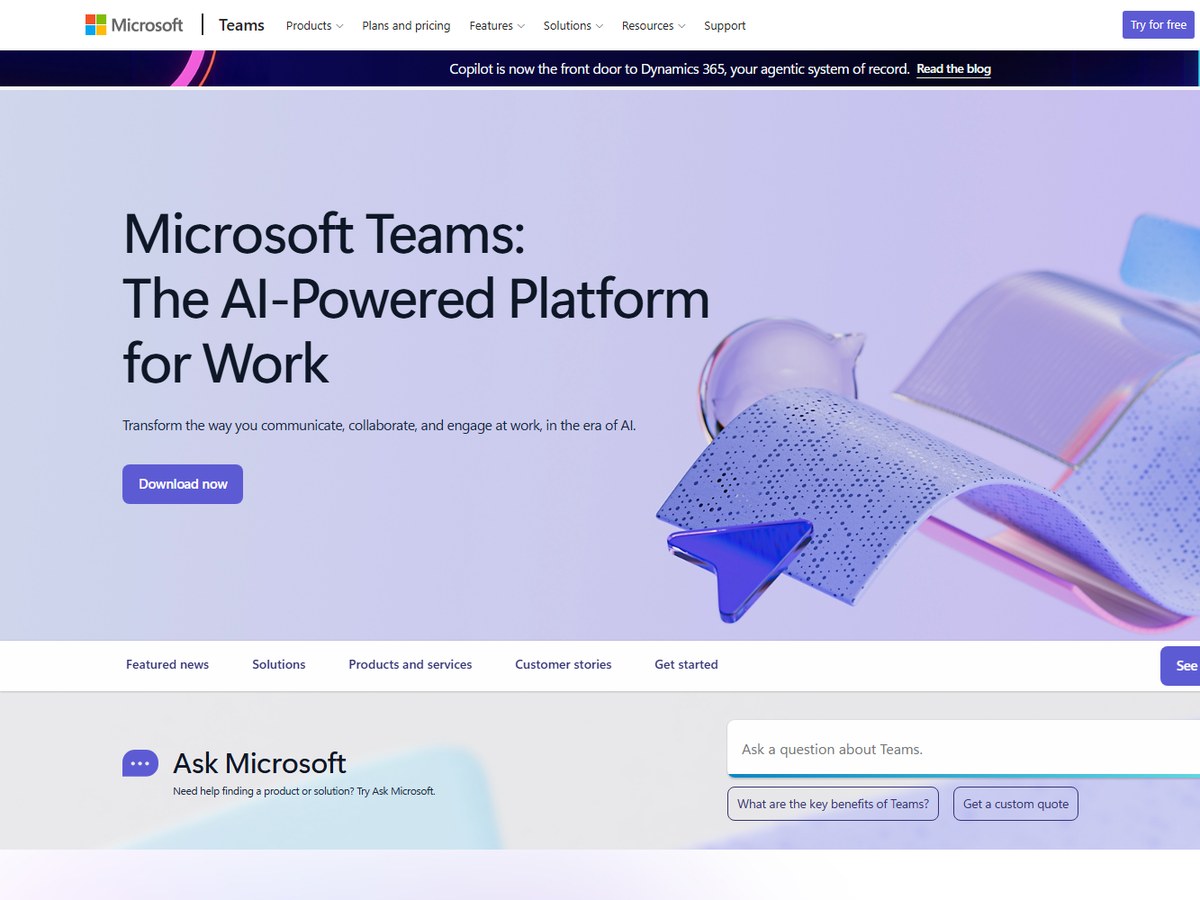
Microsoft Teams is the most widely used team chat app on this list, with 360 million monthly users as of June 2025, according to its Wikipedia page. That figure has grown from 13 million daily users in July 2019 and 270 million monthly users in January 2022. Teams launched worldwide on March 14, 2017, as part of the Microsoft 365 suite, and it puts chat, video meetings, file storage and app integrations in one window. Microsoft now pitches it as "the AI-powered platform for work." A free version arrived on July 12, 2018, with limits on users and storage, and phone calling to regular numbers sits on the higher-cost license tiers. If your staff already live in Outlook, Word and SharePoint, Teams is the easiest chat app to roll out.
Best forBusinesses already paying for Microsoft 365
Skip it ifYour company runs on Google Workspace

Source: en.wikipedia.org › Microsoft_Teams

2
Element by Element
Image: Element (official site)

Element

Element · Encrypted, self-hostable chat on the Matrix open standard

200M+ users

The sovereign, open-standard choice.

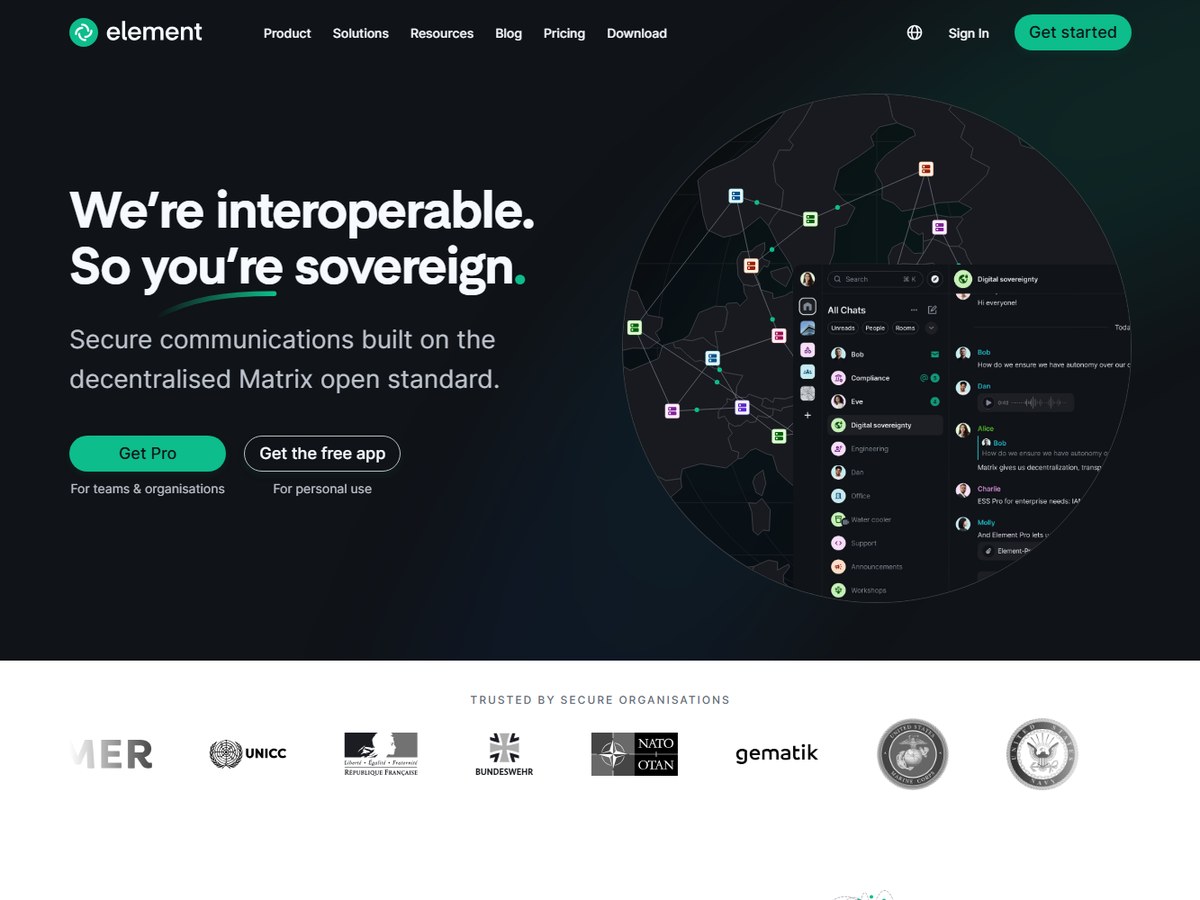
Element says it has 200M+ users worldwide and 100K+ deployments, with its largest public deployment at 60M+ users and its largest commercial deployment at 800K+. It is built on Matrix, a decentralised open standard, so organisations can run their own servers and still federate with partners on other systems, much like email. Element pitches itself as a self-hosted alternative to Microsoft Teams, with end-to-end encrypted messaging and calls, air-gapped installs and support for low-bandwidth and satellite links. Named users include NATO, the Bundeswehr, the US Navy and HM Government. The Community edition is free and open source, while Enterprise is priced per seat and Sovereign per deployment, with prices given on request.

Best forGovernments and regulated firms that must control their own servers
Skip it ifYou want a simple, low-touch hosted app

Source: element.io/

3
Rocket.Chat by Rocket.Chat
Image: Rocket.Chat (official site)

Rocket.Chat

Rocket.Chat · Open-source chat, voice and video for secure deployments

12M+ users

The leading open-source Slack alternative.

Rocket.Chat says it has 12M+ users in 150+ countries. Founded in 2015 in Porto Alegre, Brazil, it calls itself one secure platform for messaging, voice, video and governed AI. It can run on-premises, in a secure cloud or fully air-gapped, and it federates natively over Matrix and XMPP, with a bridge to Microsoft Teams. Customers include the U.S. Navy, NATO CCDCOE and the Government of British Columbia. The code is open source under the MIT license, with more than 46,000 GitHub stars, and the company holds SOC 2 Type II and ISO/IEC 27001 certifications. A self-managed Starter workspace covers up to 50 users, while the Commercial, Government and Defense plans are priced through sales.

Best forIT teams that want open-source chat on their own servers
Skip it ifYou want a polished hosted app with no setup

Source: www.rocket.chat/about

4
Slack by Salesforce
Image: Slack (official site)

Slack

Salesforce · Channel-based work chat with 2,600 apps

10M+ daily users (2019)

The best-connected chat app.

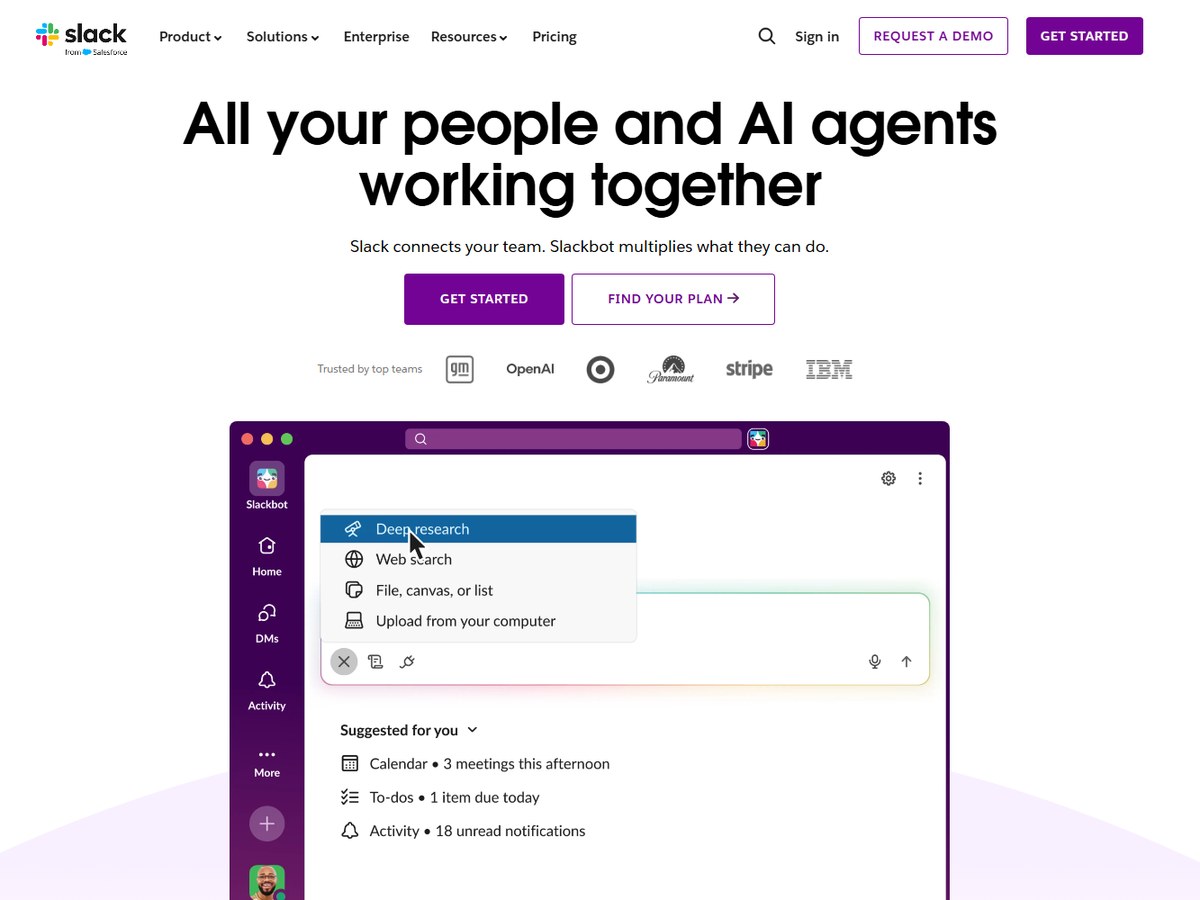
Slack reported more than 10 million daily active users from over 600,000 organizations in 150+ countries in its April 2019 filing, according to Wikipedia; it has not published a newer user count. Its own site now says it has 200k+ paid customers, that 77 of the Fortune 100 use it, and that its marketplace has over 2,600 apps. Slack launched in 2013 and was bought by Salesforce in 2021, and it calls itself the AI-powered platform for work. Pricing runs from a Free plan to Pro at $7.25, Business+ at $15 and Enterprise+ at $45 per user per month, billed annually. The free plan keeps messages for 90 days and allows up to 10 apps and only one-to-one huddles.

Best forTeams that live in many apps and want them wired into chat
Skip it ifYou need long message history on a free plan

Source: en.wikipedia.org › Slack_(software)

5
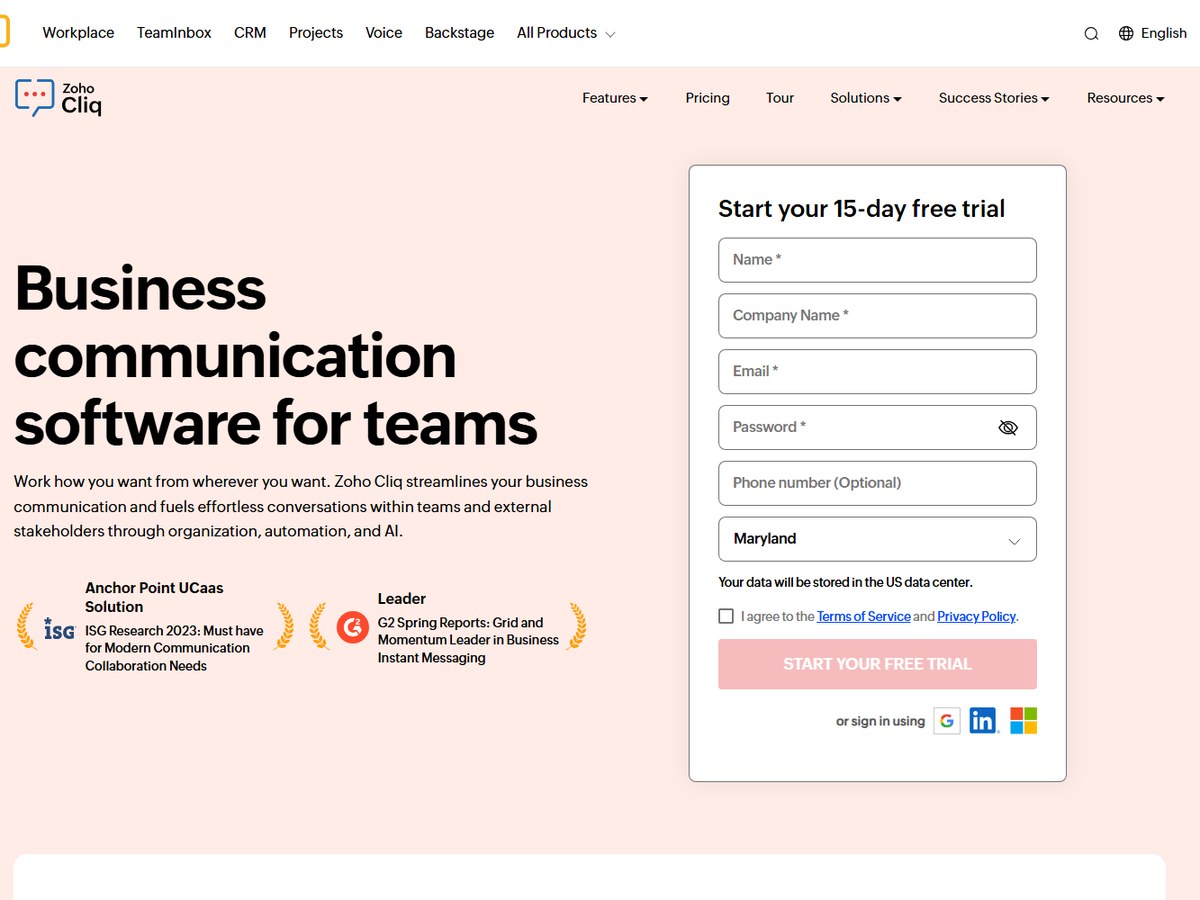
Zoho Cliq by Zoho
Image: Zoho Cliq (official site)

Zoho Cliq

Zoho · Business chat with AI summaries and automation

Almost 500,000 users

The best value for small businesses.

Zoho Cliq says it has almost 500,000 users globally. It calls itself business communication software for teams, covering both internal staff and outside stakeholders, with AI chat summaries, integrations and workflow automation. Pricing is among the lowest here: Professional costs US$2 and Enterprise US$4 per user per month (US$1.80 and US$3.60 billed annually), with a 10-user minimum, and a Standard plan costs US$18 a month flat for up to 25 users. The free plan is generous for a small team, with 100 participants per channel, 10,000 searchable messages, 100 GB of storage per organization and meetings of up to 100 people for 60 minutes. A 15-day free trial is offered.

Best forSmall firms that want low per-user pricing or already use Zoho
Skip it ifYou need the biggest app marketplace

Source: www.zoho.com/cliq/

6
Pumble by CAKE.com
Image: Pumble (official site)

Pumble

CAKE.com · Low-cost team chat with an unlimited free plan

382,427 teams

The best free plan for growing teams.

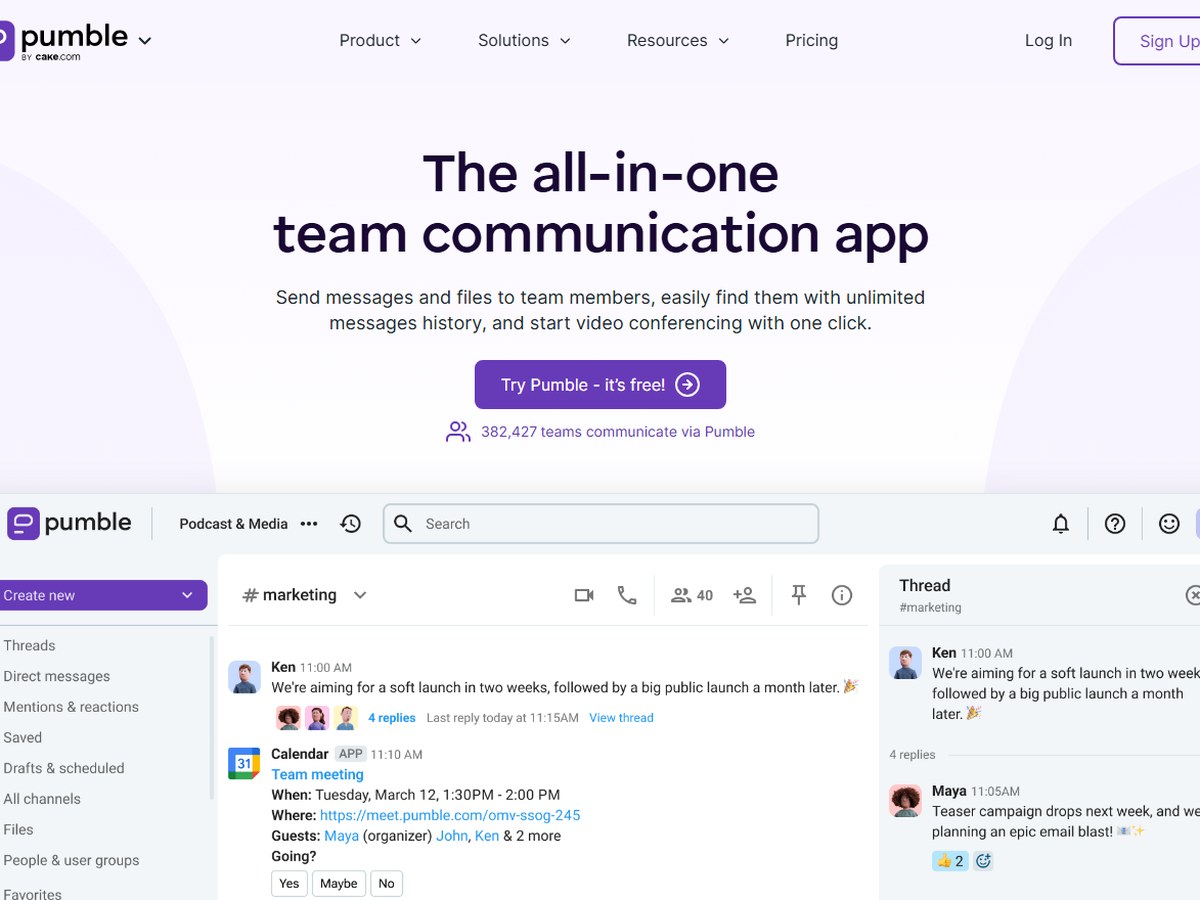
Pumble says 382,427 teams communicate via Pumble, a live counter on its homepage. It bills itself as the all-in-one team communication app, and its Free Forever plan stands out: unlimited users, unlimited channels and unlimited message history, with 10 GB of storage per workspace and up to 3 integrations. Paid plans stay cheap, at $2.49 per seat for Pro, $3.99 for Business and $6.99 for Enterprise when billed annually. Business adds group video calls of up to 100 teammates and 20 GB of storage per seat. Pumble also offers voice and video messages, screen sharing, external guests and an MCP server for AI agents, and it promises 24/7 human support with 99.99% uptime.

Best forBudget-minded teams that want unlimited users and history for free
Skip it ifYou need heavy enterprise compliance tooling

Source: pumble.com/

7
Chanty by Chanty
Image: Chanty (official site)

Chanty

Chanty · Team chat with built-in AI agents and tasks

75,000+ companies

Best for mixing people and AI agents.

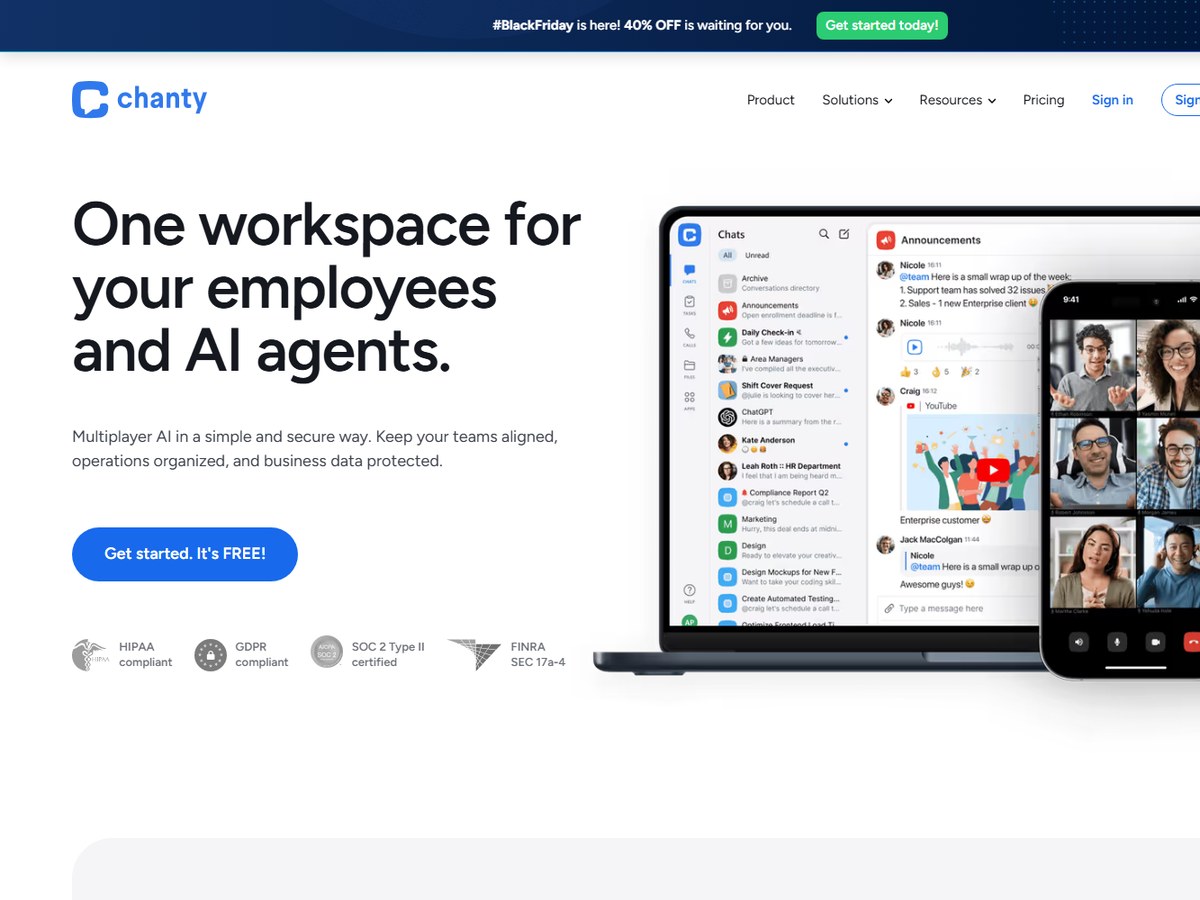
Chanty says over 75,000 companies use it. Its pitch is one workspace for your employees and AI agents: you mention an agent the same way you mention a teammate, and agents can create chats and assign tasks, with every agent action logged and a human-in-the-loop approval option. It offers groups and guest access for contractors and clients, 120+ permission settings, and certifications including SOC 2, ISO 27001, GDPR and HIPAA. The Free plan covers up to 5 team members with unlimited searchable history, 20GB of storage per team and up to 10 integrations. The Business plan is listed at $3 per user per month, and Chanty says conversations are never used to train outside models.

Best forSmall teams that want chat, tasks and AI agents in one place
Skip it ifYou have more than 5 people and need a free plan

Source: www.chanty.com/

8
Google Chat by Google
Image: Google Workspace (official site)

Google Chat

Google · Chat included with Google Workspace

No count published

The natural choice for Google Workspace users.

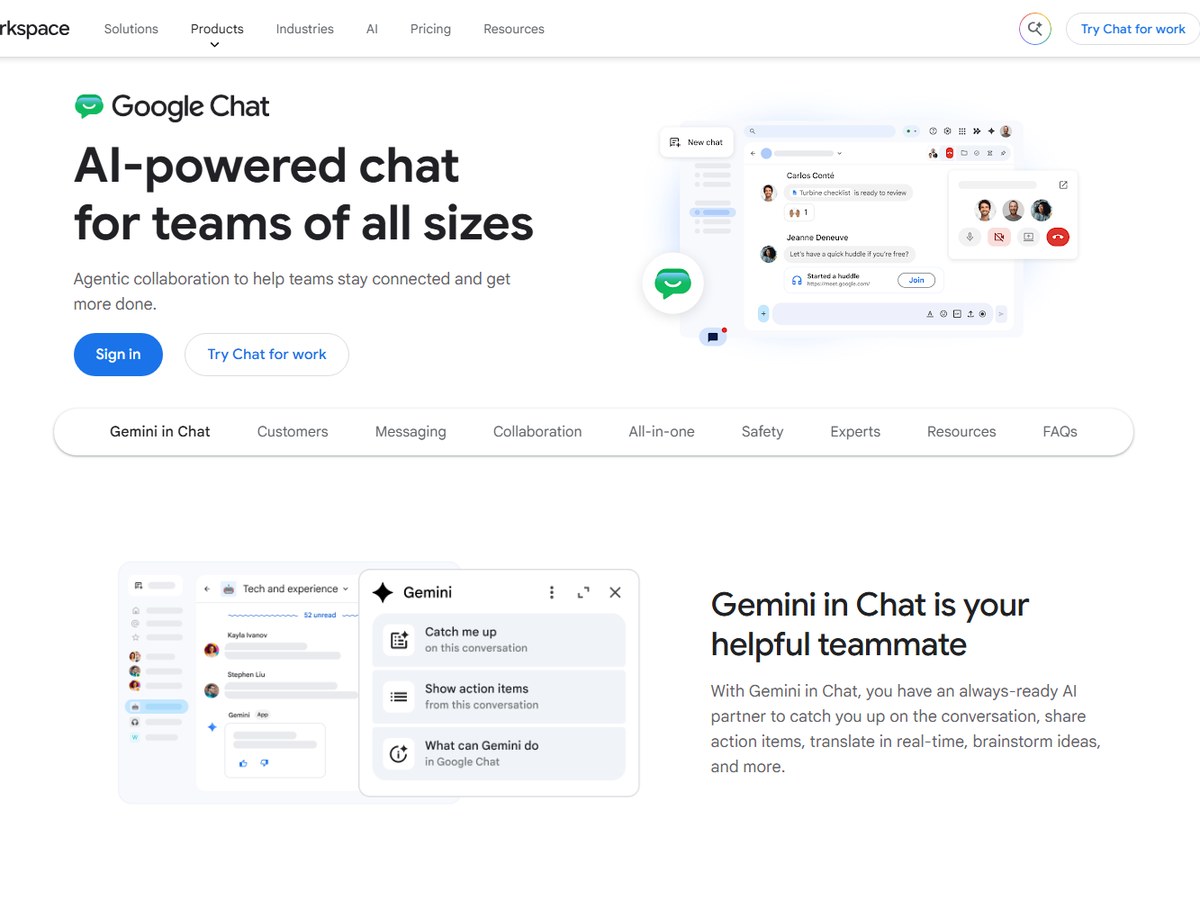
Google does not publish a user count for Chat; its Workspace pricing page says only that millions of businesses use Workspace, so it is ranked with the no-count tools. Chat comes included with Workspace, which starts at $7 per user per month for Starter, $14 for Standard and $22 for Plus, billed monthly. Google calls it AI-powered chat for teams of all sizes: Gemini summarizes conversations, lists action items and translates messages, and huddles give quick calls without leaving a thread. Spaces can hold up to 500,000 members, smart chips link Gmail, Calendar, Drive and Meet, and Google says its protections block more than 99.9% of spam and malicious content. Migration from Slack or Teams is supported.

Best forCompanies already on Gmail, Drive and Meet
Skip it ifYou do not use Google Workspace

Source: workspace.google.com/products/chat/

9
Mattermost by Mattermost
Image: Mattermost (official site)

Mattermost

Mattermost · Self-hosted secure chat and workflow automation

No count published

Best for self-hosted, high-security chat.

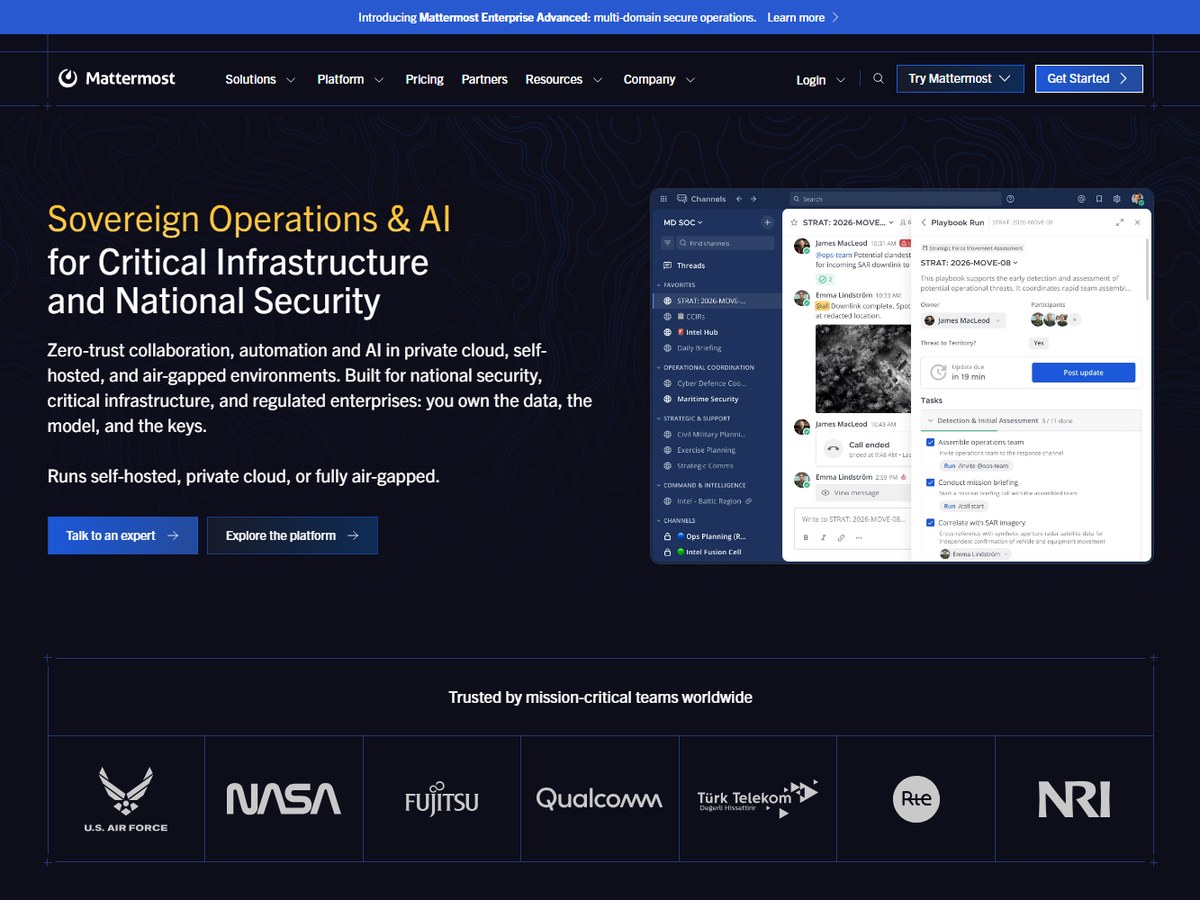
Mattermost does not publish a customer or user count. It positions itself as secure collaboration for national security, critical infrastructure and regulated enterprises, running in private cloud, self-hosted or fully air-gapped setups. Its Enterprise Advanced plan scales to 200,000 concurrent users per deployment, and named customers include the U.S. Air Force, NASA, Fujitsu and Qualcomm. Features include searchable messaging with per-channel permissions, playbooks with SLA timers, self-hosted calls with live transcription, AI agents that use your chosen model, and federation with Microsoft Teams, Matrix and XMPP. Its open-source repository has 39.6k GitHub stars. Plans are Professional (up to 250 users), Enterprise and Enterprise Advanced, all priced through sales, and a 1-hour trial environment lets you try it first.

Best forSecurity-sensitive teams that must self-host or run air-gapped
Skip it ifYou want simple published per-user pricing

Source: mattermost.com/

10
Flock by Flock
Image: Flock (official site)

Flock

Flock · Team chat with built-in to-dos, polls and video

No count published

A simple, task-friendly chat app.

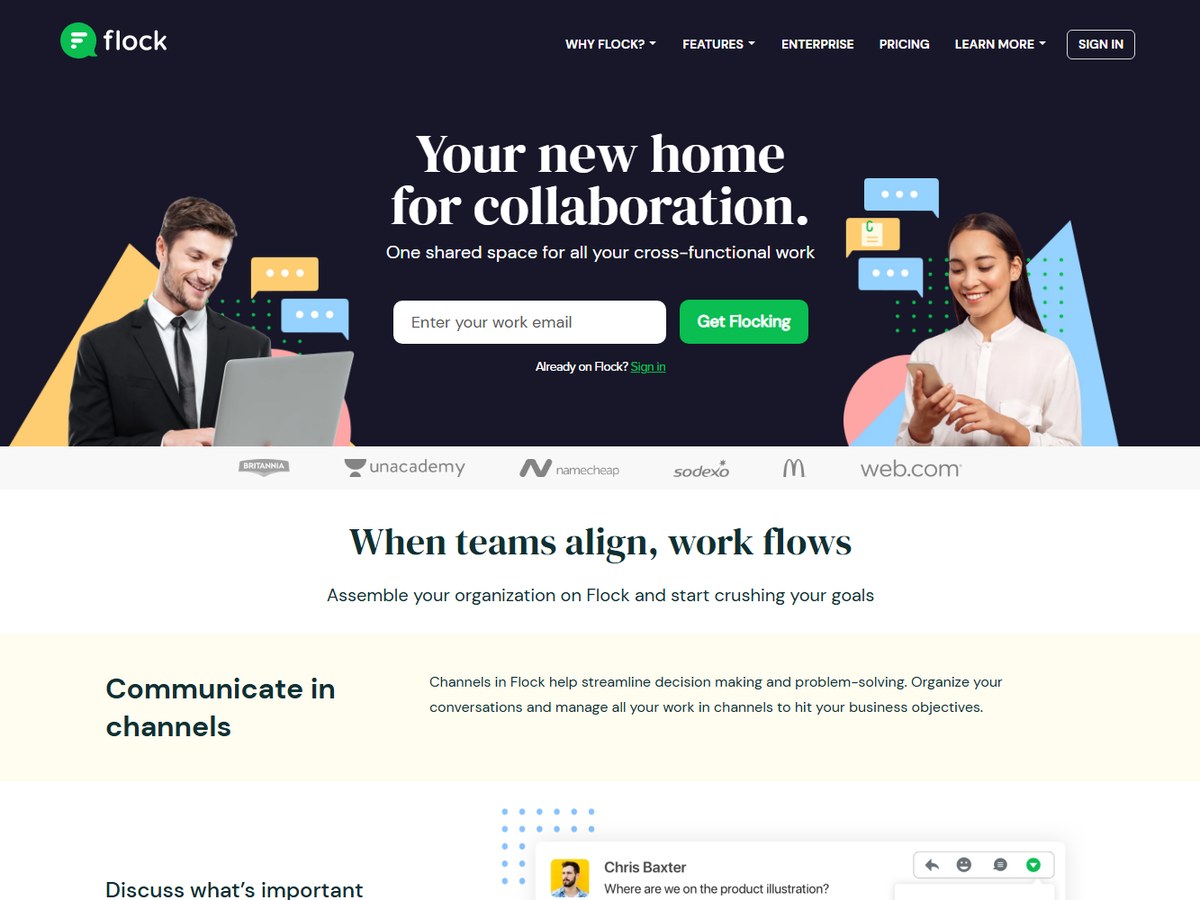
Flock does not publish a user or customer count; it shows customer logos including Britannia, Unacademy, Namecheap and Sodexo. It calls itself your new home for collaboration and covers the basics well: channels, built-in video and voice calls with screen sharing, file sharing, plus shared notes, to-dos, polls and reminders. Integrations include Asana, Zoom and Zapier. The free Starter plan suits teams of 1-20 members, with 10,000 searchable messages, 10 public channels, unlimited private channels and 5 GB of storage per team. PRO is aimed at teams of 20-100 members and comes with a 30-day free trial, while Enterprise is quoted. Flock says it can onboard a whole company in 10 days, with 24/7 support.

Best forSmall teams that want chat plus simple task tools
Skip it ifYou need a large integration marketplace

Source: flock.com/pricing

Questions people ask

What is the most popular team chat app for business?

Microsoft Teams, with 360 million monthly users as of June 2025, according to Wikipedia. It is part of Microsoft 365.

Which team chat app has the best free plan?

Pumble: its Free Forever plan has unlimited users, channels and message history. Slack Free keeps messages for only 90 days, and Chanty Free is limited to 5 team members.

What is the cheapest paid team chat app?

Zoho Cliq Professional costs US$2 per user per month (US$1.80 billed annually), and Pumble Pro costs $2.49 per seat billed annually.

Which chat apps can I host on my own servers?

Element, Rocket.Chat and Mattermost all run self-hosted or fully air-gapped. Rocket.Chat is open source under the MIT license, and Element is built on the open Matrix standard.

How were these apps ranked?

By the largest user, team or company count each vendor publishes on its own website, or on Wikipedia for Teams and Slack. These are the companies' own figures and are measured differently.

How we ranked

The largest user, team or company count each vendor publishes on its own website (or, for Microsoft Teams and Slack, the latest figure on their Wikipedia pages), read November 2026. Units differ: Teams, Element, Rocket.Chat, Slack and Zoho Cliq count users, Pumble counts teams and Chanty counts companies, so treat the order as a guide to scale. Slack's figure dates from 2019. Google Chat, Mattermost and Flock publish no count and are ranked last. Every number on this page comes from the source linked under each pick, and every photo shows the actual product. Brands can't pay to be on this list.

List source: en.wikipedia.org/wiki/Microsoft_Teams · Updated 2026-11-13