consumertop10

Home › Software

Top 10 · Software

Top 10 Time Tracking Software

The time trackers teams use to log hours, fill timesheets, bill clients and run payroll, ranked by how many users or customers each one says it serves.

Quick answer

Clockify is the largest time tracker on this list, used by 7M+ users, with a free plan for up to 5 users and paid plans from $3.99 per seat a month billed annually. RescueTime is second with 2 million+ users and tracks app and website time automatically, and Connecteam is third with 1.8M+ managers and employees and is the pick for hourly and field teams. For billing clients, Harvest turns tracked hours into invoices.

How it's ranked: Users, people, teams, companies or brands each vendor says use it, as published on its own website (read November 2026). Where a vendor publishes a count of people, we use it; Harvest, Everhour and Time Doctor publish only counts of companies, teams or brands. Connecteam uses its 1.8M+ managers and employees figure; it also says over 90,000 companies. Toggl uses its over a million users figure; its pricing page also says 70,000+ companies. Ties are listed in alphabetical order. Jibble publishes no user or customer count, so it is ranked last. Counts are each company's own claims and are measured differently, so treat them as a guide to scale, not an audit.

1
Clockify by CAKE.com
Image: Clockify (official site)

Clockify

CAKE.com · Time tracker and timesheet app for teams

7M+ users

The best-value time tracker for most teams.

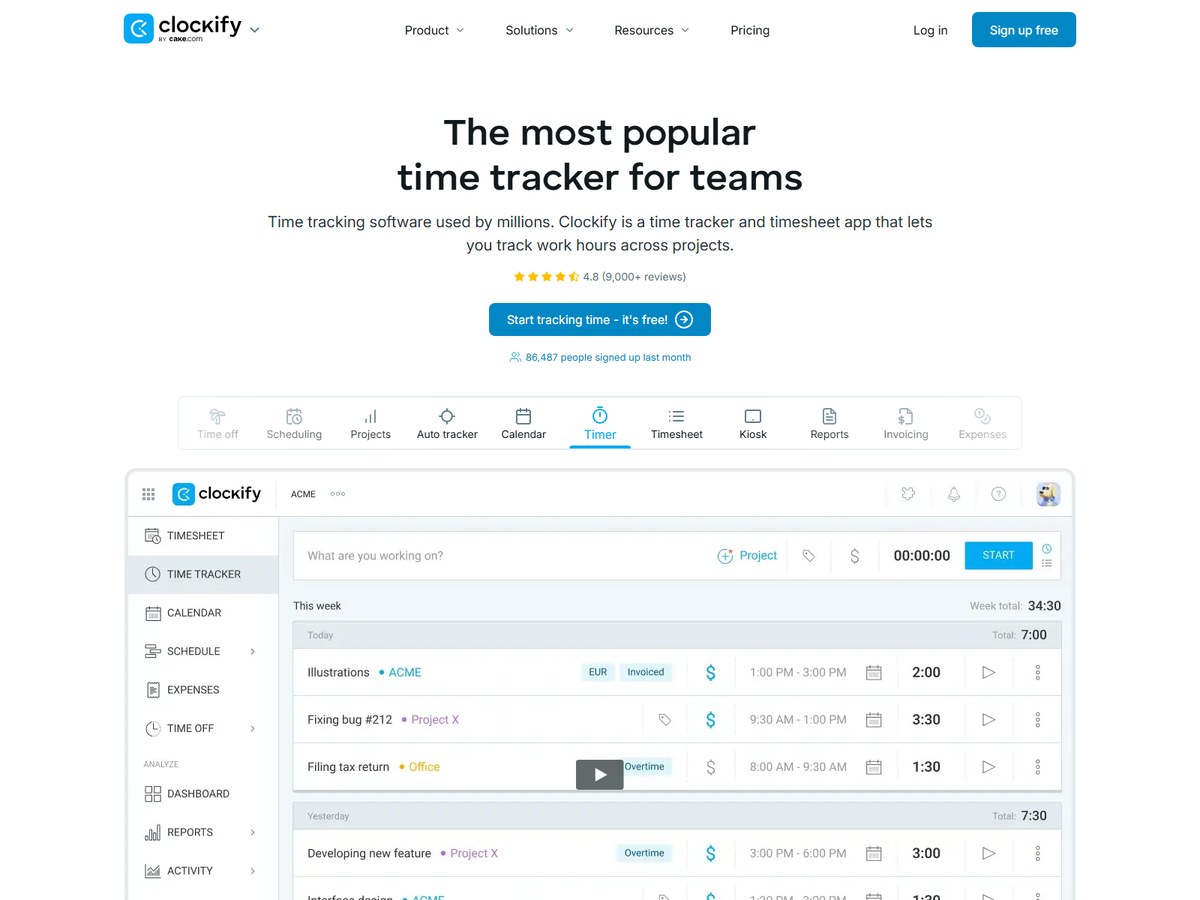
Clockify says it is trusted by 7M+ users in companies worldwide, the largest count on this list, and it holds a 4.8 rating from 9,000+ reviews. It covers a timer, weekly timesheets, a calendar view, an auto tracker for apps and websites, and a clock-in kiosk, plus reports, billable rates, time off, approvals, invoicing and expenses, with 100+ integrations. The Free plan is for up to 5 users with unlimited tracking. Billed annually, Basic costs $3.99 per seat a month, Standard $5.49 adds time off, invoicing and approvals, Pro $7.99 adds scheduling, labor cost and profit, budgets and GPS tracking, and Enterprise $11.99 adds SSO, SCIM and an audit log. Monthly billing runs $4.99, $6.99, $9.99 and $14.99, and paying yearly takes 20% off. Pro users can host data in the EU, UK, USA or Australia. It fits budget-minded teams that want room to grow.

Best forTeams of any size that want a capable tracker for very little money
Skip it ifYou want a tool that plans capacity months ahead

Source: clockify.me/pricing

2
RescueTime by RescueTime
Image: RescueTime (official site)

RescueTime

RescueTime · Automatic time tracking with focus tools and timesheets

2 million+ users

Best for automatic tracking and focus.

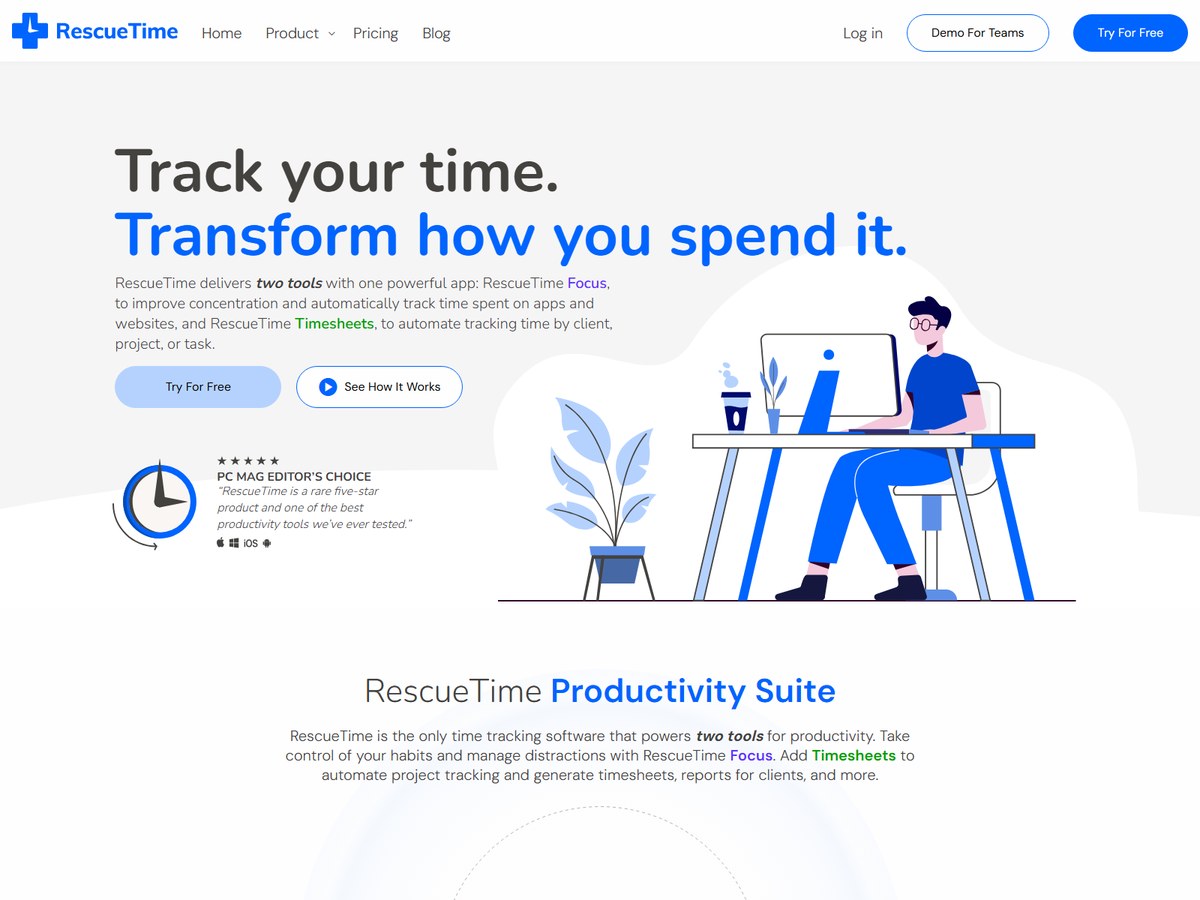
RescueTime says it has 2 million+ users, 15+ years in business and 3 billion hours logged. It is one app with two tools. Focus tracks time spent on apps and websites automatically and adds focus sessions, goals and alerts, while Timesheets turns that activity into time by client, project or task, with smart fill hints and billable rates for teams. Billed annually, Solo costs $7 a month ($84 a year) and Solo+, which adds Timesheets, costs $12 a month ($144 a year). For teams, Team costs $10 per user a month and Team+ $16 per user a month billed annually, or $12 and $18 billed monthly. Every paid plan has a 14-day free trial, a free Lite plan is also offered, and team accounts with 100 or more users can pay by invoice. It fits people who want honest data on their own habits first and timesheets second.

Best forIndividuals and teams who want to see where their attention goes without starting timers
Skip it ifYou need payroll, invoicing or a clock-in kiosk

Source: www.rescuetime.com/pricing

3
Connecteam by Connecteam
Image: Connecteam (official site)

Connecteam

Connecteam · Employee time clock app for deskless and field teams

1.8M+ managers and employees

Best time clock for hourly and field teams.

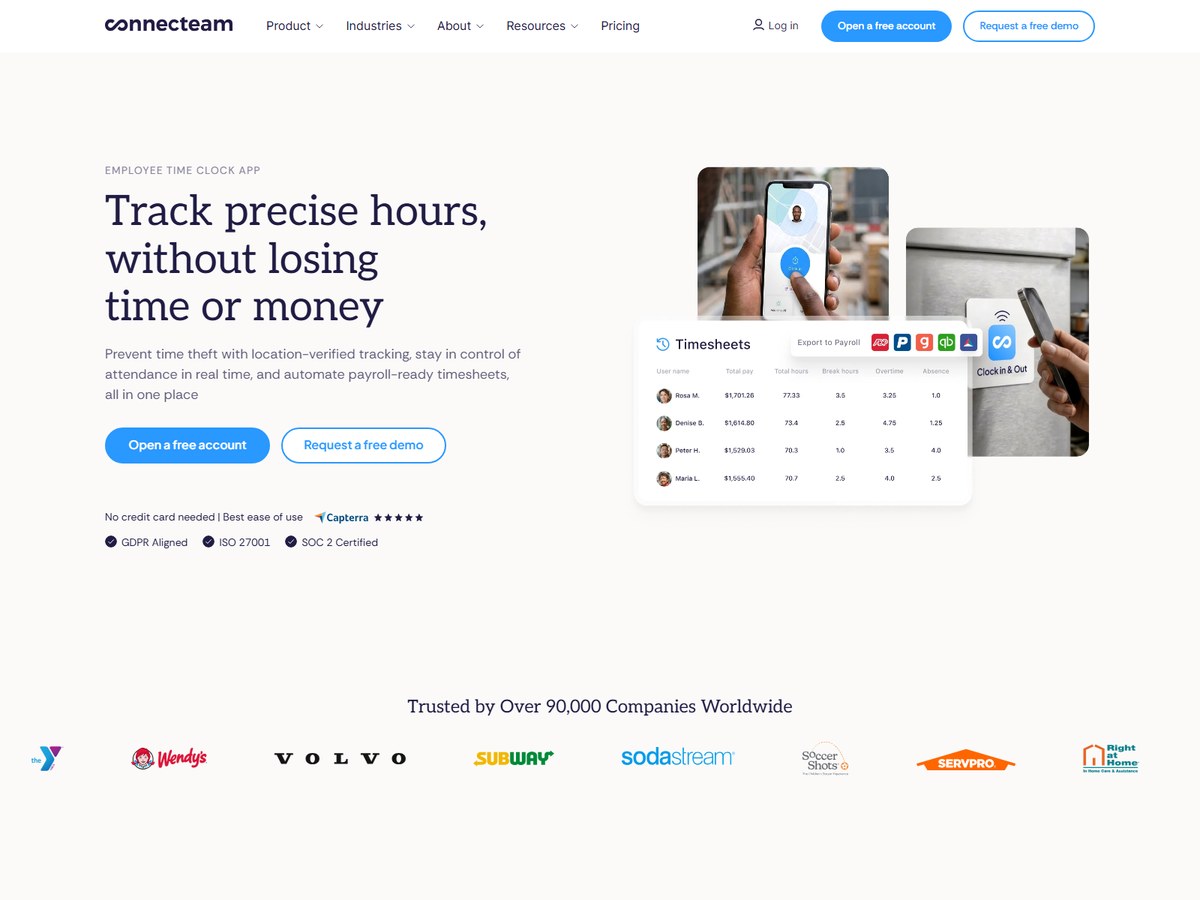
Connecteam says it is trusted by over 90,000 companies worldwide and used by 1.8M+ managers and employees, and its app is rated 4.8 out of 5 from 70K+ reviews. Its time clock lets staff clock in by tapping an NFC tag, from a phone inside a geofence with live GPS, or on a shared kiosk tablet with PIN codes or selfie checks to stop buddy punching. Hours flow into timesheets with automatic breaks, overtime and time off, a live dashboard flags late arrivals and no-shows, and timesheets export to PDF or XLS or sync to payroll. The Small Business plan is free for life for up to 10 users. Paid plans cover the first 30 users for a flat fee: Basic $29 a month, Advanced $49 and Expert $99 with yearly billing, which saves 18%. There is a 14-day free trial with no credit card needed. It fits restaurants, cleaning, fitness and other hourly teams.

Best forShift-based, on-site and field teams that clock in from phones or a shared tablet
Skip it ifYou bill clients by the hour for desk work

Source: connecteam.com/pricing/

4
TimeCamp by TimeCamp
Image: TimeCamp (official site)

TimeCamp

TimeCamp · Automatic time tracking with AI timesheets

1 million+ users

Best for hands-off, AI-filled timesheets.

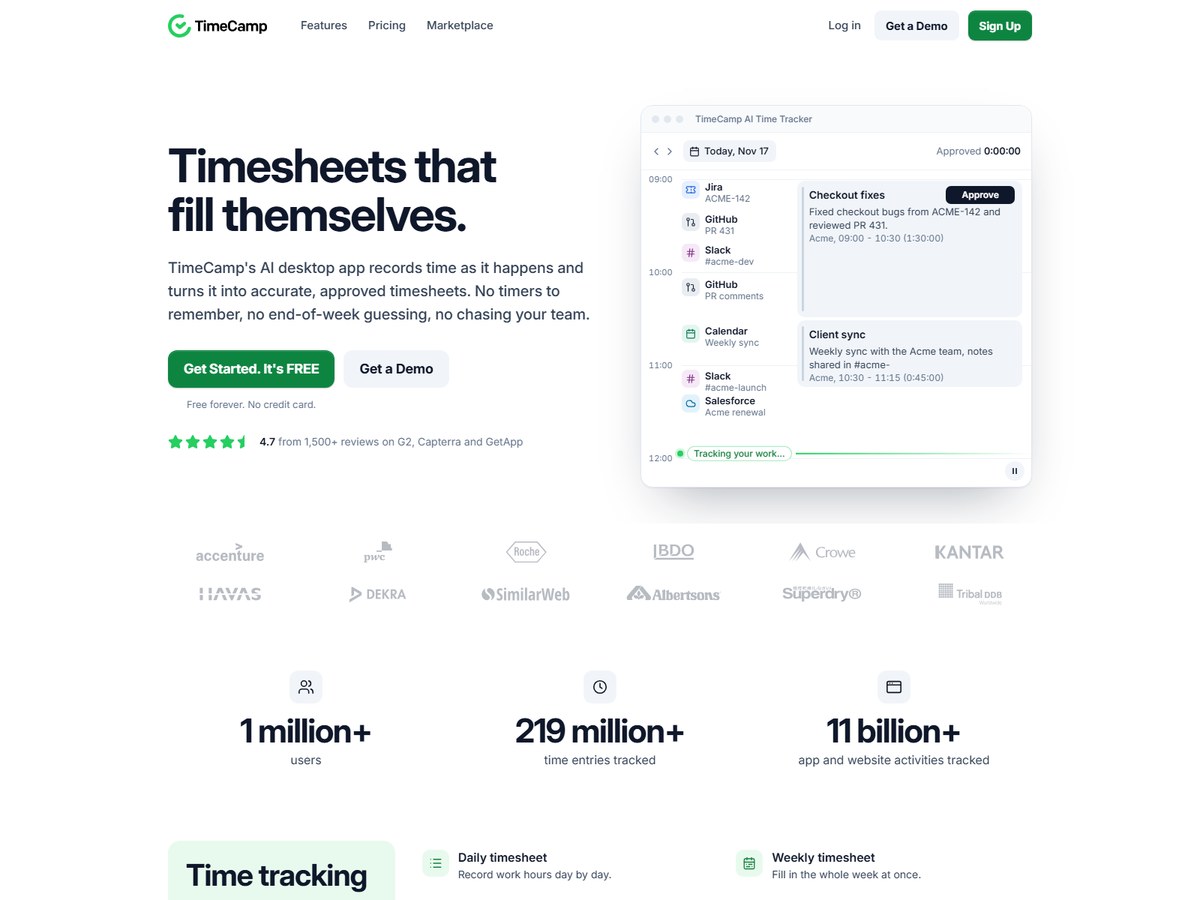
TimeCamp says it has 1 million+ users, 219 million+ time entries tracked and 11 billion+ app and website activities tracked, with a 4.7 rating from 1,500+ reviews on G2, Capterra and GetApp. Its AI desktop app records time as it happens and drafts timesheets for approval, so nobody has to remember a timer. It also offers daily and weekly timesheets, a calendar view, mobile apps, a PIN kiosk, geolocation, 40+ ready-made reports, approvals, invoicing and expenses. The Free plan is free forever with unlimited users and projects. Billed annually, Starter costs $3.99 per user a month, Premium $6.99 adds billable time, budgets and app tracking, and Ultimate $9.99 adds approvals, screenshots, expenses and SSO; month-to-month prices are $5.49, $9.99 and $13.99. Enterprise adds self-hosting and is quoted on request. It fits teams that want hands-off tracking at a low price.

Best forTeams that want timesheets filled in for them, with a free plan for everyone
Skip it ifYou want no desktop app on staff computers

Source: www.timecamp.com/pricing/

5
Toggl Track by Toggl
Image: Toggl Track (official site)

Toggl Track

Toggl · Time tracking with capacity and project planning

Over a million users

Best for turning tracked time into better plans.

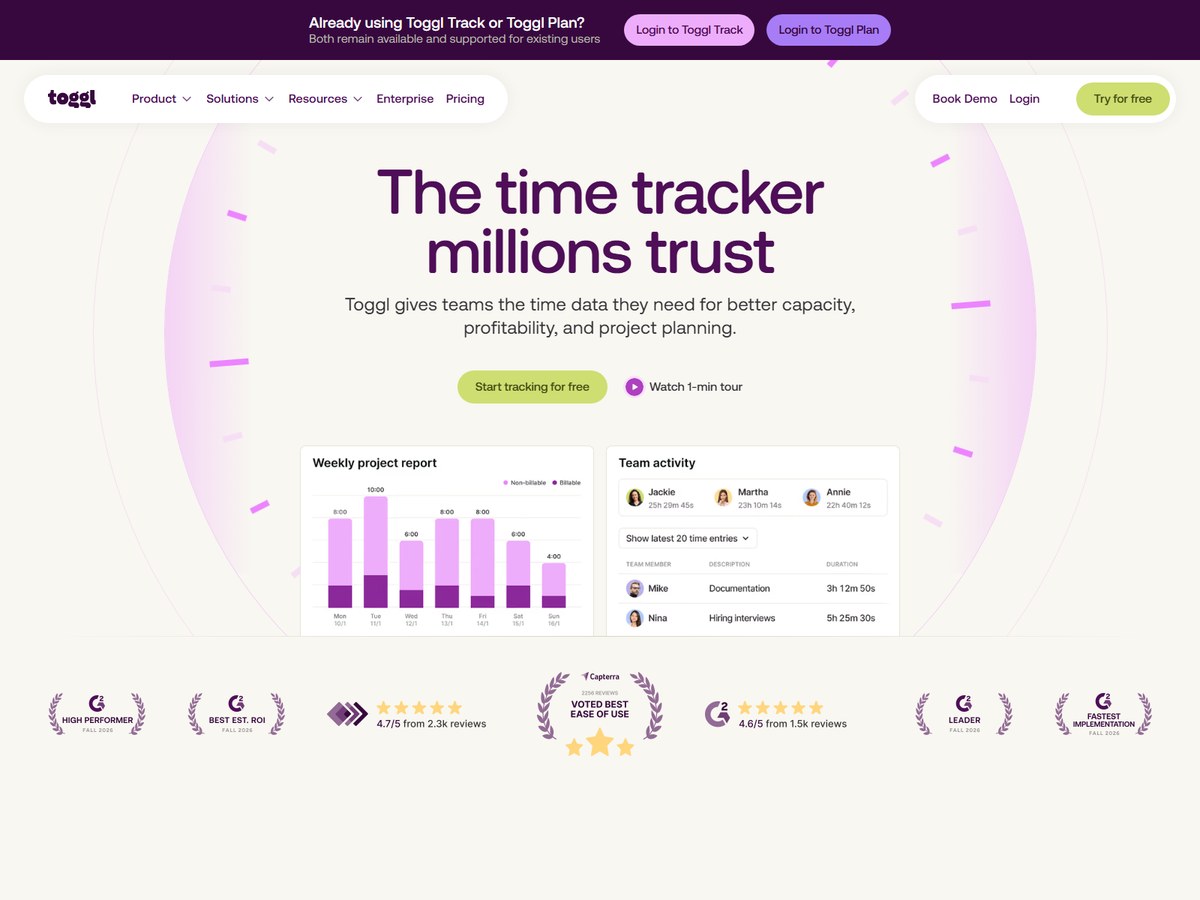
Toggl says over a million users have trusted it, and its pricing page says 70,000+ companies trust Toggl. It tracks time on web, desktop, mobile and browser extensions with one-click timers and background tracking, and it never monitors screens, keystrokes or webcams. Reports break time down by project, client and team, and higher plans add profitability, capacity and project dashboards. Toggl AI answers plain-language questions about your hours. The Free plan covers up to 3 users. Billed annually, Starter costs $9 per user a month and adds billable rates and team reports, and Premium costs $16 and adds labor cost and profitability reports, timesheet approvals, Jira and Asana integrations and SSO. Monthly prices are $12 and $24, so yearly billing saves up to 33%. Add-ons cover Time Off Management at $2 per user a month and Capacity Management. Paid plans have a 30-day trial. It fits teams that bill by the hour.

Best forAgencies, consultants and project teams that want time data to drive planning and profit
Skip it ifYou want to monitor screens or keystrokes

Source: toggl.com/track/pricing/

6
Hubstaff by Hubstaff
Image: Hubstaff (official site)

Hubstaff

Hubstaff · Time tracking and workforce analytics for distributed teams

140,000+ users

Best for remote teams paid by the hour.

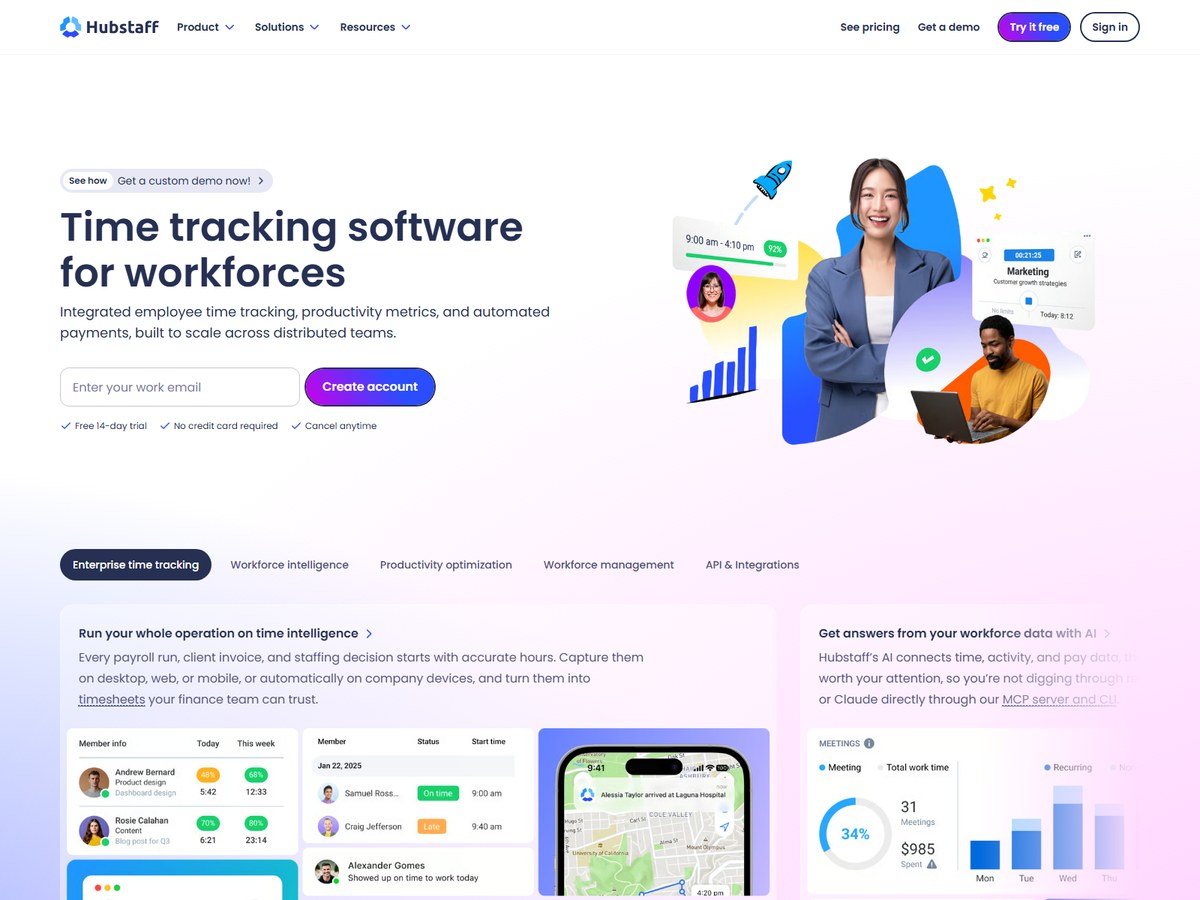
Hubstaff says it is trusted by 140,000+ global users and that 65M+ total hours have been tracked. It pairs a multi-platform timer and timesheets with activity levels, screenshots and app and URL tracking, plus scheduling, time off, overtime, client invoices and payroll for employees and contractors. Hubstaff Insights uses AI to flag unusual activity, such as apps that fake mouse movement, and it is HIPAA and SOC-2 Type II compliant. Every plan has a 2 seat minimum: Starter is listed at $4.99 per seat a month, Grow at $7.50 with reports, budgets and one integration, Team at $10 with payments, scheduling and unlimited integrations, and Enterprise at $25 billed annually with GPS Locations and a silent app. Annual billing gives 2 months free. The 14-day free trial needs no credit card, with a 30-day money-back guarantee. It fits remote teams that pay by the hour.

Best forRemote and distributed teams that want time, activity and payroll in one place
Skip it ifYour team does not want screenshots or activity tracking

Source: hubstaff.com/pricing

7
Harvest by Harvest
Image: Harvest (official site)

Harvest

Harvest · Time tracking with invoicing and payments

Over 70,000 companies

Best for turning hours into invoices.

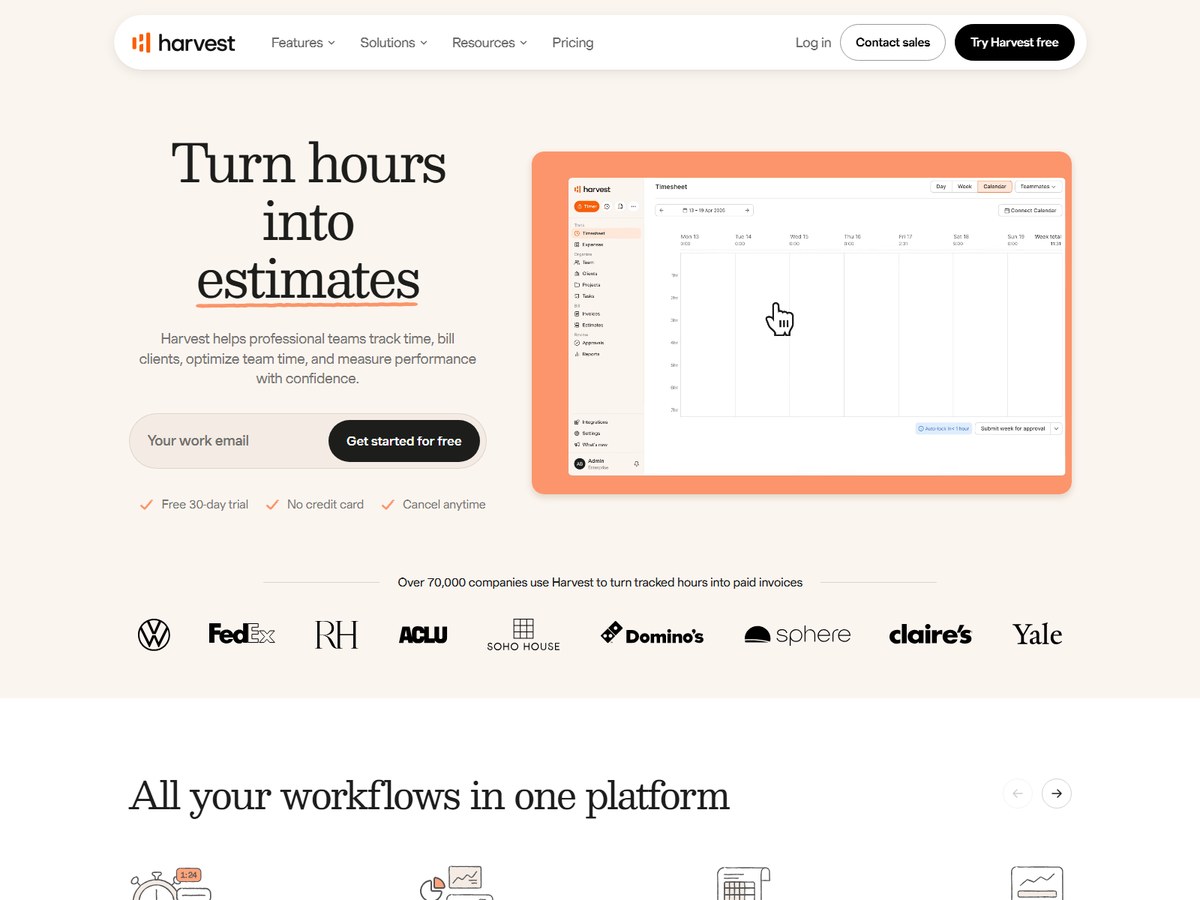
Harvest says over 70,000 companies use it to turn tracked hours into paid invoices. Teams log time with one-click timers, daily or weekly timesheets or from a connected calendar, record expenses with receipts, and turn tracked time and expenses into invoices that clients can pay online, with automatic reminders. Budgets by hours or fees send alerts before a project runs over, and Harvest connects with 40+ tools including Stripe, QuickBooks Online and Xero. The Free plan covers 1 seat and 2 projects. Teams costs $9 per seat a month billed annually ($108 a year) or $11 monthly, and Enterprise costs $14 per seat ($168 a year) or $17.50 monthly and adds profitability reports, timesheet approvals and SAML SSO. Paying yearly saves 20%, and the 30-day free trial needs no credit card. It fits service firms that want hours and invoices in one tool.

Best forAgencies, consultants and firms that track time mainly to bill clients
Skip it ifYou need employee monitoring or a shift time clock

Source: www.getharvest.com/pricing

8
Everhour by Everhour
Image: Everhour (official site)

Everhour

Everhour · Time tracking built into project management tools

10,000+ teams

Best for tracking time inside project tools.

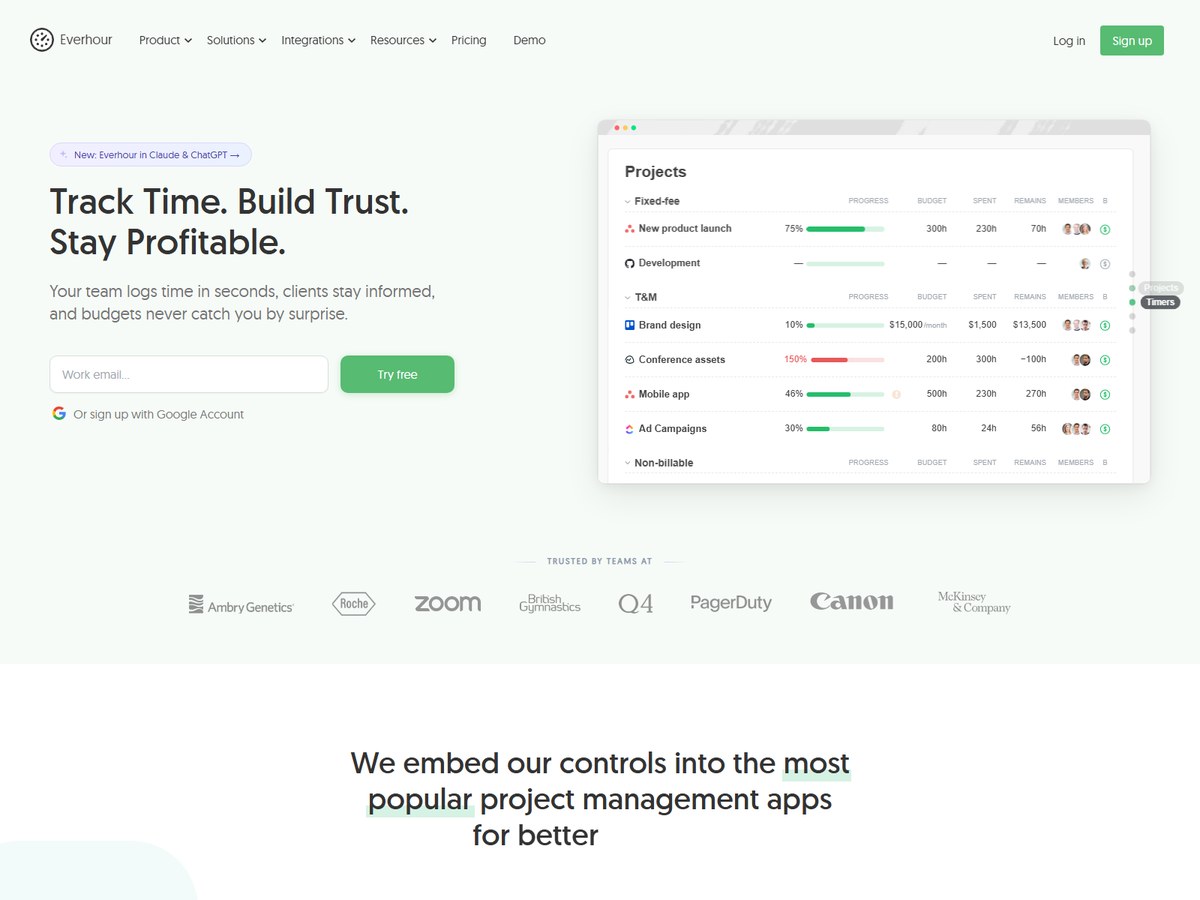
Everhour says 10,000+ teams use it to track time and improve project profitability, and it calls itself the #3 Asana Marketplace App, with a 4.7 out of 5 rating. Its main draw is that the timer appears inside the tools teams already use, with 40+ integrations including Asana, ClickUp, GitHub, Linear, Basecamp, Jira, Trello, Monday and Notion. Beyond tracking it covers budgets and alerts, reports, time off, scheduling, invoicing and expenses, with mobile, Mac desktop, browser extension and Apple Watch apps and full API access. The Free plan covers up to 5 seats with limited features and no integrations. The Team plan costs $8.50 per seat a month billed yearly, with a 5 seat minimum, unlimited seats and all features, including billing, budgeting, invoicing and SSO, and yearly billing saves 15%. Custom pricing starts at 50 seats, and the 14-day trial needs no credit card. It fits project teams that live in a task tool.

Best forTeams that run projects in Asana, ClickUp, Jira, Trello or similar tools
Skip it ifYou need a time clock for hourly staff

Source: everhour.com/pricing

9
Time Doctor by Time Doctor
Image: Time Doctor (official site)

Time Doctor

Time Doctor · Workforce visibility and time tracking for distributed teams

Over 10,000 global brands

Best for verified hours across distributed teams.

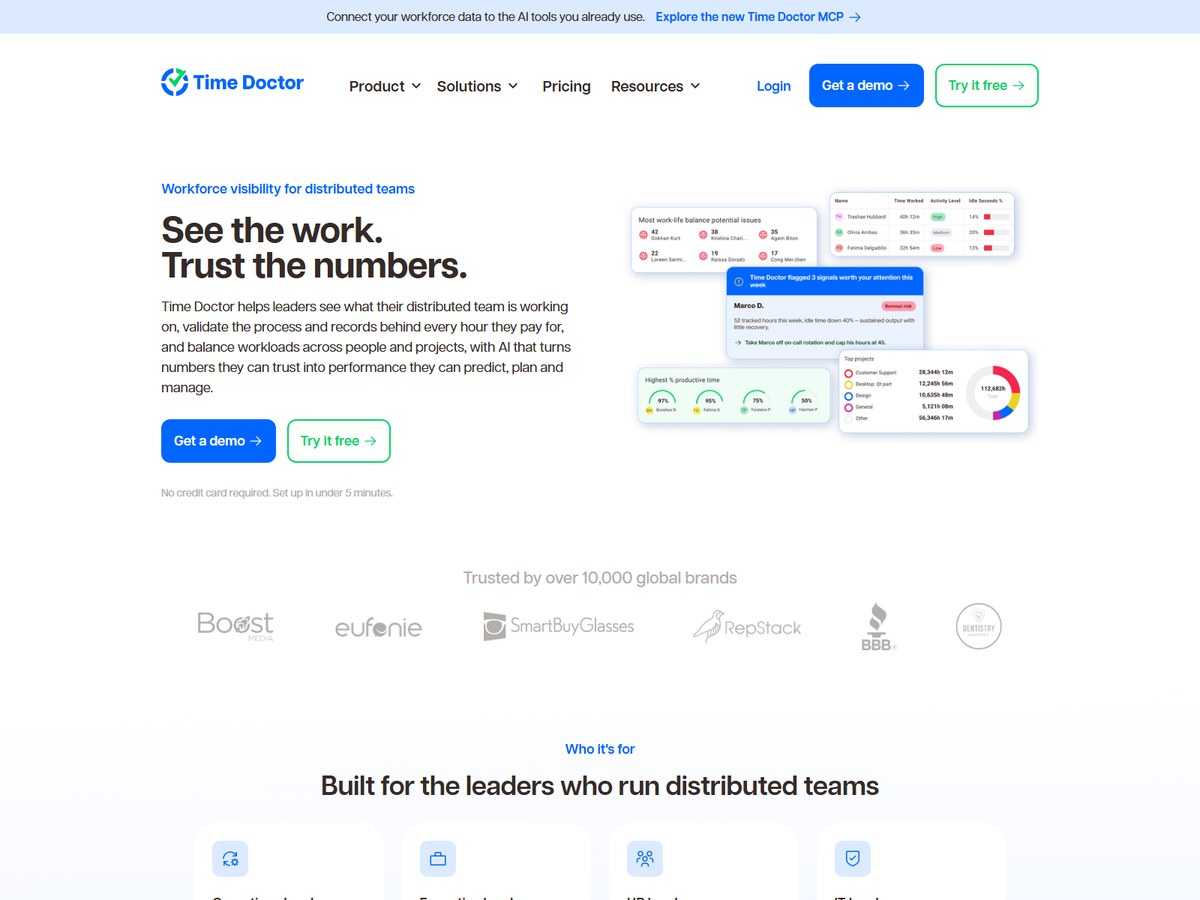
Time Doctor says it is trusted by over 10,000 global brands. It is built for leaders of distributed teams who want to see what people are working on and check the records behind every hour they pay for. Plans include automatic tracking, projects and tasks, a timeline report and screenshots, and Standard adds schedules, attendance, time approvals, web and app usage reports, payroll and 60+ integrations. Premium adds Benchmarks AI, an Unusual Activity AI report, mouse jiggler detection, video screen recording, SSO and API access, and Time Doctor MCP is included in every plan at no extra cost. Billed month to month, Basic costs $8 per user a month, Standard $14 and Premium $20, with lower rates when billed annually. Enterprise adds private cloud deployment at a custom price, and the 14-day trial gives full Premium access. It fits operations, HR and IT leaders running remote teams.

Best forLeaders of distributed teams who need verified hours for payroll and client billing
Skip it ifYou want a light tracker with no monitoring features

Source: www.timedoctor.com/pricing

10
Jibble by Jibble
Image: Jibble (official site)

Jibble

Jibble · Free time clock and time tracking app

No user or customer count published

Best free time clock for unlimited staff.

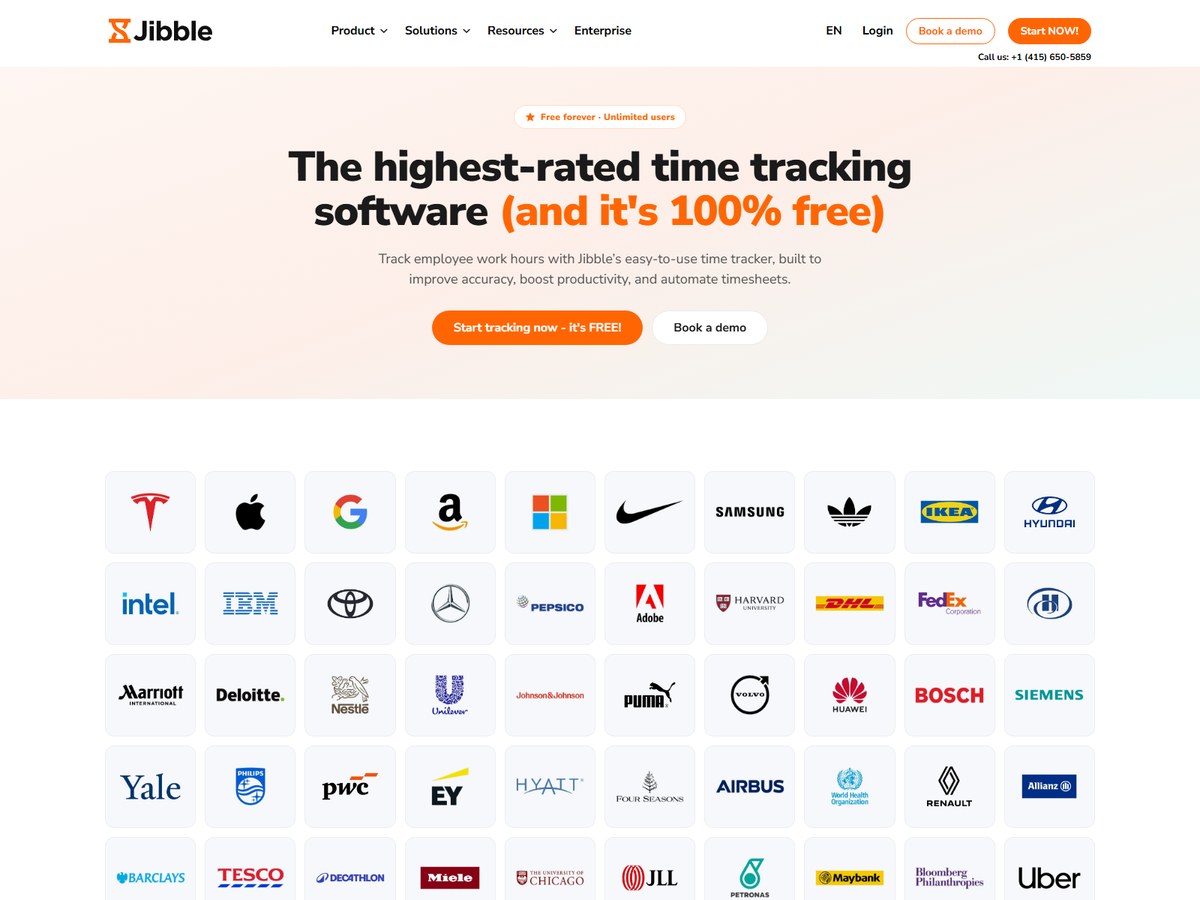
Jibble does not publish a user or customer count, so it is ranked after the vendors that do. Its homepage says it is free forever for unlimited users, and it cites an average rating based on over 20,000 verified user reviews, including 4.8 on Capterra. Staff track time with a timer, timesheets, offline mode or a shared kiosk, and Jibble can verify clock-ins with face recognition, selfie capture, geofencing, GPS tracking, NFC or a PIN. Managers get time off, approvals, invoicing, work schedules, a real-time dashboard and project tracking, and reports download as XLS or CSV. It works with Slack, Microsoft Teams and QuickBooks. An enterprise option is offered for larger organizations. It fits construction crews, shops and other teams that need proof of where and when people clocked in without paying per user.

Best forBusinesses that want a free time clock for an unlimited number of employees
Skip it ifYou want a published customer count before you choose

Source: www.jibble.io/

Questions people ask

What is the best time tracking software?

Clockify is the largest time tracker on this list, used by 7M+ users, and its paid plans start at $3.99 per seat a month billed annually. Toggl Track, with over a million users, is a strong pick for teams that want time data to drive capacity and profit planning.

Which time tracking software is free?

Jibble and TimeCamp both have free plans for unlimited users, Connecteam is free for up to 10 users, Clockify is free for up to 5 users, Everhour is free for up to 5 seats, and Toggl Track is free for up to 3 users.

Which time tracker is best for billing clients?

Harvest, used by over 70,000 companies, turns tracked time and expenses into invoices clients can pay online, from $9 per seat a month billed annually. Toggl Track and Clockify also support billable rates and invoicing on paid plans.

Which time tracking app is best for hourly and field employees?

Connecteam is built for shift and field teams, with NFC, geofence, GPS and kiosk clock-ins and a free plan for up to 10 users. Jibble is free for unlimited users and verifies clock-ins with face recognition, GPS or a PIN.

How were these time tracking tools ranked?

By the number of users, people, teams, companies or brands each vendor publishes on its own website. These are the companies' own claims. Vendors that publish no count are ranked last.

How we ranked

Users, people, teams, companies or brands each vendor says use it, as published on its own website (read November 2026). Where a vendor publishes a count of people, we use it; Harvest, Everhour and Time Doctor publish only counts of companies, teams or brands. Connecteam uses its 1.8M+ managers and employees figure; it also says over 90,000 companies. Toggl uses its over a million users figure; its pricing page also says 70,000+ companies. Ties are listed in alphabetical order. Jibble publishes no user or customer count, so it is ranked last. Counts are each company's own claims and are measured differently, so treat them as a guide to scale, not an audit. Every number on this page comes from the source linked under each pick, and every photo shows the actual product. Brands can't pay to be on this list.

List source: clockify.me/ · Updated 2026-11-17