consumertop10

Home › Software

Top 10 · Software

Top 10 Video Conferencing Platforms

The video meeting apps businesses, schools and families use most, ranked by the users or customers each one reports.

Quick answer

Microsoft Teams is the largest video conferencing platform, with over 320 million monthly active users, and is the natural pick for Microsoft 365 companies. Zoom is second, having passed 200 million daily meeting participants in 2020, and offers a free plan with 100 participants and 40-minute meetings. Google Meet is third and runs in any browser with no install. For free calls with no account at all, Jitsi Meet is fully open source.

How it's ranked: The largest user or customer count each platform publishes on its own website, official blog, GitHub repository or Wikipedia page (read November 2026). Teams, Zoom and Google Meet report people (monthly users, daily meeting participants or daily users; the Zoom and Meet figures date from 2020), while Dialpad and Pexip report customers, so treat the order as a guide to scale, not an audit. GoTo Meeting, Zoho Meeting, Whereby, Jitsi Meet and BigBlueButton publish no count and are ranked last; the two open-source projects show GitHub stars for reference.

1
Microsoft Teams by Microsoft
Image: Microsoft (official site)

Microsoft Teams

Microsoft · Chat, meetings and calling inside Microsoft 365

320 million+ monthly active users

The default choice for Microsoft 365 shops.

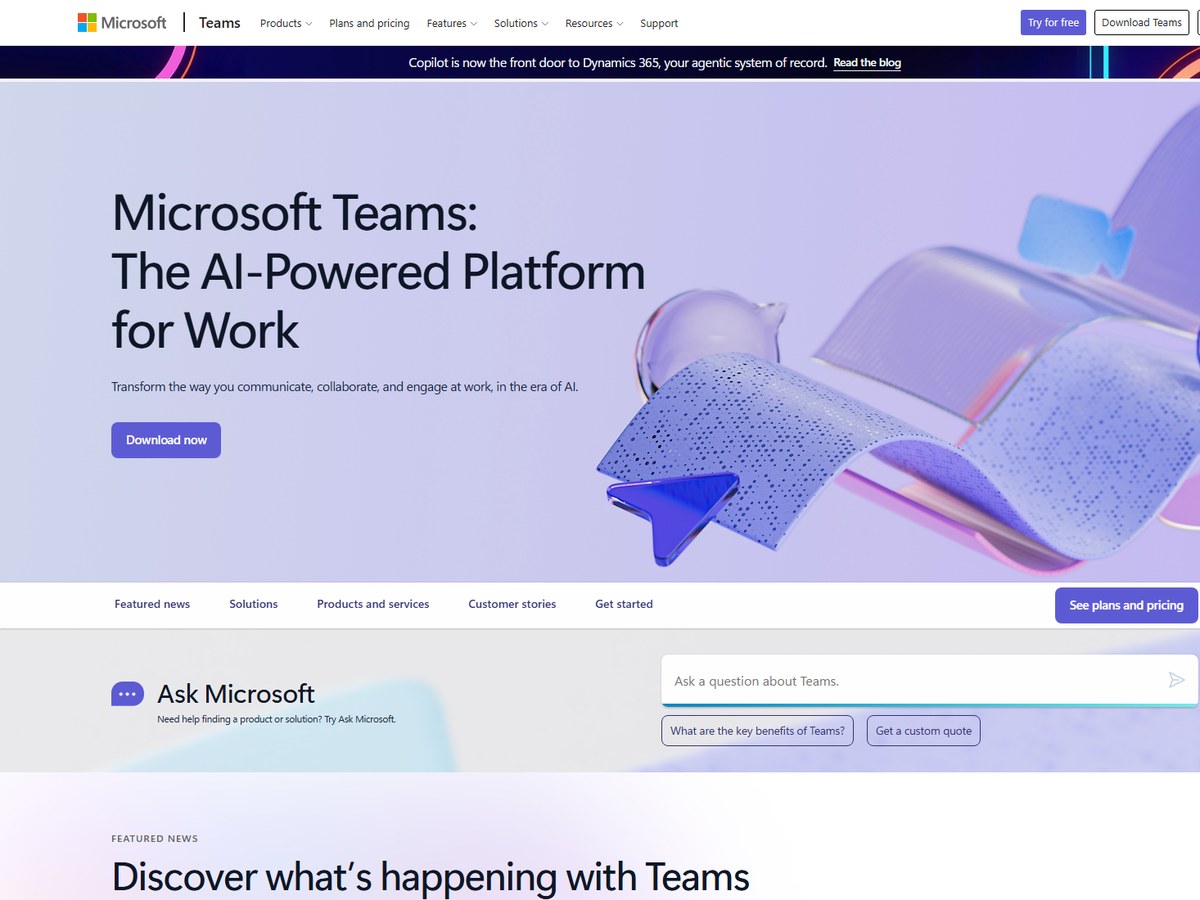
Microsoft Teams is the biggest platform on this list. Microsoft says Teams has grown to serve over 320 million monthly active users across 181 markets and 44 languages. Teams launched worldwide on March 14, 2017, and a free version followed on July 12, 2018, with most core features at no cost but limits on users and storage. Video meetings sit inside the same app as team chat, channels, files and calling, so a meeting can start from a conversation and its notes and recordings stay with the team that held it. For big presentations, Teams Live Events can broadcast to 10,000 participants. Microsoft now pitches Teams as an AI-powered platform for work, with Copilot built in. It fits best in organizations that already pay for Microsoft 365.

Best forCompanies that already run on Microsoft 365, Outlook and SharePoint
Skip it ifYour team mostly works in Google Workspace

Source: techcommunity.microsoft.com/blog/microsoftteamsblog/microsoft-teams-building-a-foundation-for-the-future/4090393

2
Zoom by Zoom Communications
Image: Zoom (official site)

Zoom

Zoom Communications · Video meetings with phone, webinars and AI companion

200 million+ daily meeting participants (2020)
The video meeting app everyone knows.

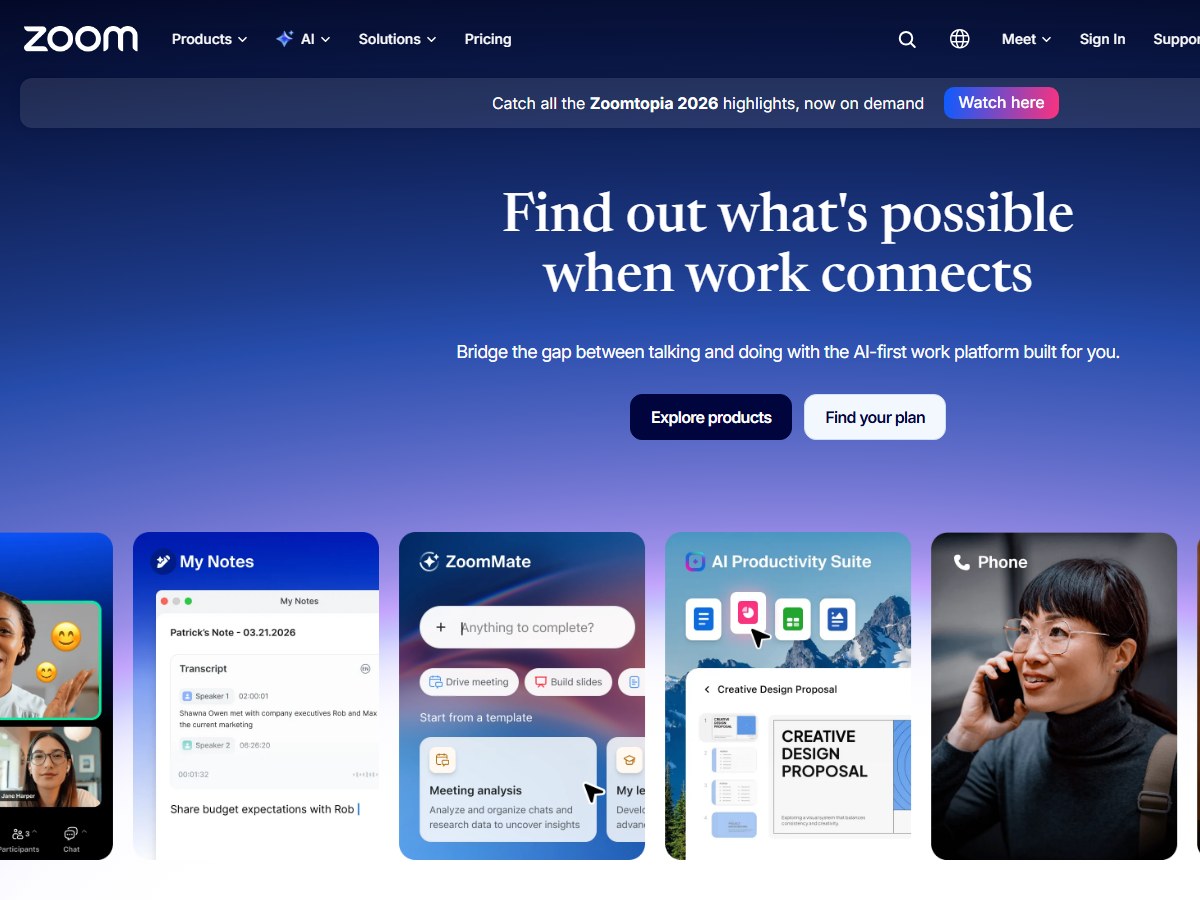
Zoom is the name most people think of for video calls. CEO Eric Yuan wrote that Zoom reached more than 200 million daily meeting participants, free and paid, in March 2020, up from about 10 million in December 2019. It was founded in 2011. The free Basic plan allows 100 participants per meeting and 40 minutes per meeting. Pro costs $14.16 per user per month billed annually ($16.99 monthly) and runs meetings for up to 30 hours, Business is $18.33 per user per month billed annually with 300 participants, and Enterprise goes to 1000 participants. Zoom has grown well beyond meetings: Zoom Phone hit 10 million seats in 2025, and it also sells webinars and an AI work platform. It fits teams that meet a lot with outside guests.

Best forAnyone who wants the meeting app most guests already know
Skip it ifYou need meetings longer than 40 minutes for free

Source: www.zoom.com/en/blog/a-message-to-our-users/

3
Google Meet by Google
Image: Google Workspace (official site)

Google Meet

Google · Browser-based video meetings in Google Workspace

100 million daily users (2020)

The easiest meeting to join from a browser.

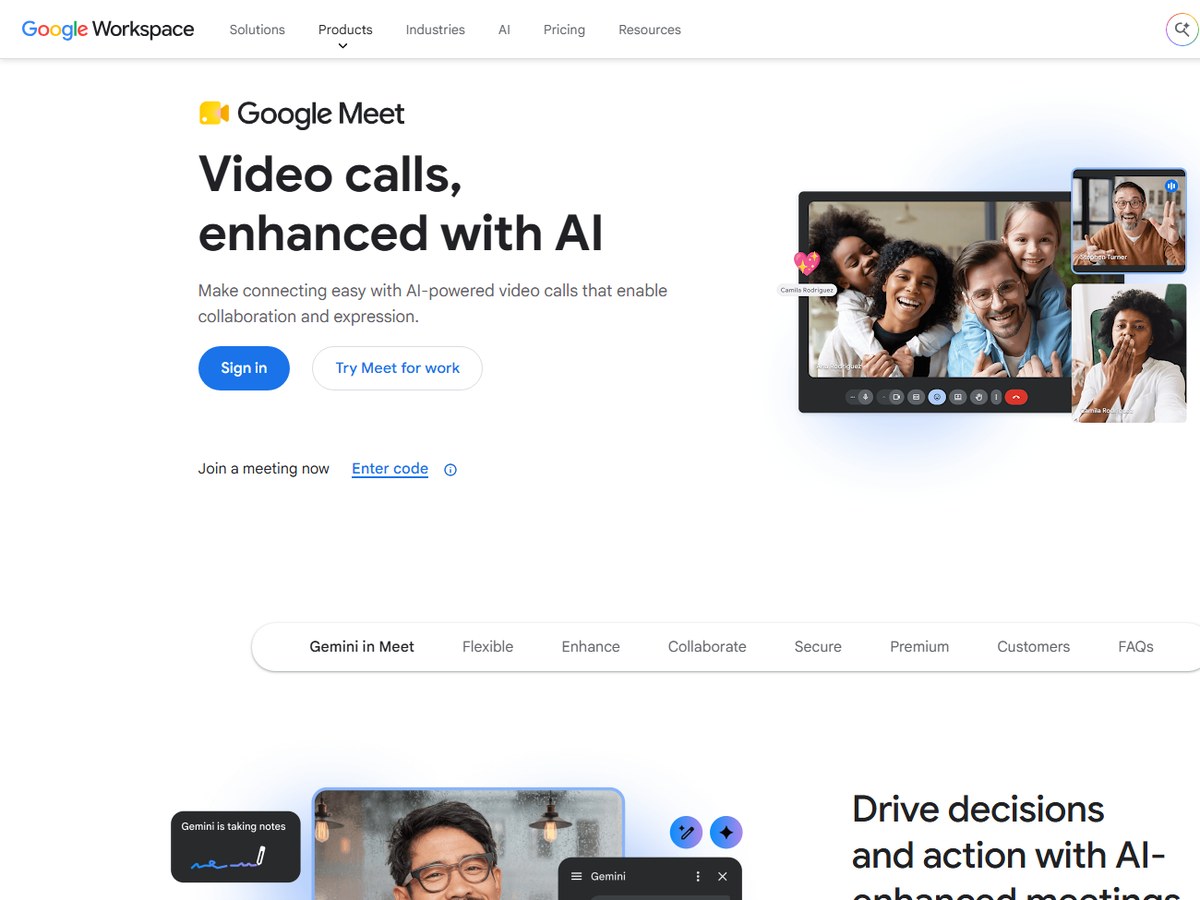
Google Meet runs in the browser with no software to install, which makes it the easiest meeting for a guest to join. Usage grew by a factor of 30 between January and April 2020, when 100 million users a day were accessing Meet. Google says Workspace, which includes Meet, has more than 3 billion users and over 10 million paying customers. A free account can invite up to 100 participants and meet for up to 60 minutes, while one-to-one calls have no time limit. Paid Workspace plans raise the cap to 100, 150, 500 or 1000 participants depending on the plan, with group calls of up to 24 hours. Gemini can take notes, translate conversations and surface key insights, and live captions, polls, breakout rooms and Q&A are built in. Video runs at up to 1080p.

Best forTeams on Gmail, Google Calendar and Google Docs
Skip it ifYou need a desktop app with deep phone system features

Source: en.wikipedia.org › Google_Meet

4
Dialpad Meetings by Dialpad
Image: Dialpad (official site)

Dialpad Meetings

Dialpad · AI video meetings inside a cloud phone platform

30,000+ customers

Best AI notes for sales and support teams.

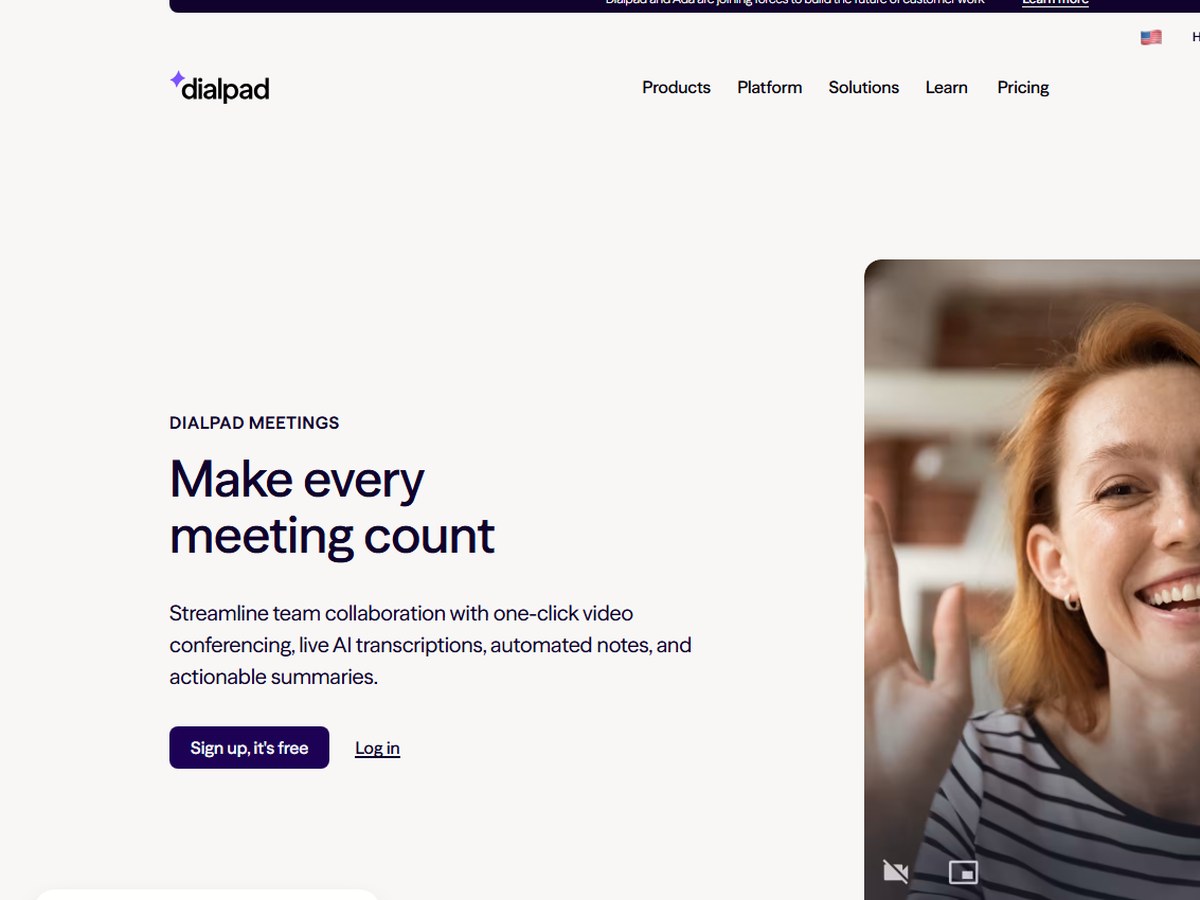
Dialpad says it has 30k+ customers worldwide, 1k+ employees and 12 global offices, though that count covers its whole platform, not only meetings. Dialpad Meetings promises one-click meetings from a browser or app with no downloads or PINs, plus live AI transcription and automated call summaries. The Large Meetings add-on raises the participant limit to 1,500 and unlocks extra moderator tools, and international dial-in covers 50+ countries. A small but useful touch: you get a subtle alert when five minutes remain, so meetings end on time. Recordings and transcripts are kept for later, calendars sync with Microsoft 365 and Google Calendar, and meeting activity can be logged in Salesforce. You can sign up for free.

Best forSales and support teams that want meetings and calling in one AI tool
Skip it ifYou only need occasional free calls with friends

Source: www.dialpad.com/about-us/

5
Pexip by Pexip
Image: Pexip (official site)

Pexip

Pexip · Secure meetings and meeting-room interoperability

3,000 customers

Best for secure, regulated organizations.

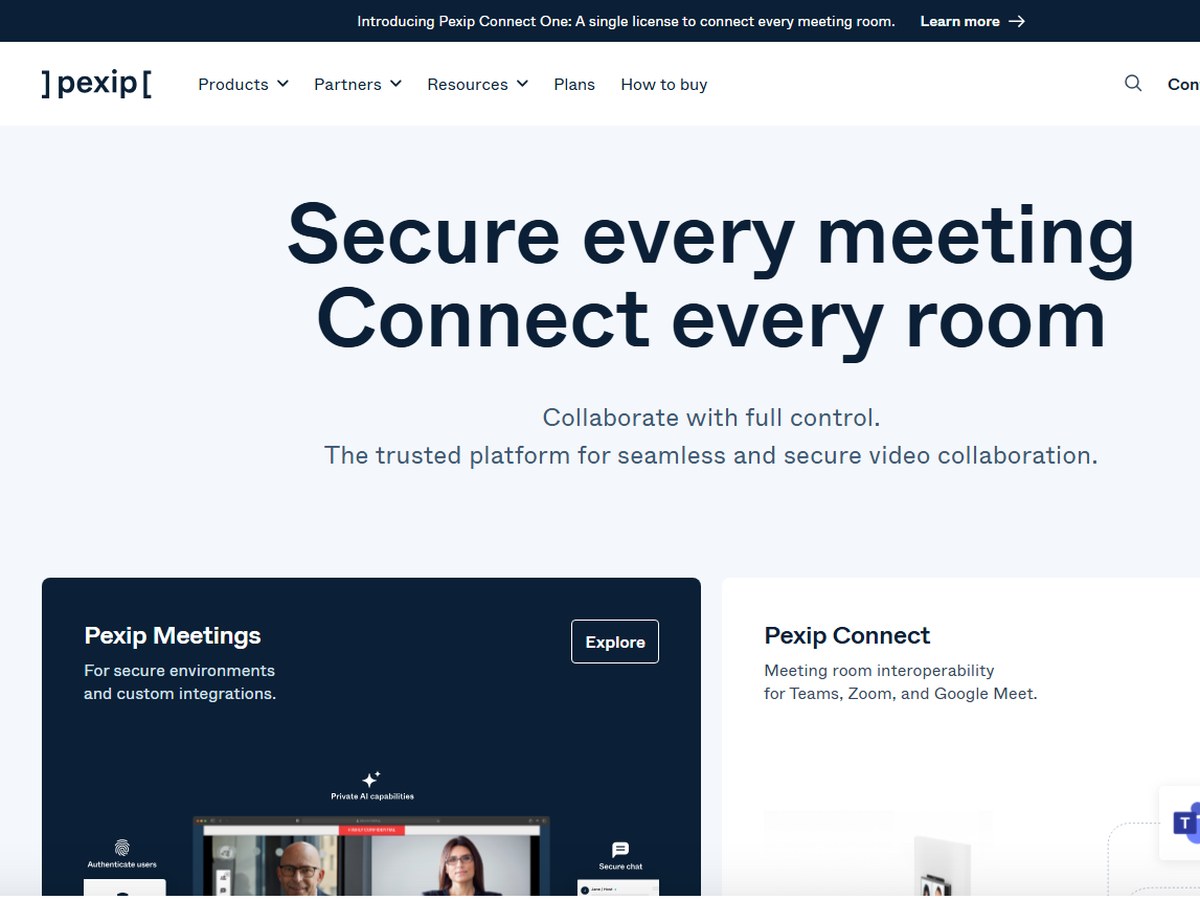
Pexip says it has 3,000 customers in enterprise and the public sector, 280+ employees across 26 countries and 300 partners. It is not a typical consumer meeting app. Pexip builds video technology that links different platforms, devices and rooms, and it sells secure meetings to sectors such as government, healthcare and justice. Its two main products are Pexip Secure Meetings, for secure environments and custom integrations, and Pexip Connect, which lets meeting-room hardware join Teams, Zoom and Google Meet calls. Its newest offer, Pexip Connect One, is a single license to connect every meeting room. It fits organizations that already own video-room equipment or must keep control of where meeting data goes.

Best forGovernment, healthcare and justice bodies with strict security needs
Skip it ifYou want a simple free app for small calls

Source: www.pexip.com/about

6
GoTo Meeting by GoTo
Image: GoTo (official site)

GoTo Meeting

GoTo · Business web conferencing

No user count published

A steady, long-running business option.

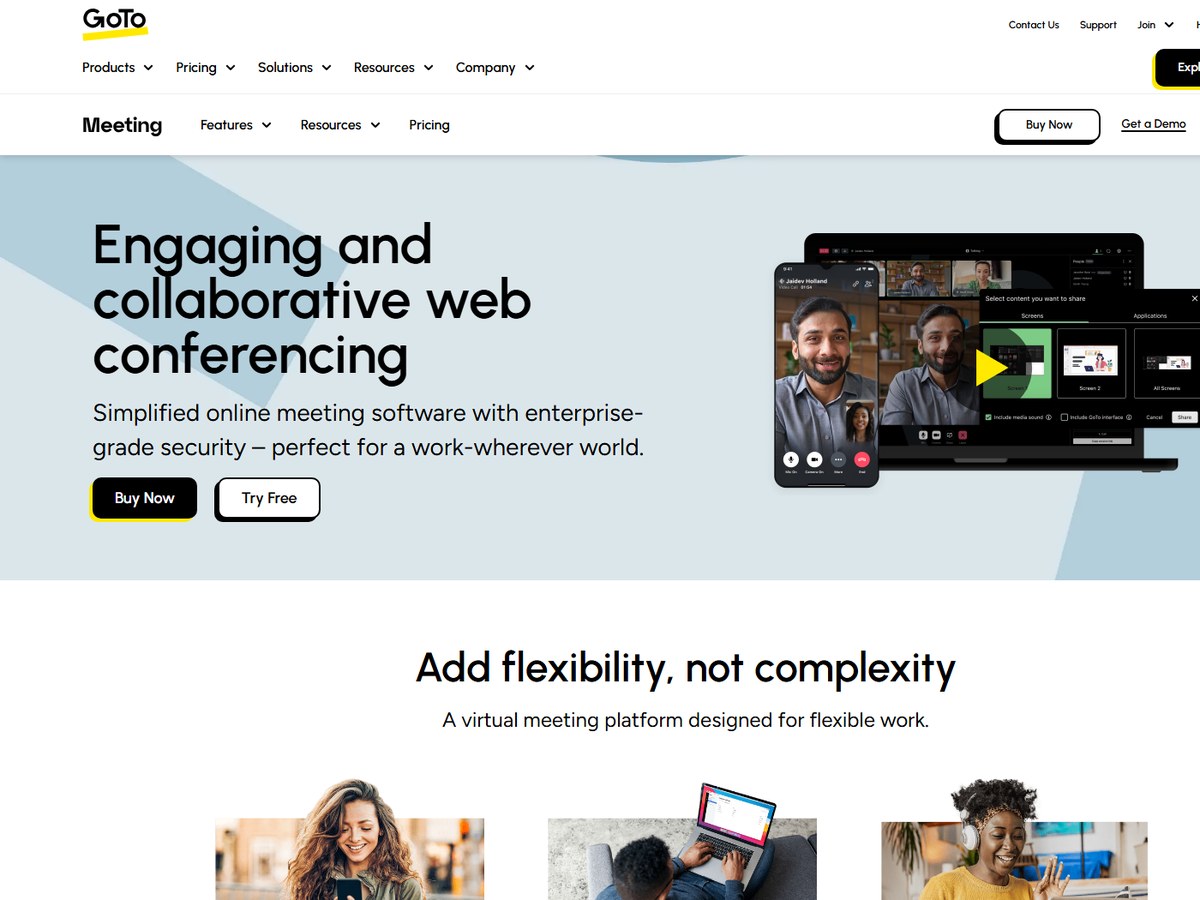
GoTo Meeting does not publish a user or customer count, so it ranks after the platforms that do. It does publish scale: GoTo says it hosts 80+ million annual online meetings with 99.999% service uptime, and the service is available in 190+ countries. It is one of the oldest names here; it was developed in July 2004 and became a product of LogMeIn in February 2017. Meetings take up to 250 attendees, and toll-free and Call Me dial-in are available in 50+ countries. Features include HD video, screen and keyboard and mouse sharing, drawing tools, breakout rooms, cloud recording and transcription, and one-click meetings that need no download. Security covers single sign-on, encrypted sessions, end-to-end encryption and meeting locks. A 14-day free trial is offered.

Best forBusinesses that want a long-established, reliable meeting tool
Skip it ifYou need very large meetings

Source: www.goto.com/meeting

7
Zoho Meeting by Zoho
Image: Zoho (official site)

Zoho Meeting

Zoho · Online meetings and webinars in the Zoho suite

No user count published

Best value for small Zoho users.

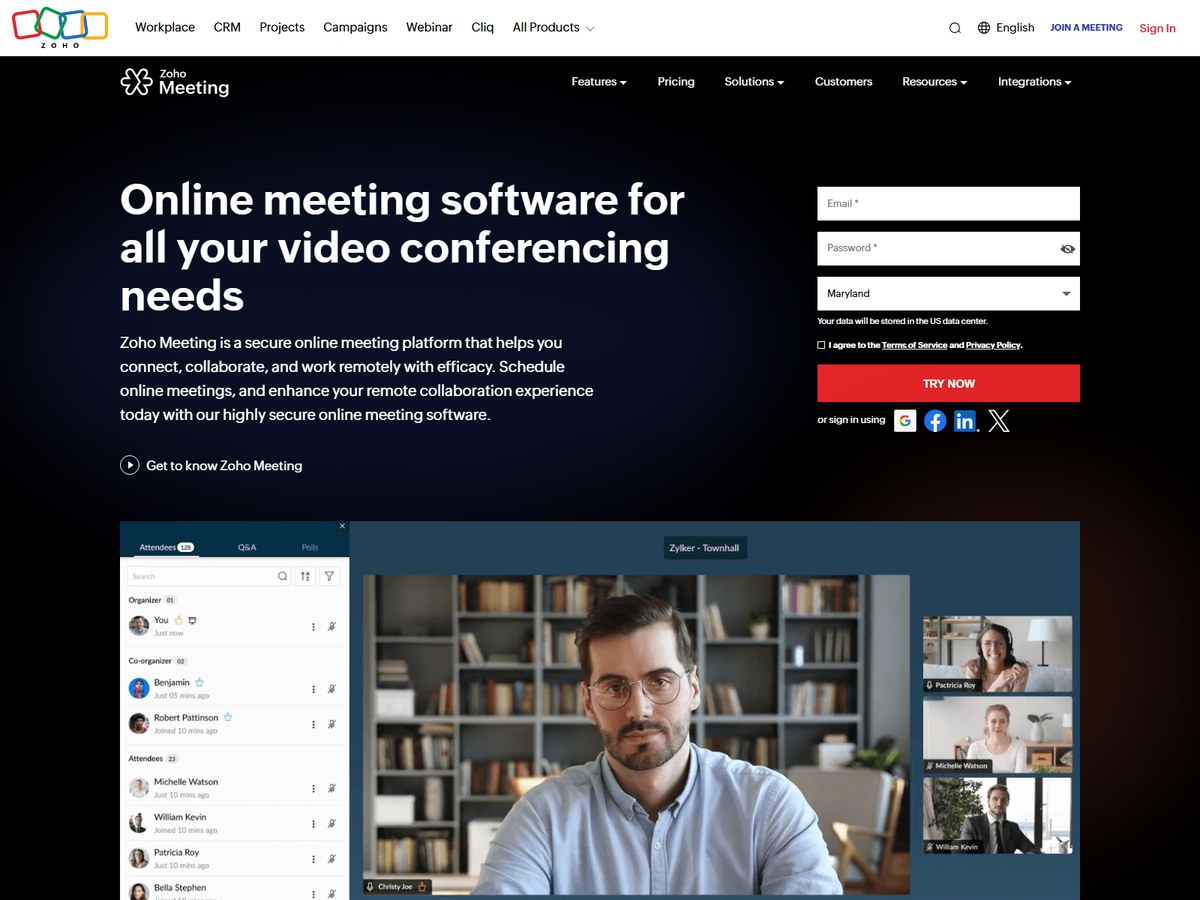
Zoho Meeting does not publish a user count, so it ranks after the platforms that do. It is the meeting app inside Zoho's wider suite of business software. The free plan offers up to 60 minutes of meetings with 100 meeting participants, and the paid Standard and Professional plans are sold in tiers of 10, 25, 50, 100, 150, 200 and 250 participants, so a small team only pays for the size it needs. Features include screen sharing, whiteboards, file sharing, in-session chat, recordings you can download, automatic transcripts and AI-generated meeting keynotes. Hosts can lock sessions and mute or remove participants, and two-factor authentication and encryption protect audio, video and screen sharing. It integrates with Gmail, Outlook, Slack, Teams and other Zoho apps, with mobile apps for iOS and Android.

Best forSmall businesses already using Zoho CRM or other Zoho apps
Skip it ifYou need meetings bigger than 250 people

Source: www.zoho.com/meeting/pricing.html

8
Whereby by Whereby
Image: Whereby (official site)

Whereby

Whereby · Privacy-first browser video calls and embeddable video API

No user count published

Best for privacy and simple permanent links.

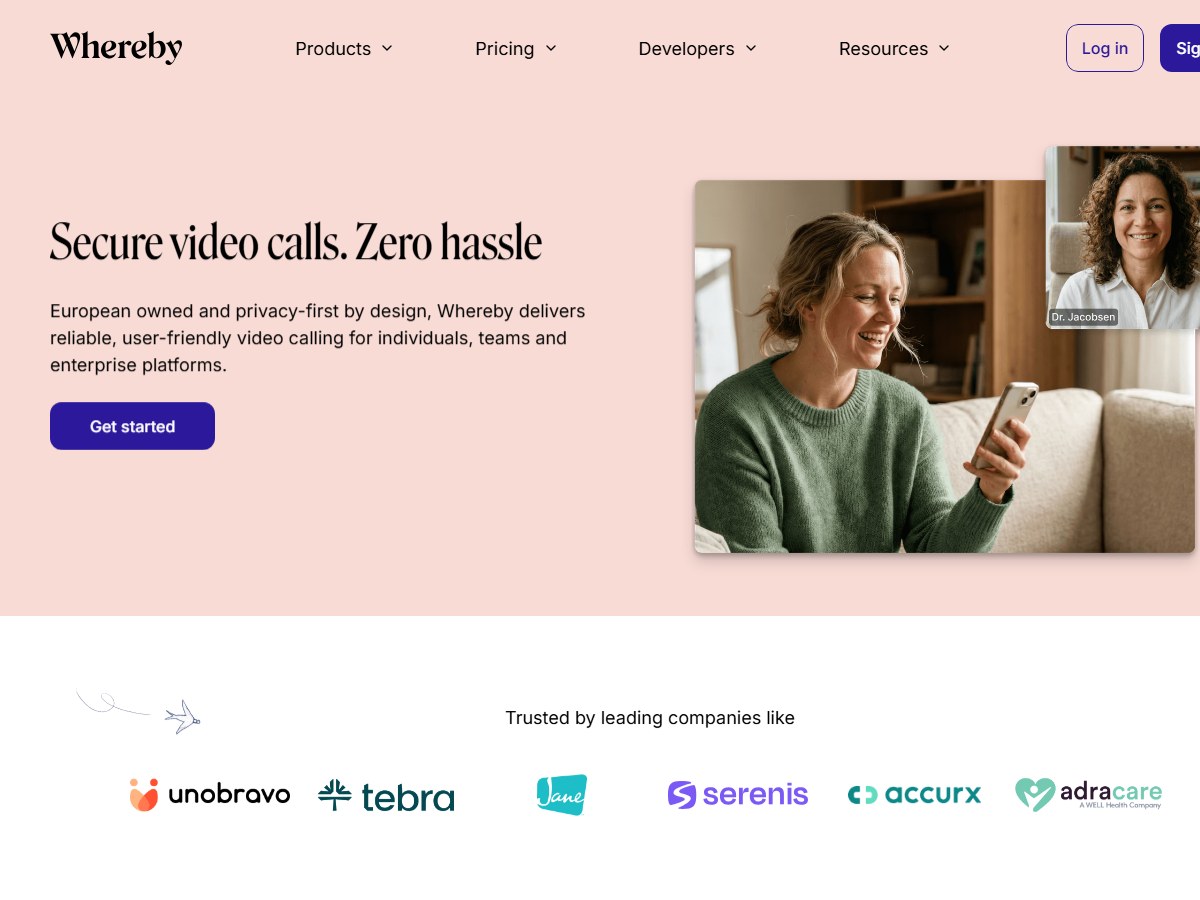
Whereby does not publish a user count, so it ranks after the platforms that do. It describes itself as European owned and privacy-first by design, delivering reliable, user-friendly video calling for individuals, teams and enterprise platforms. It is built in Europe, is ISO 27001 certified and says it is GDPR and HIPAA compliant, which is why it shows up in telehealth. Whereby sells two products. Meetings is for individuals and teams, charged per user license, with instant video calls and permanent room links, so you can share the same link every time. Embedded is for product builders, charged by usage, with API integration, SDK tooling and programmatic room creation to add video calls inside your own app. Features include transcriptions, file sharing, chat, screen sharing, a virtual whiteboard and custom branding, and it is built to work on low bandwidth and mobile.

Best forTelehealth providers and privacy-minded European teams
Skip it ifYou need large webinars

Source: whereby.com/

9
Jitsi Meet by 8x8 and the Jitsi community
Image: Jitsi (official site)

Jitsi Meet

8x8 and the Jitsi community · Free, open-source video conferencing

No user count published (30,232 GitHub stars)

The best free, no-account option.

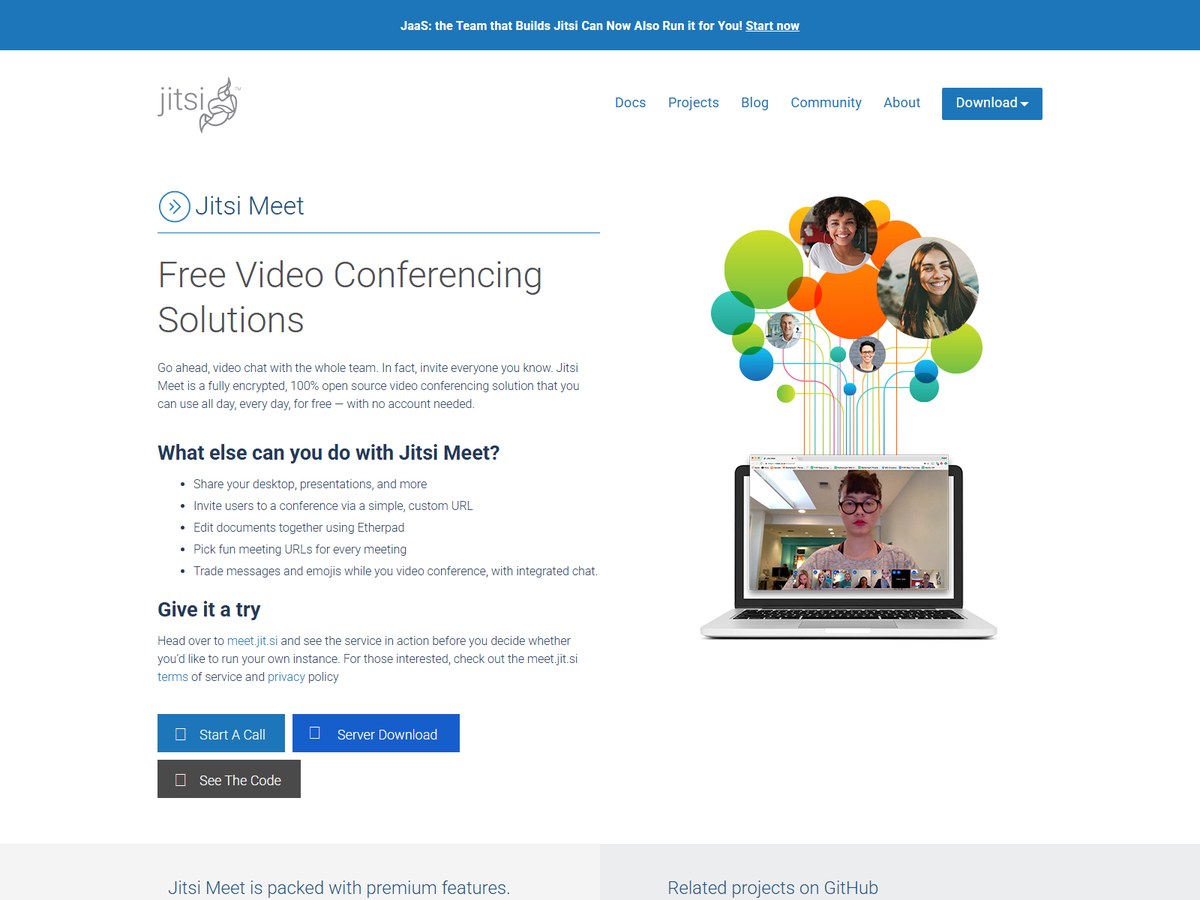
Jitsi Meet does not publish a user count, so it ranks with the platforms that do not; as open-source software it has 30,232 stars on GitHub, the most of the open-source options here. Its repository calls it secure, simple and scalable video conferences that you use as a standalone app or embed in your web application. The project says it is 100% open source and that you can use it all day, every day, for free, with no account needed, ever. You can try it at meet.jit.si or download the server and run your own instance. It is licensed under Apache-2.0, and Jitsi is a trademark of 8x8, whose JaaS service will run Jitsi for you if you would rather not host it. It fits privacy-minded users and developers.

Best forAnyone who wants free calls with no account, or to host their own server
Skip it ifYou need vendor support and admin controls out of the box

Source: github.com/jitsi/jitsi-meet

10
BigBlueButton by BigBlueButton open-source project
Image: BigBlueButton (official site)

BigBlueButton

BigBlueButton open-source project · Open-source virtual classroom

No user count published (9,275 GitHub stars)

The best free tool for live online classes.

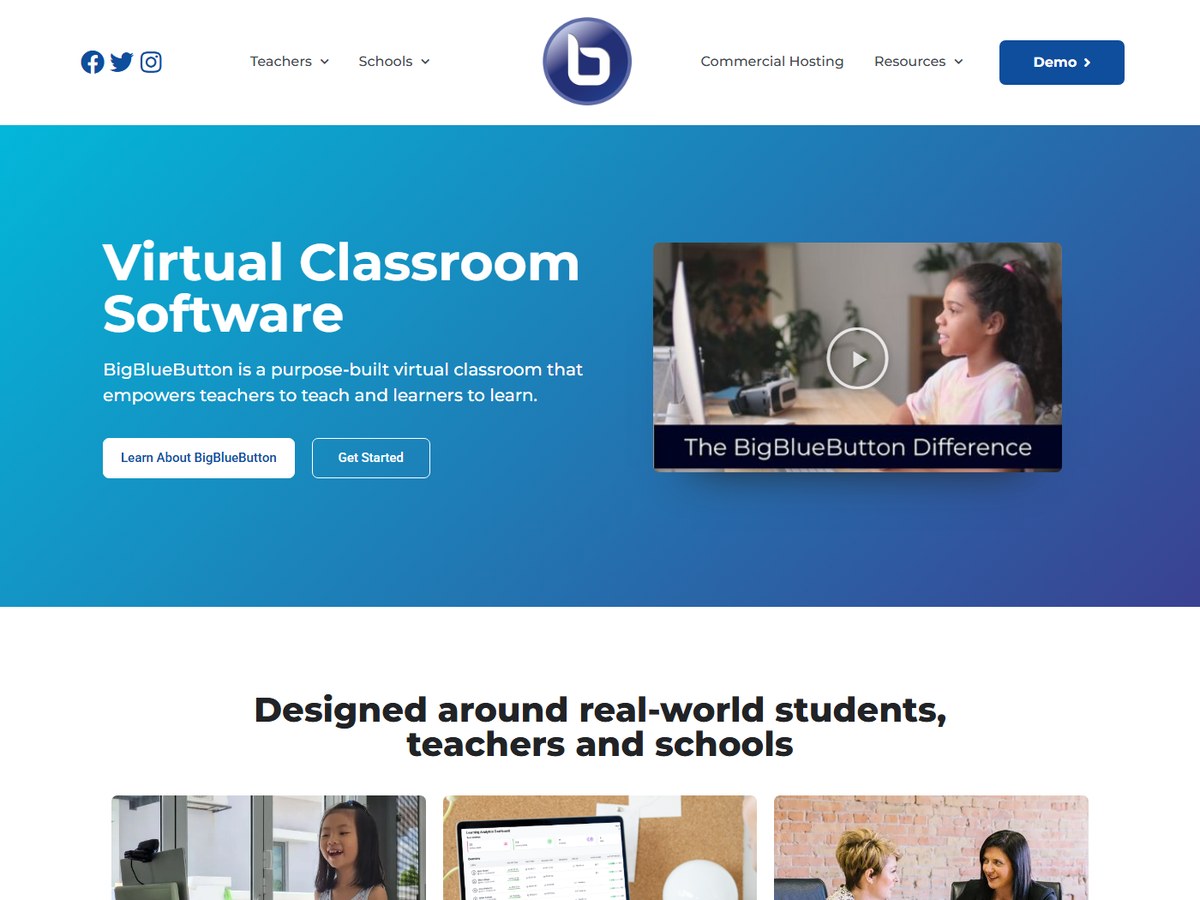
BigBlueButton does not publish an exact user count, saying only that millions of educators and learners around the world use it daily, so it ranks last. Its GitHub repository has 9,275 stars and describes it as a complete web conferencing system for virtual classes and more. The website calls it a purpose-built virtual classroom that empowers teachers to teach and learners to learn. It is used in over 65 languages, and vendors that adopted BigBlueButton as their default virtual classroom make up more than 75% of the worldwide market for LMS systems, so many students already meet it inside their school's learning platform. It is open source under the LGPL-3.0 license, and commercial hosting is available if a school does not want to run its own servers.

Best forSchools, universities and tutors who teach live online
Skip it ifYou run business meetings rather than classes

Source: github.com/bigbluebutton/bigbluebutton

Questions people ask

What is the most used video conferencing platform?

Microsoft Teams, with over 320 million monthly active users across 181 markets. Zoom passed 200 million daily meeting participants in 2020, and Google Meet reached 100 million daily users that year.

Which video conferencing platform is free?

Jitsi Meet is free with no account needed. Zoom Basic is free for 100 participants and 40 minutes per meeting, Google Meet is free for up to 100 participants and 60 minutes, and Zoho Meeting is free for 100 participants and 60 minutes. BigBlueButton is free, open-source software.

Which platform allows the most participants?

Dialpad Meetings goes to 1,500 participants with its Large Meetings add-on. Zoom Enterprise and Google Workspace Enterprise allow 1000, and Teams Live Events can broadcast to 10,000.

What is the best video conferencing platform for schools?

BigBlueButton is a purpose-built virtual classroom used in over 65 languages, and vendors that adopted it as their default classroom make up more than 75% of the worldwide LMS market.

How were these platforms ranked?

By the largest user or customer count each platform publishes on its own site, official blog, GitHub or Wikipedia. These are the companies' own figures and are measured differently; platforms with no published count are ranked last.

How we ranked

The largest user or customer count each platform publishes on its own website, official blog, GitHub repository or Wikipedia page (read November 2026). Teams, Zoom and Google Meet report people (monthly users, daily meeting participants or daily users; the Zoom and Meet figures date from 2020), while Dialpad and Pexip report customers, so treat the order as a guide to scale, not an audit. GoTo Meeting, Zoho Meeting, Whereby, Jitsi Meet and BigBlueButton publish no count and are ranked last; the two open-source projects show GitHub stars for reference. Every number on this page comes from the source linked under each pick, and every photo shows the actual product. Brands can't pay to be on this list.

List source: techcommunity.microsoft.com/blog/microsoftteamsblog/microsoft-teams-building-a-foundation-for-the-future/4090393 · Updated 2026-11-13