consumertop10

Home › Software

Top 10 · Software

Top 10 Video Editing Software

The apps people use to cut, polish and publish video, from free social editors to professional suites, ranked by the largest user count each company publishes.

Quick answer

CapCut is the largest video editor on this list, with 700M monthly users, and the best pick for social video. Kapwing is second with over 30 million creators and is the best browser editor for teams. DaVinci Resolve is the best professional editor and is free to download, and Final Cut Pro is the choice for Mac and iPad.

How it's ranked: The largest user or creator count each company publishes on its own website (read November 2026). CapCut counts monthly users (homepage) and Kapwing counts creators (homepage). Camtasia, Clipchamp, DaVinci Resolve, Descript, Final Cut Pro, Movavi Video Editor, OpenShot and PowerDirector publish no exact count on the pages we read, so they are listed after them in alphabetical order. Adobe Premiere Pro was left out because Adobe's website blocked our reader, and Wondershare Filmora because its page would not load for us. VEED was read but not picked because it publishes no count and now focuses on AI video generation. Counts are each company's own claims, so treat them as a guide to scale, not an audit.

1
CapCut by CapCut
Image: CapCut (official site)

CapCut

CapCut · AI photo and video editor for social media, online and as an app

700M monthly users

The biggest user base and the best for social video.

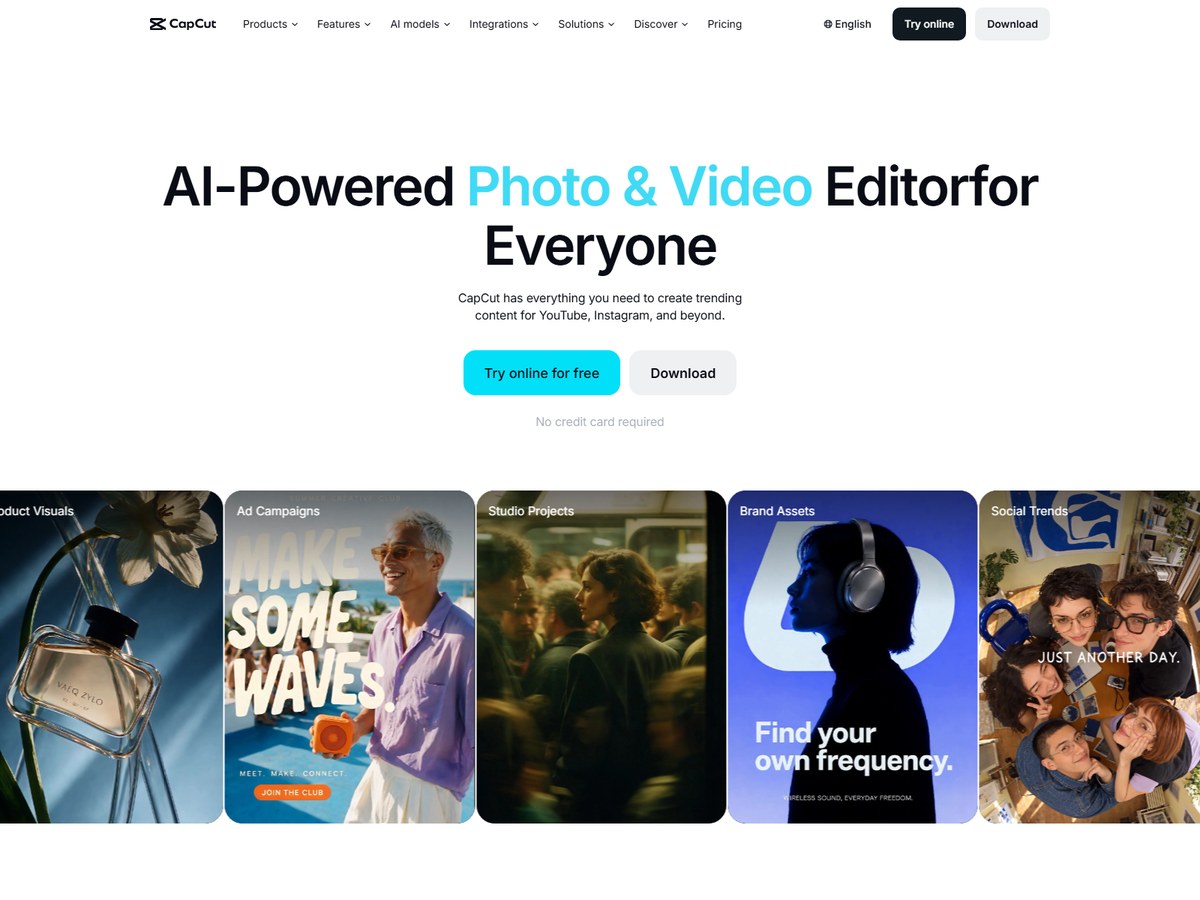
CapCut says it has 700M monthly users and 6M template creators, the largest count on this list, with a 4.7 rating shown on its site. It is an AI-powered photo and video editor that you can use online or download. You cut, arrange and polish clips on a timeline, start from a look, a template or an idea, and let auto editing turn a pile of clips into a finished video with music. CapCut can give your script a natural voice in 40+ languages, and it lets you create images and videos from a simple prompt using AI models it lists on its site, then shape them in the same workspace. A design tool turns ideas into ready-to-use graphics, and integrations include a CapCut connection to ChatGPT. Its templates cover AI-generated designs as well as classic styles. You can try it online for free with no credit card required. It fits social creators who want speed and ready-made trends.

Best forCreators who make short videos for TikTok, YouTube and Instagram
Skip it ifYou edit long films and need professional color grading and audio post-production

Sources: www.capcut.com · www.capcut.com
2
Kapwing by Kapwing
Image: Kapwing (official site)

Kapwing

Kapwing · Browser-based video editor with AI tools for teams

30 million+ creators

Best browser-based editor for teams.

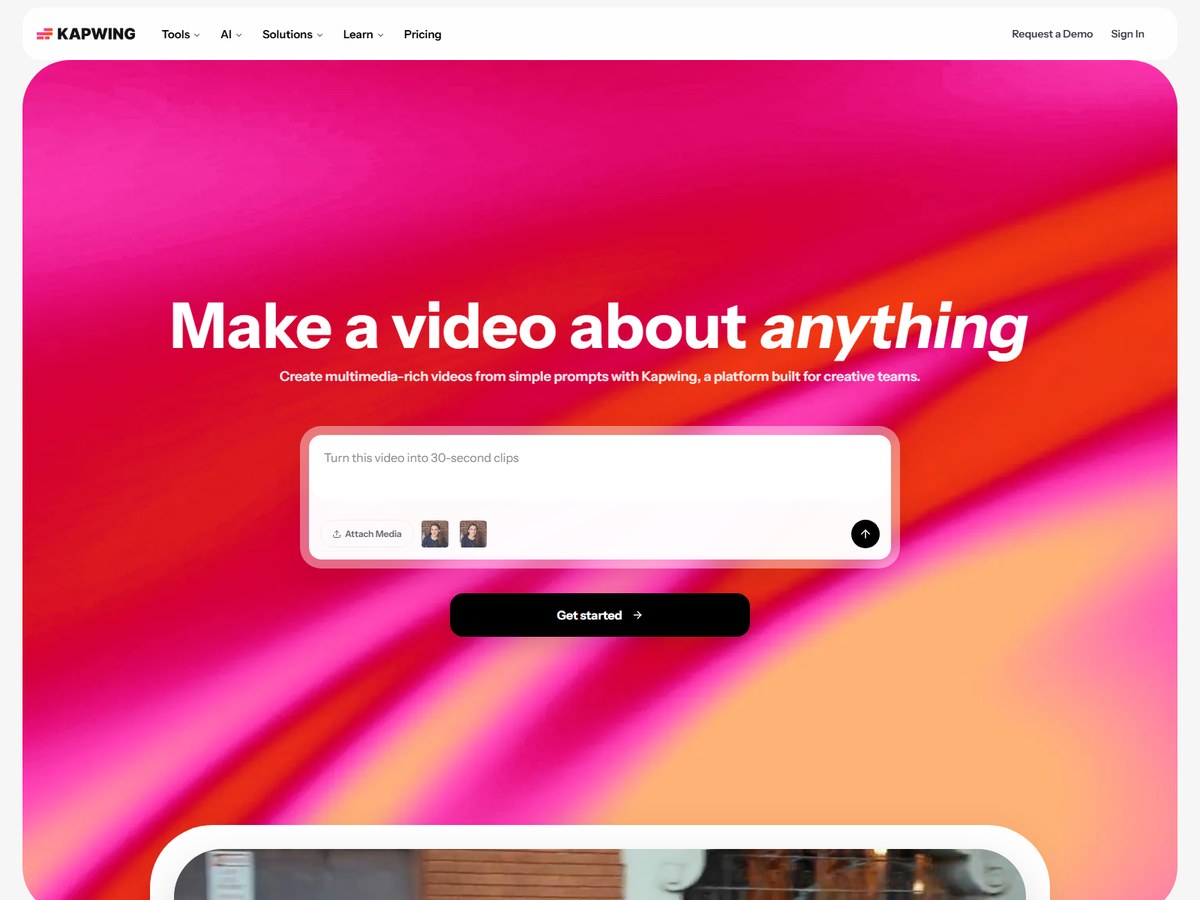
Kapwing says it is used by leading organizations and over 30 million creators across the globe. It runs in your browser, so there is nothing to download, and its team says marketers can pick it up with little to no instruction. You can edit clips, combine tracks and add effects in one place, auto-resize videos to keep speakers in frame, change video dimensions for each social platform, and record, edit and clean up audio for podcasts and videos. AI tools turn text into realistic voiceovers, and you can make a video from a simple prompt: Kapwing's AI builds a project with multiple layers, timing and sound that you can then edit. It also lists the latest AI video, image and audio models you can use inside it. Kapwing connects to ChatGPT, Claude and other AI agents through the Model Context Protocol. Its makers run a YouTube channel with 200K+ subscribers. It fits teams that make lots of social and marketing video.

Best forMarketing teams and creators who want to edit together in a browser
Skip it ifYou need offline editing or high-end color and effects work

Sources: www.kapwing.com · www.kapwing.com

3
Camtasia by TechSmith
Image: TechSmith (official site)

Camtasia

TechSmith · Screen recorder and video editor for training and how-to videos

No customer count published

Best for screen recordings and training videos.

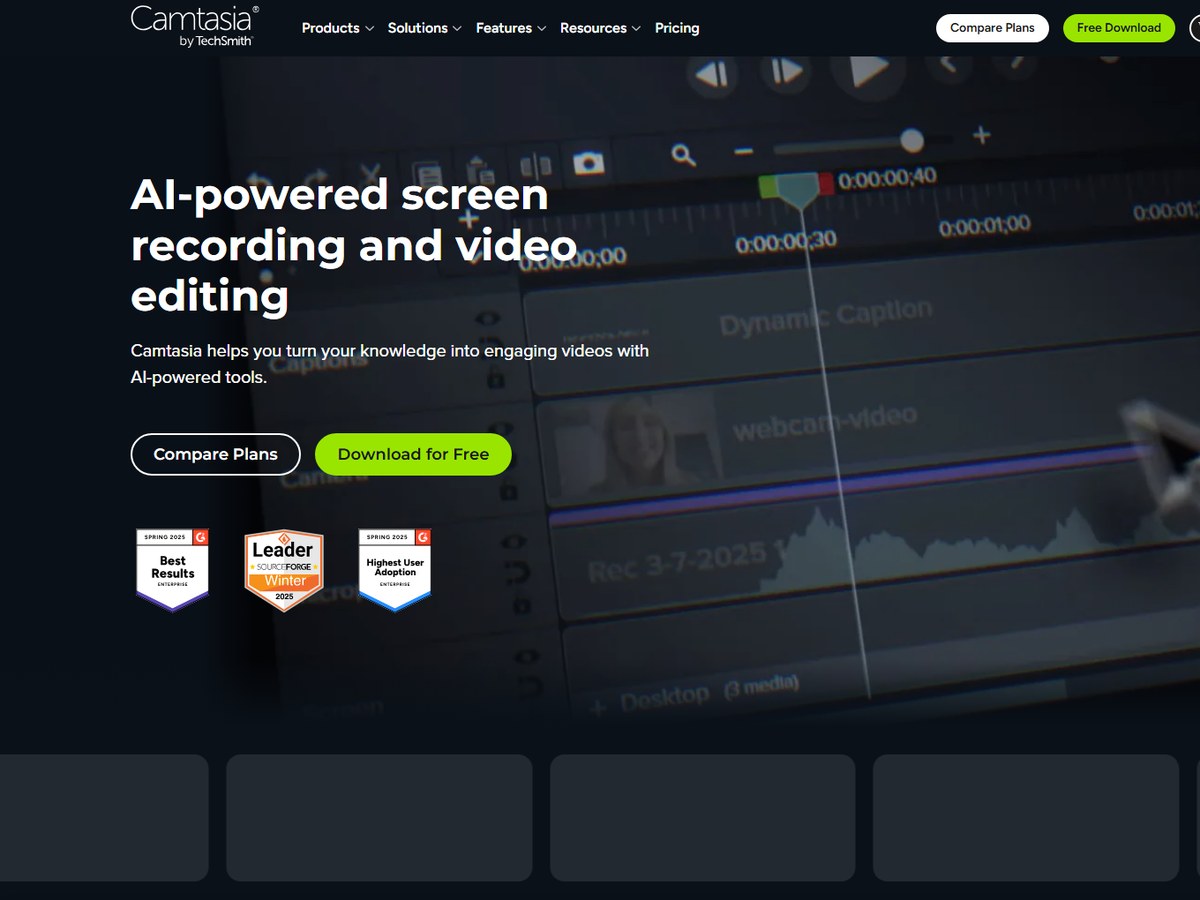
Camtasia, from TechSmith, is built for recording your screen and turning knowledge into videos. TechSmith says it has helped millions change the way they train but gives no exact count, so Camtasia is listed after the editors that publish one. It records your screen, camera, system audio and microphone as separate layers, so you can adjust and improve each one long after recording. Its Screentelligence feature uses machine learning to suggest layouts, designs and edits based on what is on screen, and other tools add AI avatars, text-based editing and generative screencasts. A premium library of motion graphics, music and templates is available, and cloud hosting adds feedback and video sharing for teams. You can download and use the full Camtasia Editor for free, with every editing feature; the only limit is that exported videos carry a watermark until you buy a plan. It fits anyone making training videos without editing experience.

Best forTrainers, teachers and businesses that make screen-based tutorials and training videos
Skip it ifYou edit cinematic footage from cameras and want advanced color grading

Sources: www.techsmith.com/camtasia · www.techsmith.com/camtasia

4
Clipchamp by Microsoft
Image: Microsoft (official site)

Clipchamp

Microsoft · Online video editor from Microsoft, built into Windows 11

No customer count published

Best free editor for Windows users.

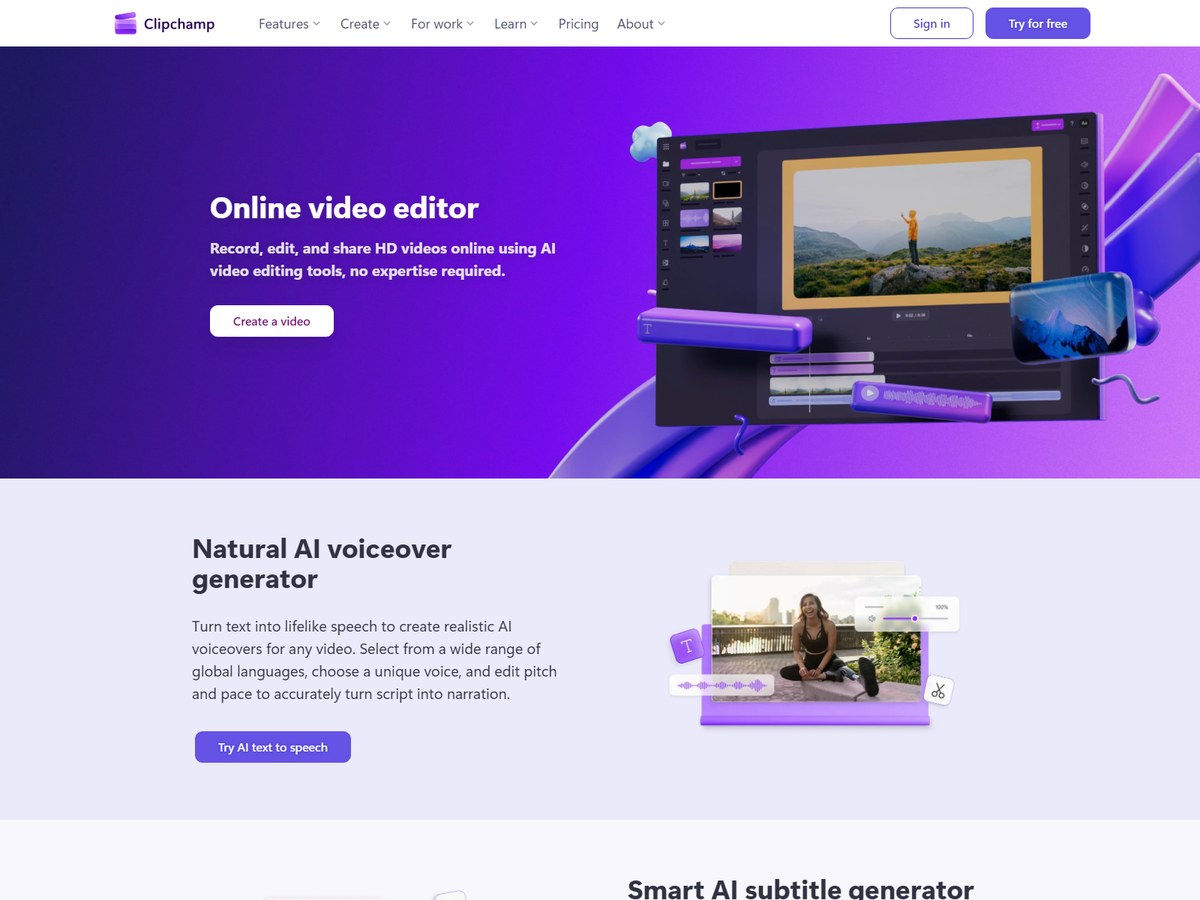
Clipchamp is Microsoft's online video editor. It says you can join millions of everyday video editors but gives no exact count, so it is listed after the editors that publish one. You can record, edit and share HD videos online using AI tools, with no expertise required. An online recorder captures your camera, screen and voice on Windows and Mac with unlimited retakes. AI tools turn text into lifelike voiceovers in many languages with adjustable pitch and pace, generate captions in over 80 languages, and clean up audio by removing background noise, pauses, silences and filler words. A library of stock videos, images, music, stickers, GIFs and sound effects is built in. You can export an unlimited number of videos in HD without watermarks, and premium editing features come with a paid plan. Clipchamp is in the Start menu on Windows 11 and can be downloaded for Windows 10. It fits people who want a free editor that is already on their PC.

Best forWindows users, students and office workers who want a free, simple editor
Skip it ifYou need professional multicam editing, color grading or effects work

Sources: clipchamp.com/en · clipchamp.com/en

5
DaVinci Resolve by Blackmagic Design
Image: Blackmagic Design (official site)

DaVinci Resolve

Blackmagic Design · Professional editing, color, effects, audio and photo software

No customer count published

Best professional editor, with a free version.

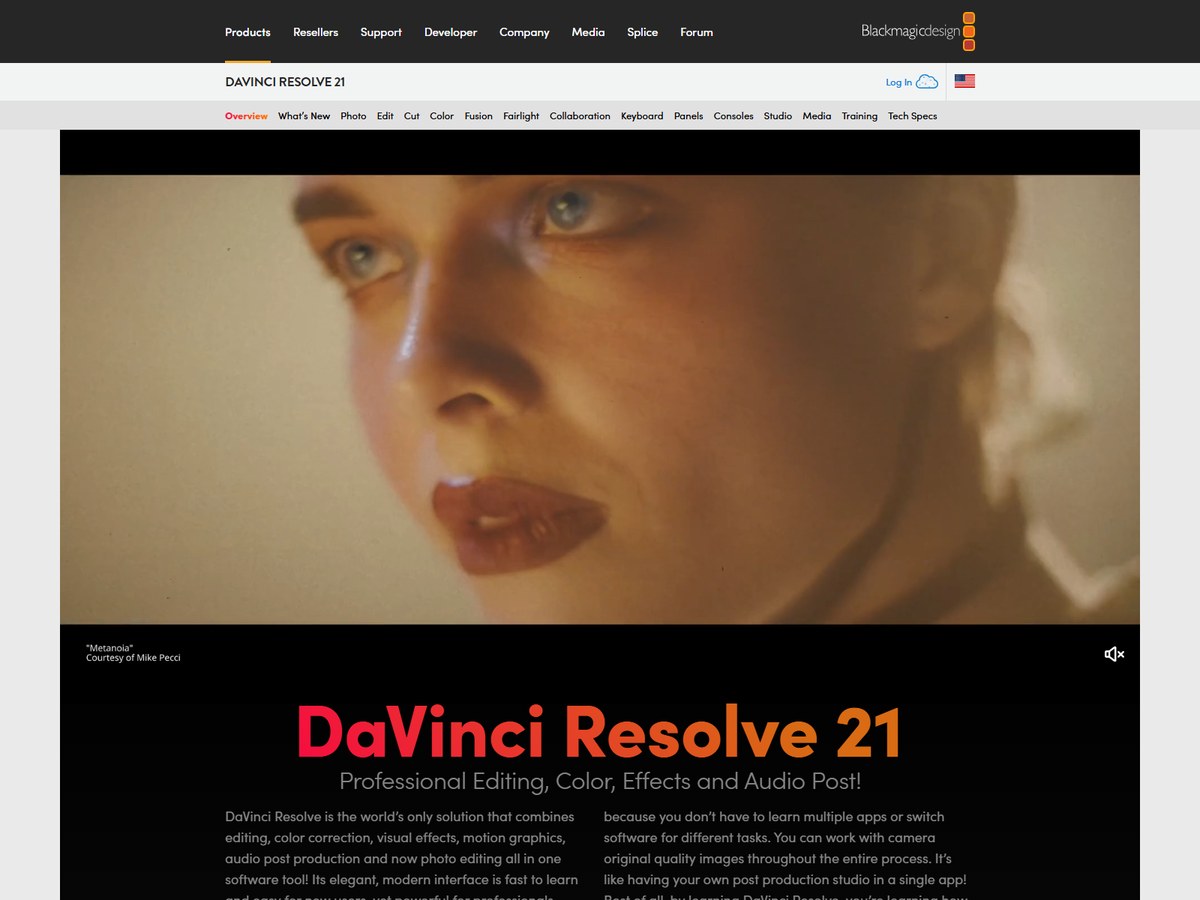
DaVinci Resolve, from Blackmagic Design, says it is the world's only solution that combines editing, color correction, visual effects, motion graphics, audio post-production and now photo editing in one program. It publishes no user count, so it is listed after the editors that do, but it says high-end professionals working on feature films and television shows use it more than any other solution. The software is split into pages: cut and edit pages for editing, Fusion for effects and motion graphics, a color page it calls Hollywood's most advanced color corrector, and Fairlight for audio post-production. Version 21 adds a Photo page that brings those color tools to still photos, plus over 100 new motion graphic effects. The DaVinci AI Neural Engine powers features such as face recognition, object detection and smart reframing, and project libraries allow local and remote team collaboration. DaVinci Resolve is a free download, and DaVinci Resolve Studio costs $295.

Best forFilmmakers, colorists and serious editors who want pro tools, even for free
Skip it ifYou want a quick, simple app for social clips

Sources: www.blackmagicdesign.com/products/davinciresolve · www.blackmagicdesign.com/products/davinciresolve

6
Descript by Descript
Image: Descript (official site)

Descript

Descript · Text-based video and audio editor with an AI co-editor

No customer count published

Best for editing by transcript.

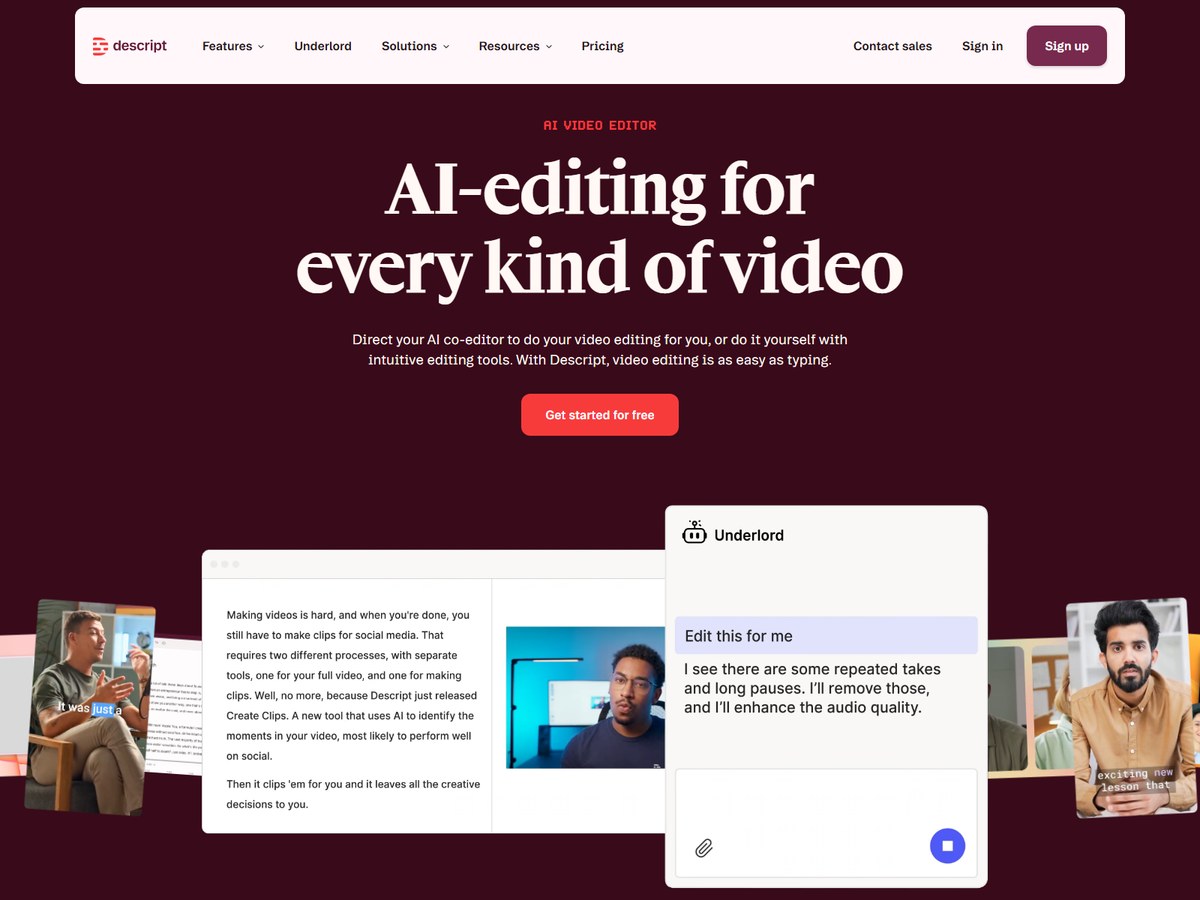
Descript lets you edit video by editing text. You delete words in the transcript and the footage moves with them, so editing is, in its words, as easy as using docs and slides. It does not publish a user count, so it is listed after the editors that do, but says enterprise teams at Amazon, Canva and Salesforce use it. Its AI co-editor can do the editing for you when you describe what you want, such as removing repeated takes and long pauses or improving audio quality, and AI can fix your look, sound and mistakes after you hit record. You can record podcasts and video remotely with anyone, capture your screen, add subtitles in one click, make clips from long recordings and create a realistic voice clone or use stock AI voices. Video can even be edited through code or from inside an AI assistant. There is a free plan with no credit card required. It fits creators whose videos are built around people talking.

Best forPodcasters, YouTubers and teams who edit talking-head videos and interviews
Skip it ifYou edit action footage, music videos or anything without much speech

Sources: www.descript.com · www.descript.com

7
Final Cut Pro by Apple
Image: Apple (official site)

Final Cut Pro

Apple · Professional video editor for Mac and iPad

No customer count published

Best for Mac and iPad users.

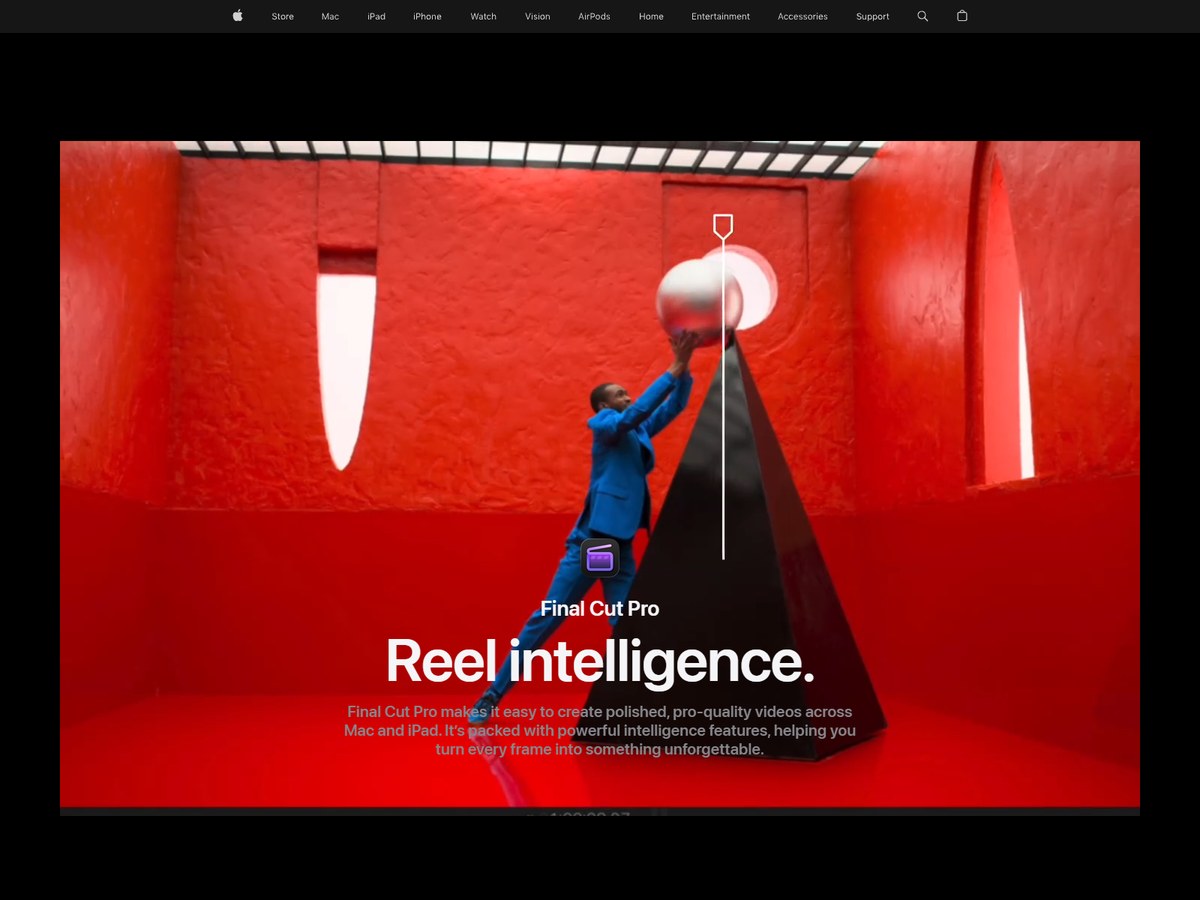
Final Cut Pro is Apple's professional editor for Mac and iPad. Apple publishes no user count for it, so it is listed after the editors that do. Apple says it makes it easy to create polished, pro-quality videos and calls it a complete video playground for editing, audio, motion graphics and color grading. It adds AI features that build on Apple Intelligence, a library of titles, transitions, soundtracks and effects, video content options for both portrait and landscape, and advanced audio editing. Final Cut Pro is part of Apple Creator Studio, a collection of creative apps that also includes Logic Pro and Pixelmator Pro. New subscribers get a free 30-day trial and then pay $12.99 a month or $129 a year, and Final Cut Pro for Mac is also sold as a one-time purchase for $299.99 on the App Store. It fits Apple users who want speed and pro features on hardware they already own.

Best forMac and iPad users who want a fast, professional editor
Skip it ifYou use Windows or Android

Sources: www.apple.com/final-cut-pro · www.apple.com/final-cut-pro

8
Movavi Video Editor by Movavi
Image: Movavi (official site)

Movavi Video Editor

Movavi · Beginner-friendly desktop video editor with templates and AI tools

No customer count published

Best for beginners on a desktop.

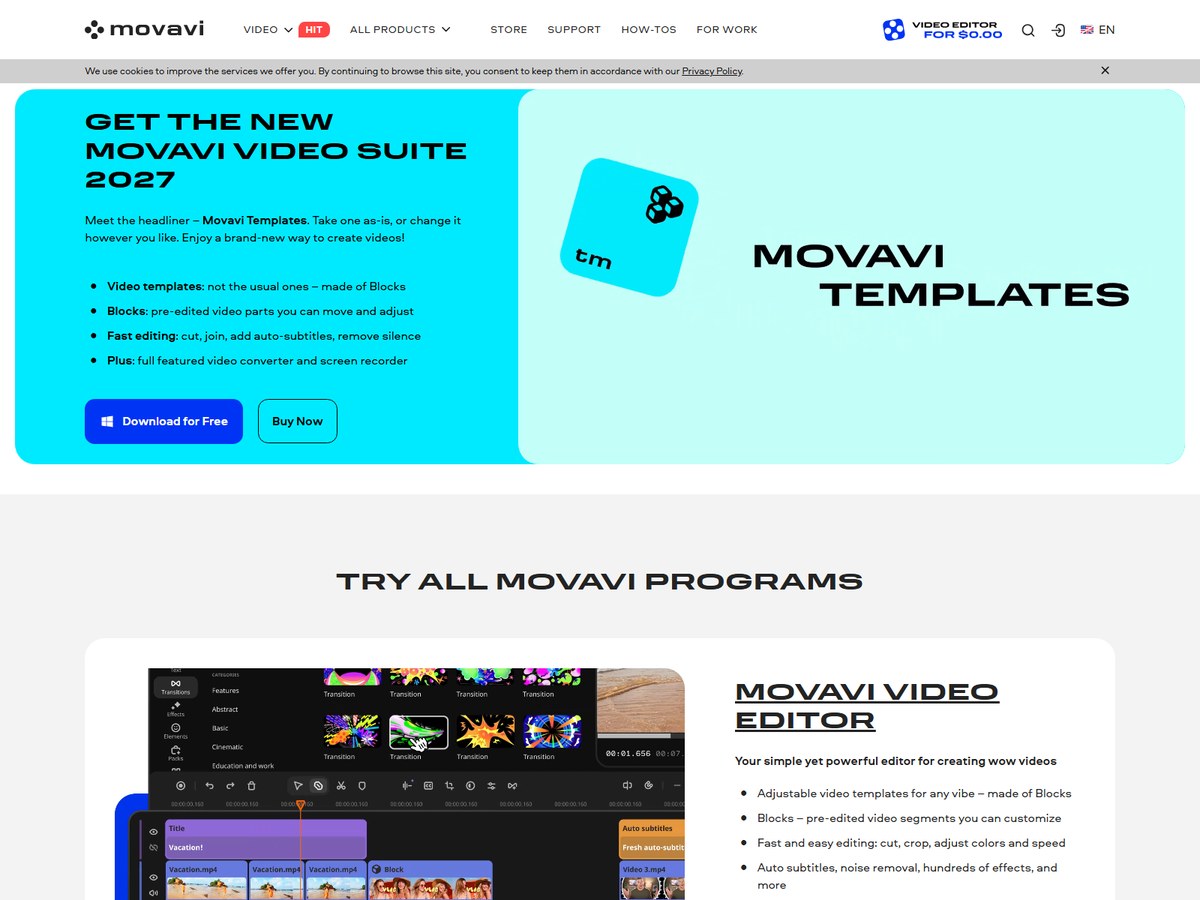
Movavi Video Editor is a desktop editor aimed at beginners. Movavi says it has millions of users but gives no exact count, so it is listed after the editors that publish one. The 2027 version adds adjustable video templates made of Blocks, pre-edited video parts you can move and adjust, for vlogs, travel recaps, gaming clips and cooking videos. Editing basics are quick: cut, join, add automatic subtitles and remove silence. AI tools handle retouching, background swaps and object removal, and you get over 10,000 effects and 1,500 music tracks. The Movavi Video Suite adds a full-featured video converter and screen recorder, and there is a Mac version and a mobile app. You can download it for free and buy a license when you are ready. It fits home users who want good-looking videos with little effort.

Best forBeginners who want polished home, travel and vlog videos without a learning curve
Skip it ifYou need professional collaboration or high-end color grading

Sources: www.movavi.com/videoeditor · www.movavi.com/videoeditor

9
OpenShot by OpenShot
Image: OpenShot (official site)

OpenShot

OpenShot · Free, open-source video editor for Linux, Mac and Windows

No customer count published

The best free open-source editor.

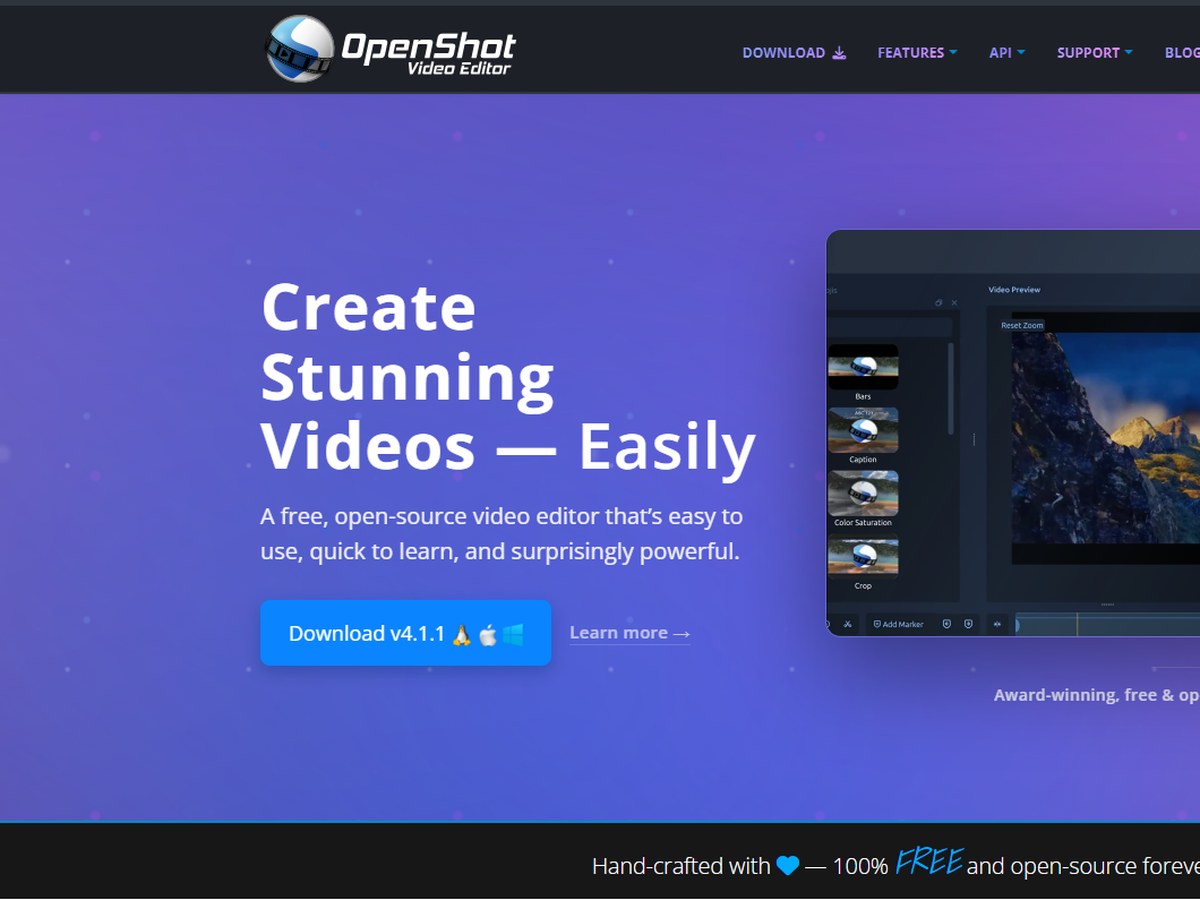
OpenShot is a free, open-source video editor that its makers call easy to use, quick to learn and surprisingly powerful. It was created in 2008 as a simple open-source editor for Linux, now runs on Linux, Mac and Windows, and says it has been downloaded millions of times, but gives no exact count, so it is listed after the editors that publish one. There are no subscriptions, watermarks or project limits. You trim and arrange video, audio and images across unlimited tracks with snapping, waveforms and frame-accurate controls, and animate position, scale, rotation, opacity, volume and effects with keyframes. Color tools include color wheels, curves, LUTs and scopes such as histograms, waveforms and vectorscopes, and effects include lens flares, chroma key and blur. OpenShot 4.1 adds animated text on video, automatic optimization of heavy 4K+ footage and a command-line interface. It fits budget-minded editors who want real tools for free.

Best forAnyone who wants a capable editor with no cost, subscription or watermark
Skip it ifYou want built-in AI generation or cloud collaboration

Sources: www.openshot.org · www.openshot.org

10
PowerDirector by CyberLink
Image: CyberLink (official site)

PowerDirector

CyberLink · Video editing software with an AI agentic editor and stock library

No customer count published

Best for AI-assisted editing with stock media.

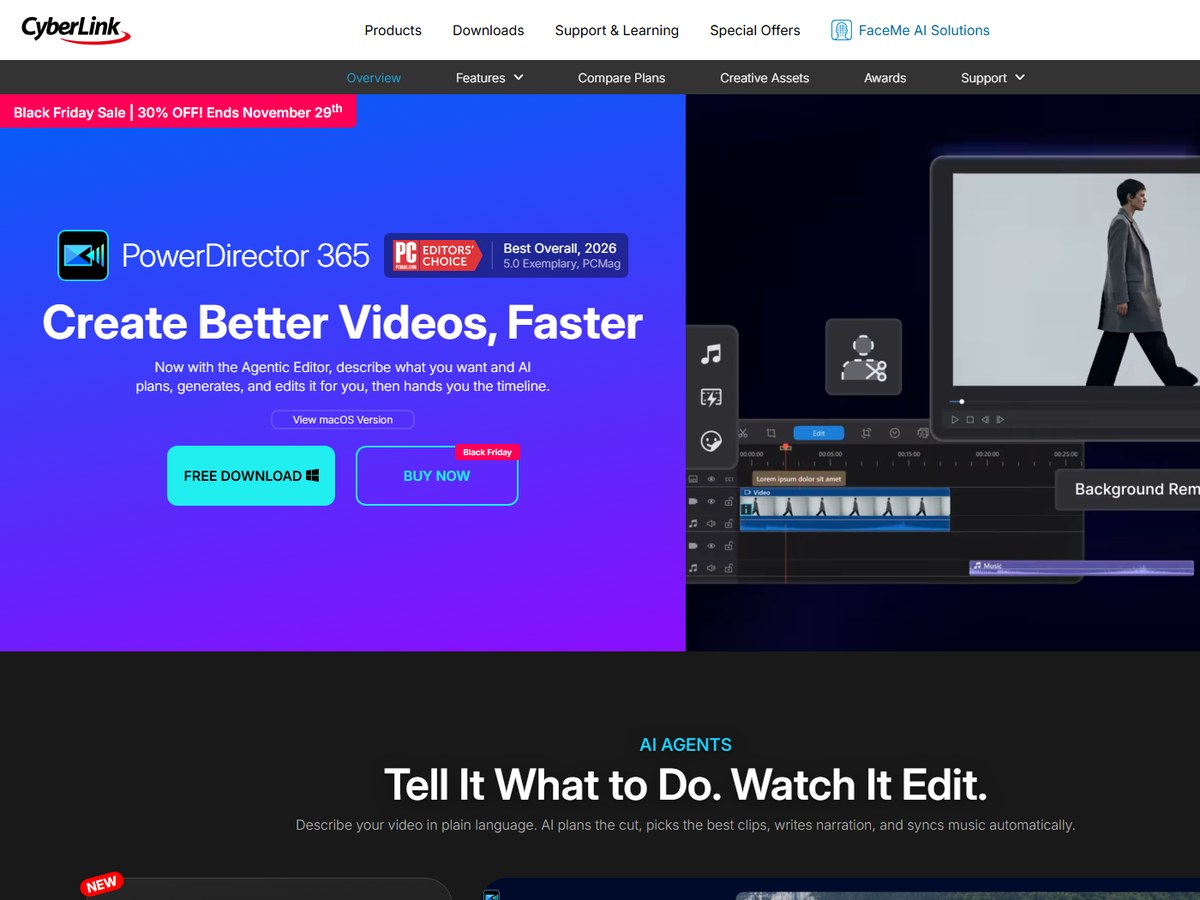
PowerDirector, from CyberLink, is video editing software with AI. CyberLink publishes no user count on the pages we read, so it is listed after the editors that do. Its new Agentic Editor lets you describe the video you want in plain language: AI plans the cut, picks the best clips, writes narration and syncs music, then hands you the timeline to fine-tune. You can upload up to 100 clips and get a first cut, restyle footage from a description or reference photo, and generate original clips, animations, characters and background music within your edit. It includes 130M+ stock videos, photos, music, titles and creative assets, with Getty Images and Meta Sound Collection content cleared for commercial and personal use, plus 700+ transitions and effects. PowerDirector Essential is a free version with no time limit, with advanced AI tools and some export options kept for paid plans, and it runs on Windows and macOS. It fits editors who want AI to do the rough cut.

Best forHome and semi-pro editors on Windows or Mac who want AI help and a big stock library
Skip it ifYou only edit on Linux or want an open-source tool

Sources: www.cyberlink.com/products/powerdirector-video-editing-software/overview_en_US.html · www.cyberlink.com/products/powerdirector-video-editing-software/overview_en_US.html

Questions people ask

What is the best video editing software?

CapCut has the largest published user base on this list, 700M monthly users, and is best for social video. DaVinci Resolve is the top professional editor and has a free version, and Final Cut Pro is the pick for Mac and iPad users.

What is the best free video editing software?

DaVinci Resolve is a free download with professional tools, OpenShot is free and open source with no watermarks, and Clipchamp exports unlimited HD videos without watermarks. CapCut, Kapwing, Descript and PowerDirector Essential also have free options.

Which video editor is best for beginners?

Clipchamp, Movavi Video Editor and CapCut are built for beginners, with templates and AI tools. Descript is easiest for talking-head videos, because you edit by deleting words from a transcript.

Why is Adobe Premiere Pro not on this list?

We only include editors whose own websites we could read when building the list. Adobe's site blocked our reader, so Premiere Pro was left out rather than described from other sources.

How was this video editing software ranked?

By the largest user or creator count each company publishes on its own website. Only CapCut and Kapwing publish an exact count; the other editors are listed after them in alphabetical order. These are the companies' own claims.

How we ranked

The largest user or creator count each company publishes on its own website (read November 2026). CapCut counts monthly users (homepage) and Kapwing counts creators (homepage). Camtasia, Clipchamp, DaVinci Resolve, Descript, Final Cut Pro, Movavi Video Editor, OpenShot and PowerDirector publish no exact count on the pages we read, so they are listed after them in alphabetical order. Adobe Premiere Pro was left out because Adobe's website blocked our reader, and Wondershare Filmora because its page would not load for us. VEED was read but not picked because it publishes no count and now focuses on AI video generation. Counts are each company's own claims, so treat them as a guide to scale, not an audit. Every number on this page comes from the source linked under each pick, and every photo shows the actual product. Brands can't pay to be on this list.

List source: www.capcut.com/ · Updated 2026-11-24