The website accessibility tools organizations use to scan, monitor and fix accessibility issues, ranked by the largest customer count each vendor publishes.
AudioEye is the most widely used web accessibility tool on this list, trusted by 130,000+ businesses, and pairs automated fixes with expert audits. Recite Me, on 12,500+ websites, is best for an on-site assistive toolbar, and Siteimprove, trusted by 5,000+ organizations, suits large teams managing many sites and PDFs.
How it's ranked: The largest count each vendor publishes on its own website (read November 2026). The units differ: AudioEye counts businesses (homepage and pricing page), Recite Me counts inclusive websites (homepage; it also says 2000+ businesses), Siteimprove counts organizations (accessibility page) and Level Access counts organizations (homepage). accessiBe, UserWay, Deque, Silktide, Pope Tech and Equalize Digital publish no exact customer count, so they are listed last. EqualWeb was left out because its website showed a security check instead of its content, and Allyable because its website returned a 403 Forbidden error. Prices are regular list prices, not Black Friday sale prices. Counts are each company's own claims, so treat them as a guide to scale, not an audit. No tool on this list can promise legal compliance on its own.
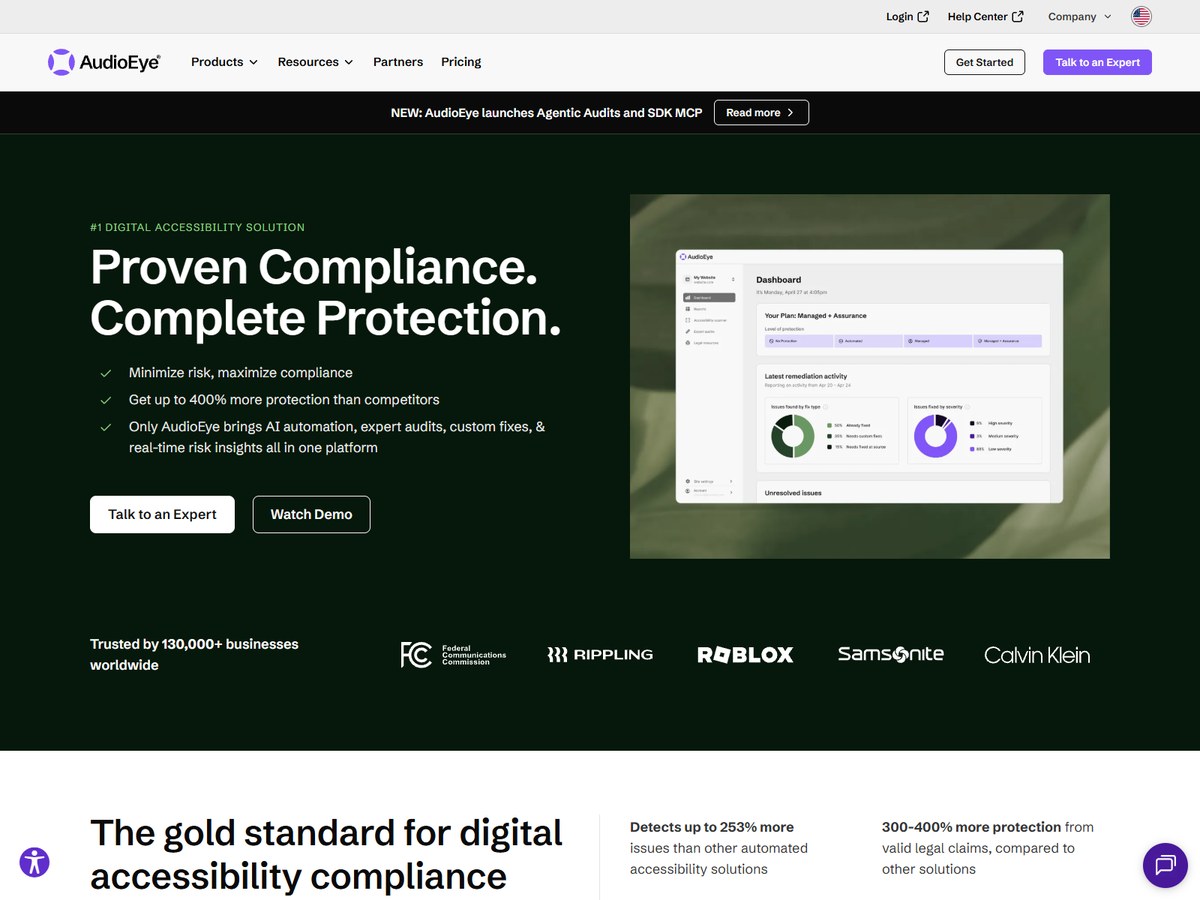
AudioEye · Web accessibility platform with automated fixes, monitoring, expert audits and legal support
130,000+ businesses
The largest customer count, with automation plus experts.
AudioEye says it is trusted by 130,000+ businesses worldwide, the largest count on this list. It describes itself as one platform that brings AI automation, expert audits, custom fixes and real-time risk insights together. It says its automation can fix about 50% of the issues it detects within minutes of installation, while 24/7 monitoring finds issues in real time and its experts write custom fixes for what automation cannot handle. It offers a free accessibility scanner, developer tools to test before content goes live, and a cost calculator. Its pricing page lists three plan types: Automated, with monitoring, automated fixes and online support; Self-Managed, with expert audits and guidance so your developers fix issues at the source; and Managed, where its team handles the work. It also sells document remediation, mobile audits, VPATs and training. AudioEye says its Assurance guarantee needs a Managed package and is subject to the terms of an order. Prices are not listed. It fits businesses that want a managed service.
Best forBusinesses that want automated fixes plus expert help and legal support in one service
Skip it ifYou want a published price list before you talk to sales
Recite Me · Assistive toolbar, accessibility checker, PDF remediation and audits
12,500+ websites
Best for an on-site assistive toolbar.
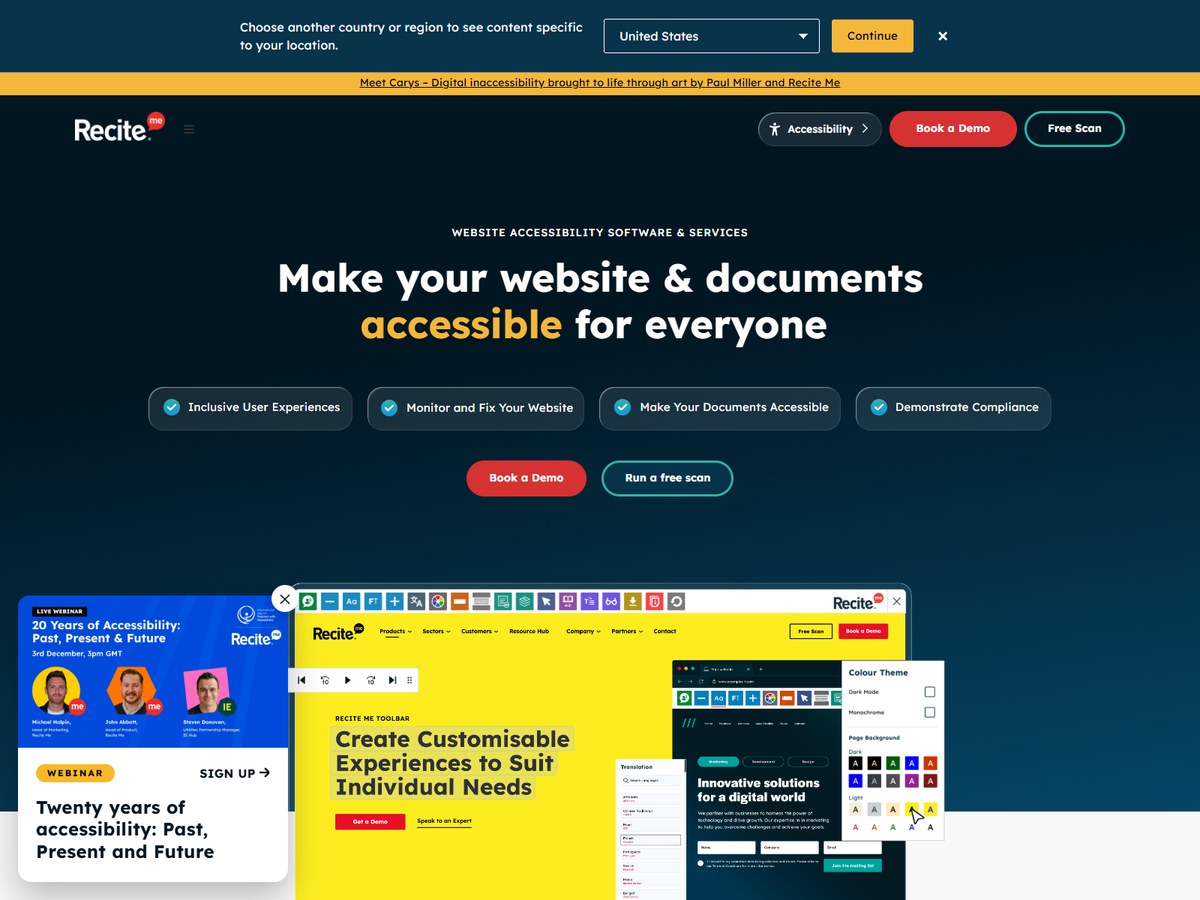
Recite Me says it serves 12,500+ inclusive websites, and separately says it is trusted by 2000+ businesses. Its best-known product is an assistive toolbar that lets visitors personalise a site with text-to-speech, translation and visual customisation tools, and it reports 9.1 million+ toolbar launches. Alongside the toolbar it offers an accessibility checker that scans your website for issues and gives clear, actionable insights to help teams prioritise fixes. It also remediates inaccessible PDFs at scale, delivers expert audits and consultancy, provides templates for accessibility policies and statements, and runs training to build knowledge inside your team. Its site lists the laws and standards its work supports, including WCAG 2.2, the ADA, Section 508, the European Accessibility Act and UK public sector rules. Customer quotes include Birmingham Airport and Allwyn UK. Prices are not shown on its homepage: you can run a free website scan or book a 30-minute personalised demo. It fits organisations focused on visitor tools.
Best forOrganisations that want visitors to have reading, translation and display tools on their website
Skip it ifYou need a developer tool that tests code before release
Siteimprove · Agent-based accessibility monitoring and remediation across sites, PDFs and CMS
5,000+ organizations
Best for large content teams and many sites.
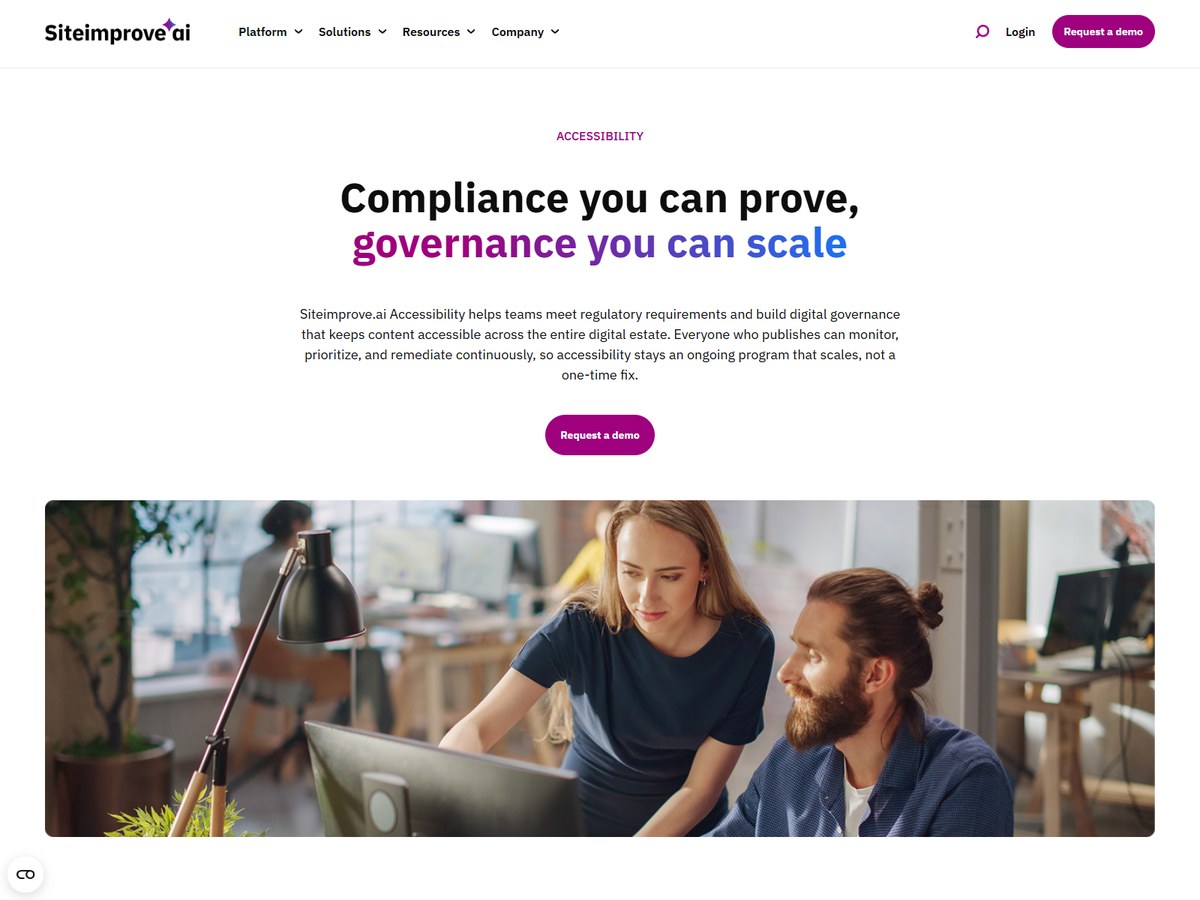
Siteimprove says it is trusted by 5,000+ organizations worldwide. Its Siteimprove.ai Accessibility product is built to help teams meet regulatory requirements and keep content accessible across the whole digital estate, as an ongoing program rather than a one-time fix. AI agents monitor sites as they change, prioritize the issues that carry the most risk and fix them in WordPress and Drupal and across PDFs, with every fix checked against WCAG, reviewed by your team and logged to show progress. Agents also cover internal and authenticated pages and work inside VS Code, Claude Code, Figma and CI/CD pipelines through its MCP Server. Certified experts add manual testing with screen readers, magnification and keyboard-only navigation, plus help with complex PDFs, VPATs and training. The same platform runs search, analytics and content strategy agents. Siteimprove argues that overlays mask issues without fixing the code. Pricing is by demo, and it offers a free customized site report. It fits large content teams.
Best forLarge organizations with many sites, PDFs and content editors that need ongoing governance
Skip it ifYou run one small site and want a self-serve price
Level Access · Enterprise digital accessibility platform for web, mobile, software and documents
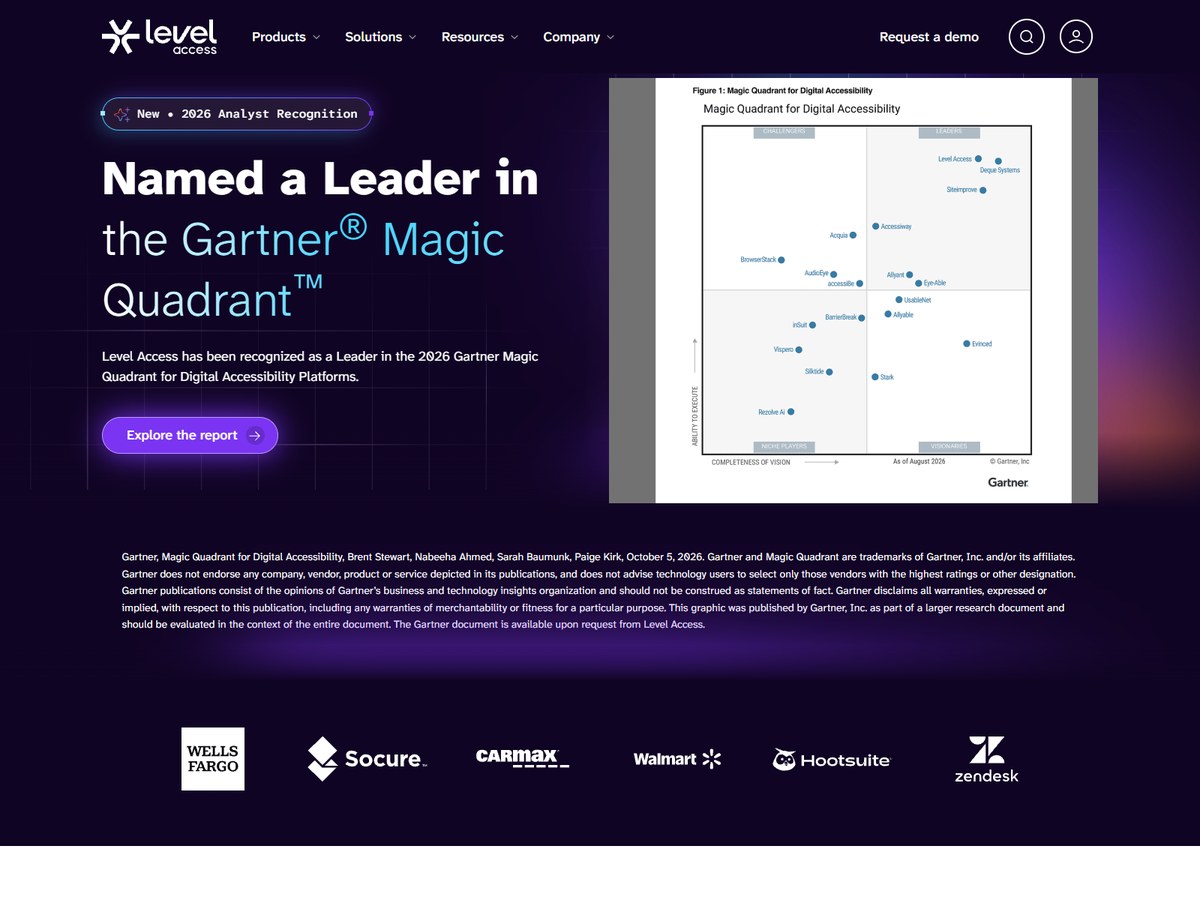
1,000+ organizations
Best for enterprise accessibility programs.
Level Access says 1,000+ organizations use its accessibility solution. It calls itself the complete digital accessibility solution for web, mobile, software, IoT and documents, covering testing, fixing and reporting in one platform. It finds issues through automated scans and expert evaluation, helps teams remediate with AI-powered assistance while preventing new issues, and adds governance and reporting to monitor compliance and track progress. It says it is backed by a very experienced team of accessibility professionals, and that Gartner named it a Leader in the 2026 Magic Quadrant for Digital Accessibility Platforms. Customer quotes come from Honeylove, CarMax and MSD, describing support from design through engineering, QA and monitoring. It also offers free guides and a WCAG checklist. Level Access is the parent company of UserWay, which sells the lighter widget. Pricing is by request: you book a 30-minute personalized demo, and its team says it will reach out within 24 hours with a custom action plan. It fits enterprise programs.
Best forEnterprises building a formal accessibility program across web, apps, software and documents
Skip it ifYou only need a quick widget for a small site
accessiBe · Accessibility widget, developer remediation tool and expert services
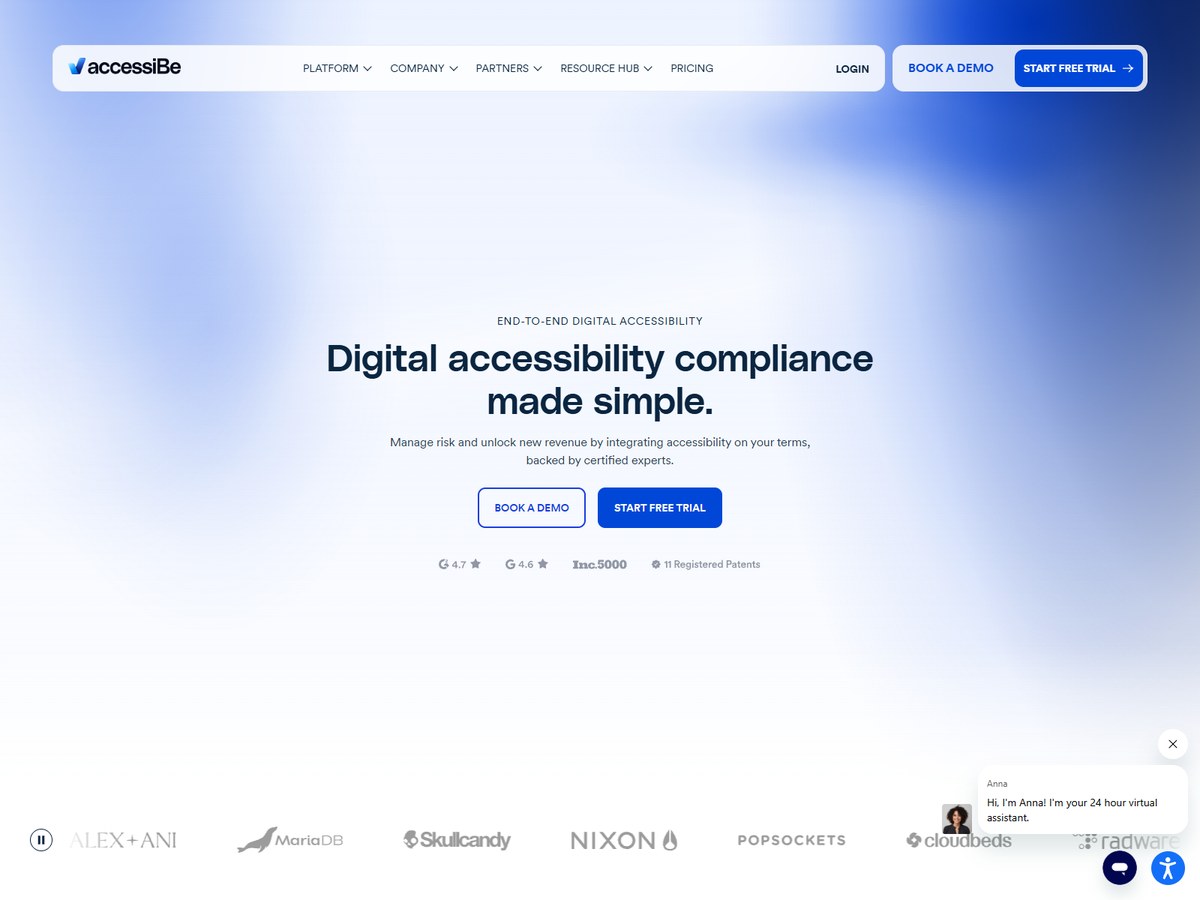
No customer count published
Best widget with clear yearly prices.
accessiBe does not publish a customer count, so it is listed after the vendors that do. It offers end-to-end digital accessibility: its accessWidget uses AI-powered automation to apply accessibility adjustments on the live site in real time, and its accessFlow tool catches issues in pull requests and across your existing code, suggesting fixes that you approve or dismiss. Expert services cover audits, VPATs, manual remediation, user testing and document and media accessibility. accessiBe itself notes that no single product resolves every accessibility issue, that some need manual remediation, and it lists excluded issues. It offers a free accessibility check. Its pricing page lists accessWidget Micro at $490 a year for up to 5,000 visits a month, Growth at $1,490 a year for up to 30,000 visits with litigation support and a case manager, Scale at $3,990 a year for up to 100,000 visits with manual testing and an attorney consultation, and custom Enterprise plans. It fits businesses wanting a widget plus developer tools.
Best forSmall and mid-size businesses that want automated live-site adjustments with a clear yearly price
Skip it ifYou need a vendor that publishes how many customers it has
UserWay · Accessibility widget with automated remediation, monitoring and compliance services
No customer count published
Best widget priced by page views.
UserWay does not publish a customer count, so it is listed after the vendors that do. Its parent company is Level Access. UserWay offers an Accessibility Widget for quick improvements with lightweight setup, compliance services that add code-level fixes, and the Level Access platform for organization-wide programs. Its widget automatically and continuously fixes many common issues in real time with human-in-the-loop oversight, and gives visitors 100+ personalization tools. Higher plans add live site translation into 50+ languages, menu changes and usage insights. Annual plans include its Litigation Support Program. Its pricing page lists the Accessibility Pro Widget at $490 a year for up to 100K page views a month (Small) and $1,490 a year for up to 1M page views (Medium), with custom Large plans. At 100K page views, Pro Plus costs $1,190 a year with monitoring of up to 50 pages, and Ultimate $2,490 a year with up to 100 pages. Stand-alone monitoring starts at $990 for 100 pages. It fits growing sites priced by traffic.
Best forSmall and medium businesses that want a widget priced by page views, with monitoring add-ons
Skip it ifYou need a vendor that publishes how many customers it has
Deque · Axe accessibility testing tools, audits, monitoring and training
No customer count published
Best for developers testing in code.
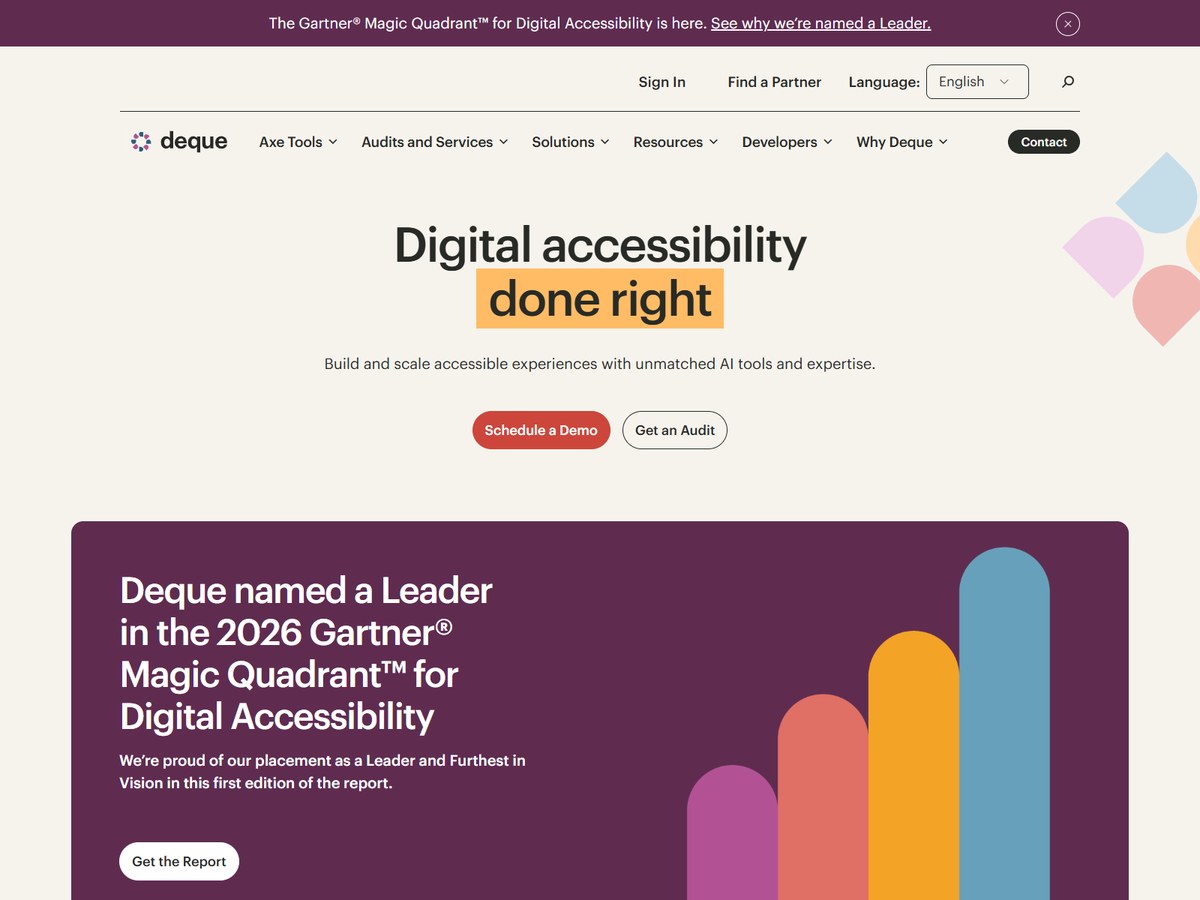
Deque does not publish a customer count, so it is listed after the vendors that do. It is the company behind axe-core, which it calls the open-source standard in accessibility testing and says has been downloaded 5 billion+ times. Its axe tools include Axe DevTools so developers can fix issues in the IDE as they code, automated testing that it says finds and fixes up to 80% of issues across mobile, web and test stacks, guided manual testing for the rest, Axe Monitor for sitewide compliance reporting, an Axe MCP Server and Axe Assistant, an AI chatbot that gives guidance, code fixes and citations. Deque says its experts have completed 10,000+ audits and 200,000+ people have trained on its courses. It also provides full site audits, VPAT documentation and consulting, and stresses a large ruleset and a commitment to zero false positives. It says Gartner named it a Leader in 2026. Pricing is by demo. It fits developer-led teams.
Best forDevelopment and QA teams that want to test for accessibility in their code and test pipelines
Skip it ifYou want a plug-in widget instead of developer tools
Silktide · Web governance suite testing pages and PDFs for accessibility, content and compliance
No customer count published
Best for governance across large web estates.
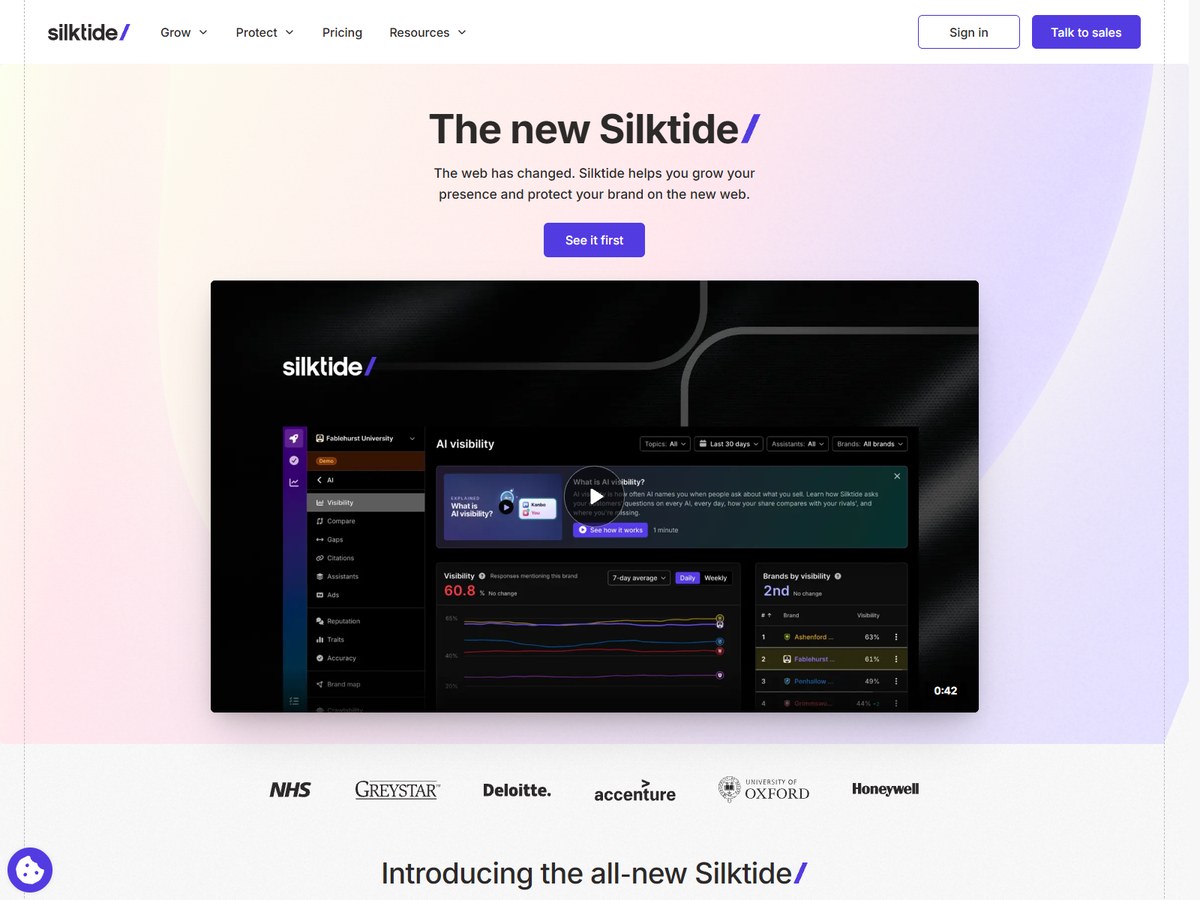
Silktide does not publish a customer count, so it is listed after the vendors that do. It calls itself an AI-powered web governance solution that brings content, accessibility, user experience and compliance into one workflow. It tests every page and PDF against WCAG and ARIA, can draft an accessibility statement from what it finds, and tracks spelling, readability, broken links, speed and uptime. Issues become prioritized tasks you can assign to the right person, with retesting, progress tracking and reports across groups of sites. The wider suite adds AI and search visibility reports and analytics with heatmaps and journey analysis. Its pricing page lists SOC 2 Type II assurance, a VPAT, role-based access and personalized onboarding and training. Customer quotes come from Accenture, Grand Valley State University, Worcestershire County Council and the Payment Systems Regulator. Silktide does not publish fixed prices: it gives a tailored quote based on the areas, coverage and support you need. It fits organizations with large web estates.
Best forUniversities, councils and large organizations managing hundreds of pages or sites
Skip it ifYou need a published price or a free plan
Pope Tech · WAVE-powered accessibility scanning platform for websites and Canvas LMS
No customer count published
Best free plan and education focus.
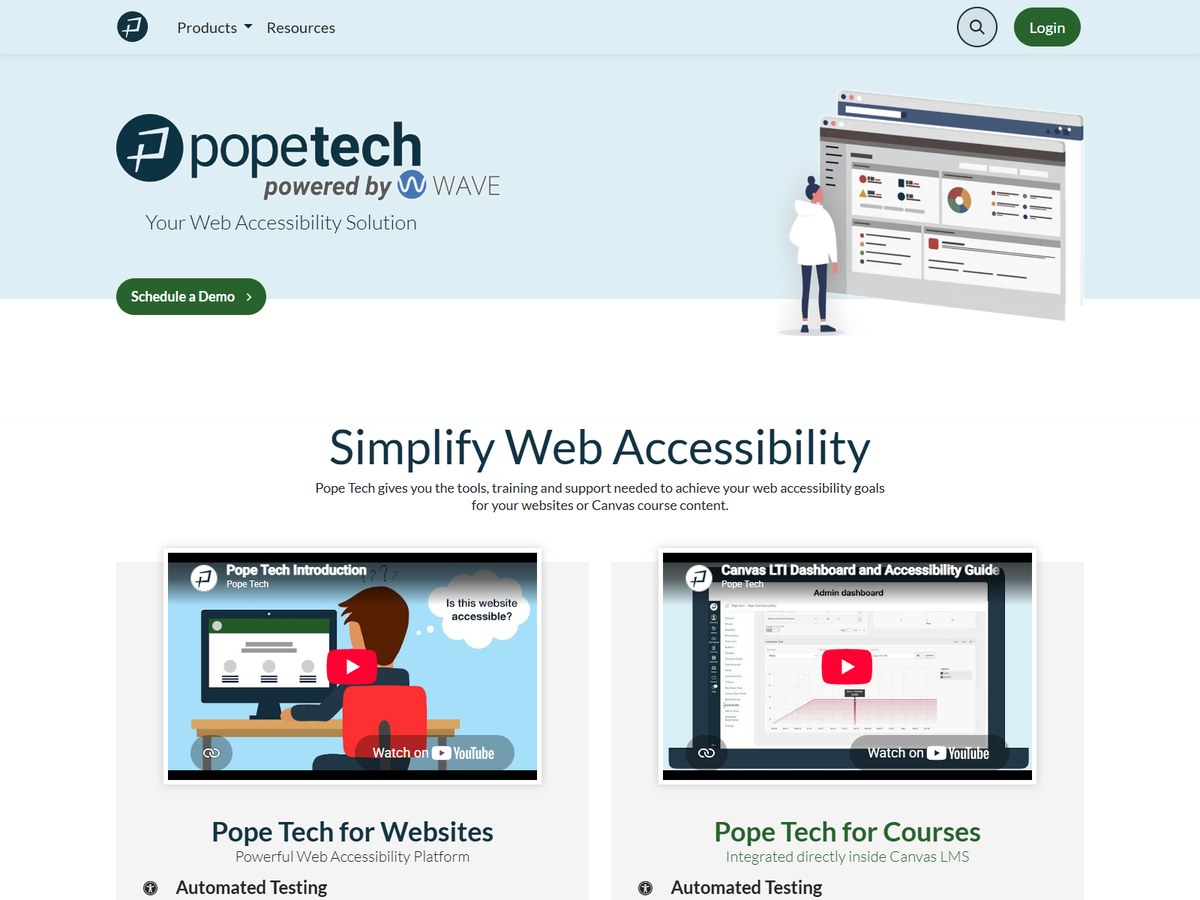
Pope Tech does not publish an exact customer count, so it is listed after the vendors that do; it says it is trusted by hundreds of companies, universities and organizations. Its platform automatically finds accessibility issues on your pages using the WAVE testing engine, and adds guided manual tests with scheduling and tracking, dashboards, customizable reports and a built-in training program. A separate product scans all Canvas LMS course content and guides instructors. It says it scans millions of pages each month. Its pricing page lists a Free plan, free forever with no card, that scans a 25-page sample each month for 1 website and 2 users. Paid page tiers start at $25 a month billed annually ($30 monthly) for 50 pages, with unlimited users. A 500-page tier costs $225 a month billed annually ($270 monthly) and adds manual test tracking, CI/CD, ticketing and SSO, and a training package is $400 a month. It fits education and budget-minded teams.
Best forUniversities, schools and organizations that want affordable scanning with unlimited users
Skip it ifYou want automatic fixes applied to your site
Equalize Digital · WordPress plugin that scans, reports and auto-fixes accessibility issues
No customer count published
Best for WordPress sites.
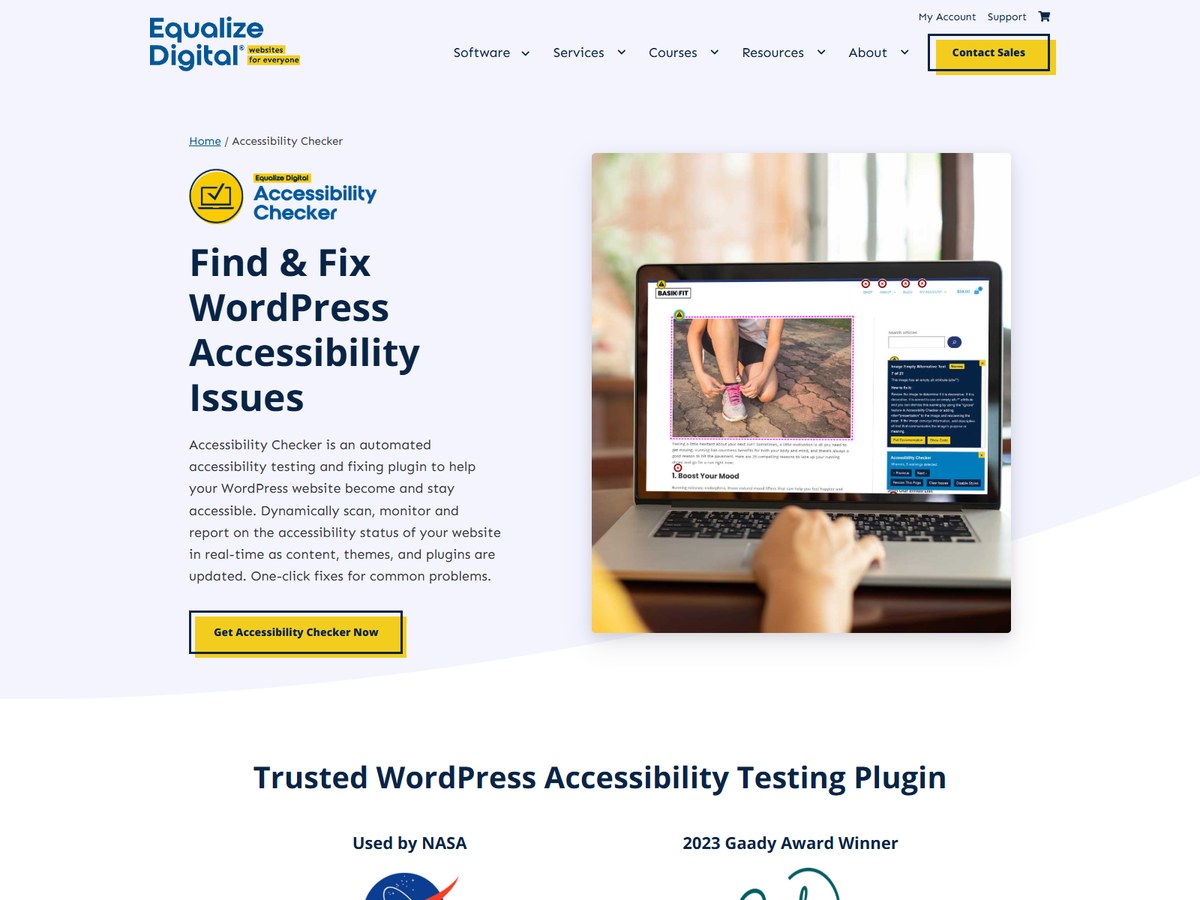
Equalize Digital does not publish a customer count for Accessibility Checker, so it is listed last. It is a WordPress plugin that scans, monitors and reports on your site's accessibility as content, themes and plugins change, with reports on the post edit screen so problems show up before content goes live. Equalize Digital says it runs more than 45 checks and 14 automated fixes built around WCAG 2.2, is available in 32 languages and is tested by IAAP certified specialists. Scans and reports stay on your own server, and there are no per-page fees or scan limits. Its users quote NASA's website team among others. The Personal plan is free, with unlimited scanning and 12 automated fixes. Professional costs $190 a year for 1 site, Small Business $750 a year or $75 a month for 5 sites with a consultation and office hours calls, and Agency $2,250 a year or $225 a month for 25 sites. It offers a 30-day money-back guarantee. It fits WordPress sites.
Best forWordPress site owners, developers and agencies that want scanning inside the WordPress admin
AudioEye has the largest count on this list, trusted by 130,000+ businesses, and combines automated fixes with expert audits. Recite Me, on 12,500+ websites, is the pick for an assistive toolbar, and Siteimprove, trusted by 5,000+ organizations, suits large content teams.
Is there a free web accessibility checker?
Yes. Pope Tech has a Free plan that scans a 25-page sample each month, and Equalize Digital's Accessibility Checker has a free Personal plan for WordPress. AudioEye, accessiBe and Recite Me offer free website scans, and Siteimprove offers a free site report.
Does an accessibility widget make my site compliant?
Not on its own. accessiBe says no single product resolves every accessibility issue and some need manual remediation, AudioEye pairs automation with expert custom fixes, and UserWay sells code-level compliance services alongside its widget. Siteimprove argues overlays mask issues without fixing the code. Ask a qualified expert about your own legal obligations.
Which tools help developers fix accessibility in code?
Deque offers Axe DevTools for the IDE and automated testing in test stacks, accessiBe's accessFlow checks pull requests, Siteimprove's agents work in VS Code, Figma and CI/CD, and Pope Tech connects to GitHub and Bitbucket CI/CD.
How were these web accessibility tools ranked?
By the largest business, website or organization count each vendor publishes on its own website. accessiBe, UserWay, Deque, Silktide, Pope Tech and Equalize Digital publish no exact customer count, so they are listed last. EqualWeb was left out because its website showed a security check instead of its content, and Allyable because its website returned a 403 Forbidden error. These are the companies' own claims.
How we ranked
The largest count each vendor publishes on its own website (read November 2026). The units differ: AudioEye counts businesses (homepage and pricing page), Recite Me counts inclusive websites (homepage; it also says 2000+ businesses), Siteimprove counts organizations (accessibility page) and Level Access counts organizations (homepage). accessiBe, UserWay, Deque, Silktide, Pope Tech and Equalize Digital publish no exact customer count, so they are listed last. EqualWeb was left out because its website showed a security check instead of its content, and Allyable because its website returned a 403 Forbidden error. Prices are regular list prices, not Black Friday sale prices. Counts are each company's own claims, so treat them as a guide to scale, not an audit. No tool on this list can promise legal compliance on its own. Every number on this page comes from the source linked under each pick, and every photo shows the actual product. Brands can't pay to be on this list.

 Recite Me12,500+ websites
 Siteimprove5,000+ organizations