consumertop10

Home › Software

Top 10 · Software

Top 10 Workflow Automation Tools

The no-code tools people and businesses use to connect apps and automate work, ranked by how many users or customers each one says it has.

Quick answer

IFTTT has the most users of any workflow automation tool, with 32M+ people, but it is mainly for personal and small-team automation. Zapier is the leader for businesses, trusted by 3 million+ businesses and connecting 9,000+ apps, and Make is third with 500,000+ teams and a visual builder for complex workflows. For self-hosting, n8n (210.3k GitHub stars) and Activepieces are the open options, and Microsoft Power Automate suits companies already on Microsoft 365.

How it's ranked: Users, customers, businesses or teams each vendor says it serves, as published on its own website (read November 13, 2026). Counts are each company's own claims and are measured differently: IFTTT counts individual people, while Zapier counts businesses and Make counts teams, so treat them as a guide to scale, not an audit. n8n, Microsoft Power Automate, Workato and Activepieces publish no exact count (n8n and Workato say only millions of users or thousands of businesses), so they are listed last.

1
IFTTT by IFTTT
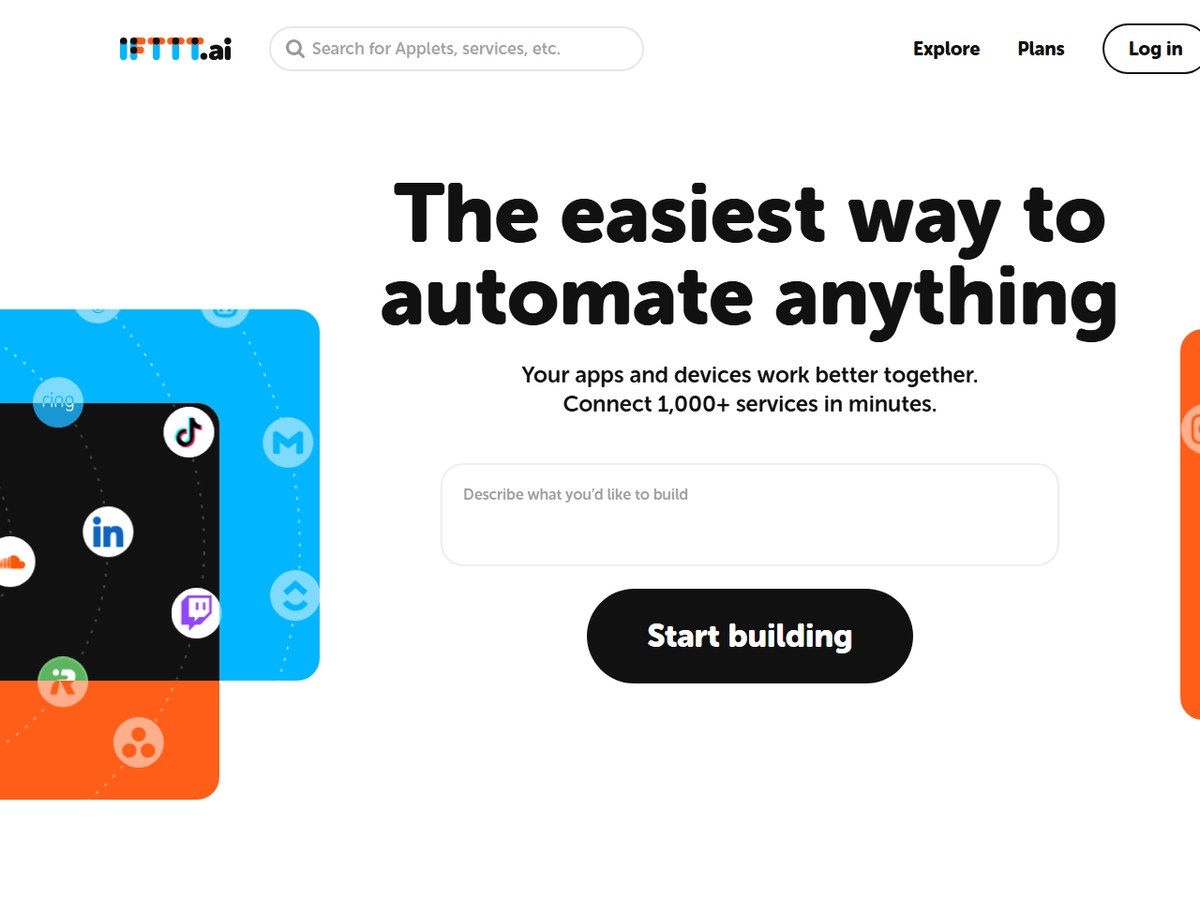
Image: IFTTT (official site)

IFTTT

IFTTT · Consumer and small-business app automation with AI

32M+ people

The easiest start for personal automation.

IFTTT says over 32M people save time with it, by far the largest user count on this list, though it counts individual people rather than business customers. Its automations are called Applets: each one links two or more apps so that an event in one triggers an action in another. It connects 1,000+ apps, services and devices, including smart-home gear, and offers 100,000s of ready-made Applets you can switch on rather than build. The site, now branded IFTTT.ai, adds AI tools and agents that draft content and act across connected services, a page-change watcher for things like price drops or job postings, an MCP server for AI tools, and iOS and Android apps. It is the simplest tool here for personal automation, and there is a free plan with paid upgrades for more credits and speed.

Best forIndividuals and small teams automating apps, smart-home devices and social accounts
Skip it ifYou need complex multi-branch business workflows

Source: ifttt.ai/

2
Zapier by Zapier
Image: Zapier (official site)

Zapier

Zapier · No-code app integration and AI workflow platform

3 million+ businesses

The default choice for no-code business automation.

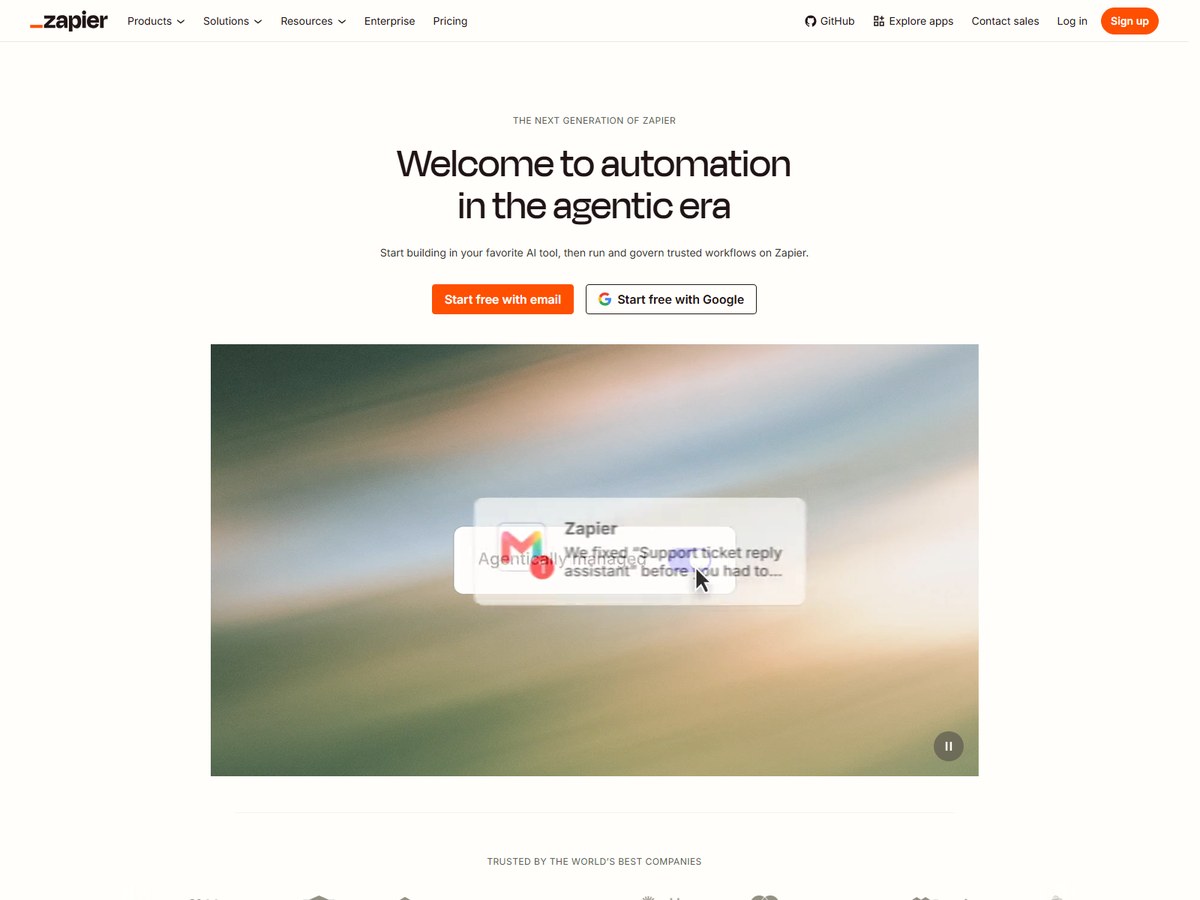
Zapier says it is trusted by 3 million+ businesses, the most of any business-focused tool here, and it connects 9,000+ apps, the largest catalog on this list. Its automations, called Zaps, link a trigger in one app to actions in others, and you can start free. Its newest pitch is automation for the agentic era, with AI guardrails built in. What sets it apart for larger companies is control: action restrictions, app access controls, domain restrictions, bring-your-own-model support including Amazon Bedrock, role-based access, SCIM provisioning, SSO, audit history through an API, and log streaming to tools such as Datadog or Splunk. If an app you use has an integration anywhere, there is a good chance it is on Zapier first, which is why it is the default choice for non-technical teams.

Best forBusinesses that want the widest choice of app connections with no code
Skip it ifYou want to self-host or keep costs flat at very high volumes

Source: zapier.com/

3
Make by Make
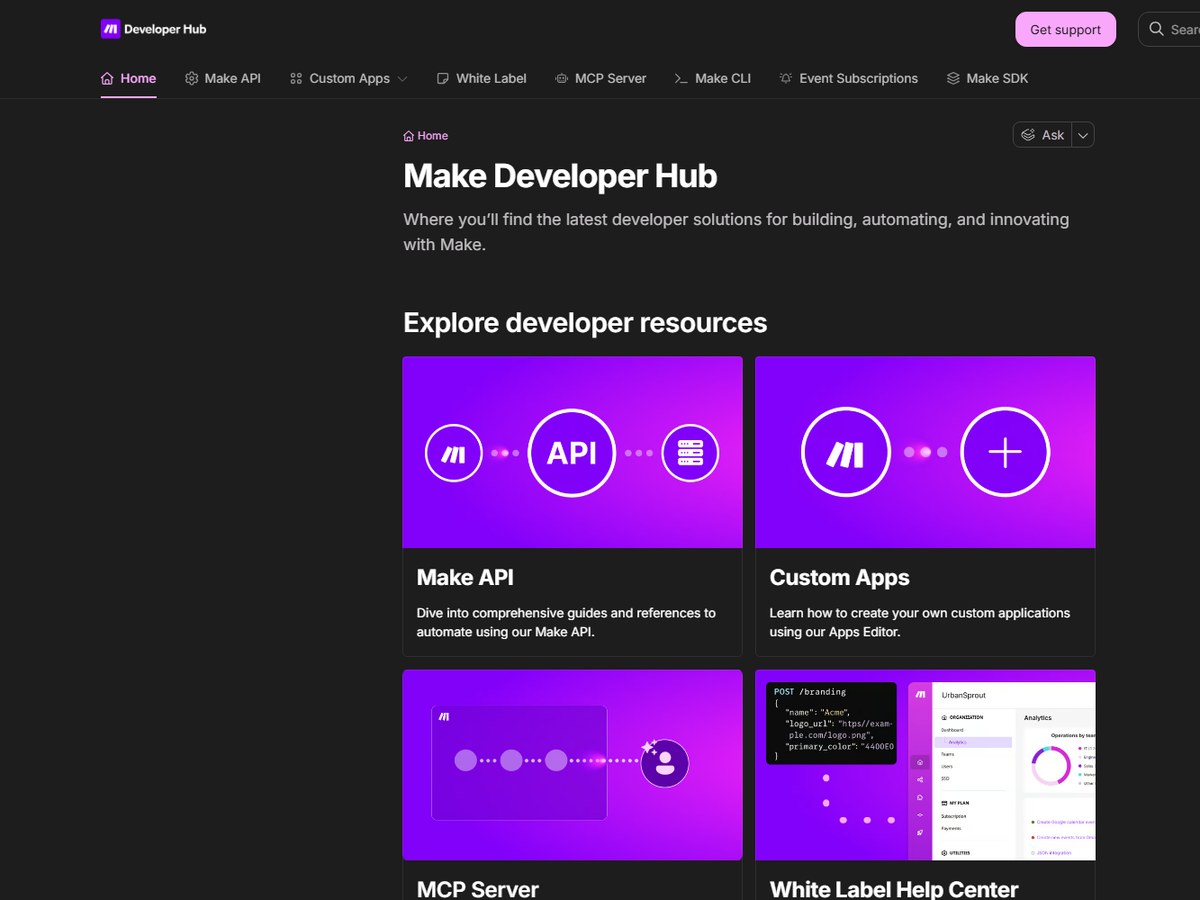
Image: Make (official developer site)

Make

Make · Visual automation and AI agent builder

500,000+ teams

Best visual builder for complex workflows.

Make says 500,000+ teams build with it, and it connects 3,500+ apps out of the box. Its builder is visual: you lay out a scenario as a map of connected modules, which makes branching, looping and data mapping easier to see than in a linear list of steps. You can build by prompting, by drag-and-drop or through MCP, and fine-tune steps with JavaScript or Python if needed. Make also runs an MCP server so you can build and run automations from Claude, ChatGPT or Gemini, and AI agents that take goals, tools and limits and show their reasoning. Observability features show your whole stack live, and governance tools manage access and compliance. The free plan needs no credit card and has no time limit, with enough credits to run real automations.

Best forTeams that want visual, branching workflows at a lower price than Zapier
Skip it ifYou want the simplest possible two-step automations

Source: www.make.com/en

4
Integrately by Integrately
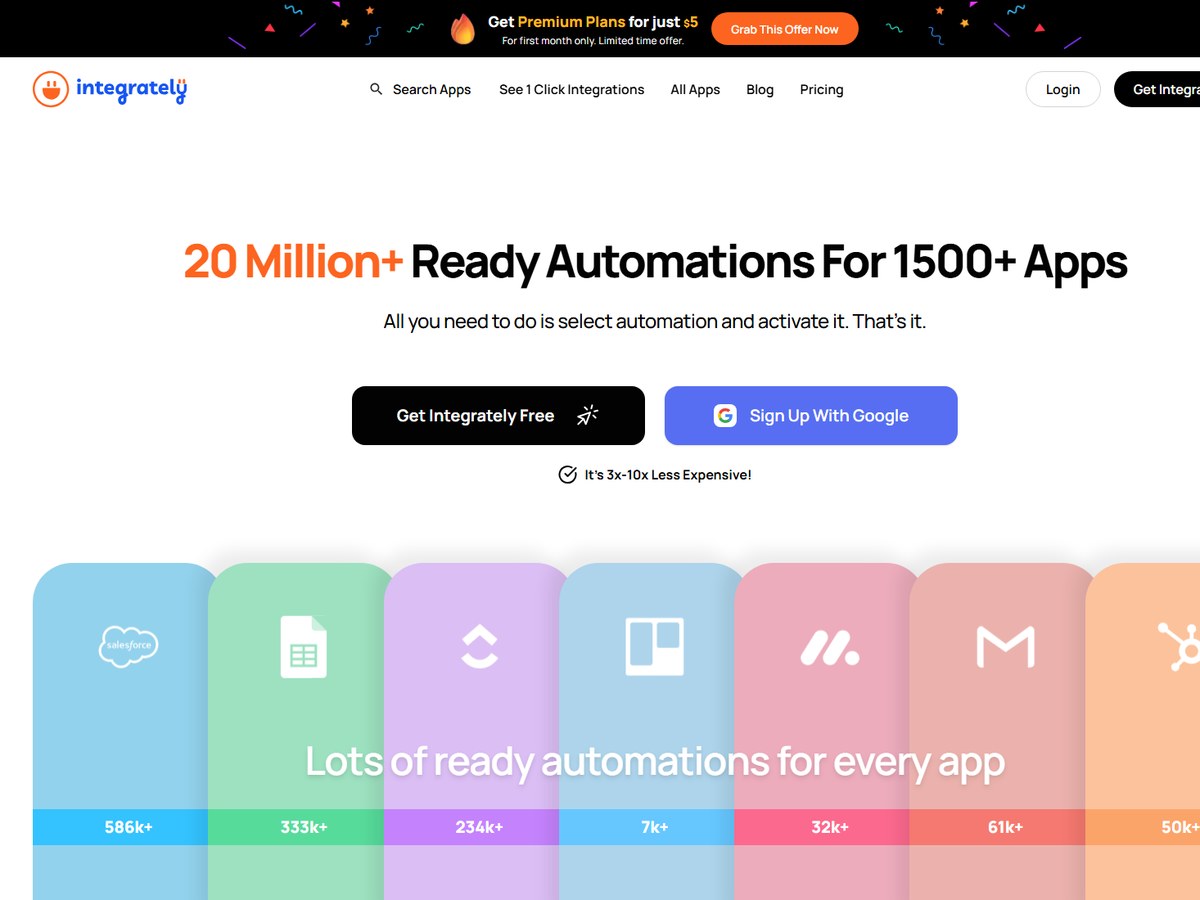
Image: Integrately (official site)

Integrately

Integrately · One-click ready-made automations

42,000+ customers

Fastest for ready-made automations.

Integrately says it is trusted by 42,000+ customers. Its pitch is speed: it offers 20 Million+ ready automations for 1500+ apps, so for most common tasks you pick an existing automation, connect your accounts and activate it, in three steps. A feature called SmartConnect automatically connects your apps for you. If the automation you need does not exist, Integrately says its team will build it on request at no extra cost, which is unusual in this category. It also claims to be 3x-10x less expensive than rivals; that is the vendor's own comparison. At the time of reading it was running an offer of premium plans for just $5 for the first month. For a small business that wants common automations without designing workflows from scratch, it is one of the quickest tools to get running.

Best forSmall businesses that want ready-made automations switched on in minutes
Skip it ifYou need enterprise governance or self-hosting

Source: integrately.com/

5
Boomi by Boomi
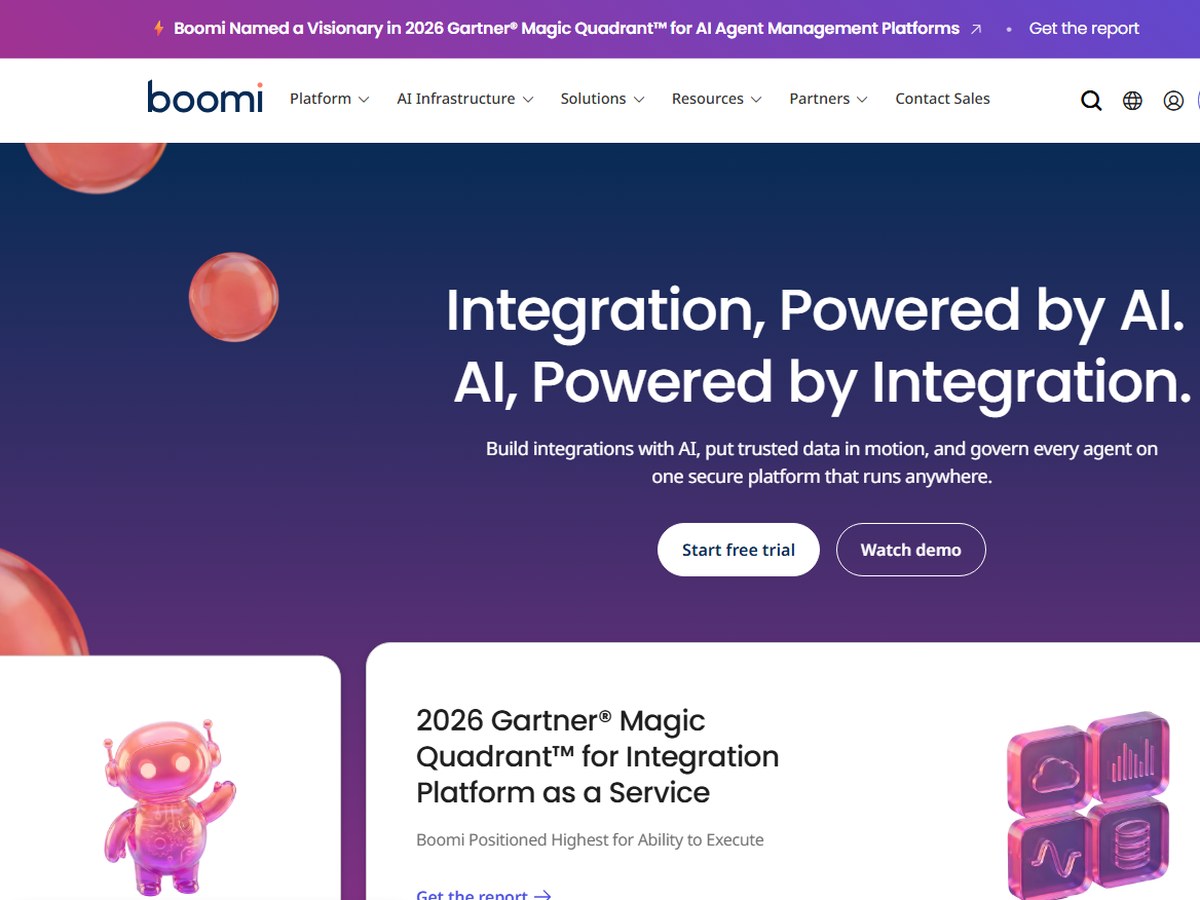
Image: Boomi (official site)

Boomi

Boomi · Enterprise integration platform as a service (iPaaS)

30,000+ customers

The enterprise integration veteran.

Boomi says 30,000+ customers choose it, and calls itself trusted by 30,000+ businesses worldwide. It is an enterprise integration platform rather than a lightweight app connector: it links 1,000+ enterprise apps, APIs and data sources, moves data between them, and manages APIs and AI agents on one secure platform. Its current pitch is integration powered by AI, with tools to govern every agent that runs across your business. Boomi lists 16+ security and compliance certifications, and it supports 40+ AI coding tools through its Boomi Companion. It also offers a free trial and 100+ training courses. Boomi fits IT teams connecting ERP, CRM, HR and data systems at scale, where reliability and governance matter more than a quick setup.

Best forLarge companies integrating many enterprise systems and data sources
Skip it ifYou are an individual or small team automating a few apps

Source: boomi.com/

6
Pabbly Connect by Pabbly
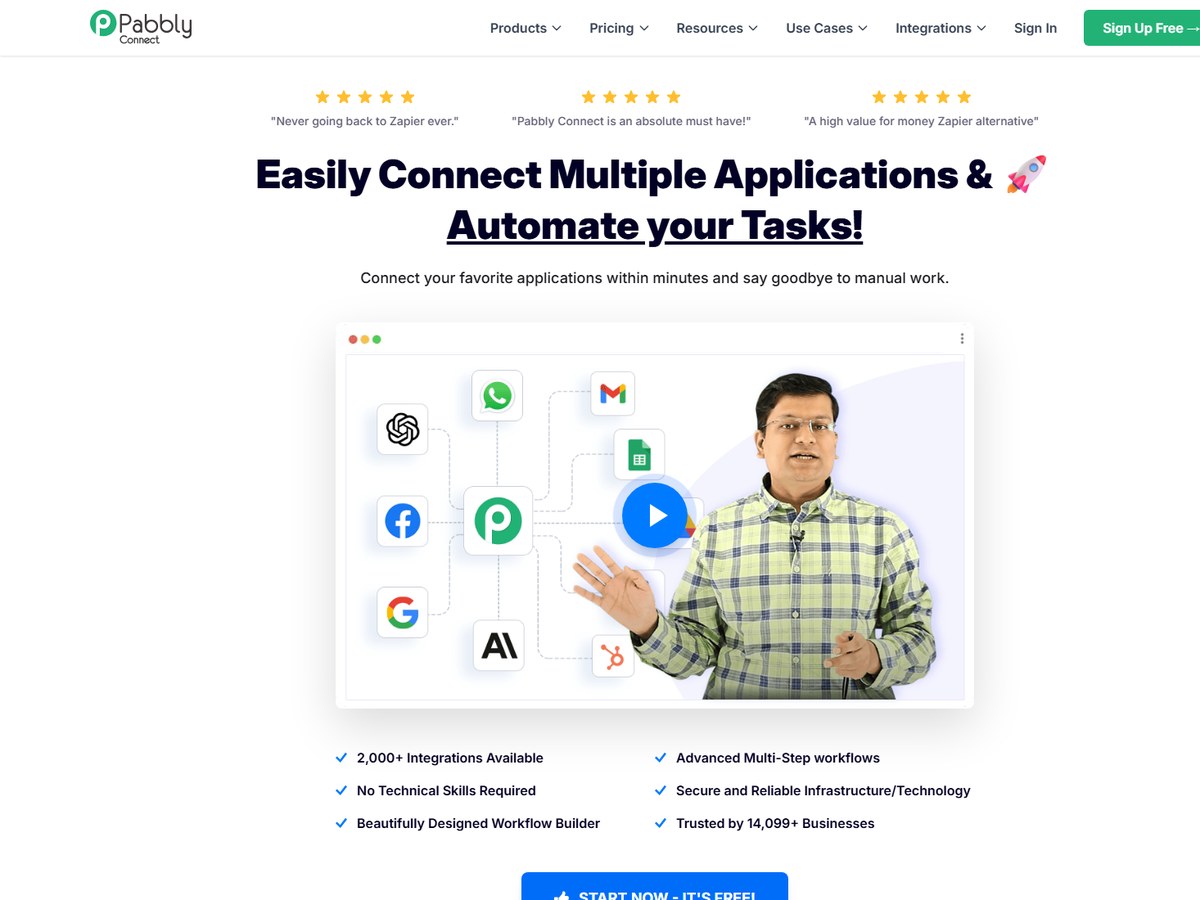
Image: Pabbly Connect (official site)

Pabbly Connect

Pabbly · Budget workflow automation with lifetime plans

14,099+ businesses

Best value, with lifetime plans.

Pabbly Connect says it is trusted by 14,099+ businesses and offers 2,000+ integrations. It covers the core features of bigger rivals: multi-step workflows with routers, filters, iterators, delays and scheduling, an email parser, human-in-loop approval steps, and a code module for JavaScript and Python. It has added an AI Agent and an MCP Workflow Builder that works with Claude, ChatGPT or Cursor. Its biggest draw is price. Besides monthly subscriptions, Pabbly sells one-time lifetime plans: pay once, use forever, though they cannot be upgraded later and do not include customer support. The free plan gives 100 tasks with no credit card, limited to two workflows of up to two steps each. For a small business watching costs, it is a credible Zapier alternative.

Best forCost-conscious businesses that prefer a one-time payment
Skip it ifYou need priority support on a lifetime plan

Source: www.pabbly.com/connect/

7
n8n by n8n
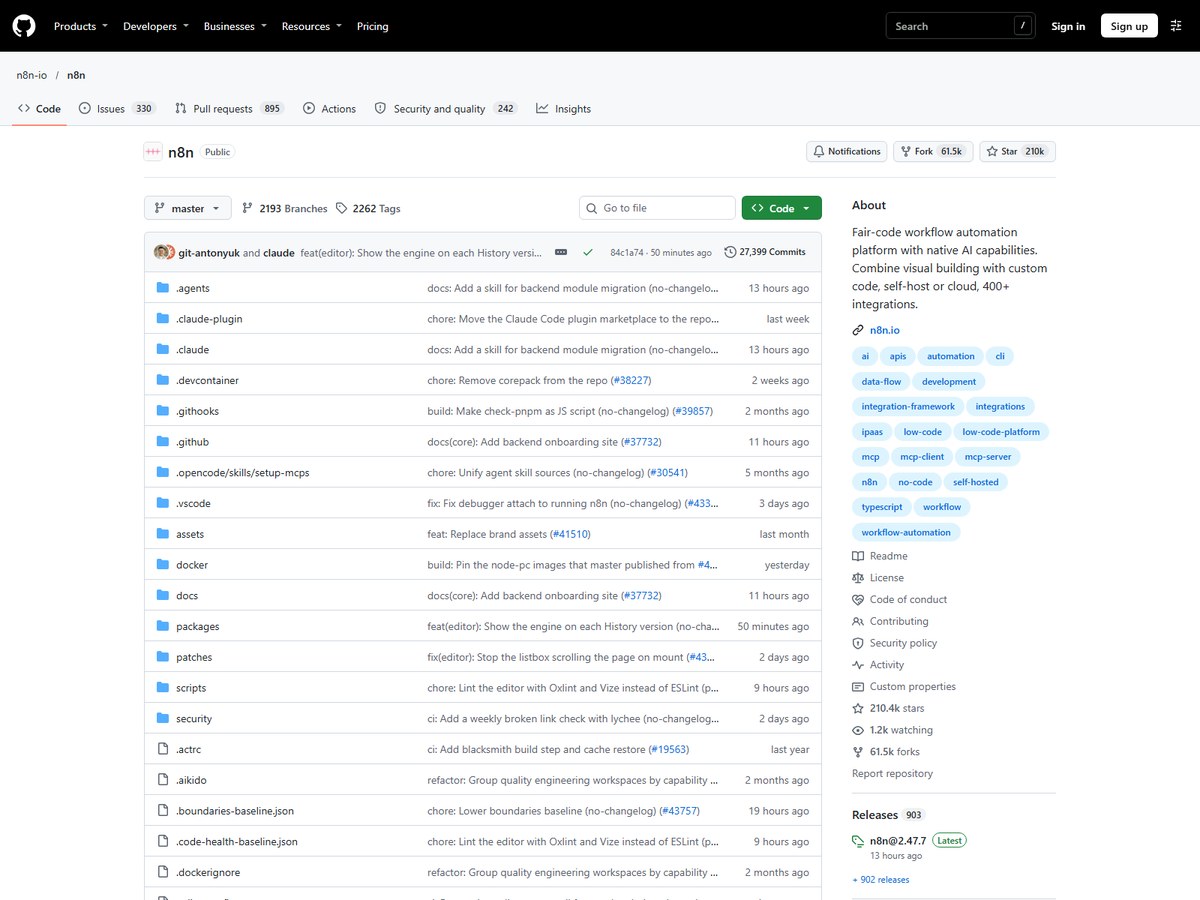
Image: n8n (official GitHub repository)

n8n

n8n · Fair-code workflow automation you can self-host

No exact user count published

Best for self-hosting and developers.

n8n publishes no exact customer count, so it ranks after the tools that do, but it is the most popular automation project among developers: its site calls it a Top 50 GitHub project with 210.3k stars, and it says 250k+ developers are in its community. n8n mixes a visual workflow builder with custom code, and its standout feature is control over where it runs: you can deploy it on-prem or with Docker to keep data in your own environment, or use the hosted cloud version. It has 500+ native integrations and can reach any API via HTTP and any agent via MCP. Its AI features include live views of agent runs, human-in-the-loop approvals, re-running only the step that failed, and version history showing who changed what. Enterprise options add SSO SAML, LDAP, encrypted secret stores and RBAC permissions.

Best forTechnical teams that want to self-host and add custom code
Skip it ifYou want a purely no-code tool for non-technical staff

Source: n8n.io/

8
Microsoft Power Automate by Microsoft
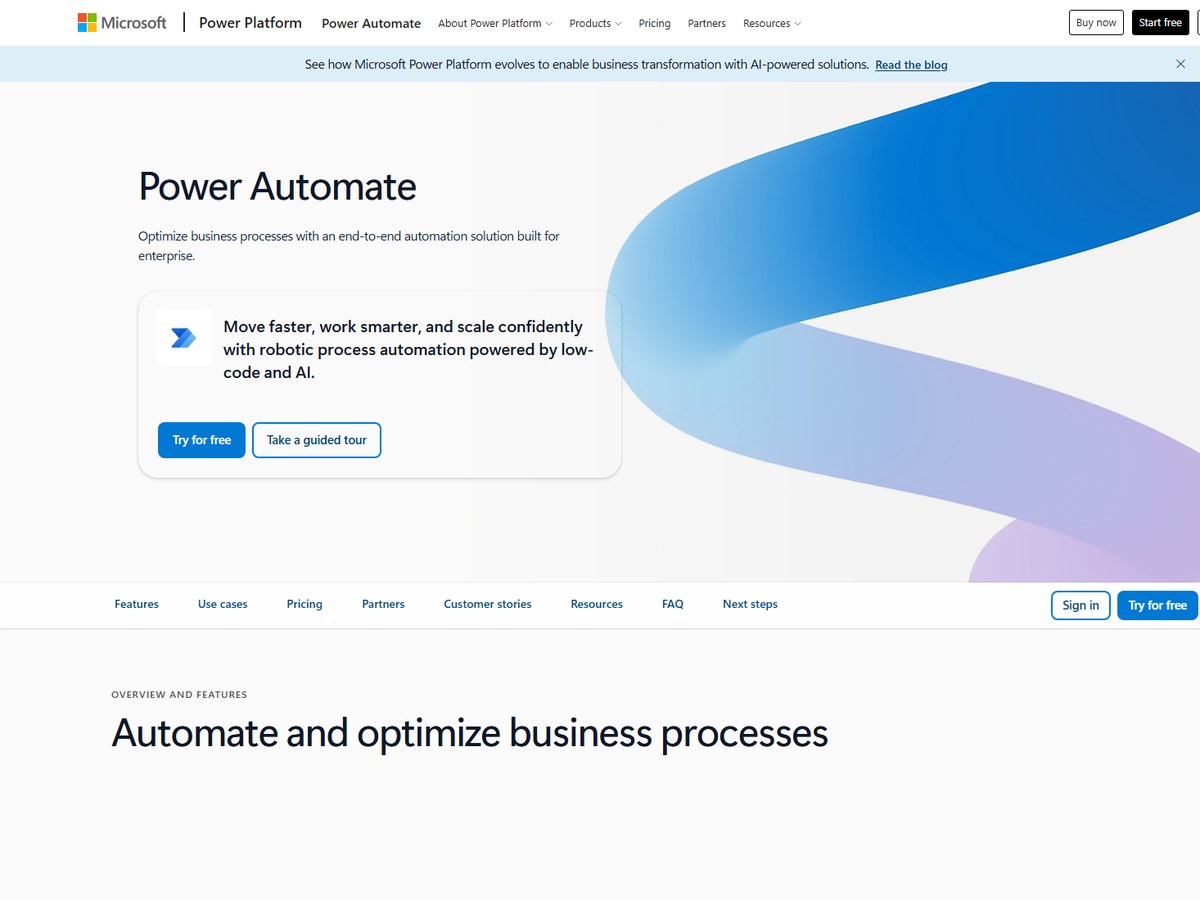
Image: Microsoft Power Automate (official site)

Microsoft Power Automate

Microsoft · Cloud flows, RPA and process mining in Microsoft Power Platform

No count published

Best for Microsoft shops and desktop RPA.

Microsoft does not publish a user count for Power Automate, so it ranks after the tools that do. It is the natural choice for companies that already run on Microsoft: more than 1,400 prebuilt, certified connectors are available, and it combines cloud workflows with robotic process automation (RPA) that can drive desktop apps and websites with no API. It also includes task and process mining to find what to automate, Copilot for describing a flow in natural language, and built-in AI models for documents and images. Pricing is published: Power Automate Premium costs $15.00 per user per month and Power Automate Process $150.00 per bot per month, both paid yearly, and there is a free 30-day trial of premium features. Microsoft's customer stories include Uber saving 3,400 hours a year.

Best forOrganizations already on Microsoft 365, Teams and Dynamics
Skip it ifYour apps are mostly outside the Microsoft ecosystem

Source: www.microsoft.com/en-us/power-platform/products/power-automate

9
Workato by Workato
Image: Workato (official site)

Workato

Workato · Enterprise automation and AI orchestration platform

Thousands of businesses (no exact count)

The enterprise automation heavyweight.

Workato says only that it works with thousands of leading businesses, with no exact count, so it ranks after the tools that publish one. It is built for enterprises, with 1,200+ pre-built connectors to business systems. It sells four editions, Standard, Business MCP, Enterprise MCP and Workato ONE. Higher tiers add pre-built MCP servers, an AI and MCP gateway, data pipelines, event streams, Agent Studio for building AI agents and a knowledge base, and up to 90-day log retention. Workato publishes no list prices; you talk to sales for a quote, and usage is tracked by capability such as workflows, API management and event streams. It is a heavier and pricier platform than Zapier or Make, aimed at central IT and automation teams.

Best forLarge enterprises that want governed automation and AI agents
Skip it ifYou want published prices or a cheap self-serve plan

Source: www.workato.com/pricing

10
Activepieces by Activepieces
Image: Activepieces (official site)

Activepieces

Activepieces · Open-source automation and AI agents

No count published

Best open-source pick for mixed teams.

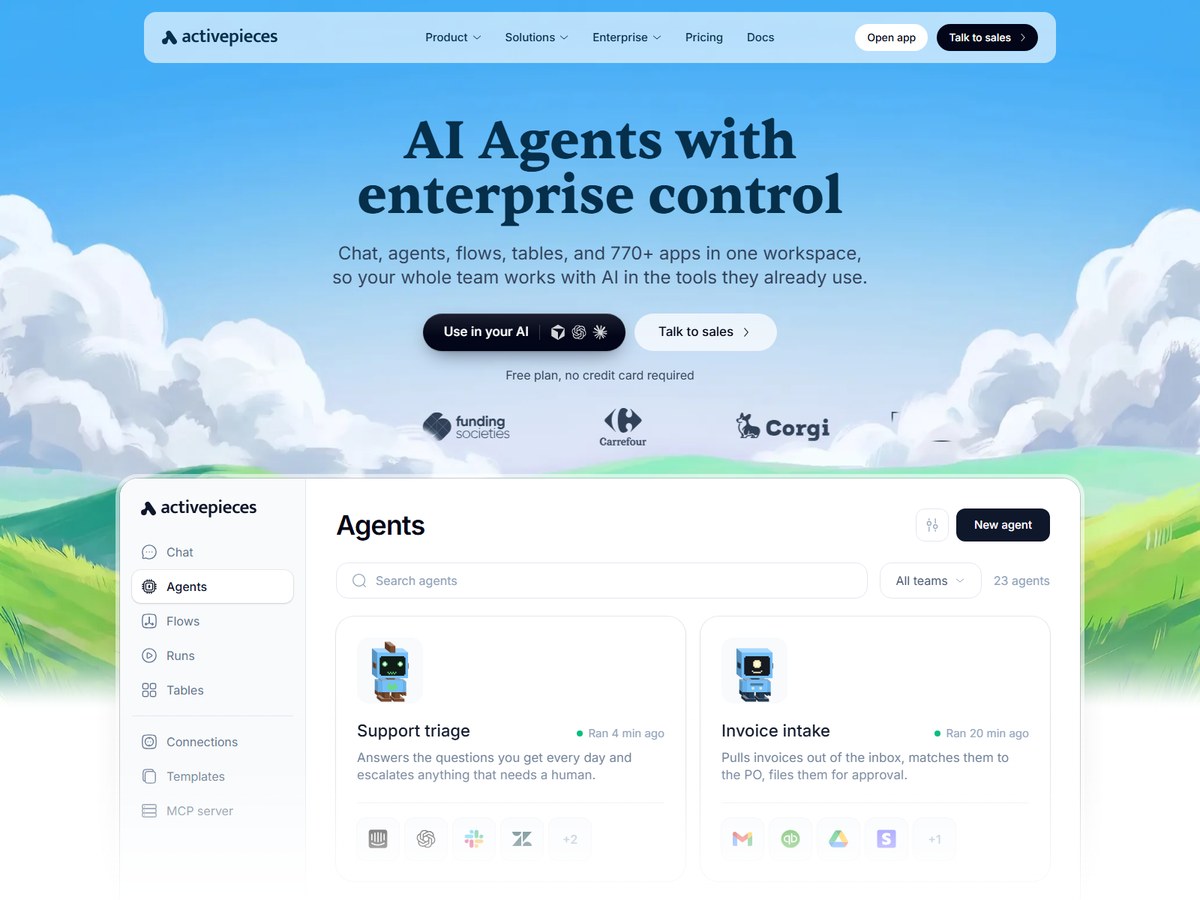
Activepieces publishes no customer count, so it ranks last, but it is a strong open-source option. Its core is MIT-licensed, and its integrations, called pieces, are MIT-licensed too; there are 770+ of them. It combines flows, AI agents, chat, tables and a shared knowledge base in one workspace, so non-technical staff and developers can work side by side. Flows use a visual builder with branching, retries and TypeScript code steps, and agents take plain-language tasks across connected apps and MCP servers, with approval gates for sensitive steps. Its MCP server lets Claude and Cursor run your flows. You can run it on Activepieces Cloud, your own infrastructure or fully air-gapped, with SSO through Okta or Entra, role-based permissions, secret managers and audit logs streamed to your SIEM. Customer Alan says it deployed 300+ workflows from zero.

Best forTeams that want an open-source, self-hostable Zapier alternative
Skip it ifYou need the largest app catalog

Source: www.activepieces.com/

Questions people ask

What is the best workflow automation tool?

For businesses, Zapier is the leader, trusted by 3 million+ businesses and connecting 9,000+ apps. IFTTT has the most users, 32M+ people, but is aimed at personal automation.

What is the best Zapier alternative?

Make, used by 500,000+ teams, offers a visual builder for branching workflows. Pabbly Connect sells one-time lifetime plans, and n8n and Activepieces can be self-hosted.

Which workflow automation tools can I self-host?

n8n can be deployed on-prem or with Docker, and Activepieces can run on your own infrastructure or fully air-gapped. Its core is MIT-licensed.

Which tool is best for large enterprises?

Workato, Boomi (30,000+ customers) and Microsoft Power Automate are built for enterprise IT, with governance, security certifications and RPA. Zapier also offers SSO, SCIM and audit features.

How were these tools ranked?

By the number of users, customers, businesses or teams each vendor publishes on its own website. These are the companies' own claims; vendors with no exact count are listed last.

How we ranked

Users, customers, businesses or teams each vendor says it serves, as published on its own website (read November 13, 2026). Counts are each company's own claims and are measured differently: IFTTT counts individual people, while Zapier counts businesses and Make counts teams, so treat them as a guide to scale, not an audit. n8n, Microsoft Power Automate, Workato and Activepieces publish no exact count (n8n and Workato say only millions of users or thousands of businesses), so they are listed last. Every number on this page comes from the source linked under each pick, and every photo shows the actual product. Brands can't pay to be on this list.

List source: ifttt.ai/ · Updated 2026-11-13